Product Documentation
Product Documentation
Product Documentation
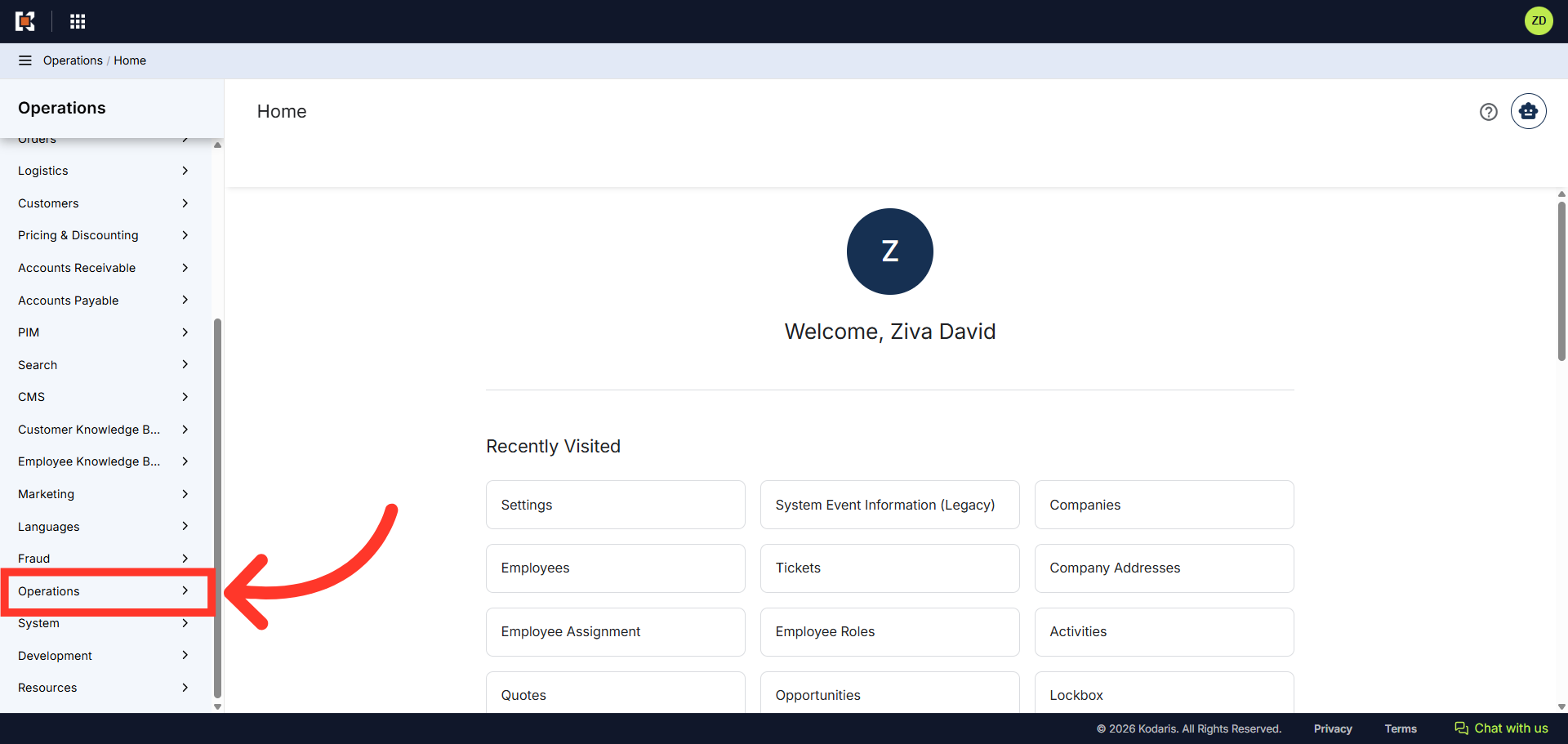
Users can control which tickets an employee is allowed to view and edit by assigning the appropriate roles in the operations portal. To begin, navigate to the “Operations” section.
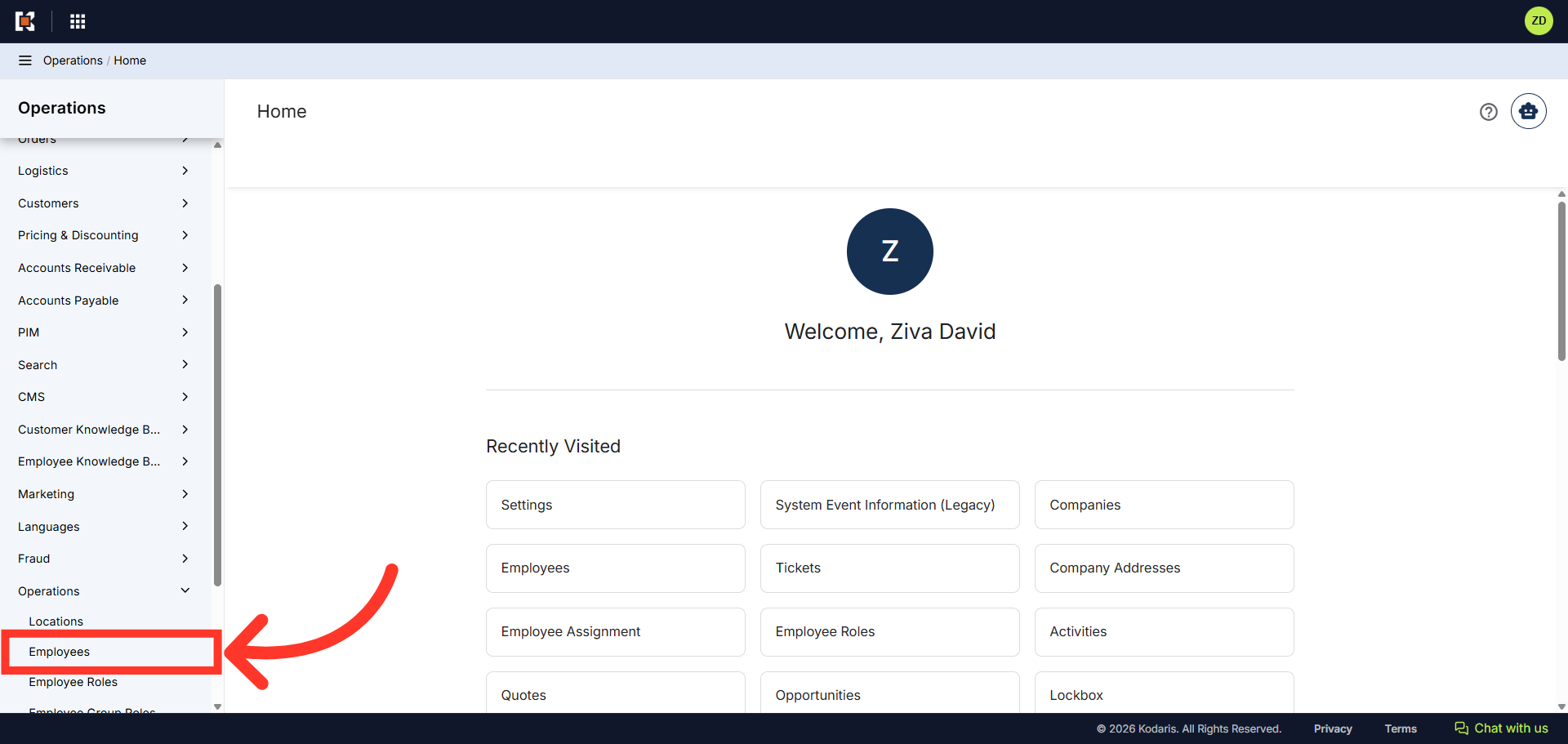
Then, click "Employees". In order to access and edit "Employees" you need to be set up an a "superuser" or have the roles of "administratorEdit" and "administratorView".
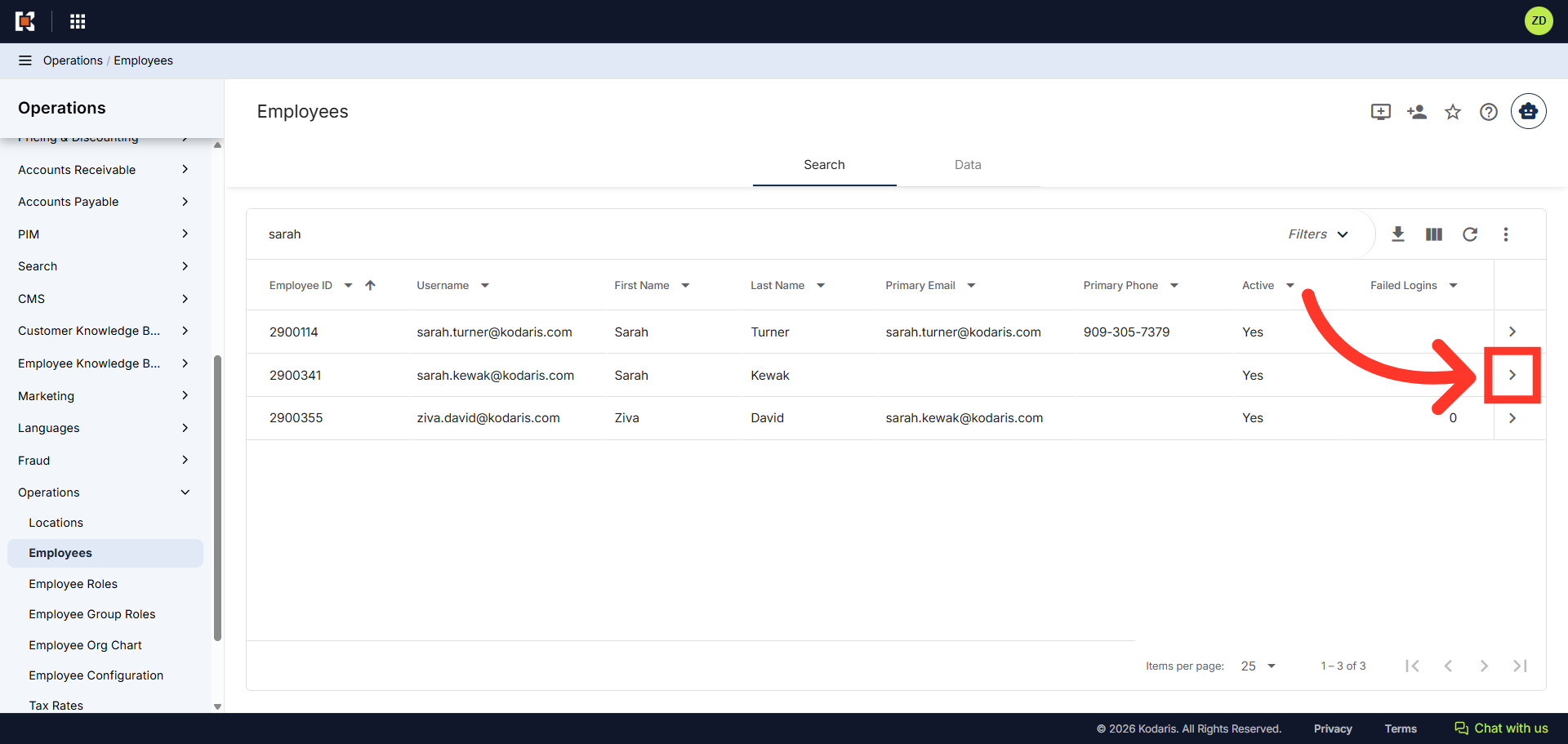
Next, find the user you would like to update, and click on the more details icon.
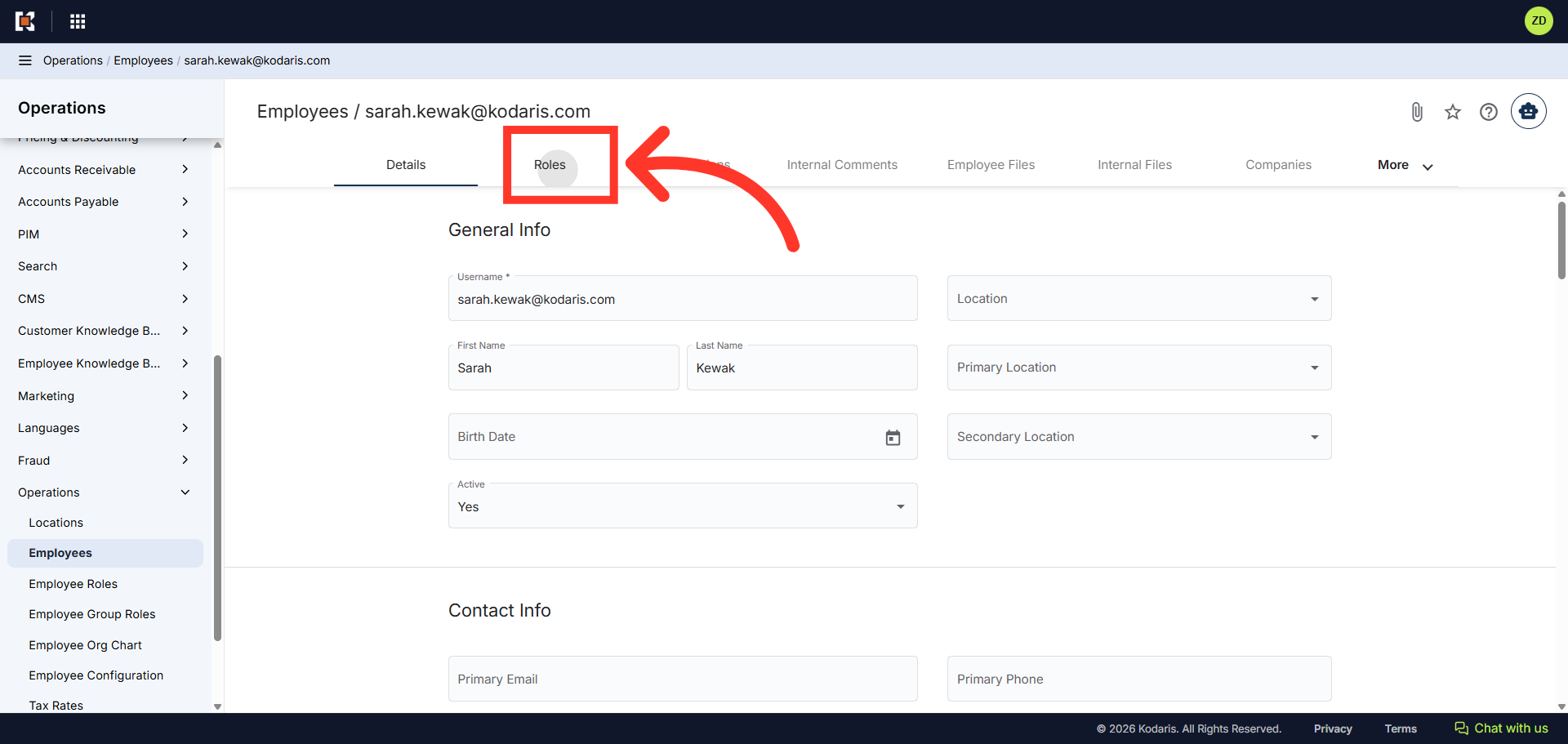
Then, click the "Roles" tab to manage user permissions and role assignments.
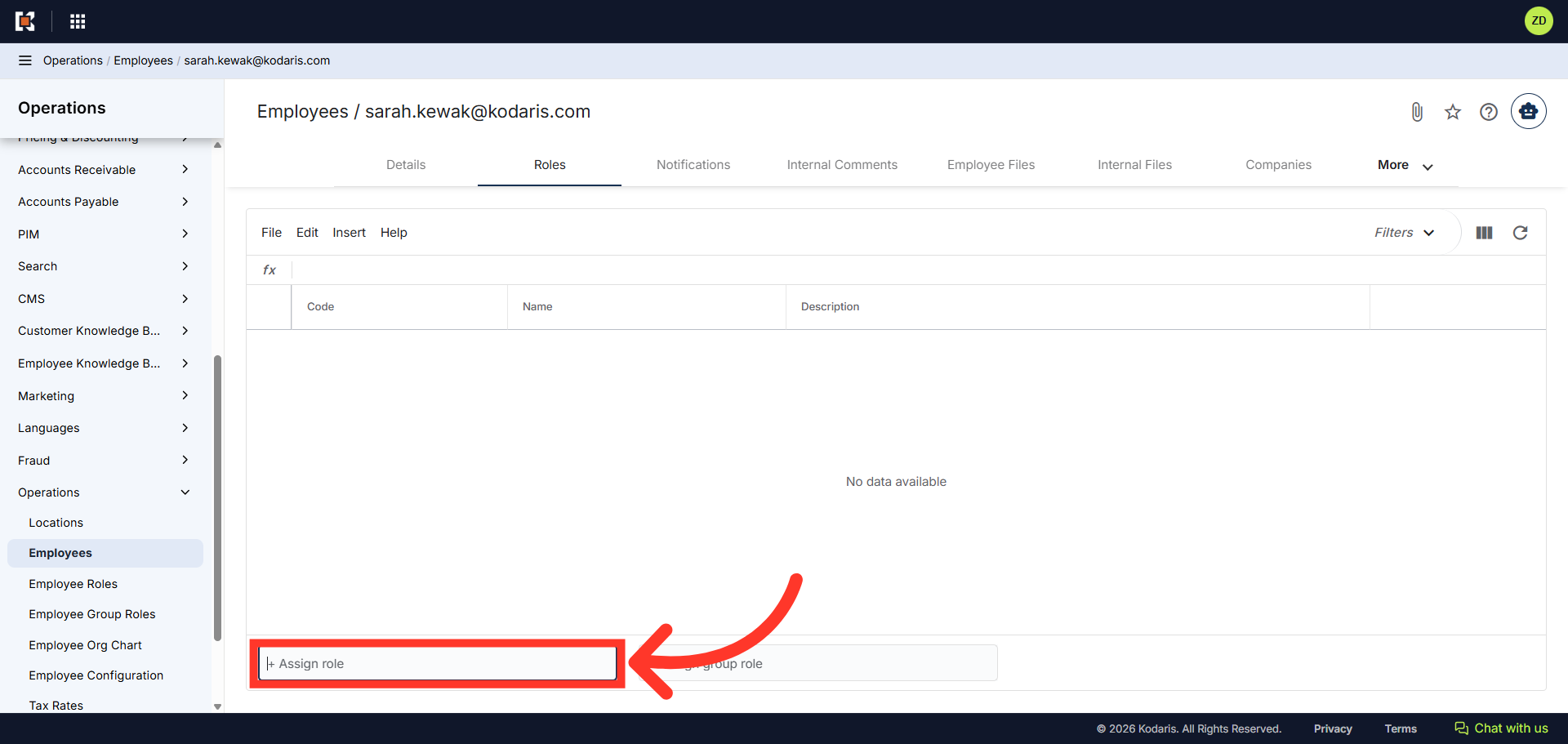
Click the "+Assign role" field.
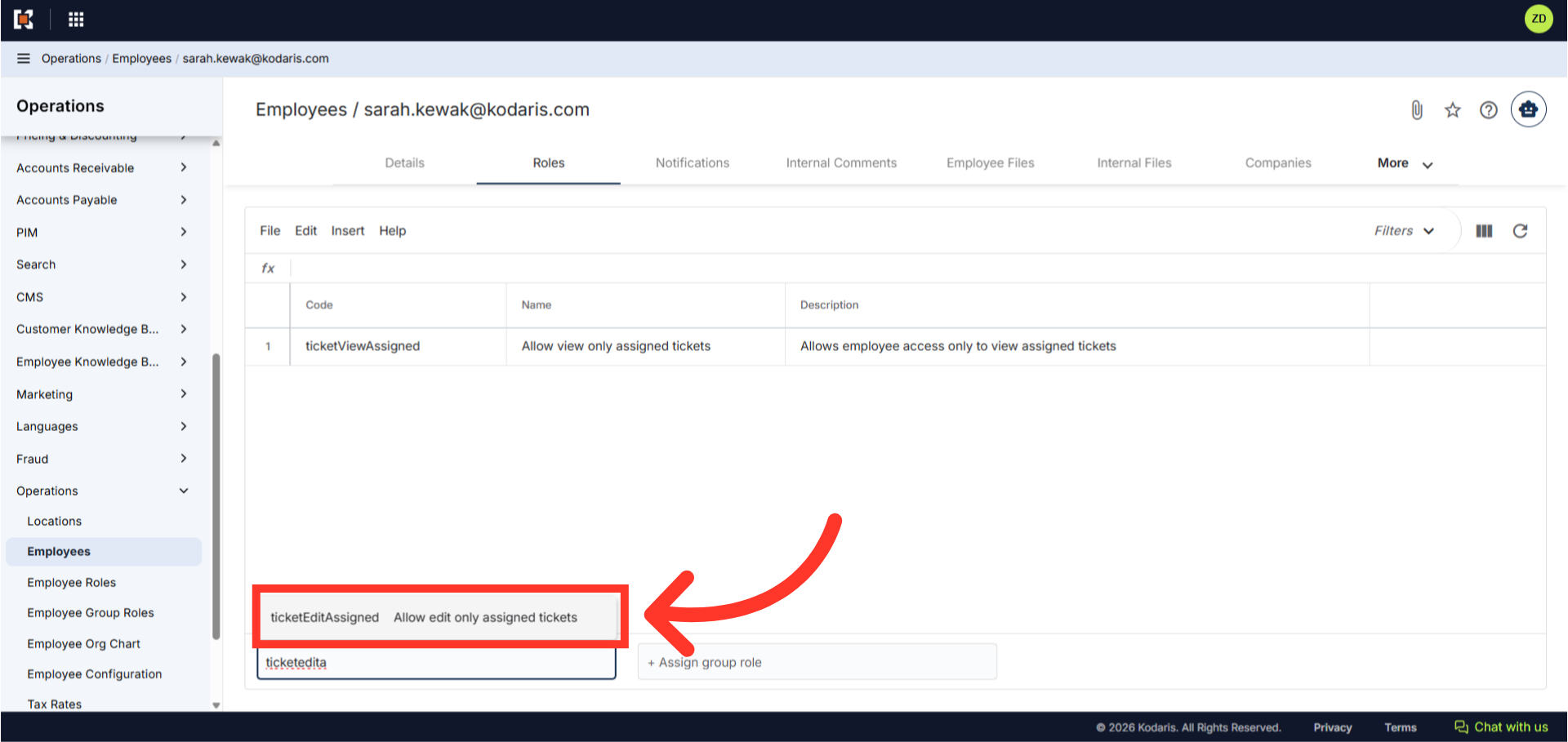
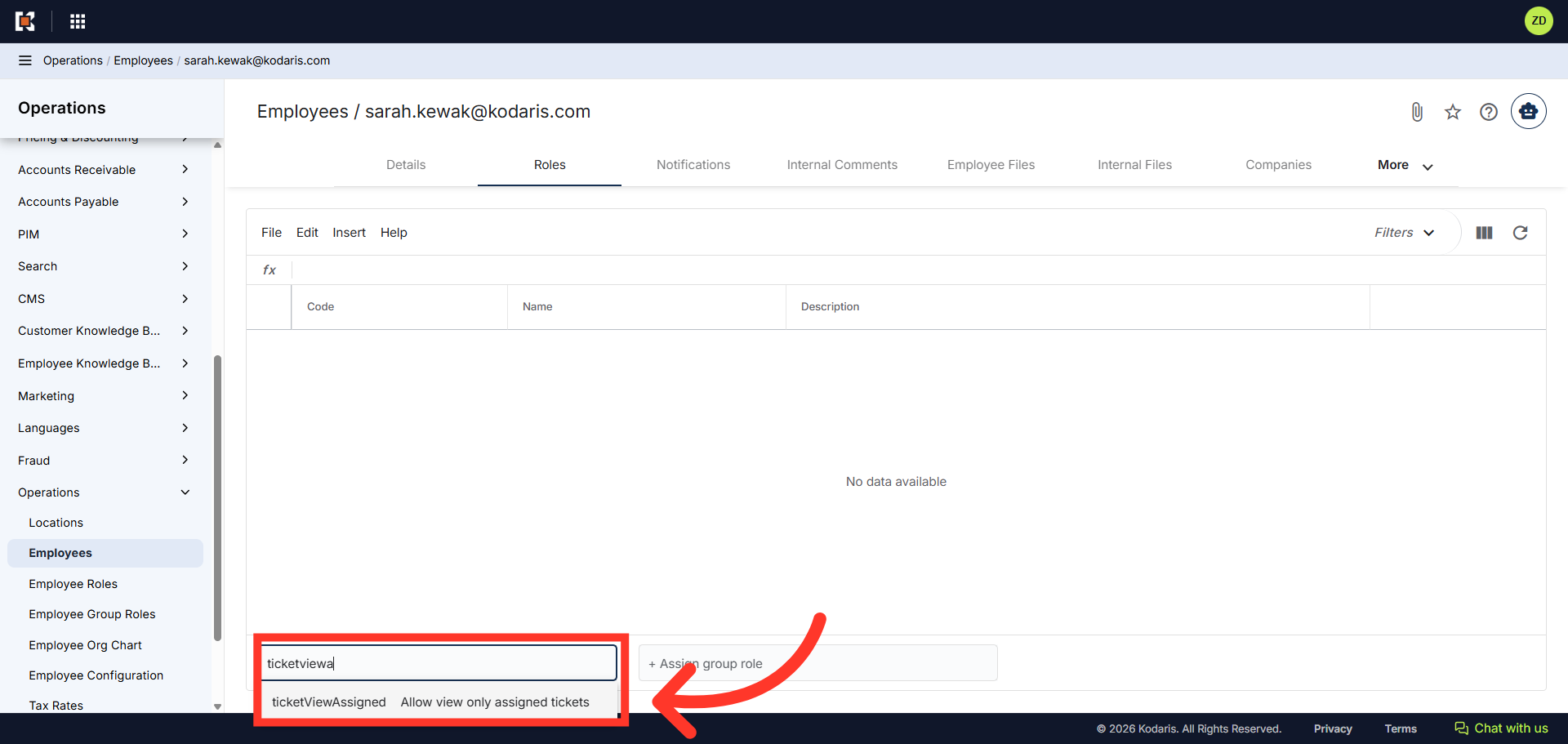
Enter the role of "ticketViewAssigned" and click the role when it appears in the selection box to add the role to the user. This role allows the user to only view the tickets that have been assigned to them.
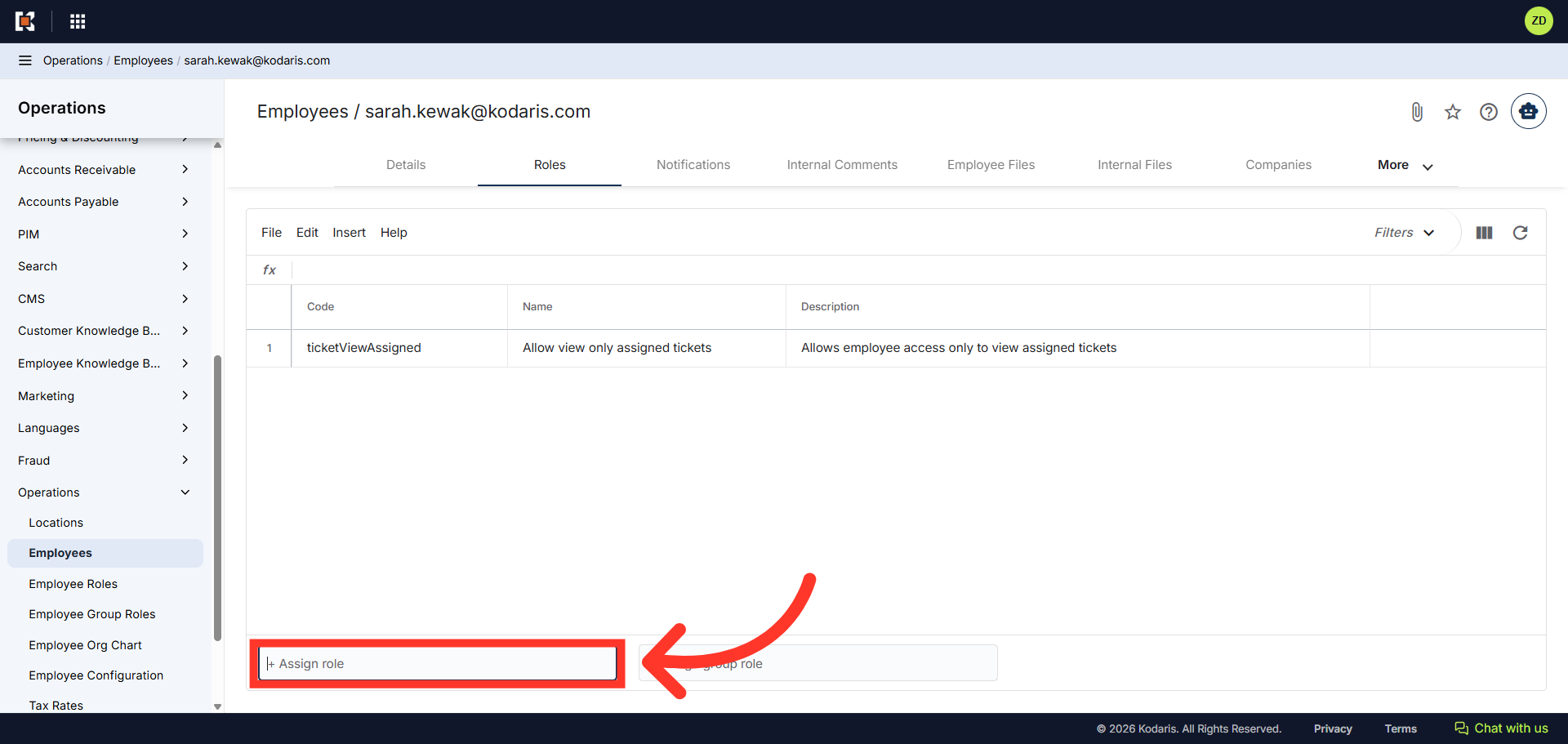
Click the "Assign role" field again.
Enter the role of "ticketEditAssigned" and click the role when it appears in the selection box to add the role to the user. This role allows the user to edit the tickets that have been assigned to them.