Product Documentation
Product Documentation
Product Documentation
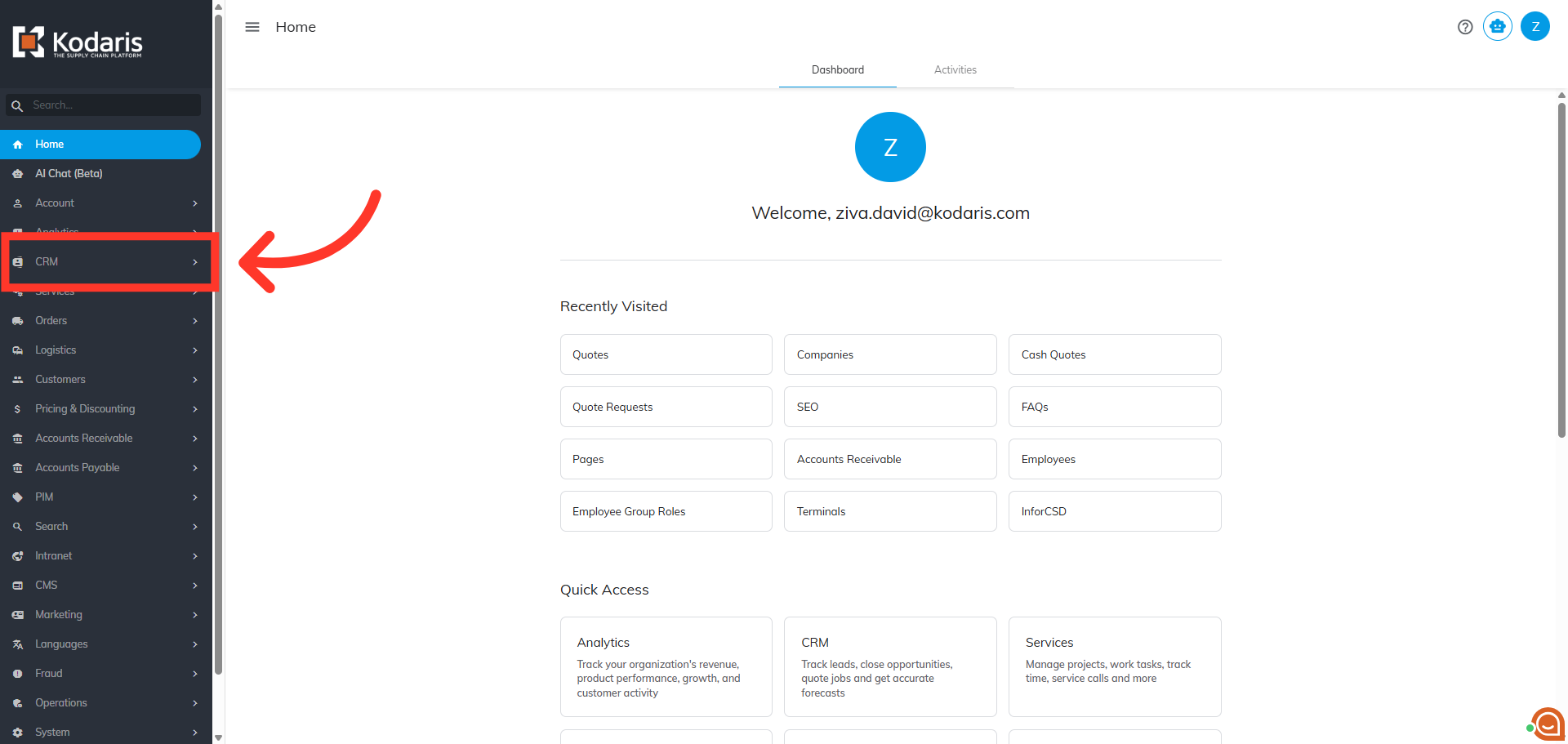
In order to add additional charges to a quote, you will need to navigate to the "CRM" section in the Operations Portal.
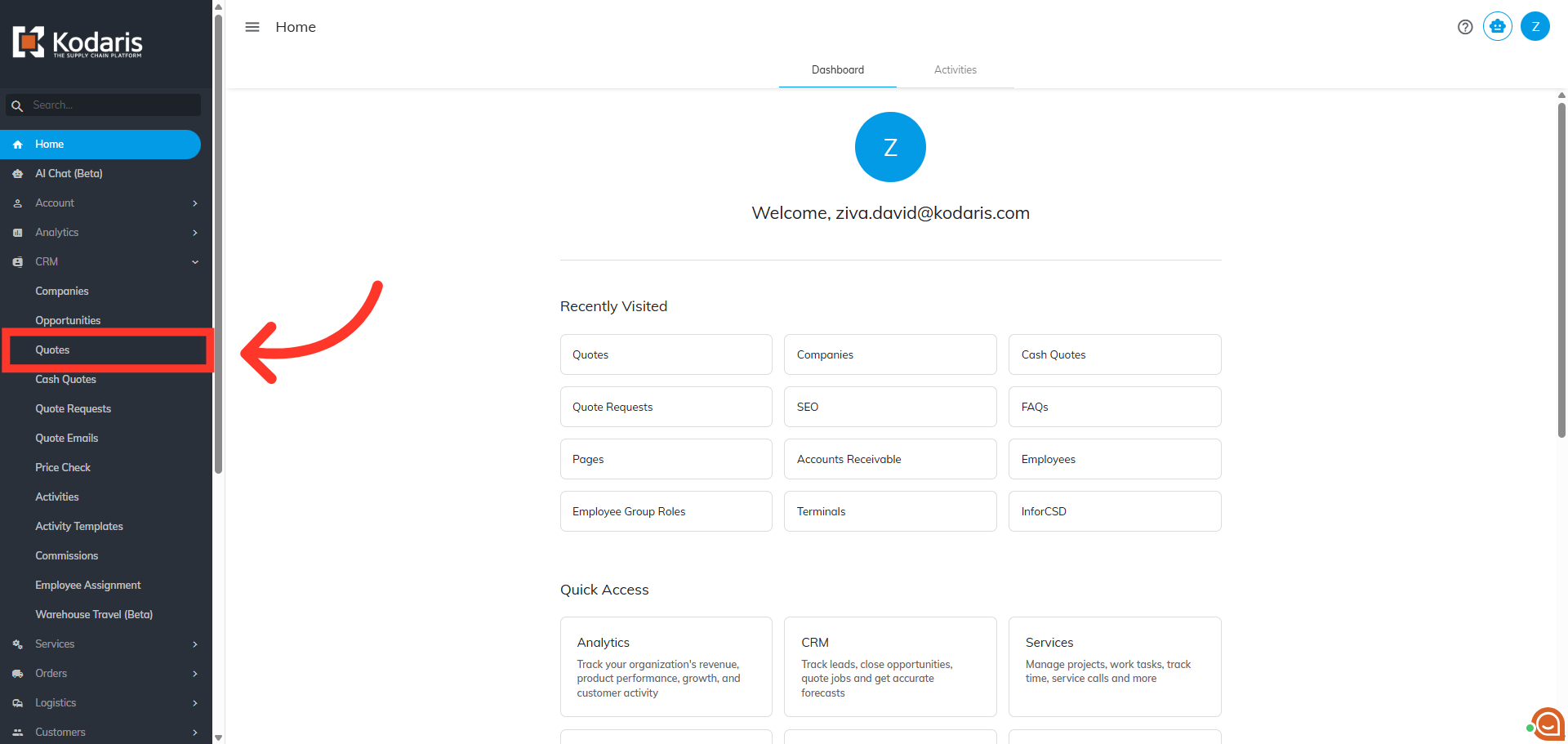
Then, click "Quotes". In order to access "Quotes", you will need to have the role of “administrator” or “superuser”, or have the roles of “quoteView", "quoteEdit” or “accountQuoting”.
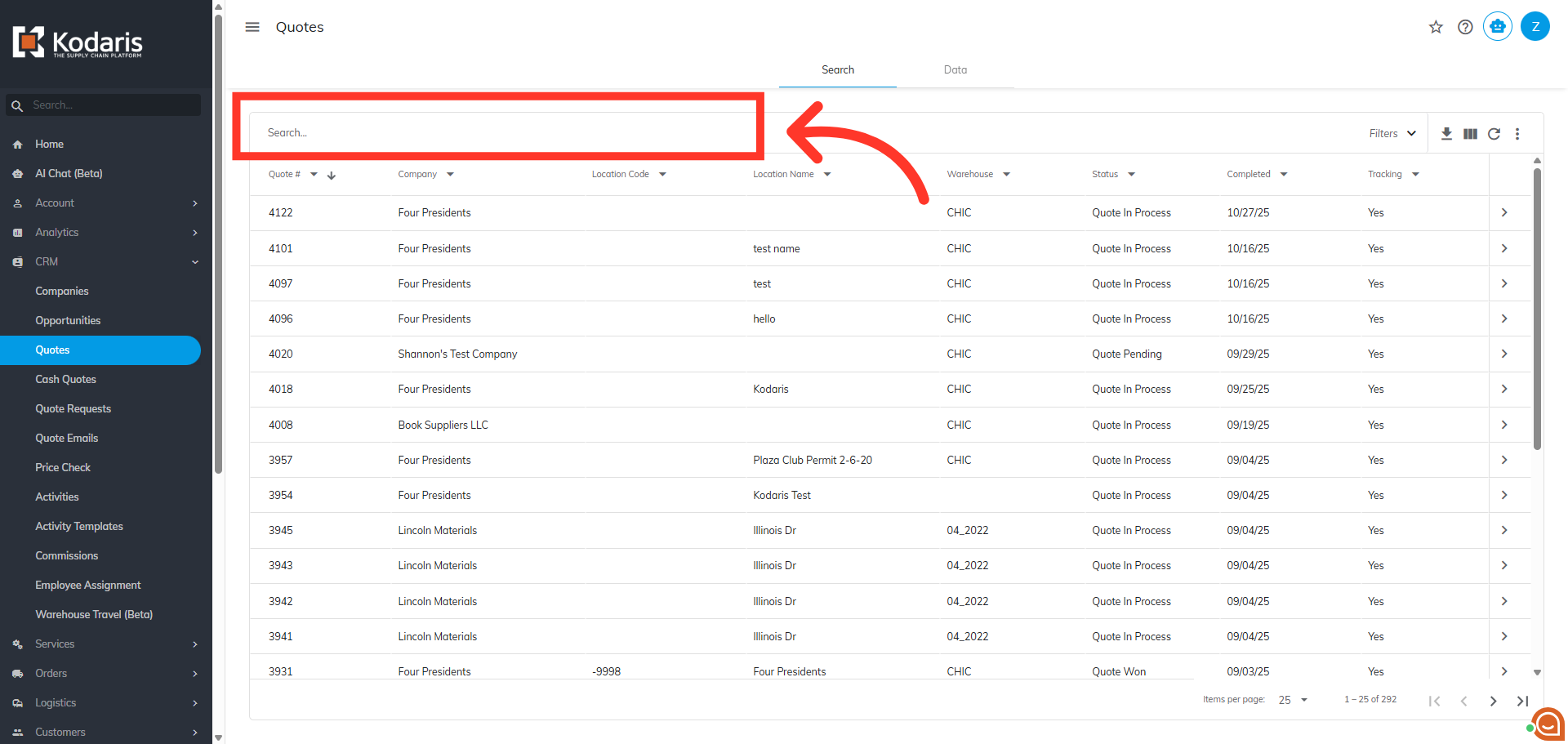
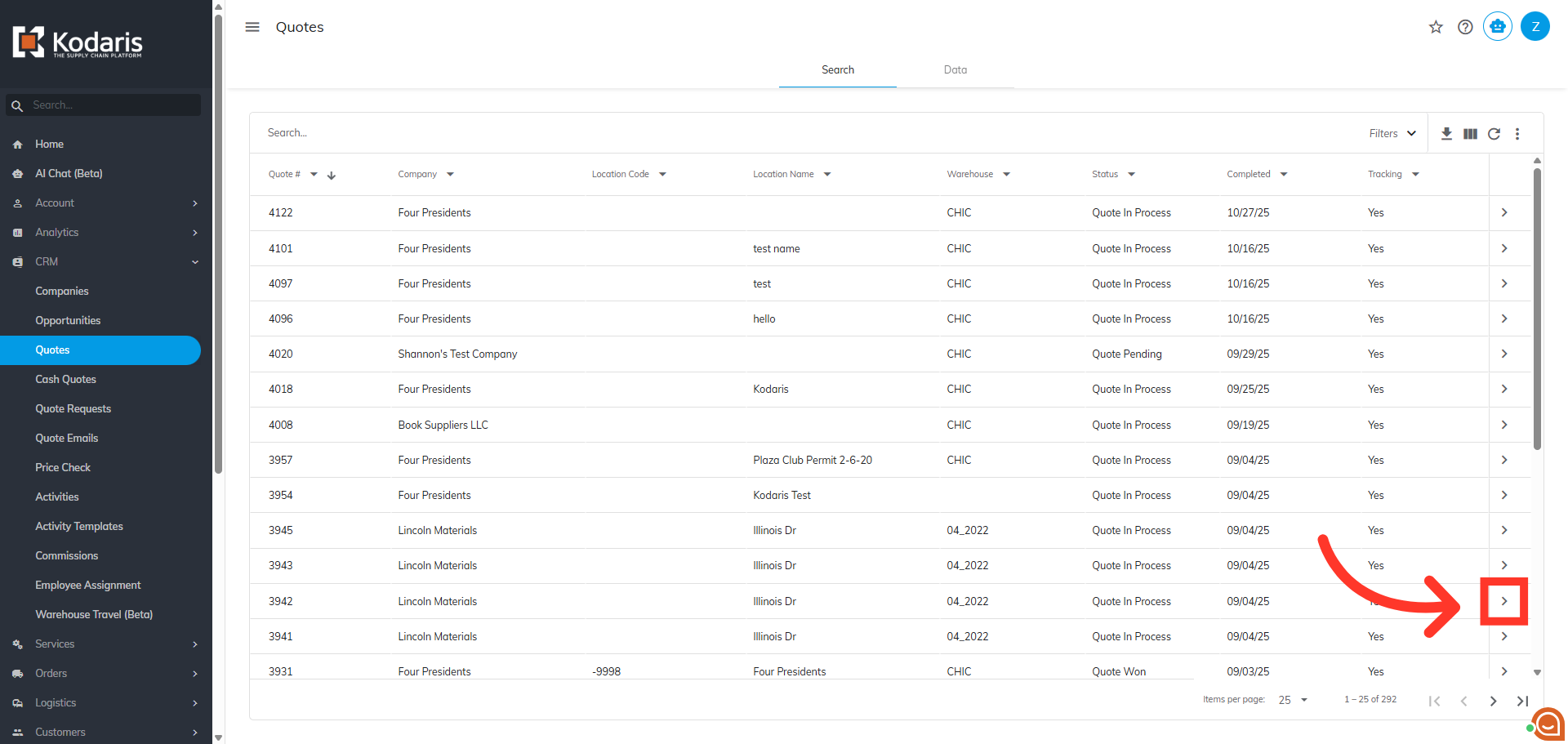
Search for the quote to which you would like to add additional charges. You can enter the quote number in the "Search" field to easily find the quote.
Next, click on the more details icon on the quote you wish to add charges to.
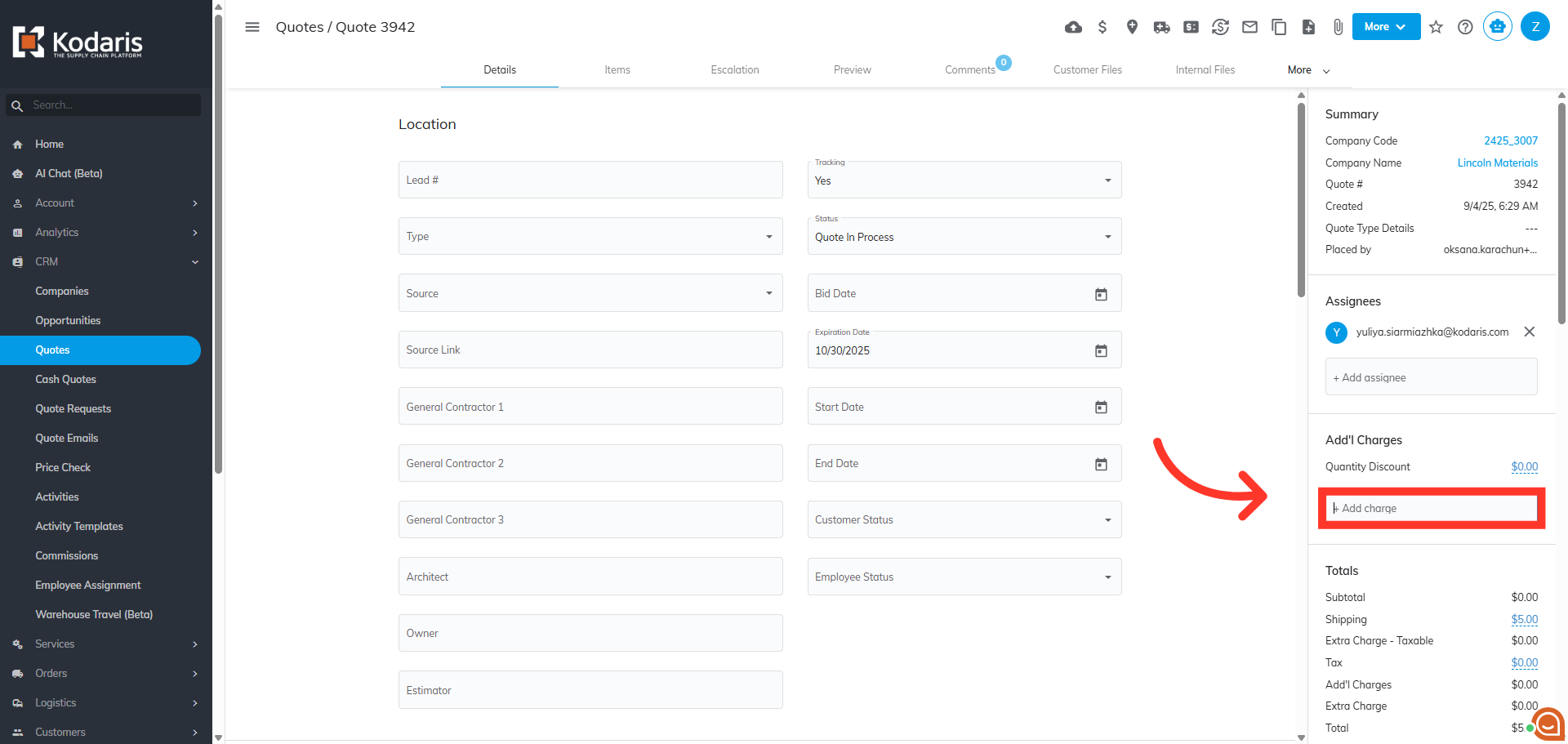
On the right side of the quote in the additional charges section you will see a field label of "+Add charge".
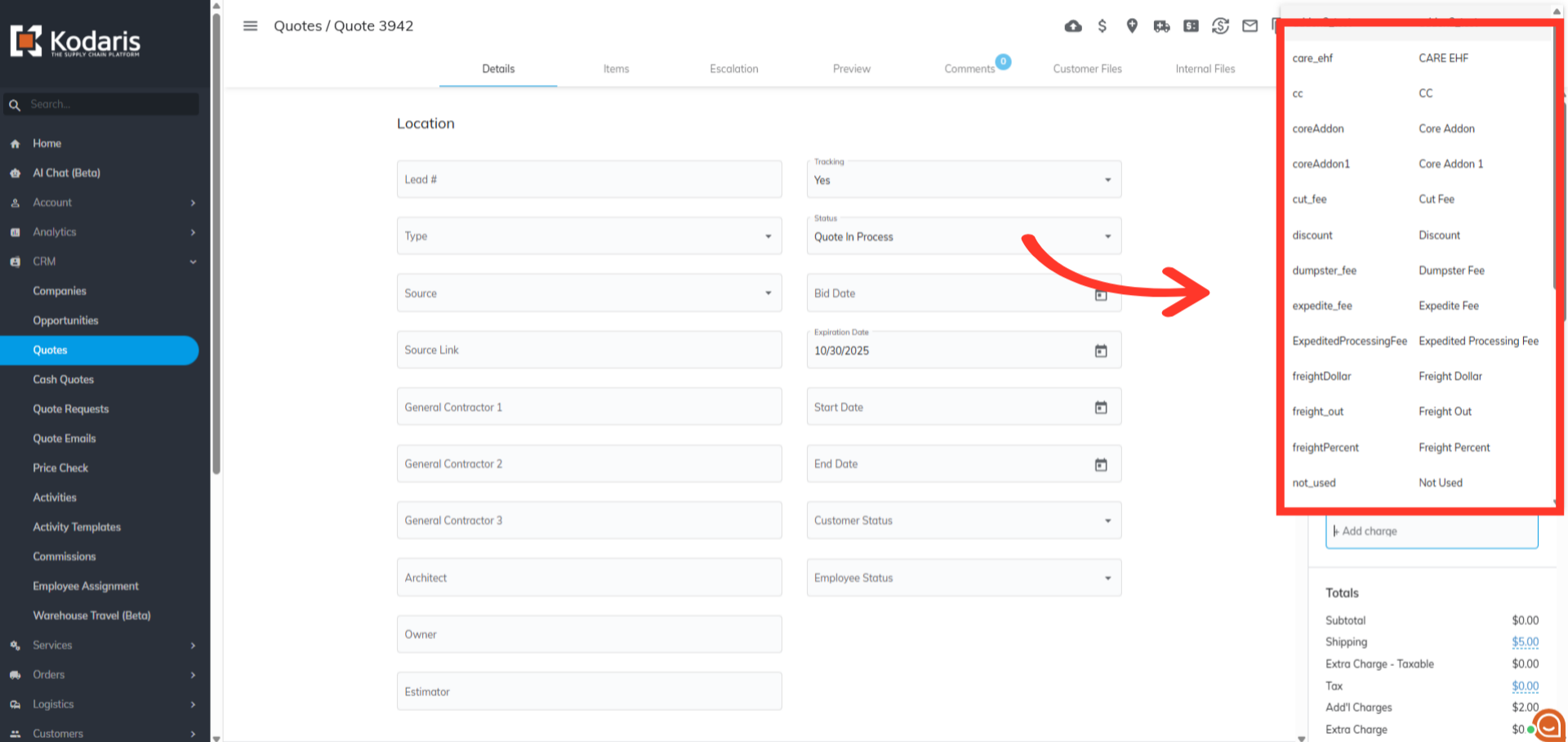
When you click in the field you can select an option from the menu or you can search for a charge by typing the name. You can add more than one charge to the quote.
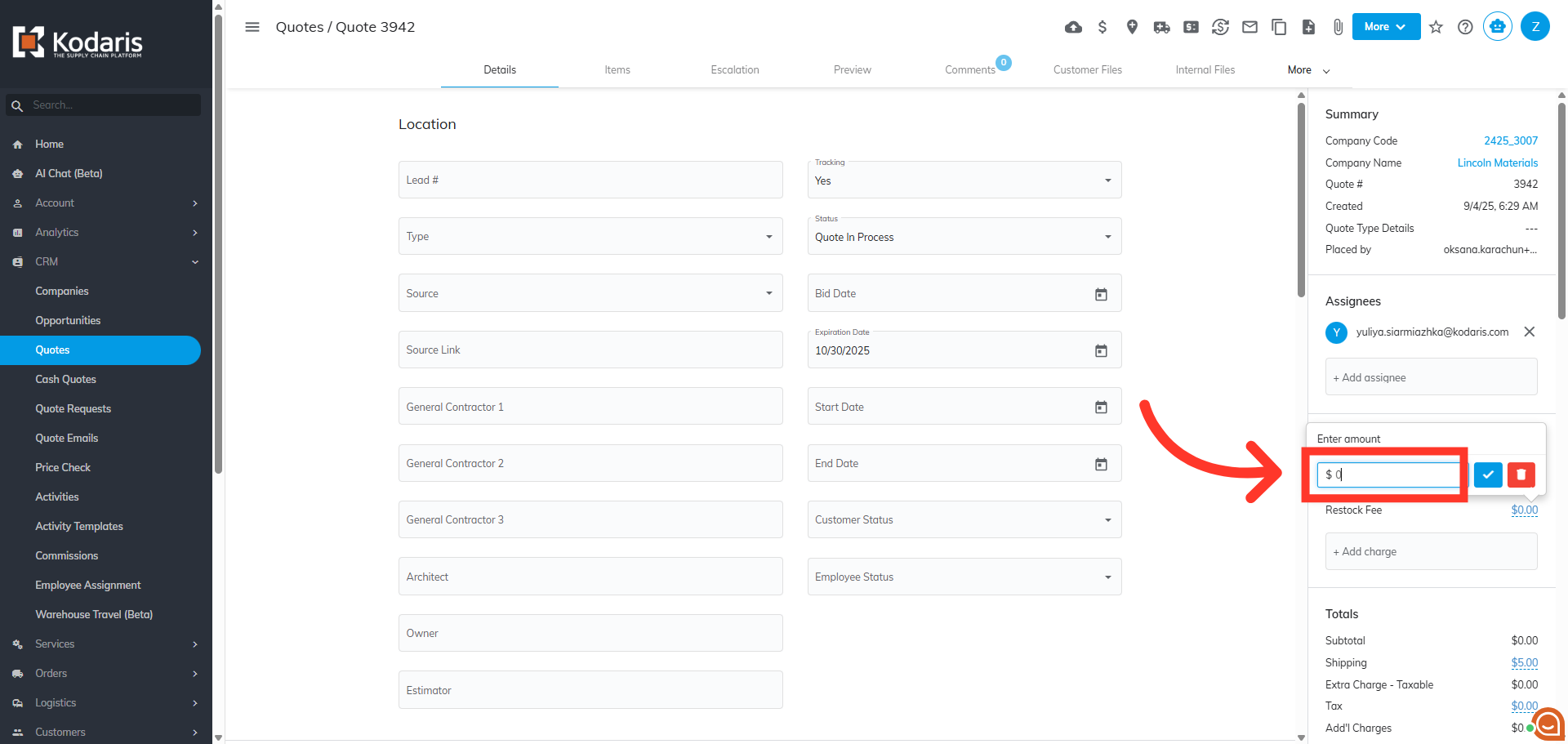
If needed, you can edit the amount of a charge, by clicking on the value.
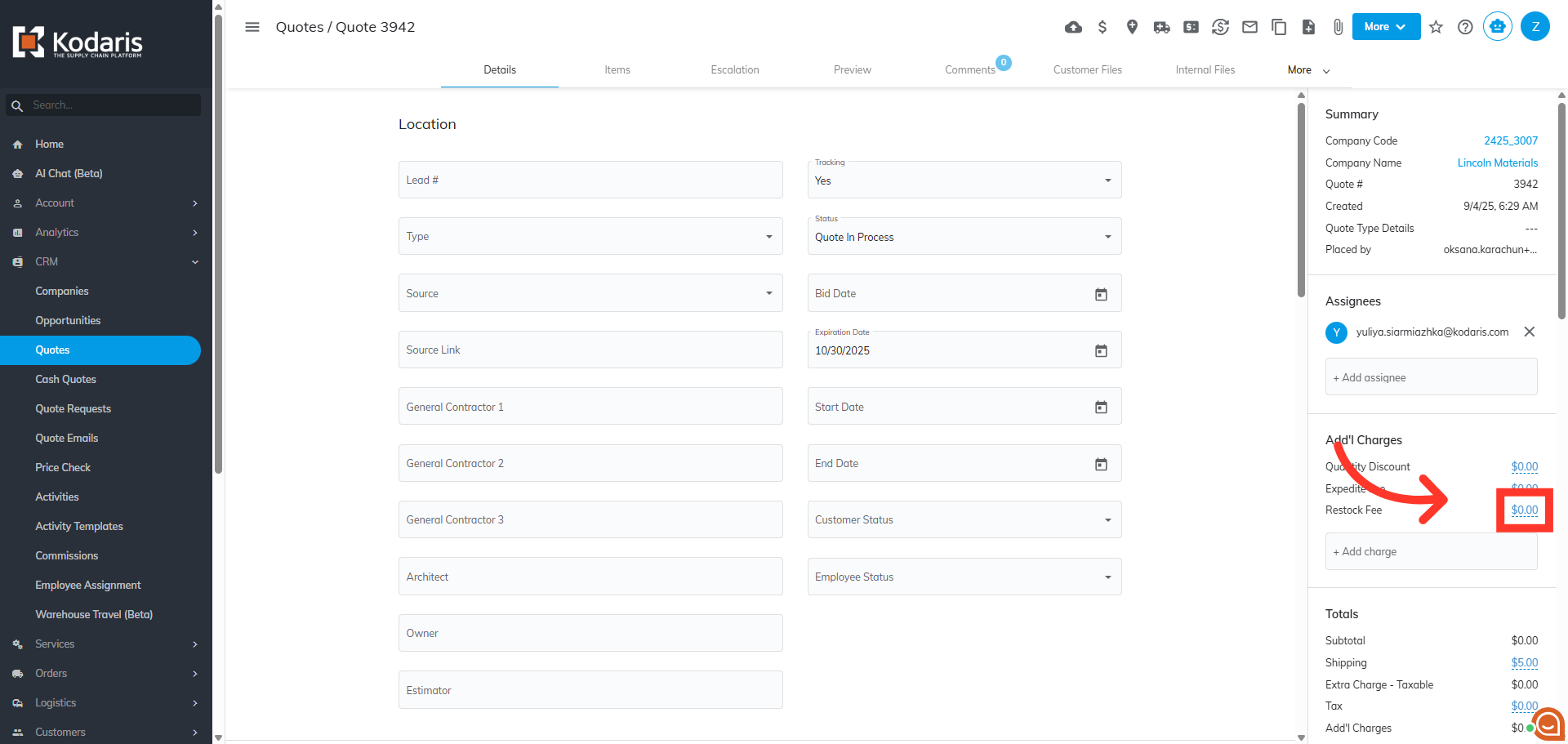
Type in the new value.
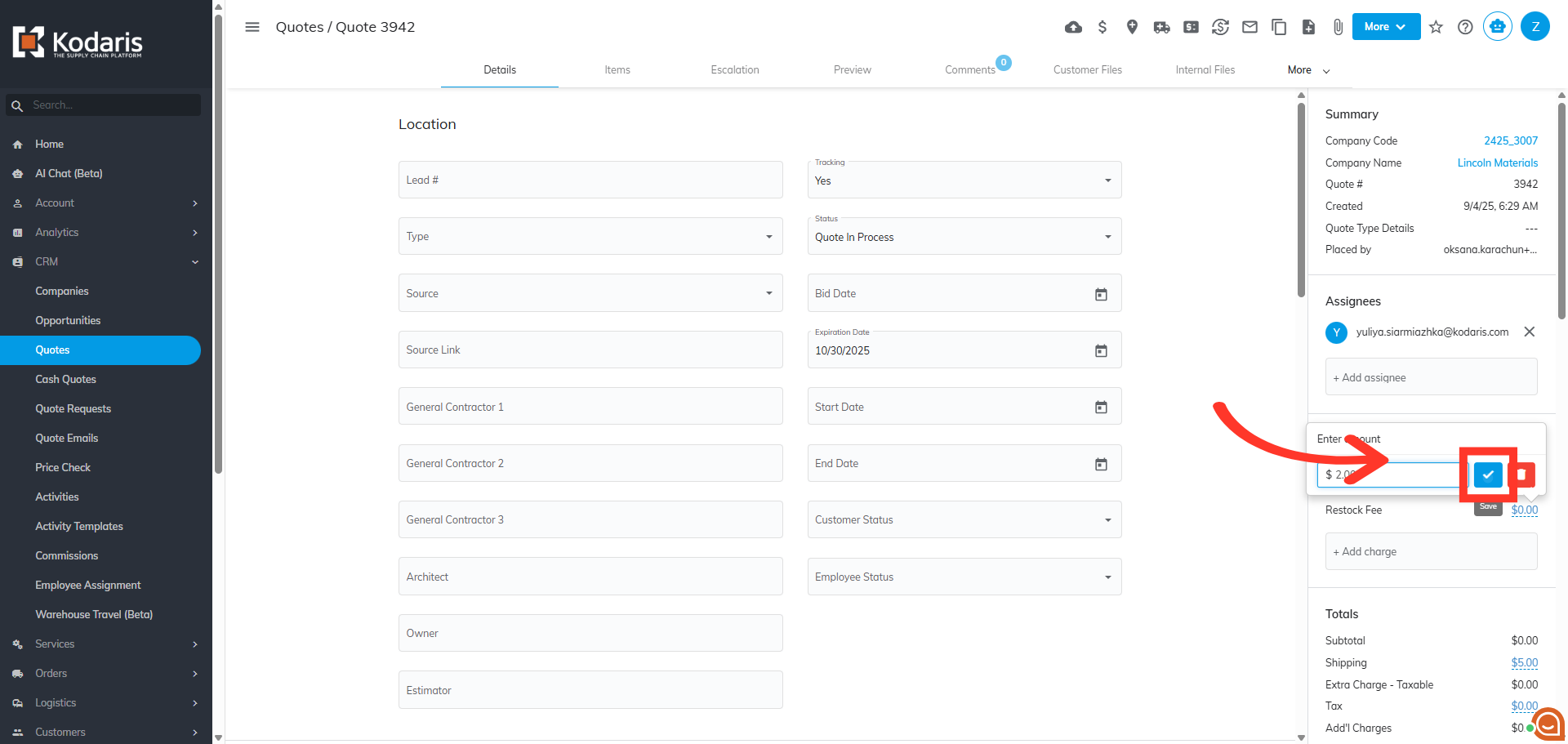
Click the check icon to save and confirm the added charge.
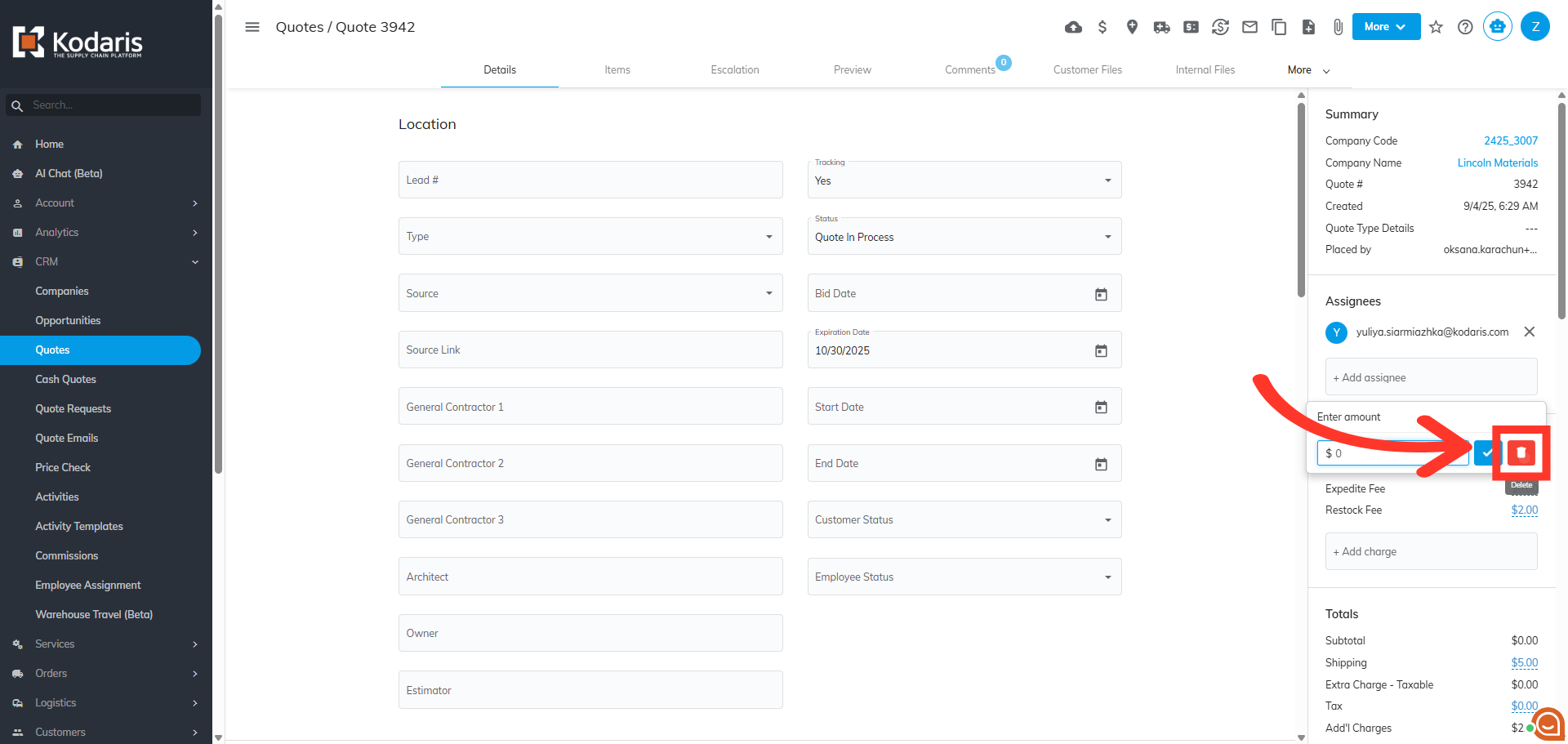
If needed, you can delete the charge from the quote by clicking the red delete icon.