Product Documentation
Product Documentation
Product Documentation
This feature allows users to associate a company address with an opportunity after the opportunity has been created in the operations portal. To do this, navigate to the "CRM" section.
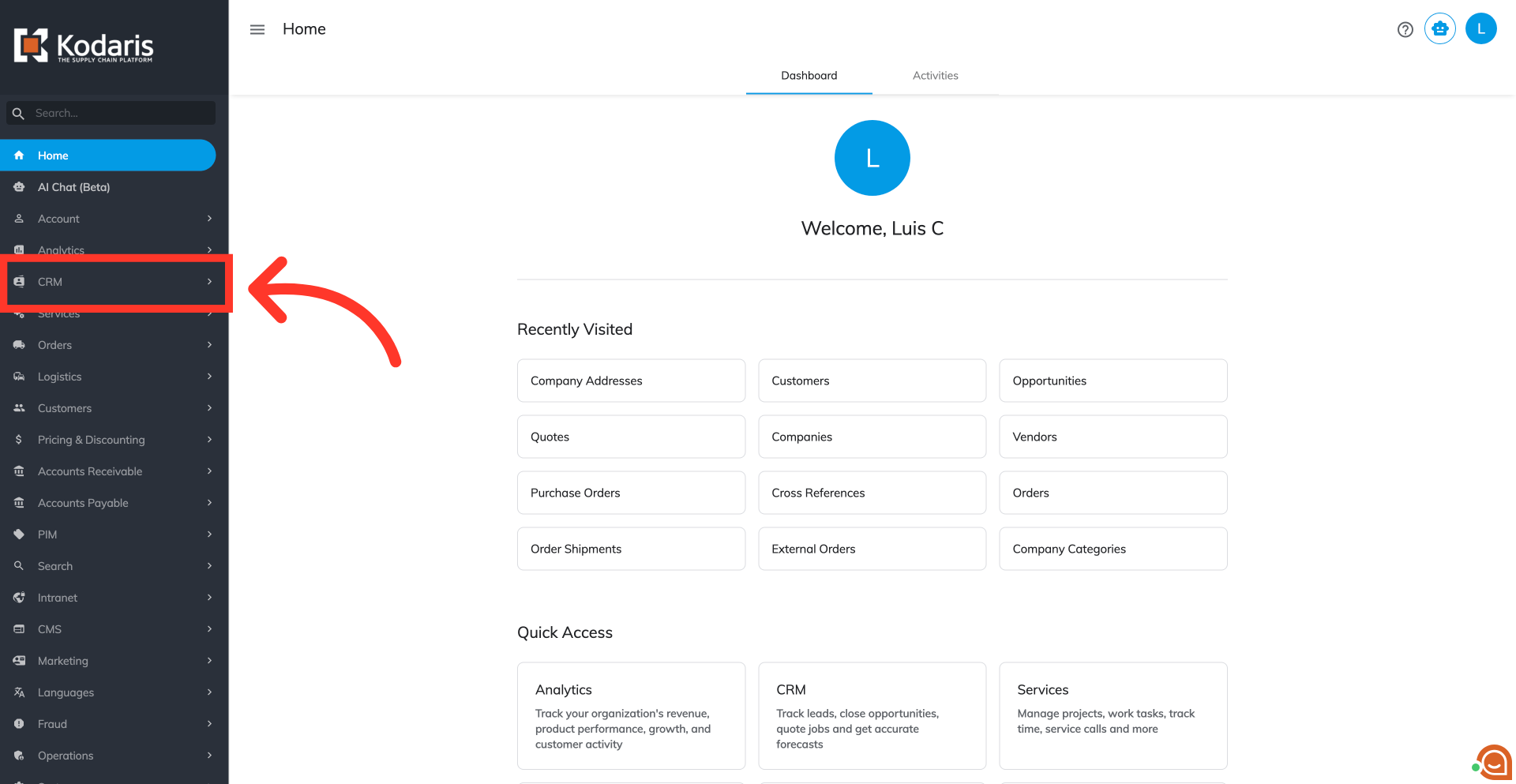
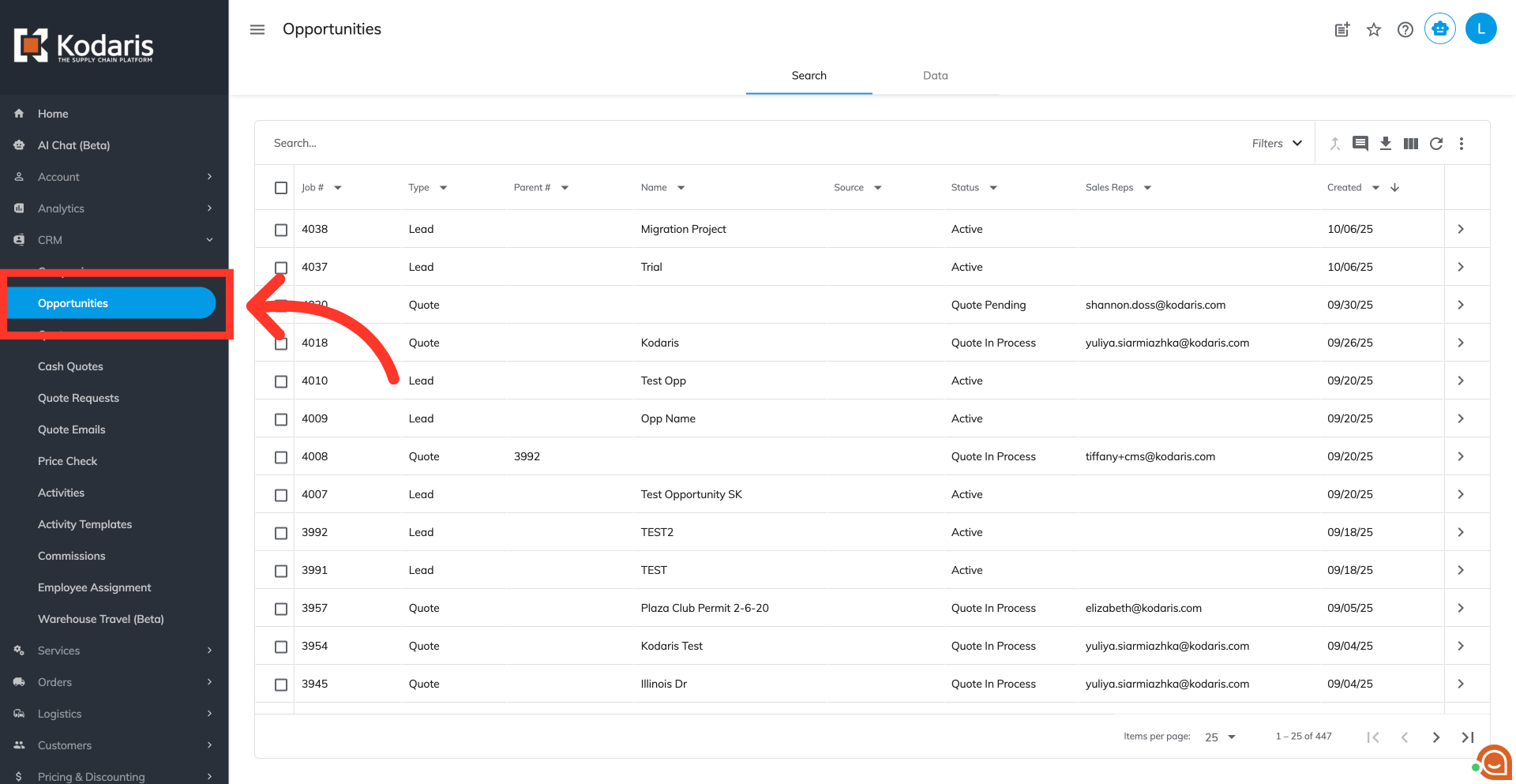
Then, click on the "Opportunities". In order to access "Opportunities", you will need to be set up either as an "administrator" or a "superuser", or have the appropriate roles: "accountQuoting", "companyView", "companyAddressView", "leadView", and "leadEdit".
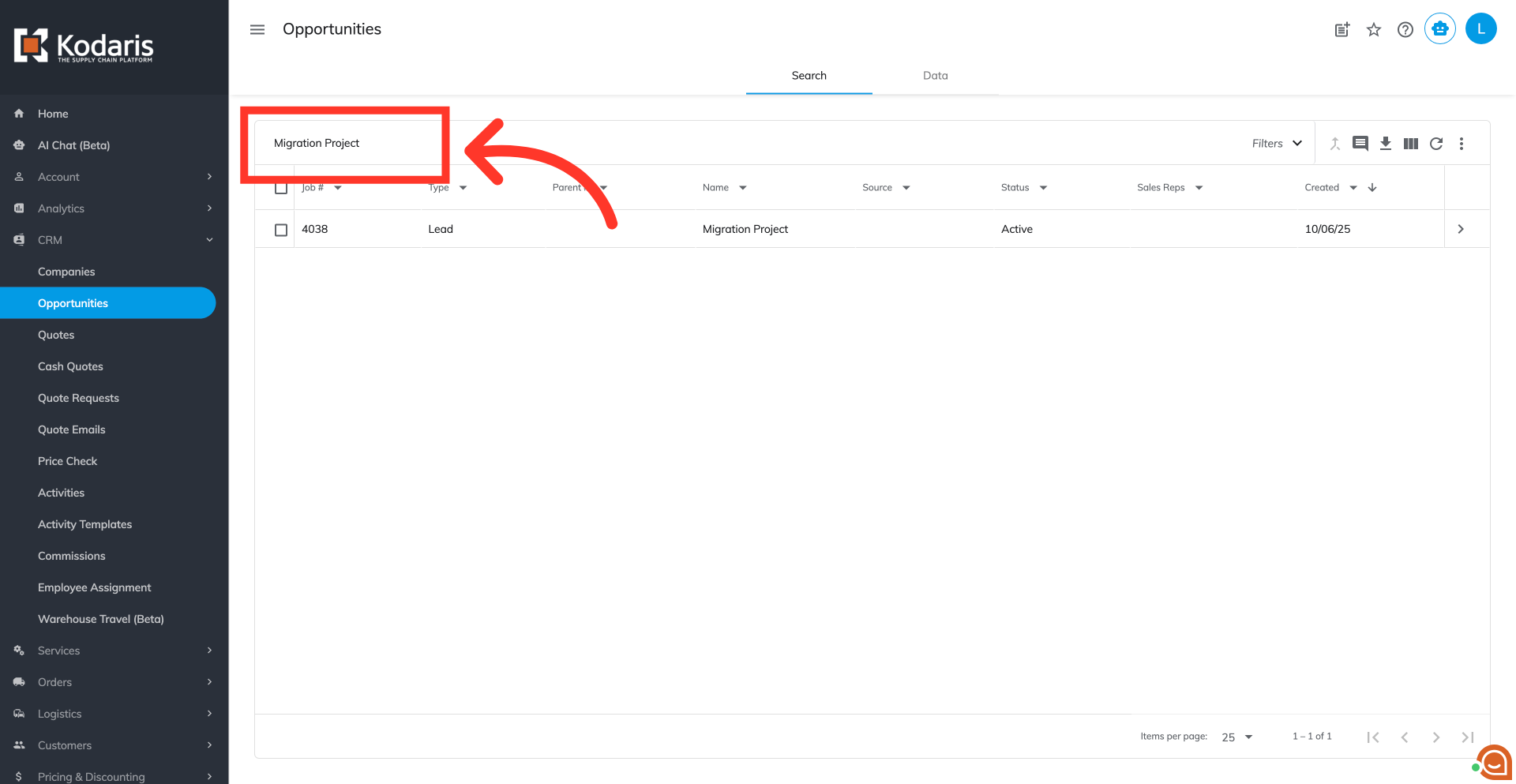
Type in the opportunity name or any keyword in the field to search.
Click on the more details icon to view the opportunity details.
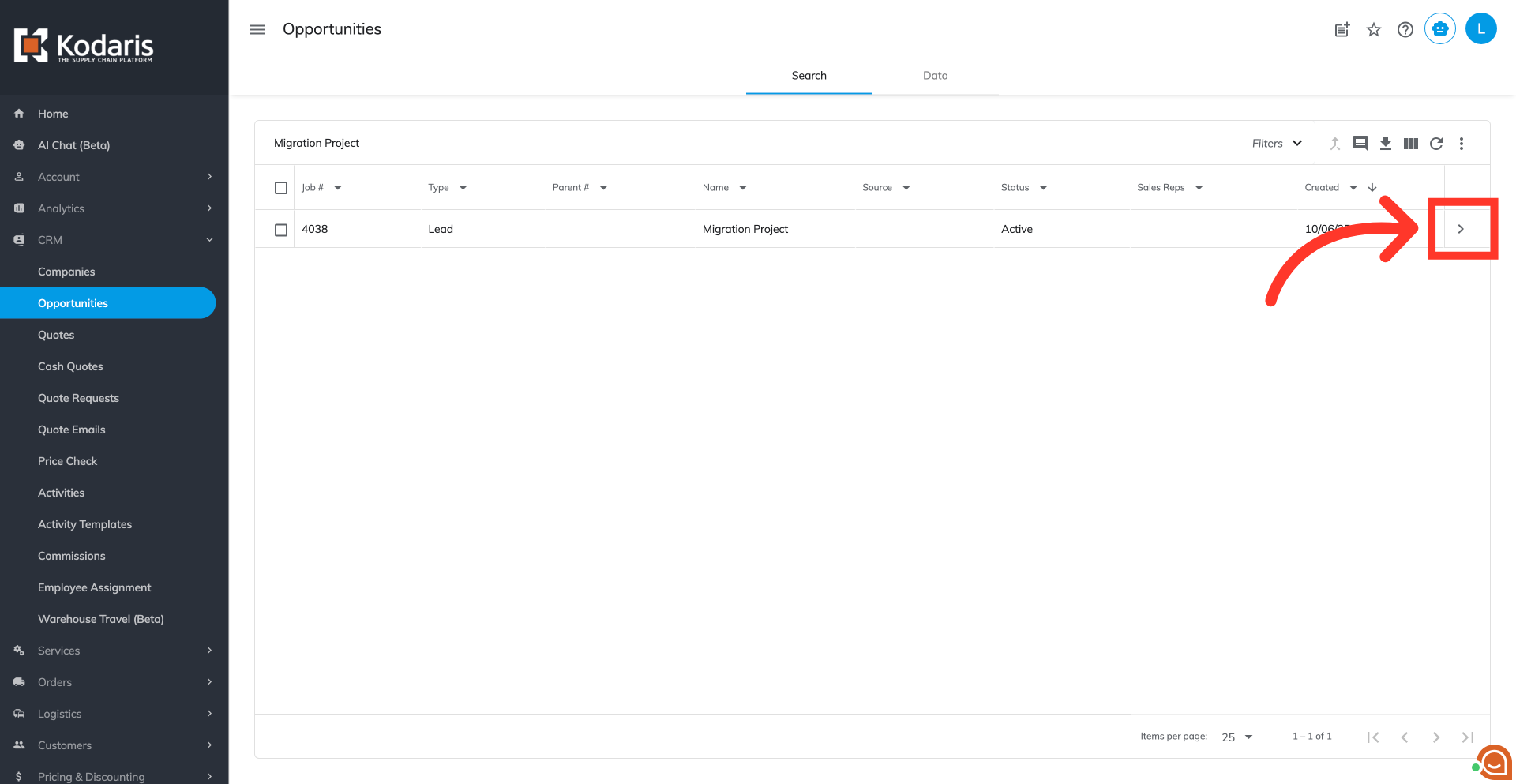
To assign the company address to your opportunity, click on the "More" dropdown.
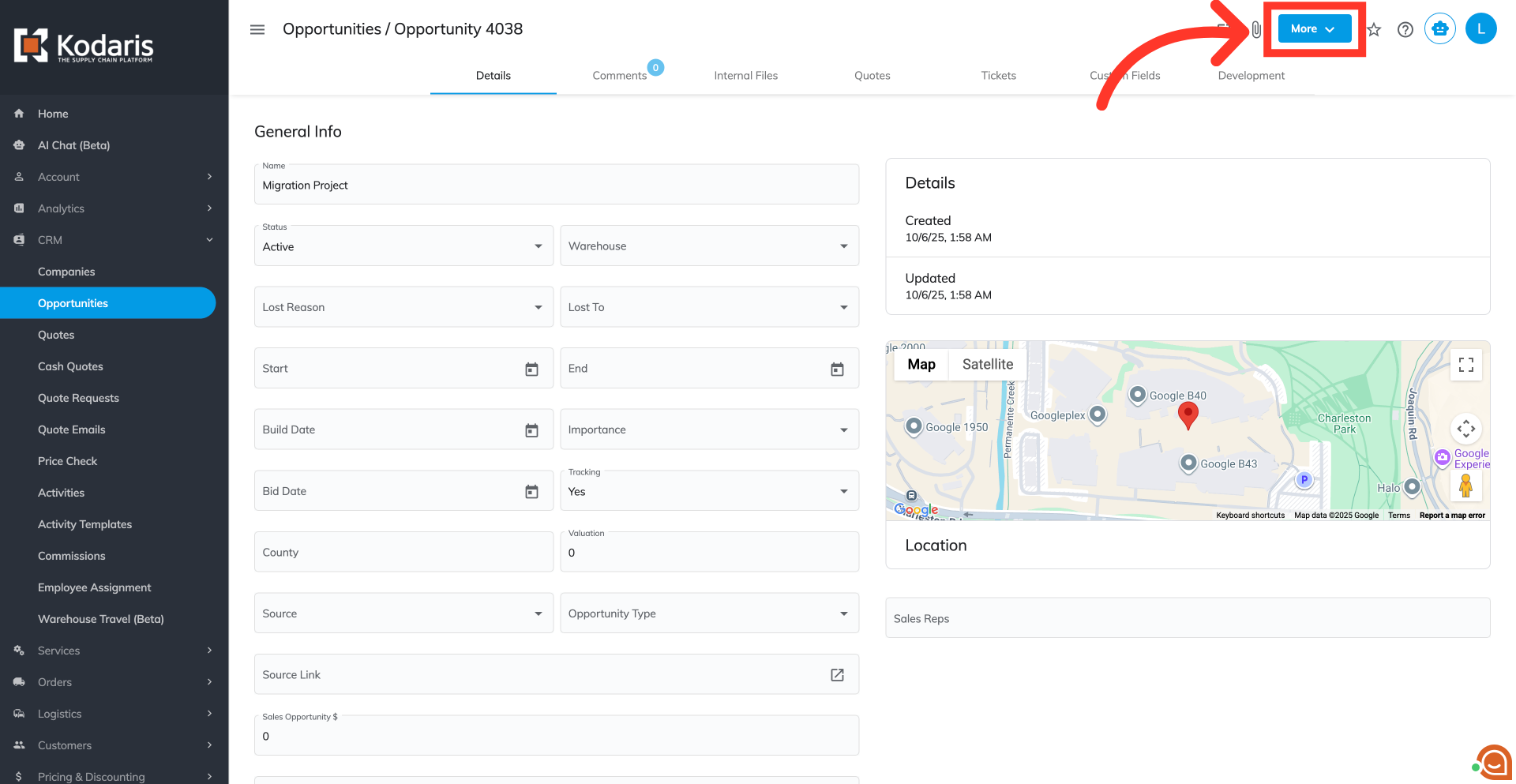
Select the "Assign Company Address” option.
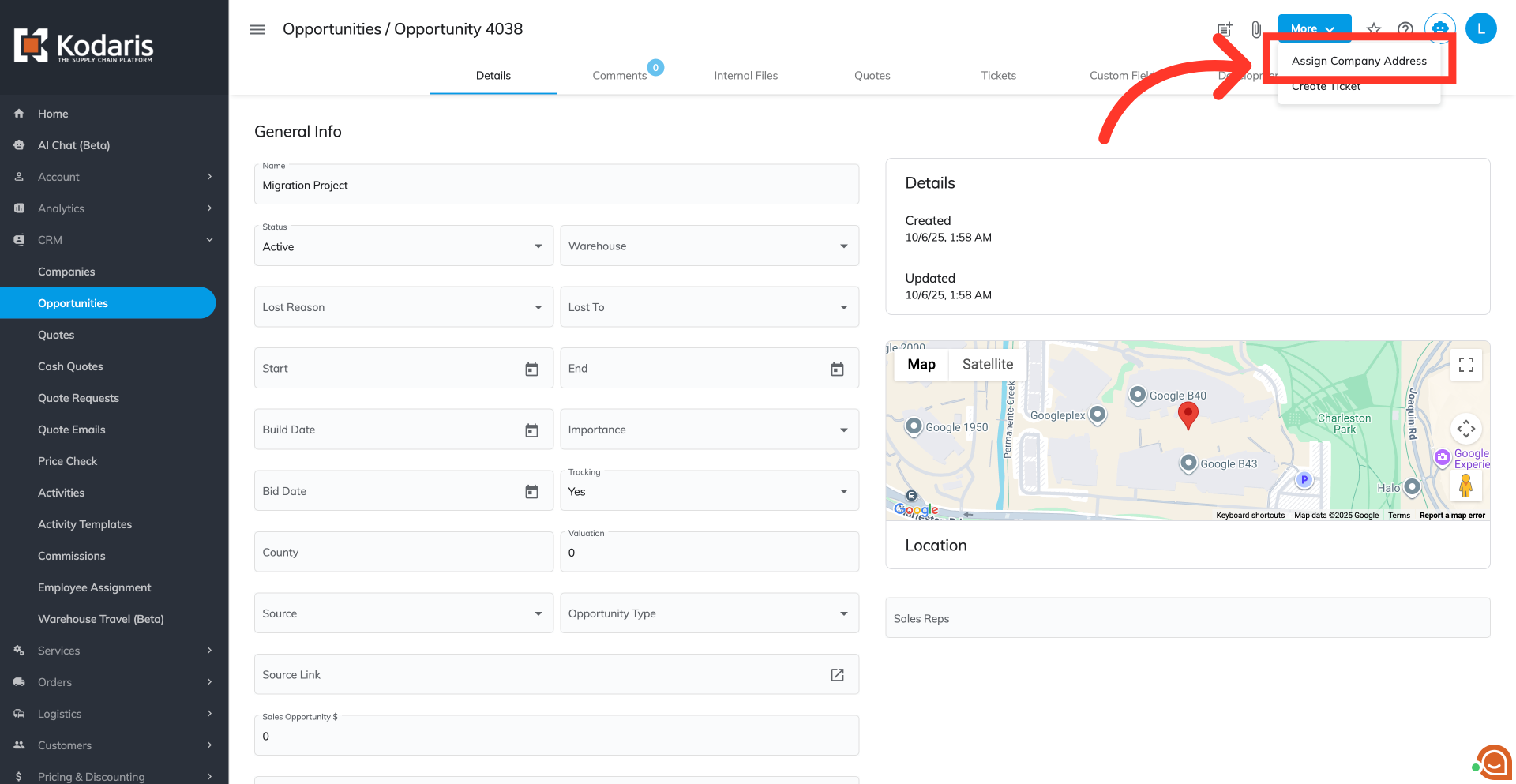
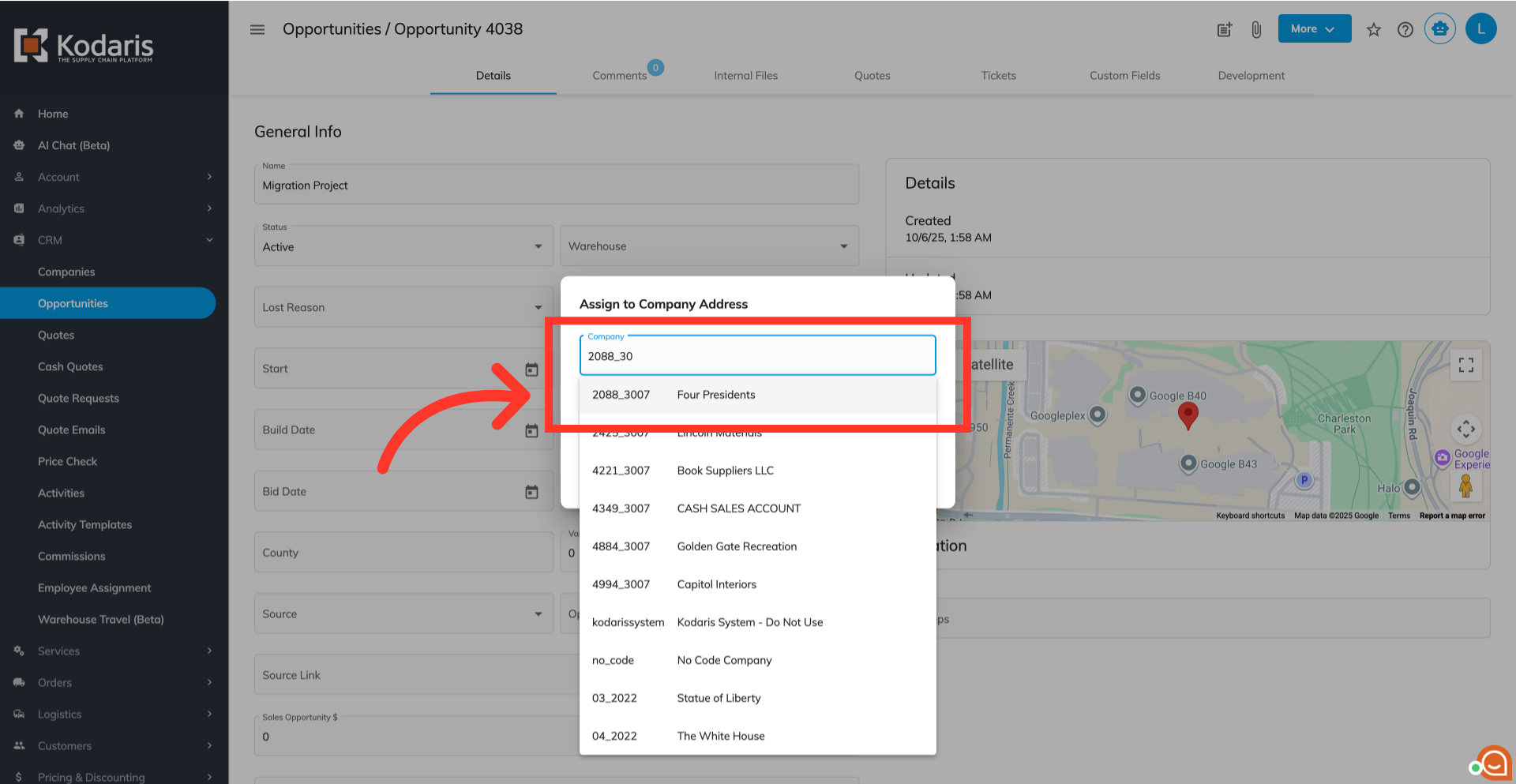
Type the company name or code in the field to search.
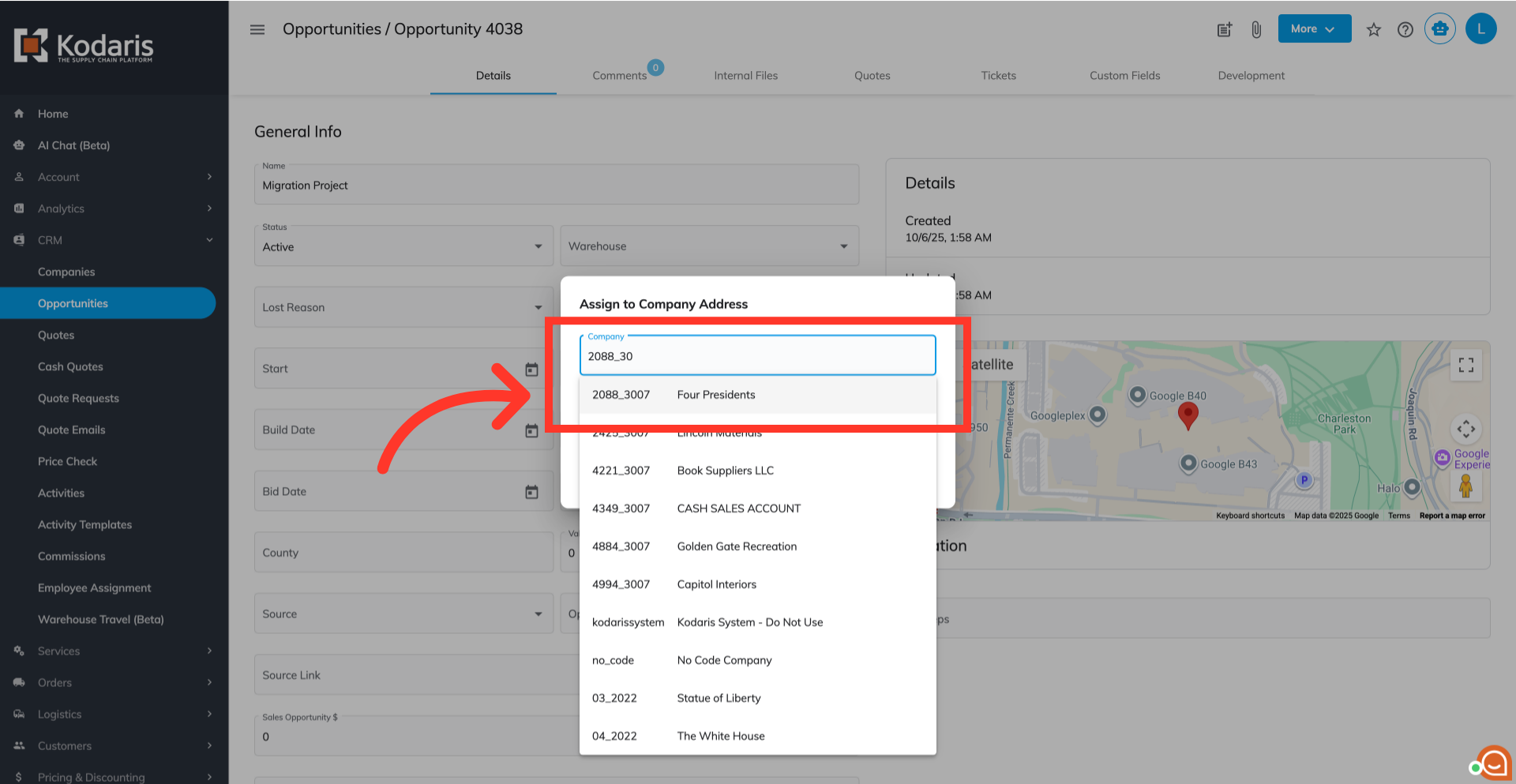
Then, select the company from the options.
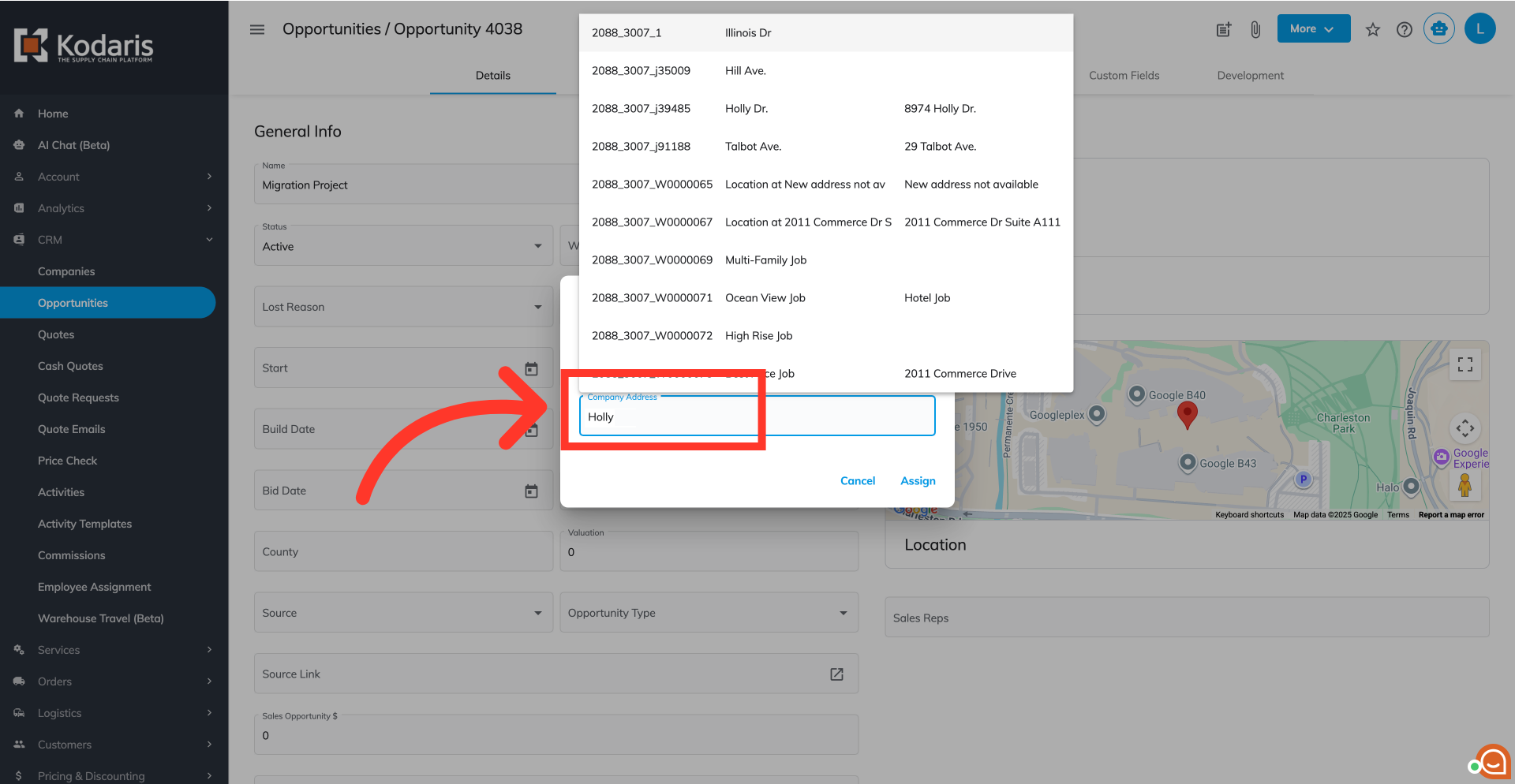
Enter the company address name, code, or keyword to locate your desired location quickly.
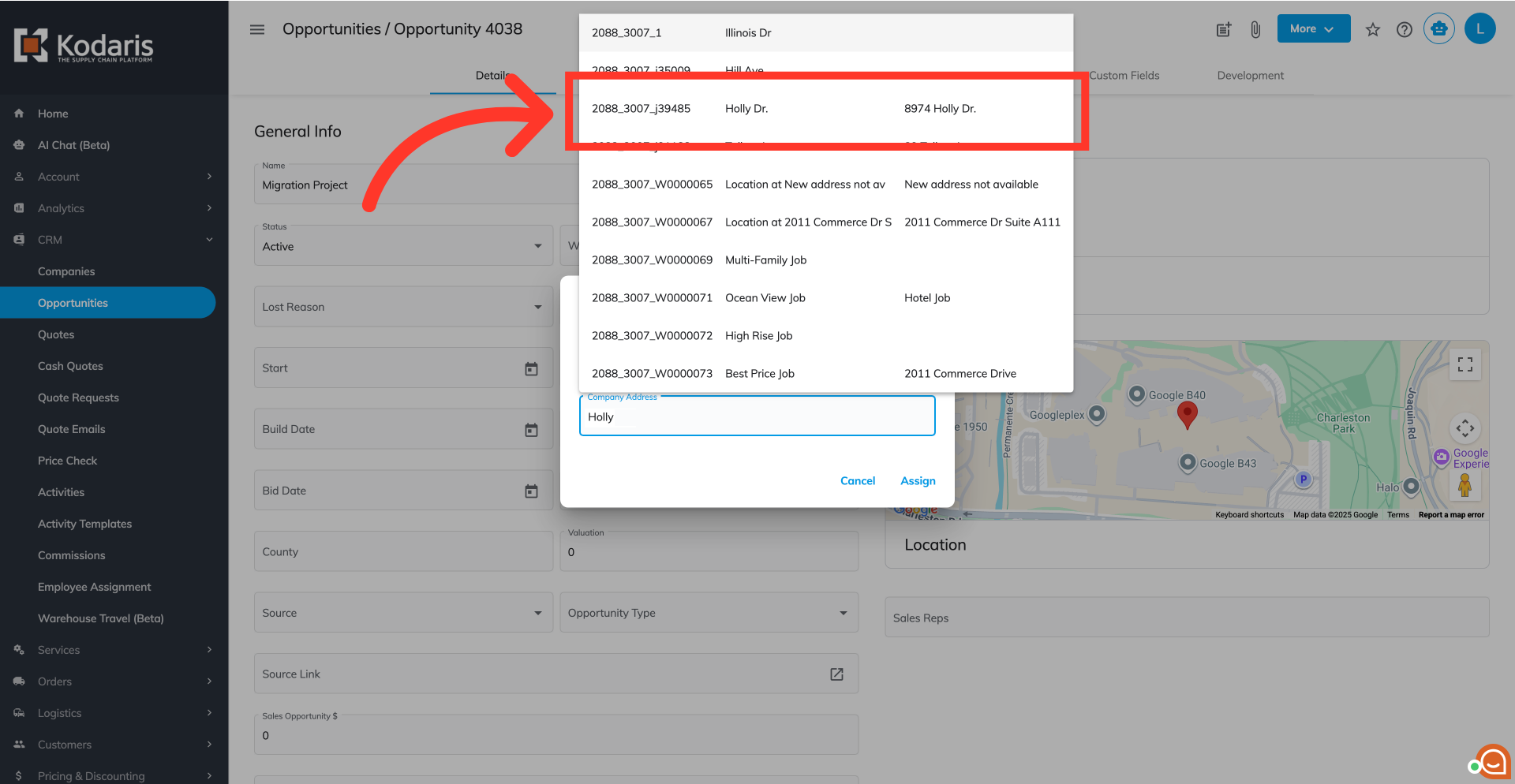
Select your desired company address from the dropdown list.
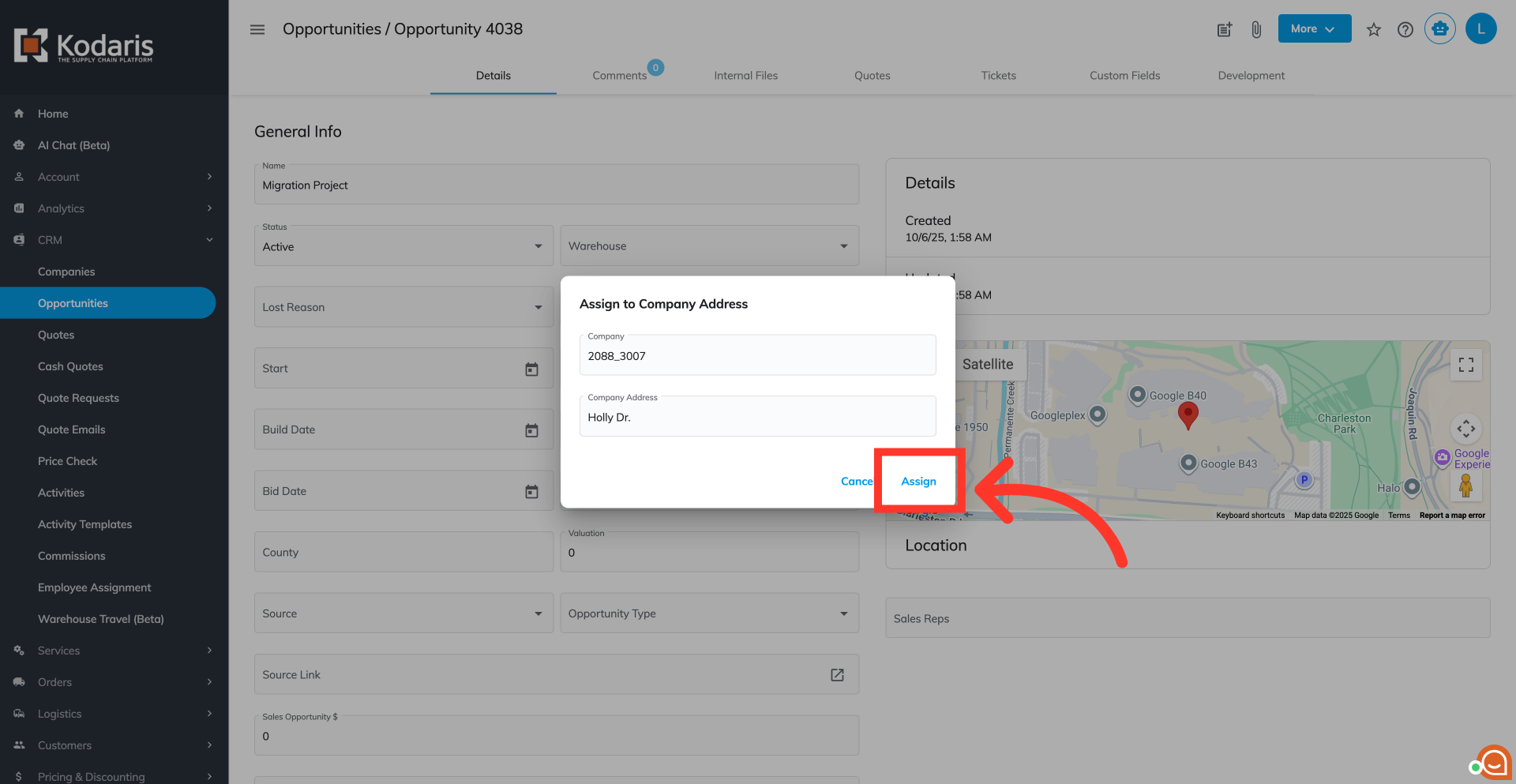
Finally, click "Assign".
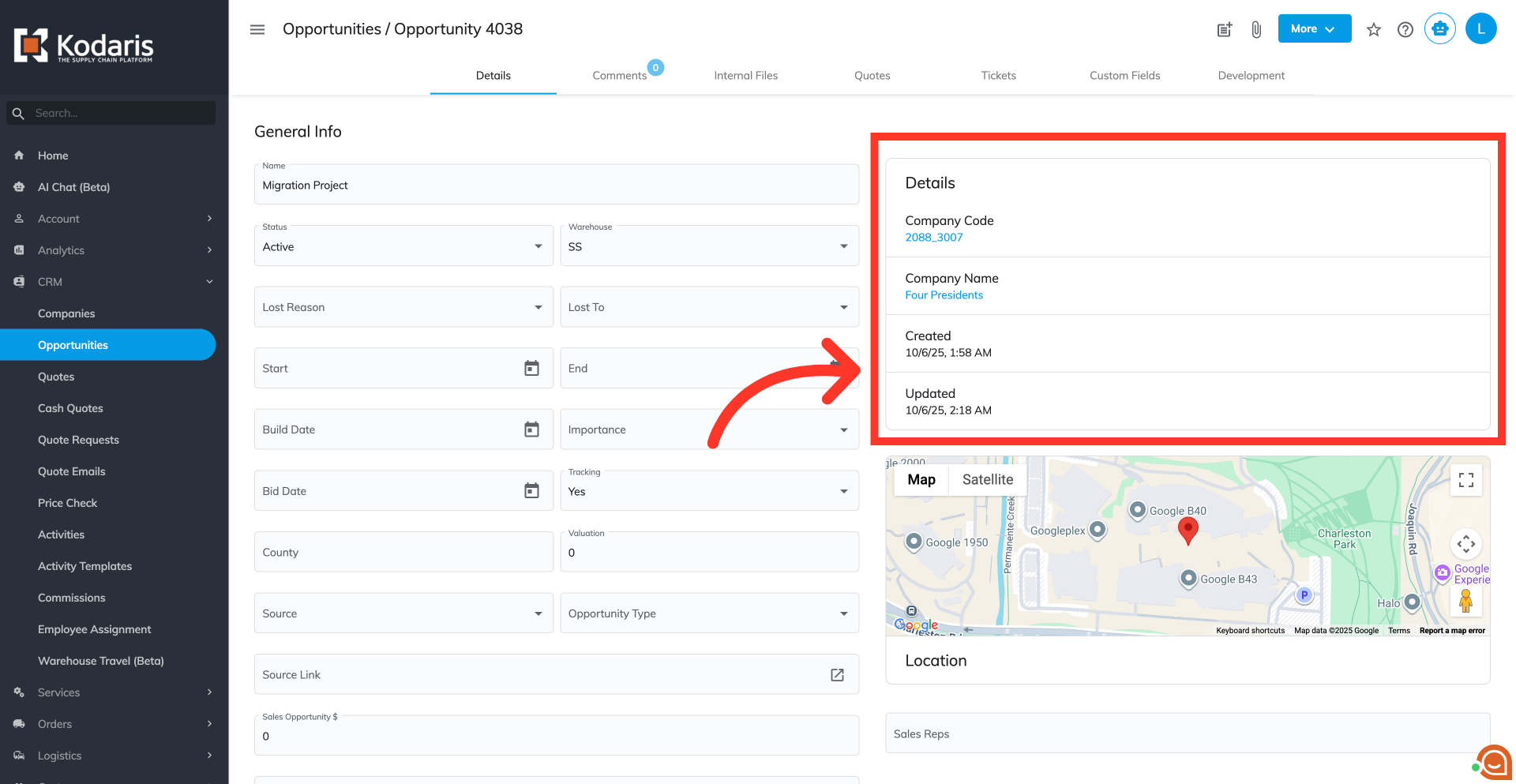
Confirm the assignment has been successfully established by reviewing the updated company information in the "Details" section of the Opportunity's "Details" tab.