Product Documentation
Product Documentation
Product Documentation
To start a cash quote from the search screen, navigate to the "CRM" section in the Operations Portal.
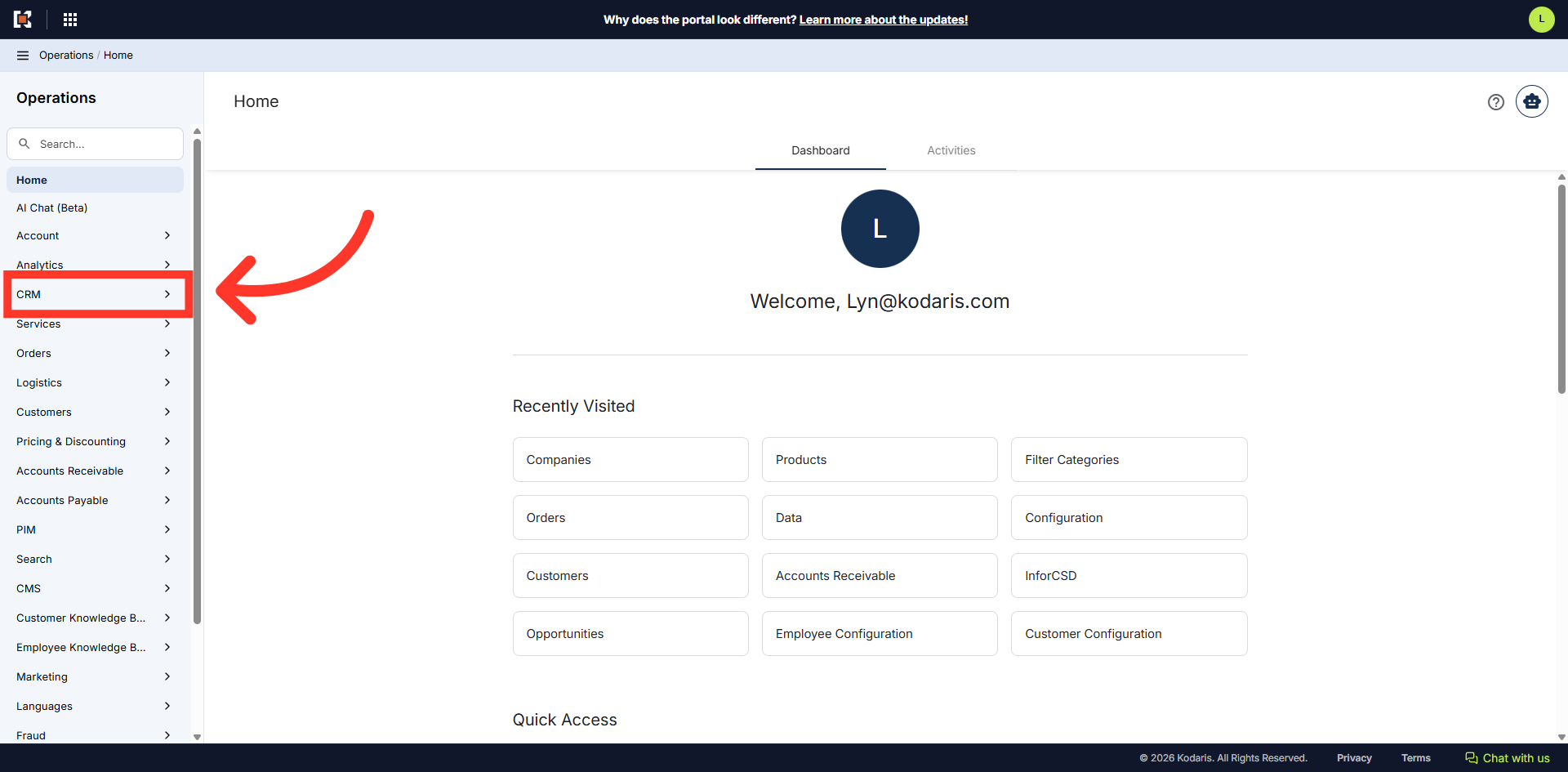
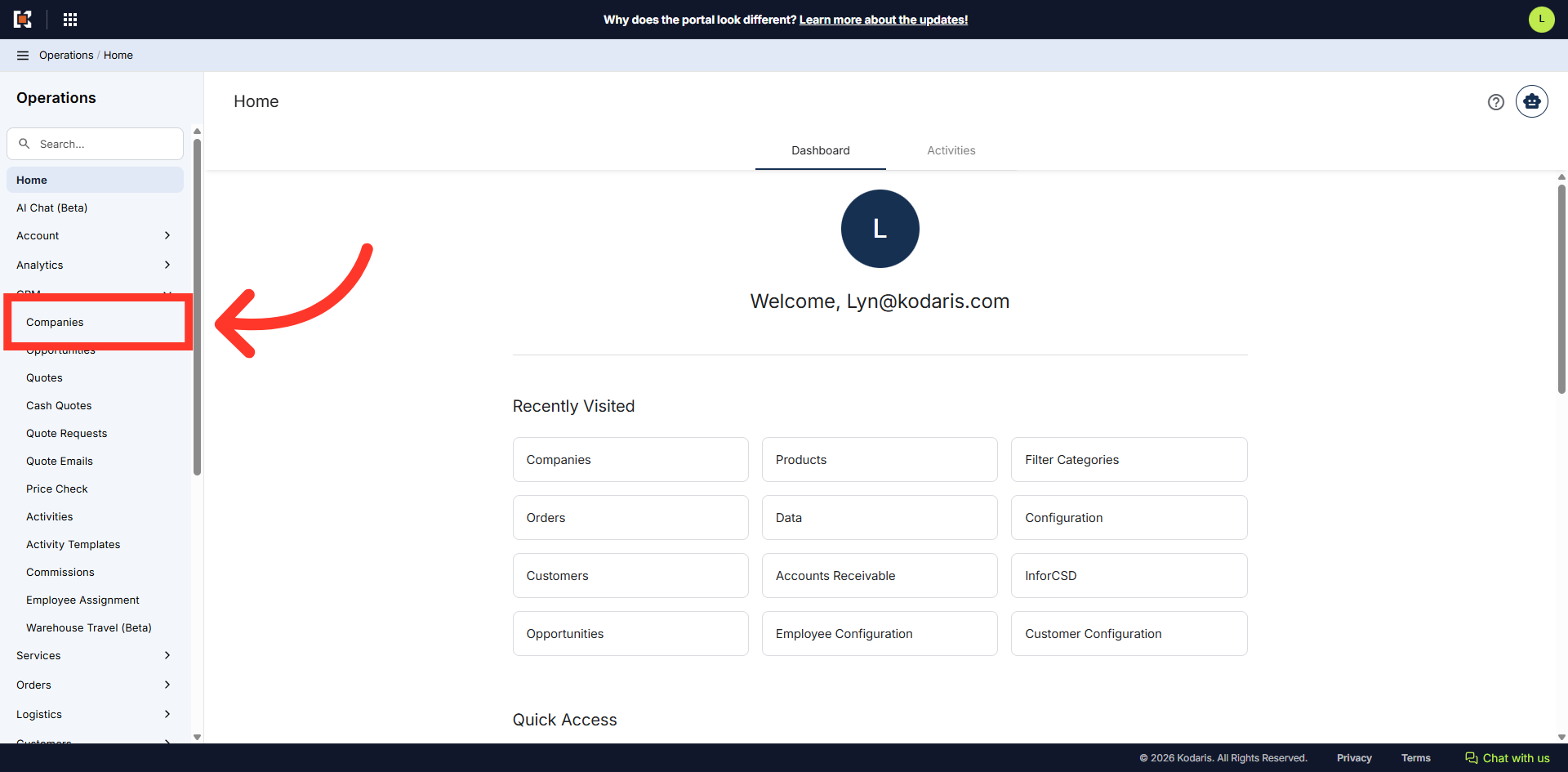
Then, click "Companies". In order to access "Companies", you will need to be set up either as an "administrator" or a "superuser", or have the appropriate roles: "companyView" and "companyEdit", or "crmCompanyView" and "crmCompanyEdit". Just a reminder, "crmCompanyView" and "crmCompanyEdit" access only allows employees to access companies that are assigned to them.
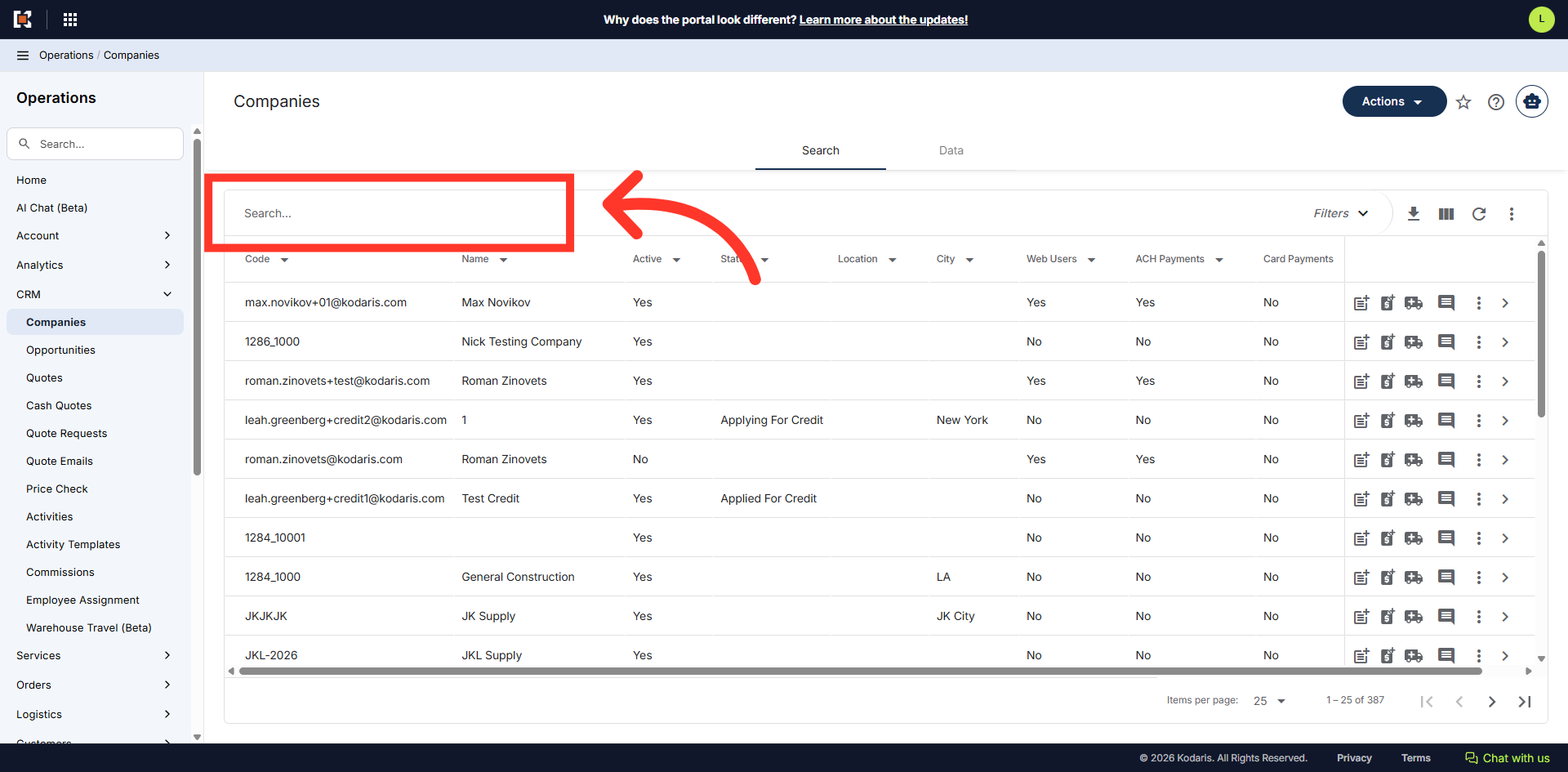
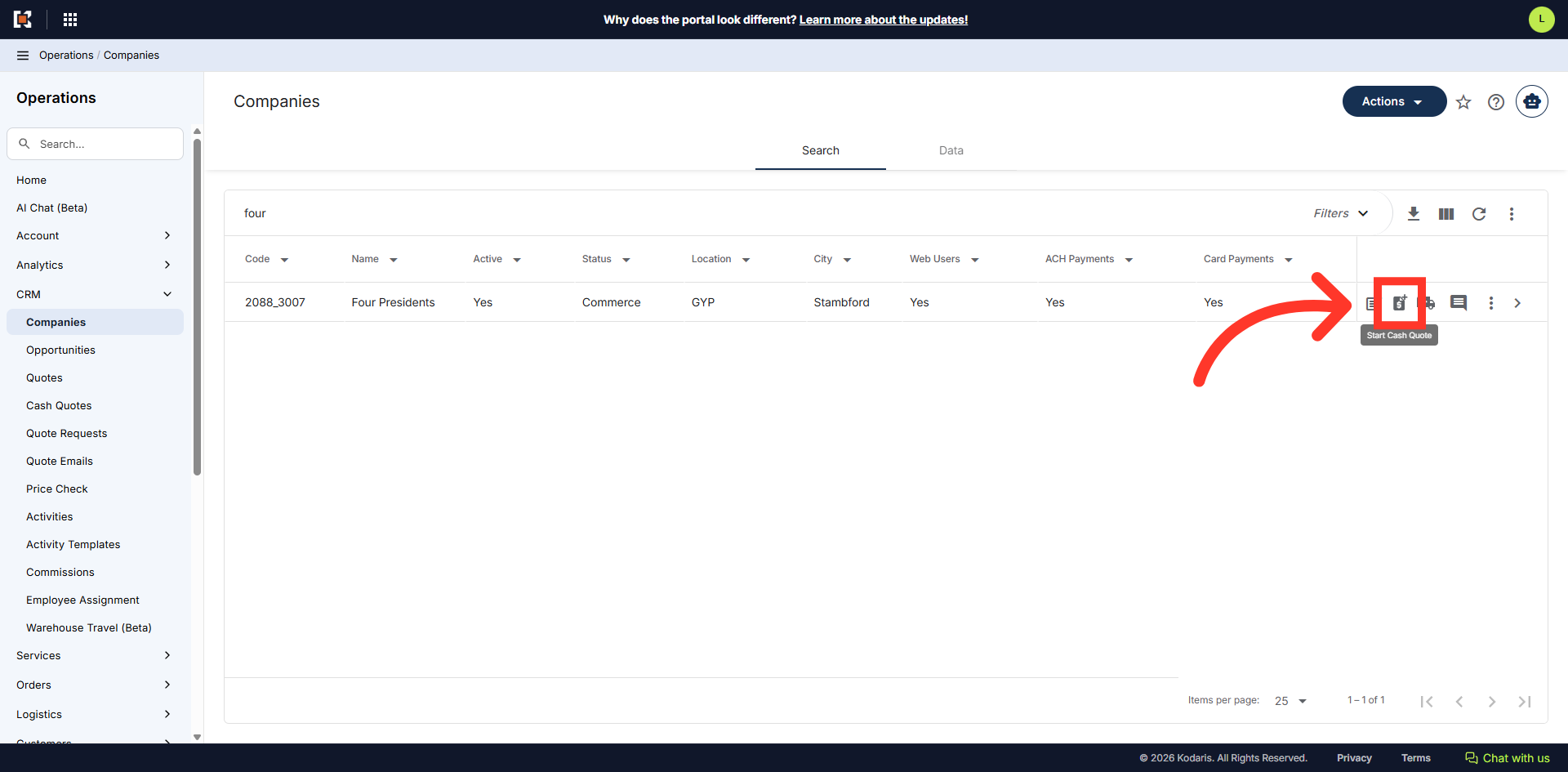
Locate the company you want to create a cash quote by typing the company name or company code in the "Search..." field. The search results will display matching companies in a grid format.
Click on the "Start Cash Quote" icon.
A new cash quote will be created and opened. Once it is created you can update any needed details and add items.