Product Documentation
Product Documentation
Product Documentation
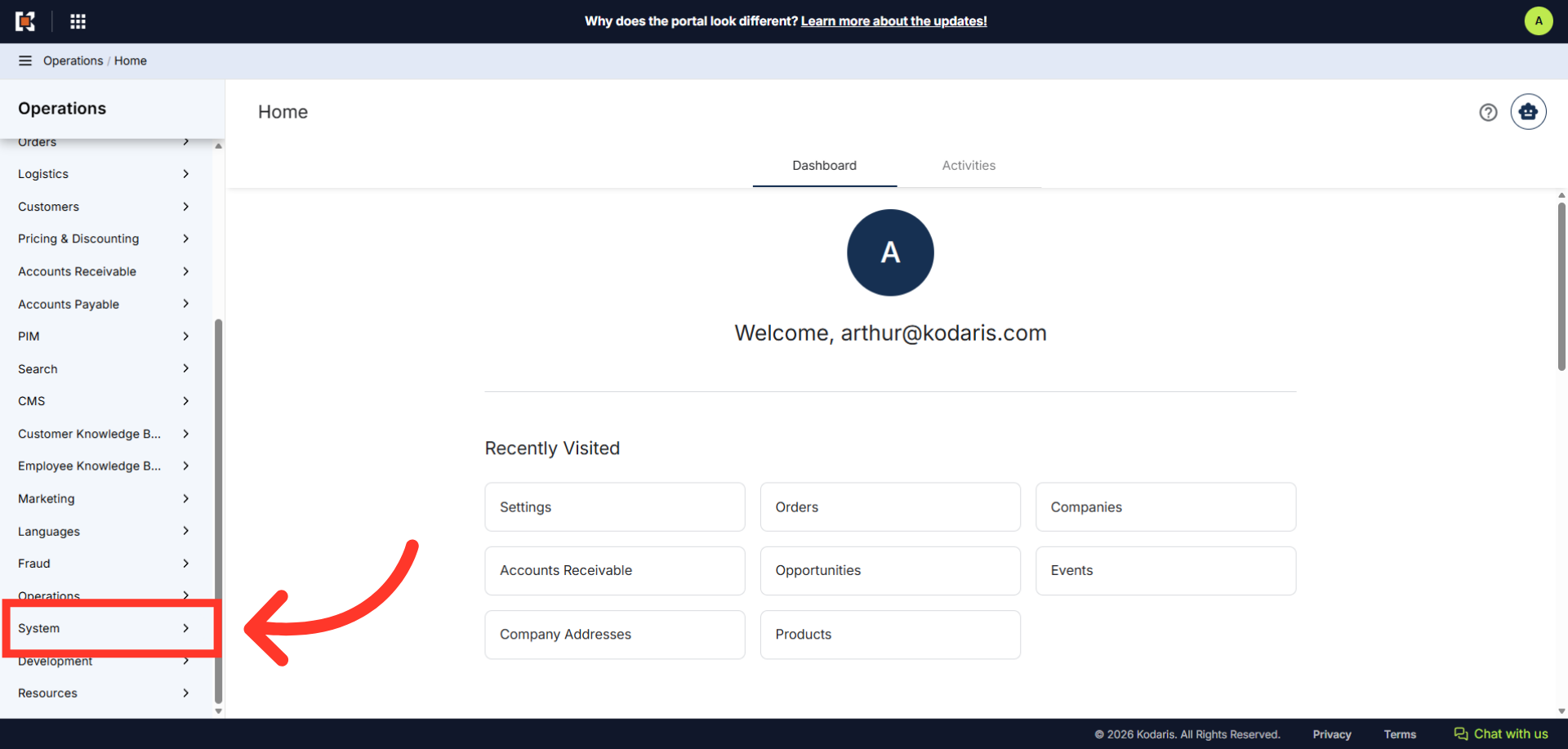
"Company Assignment Types" can be used when assigning employees to a company account. This customizable dropdown helps you categorize the type of relationship or role an employee has with a specific company, for example: Customer Success, Sales, Support, or Technical. To configure this setting, navigate to the "System" section in the Operations Portal.
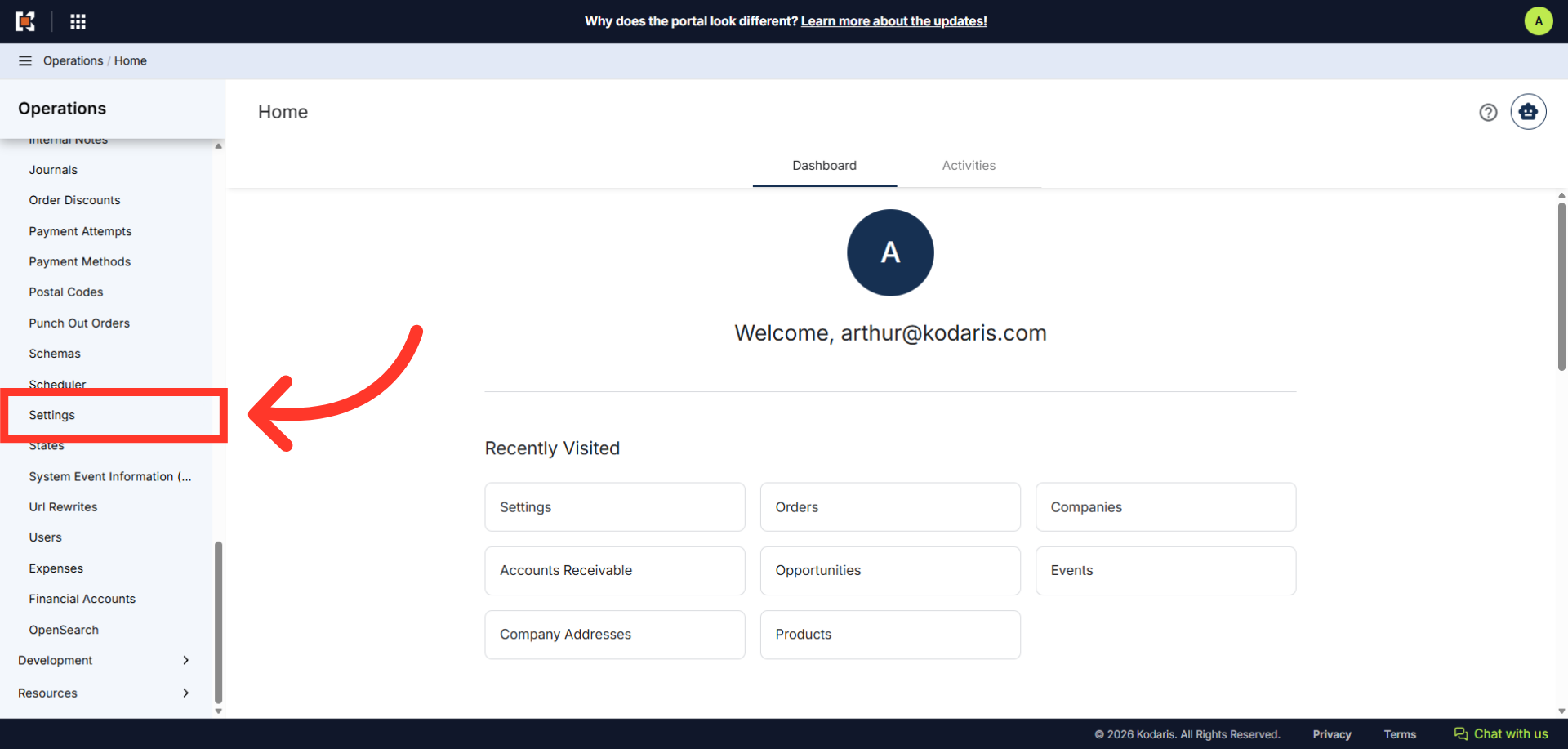
Then, click "Settings". In order to access and edit settings, you will need to be set up either as an "administrator" or a "superuser", or have the following roles: "settingEdit".
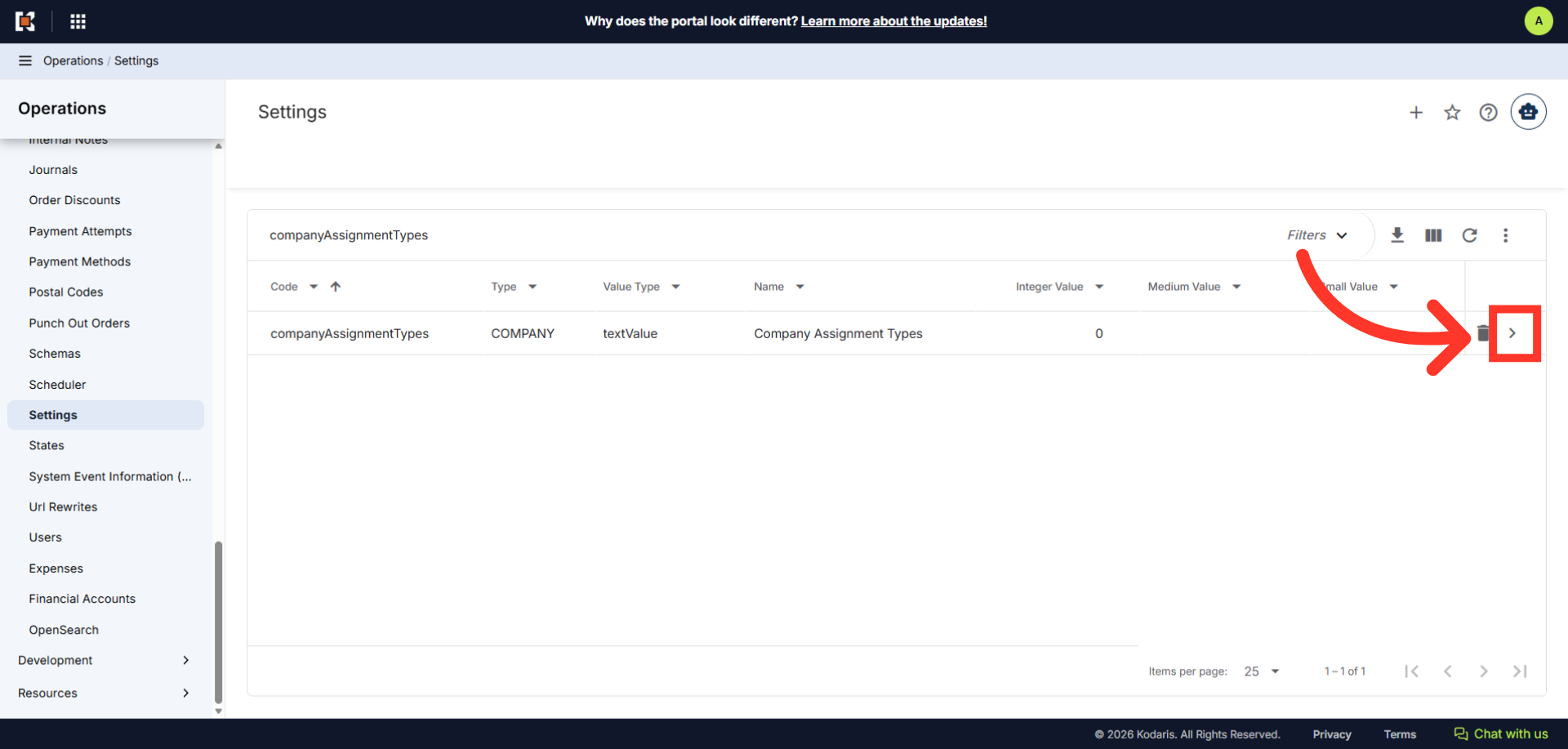
Search for "companyAssignmentTypes".
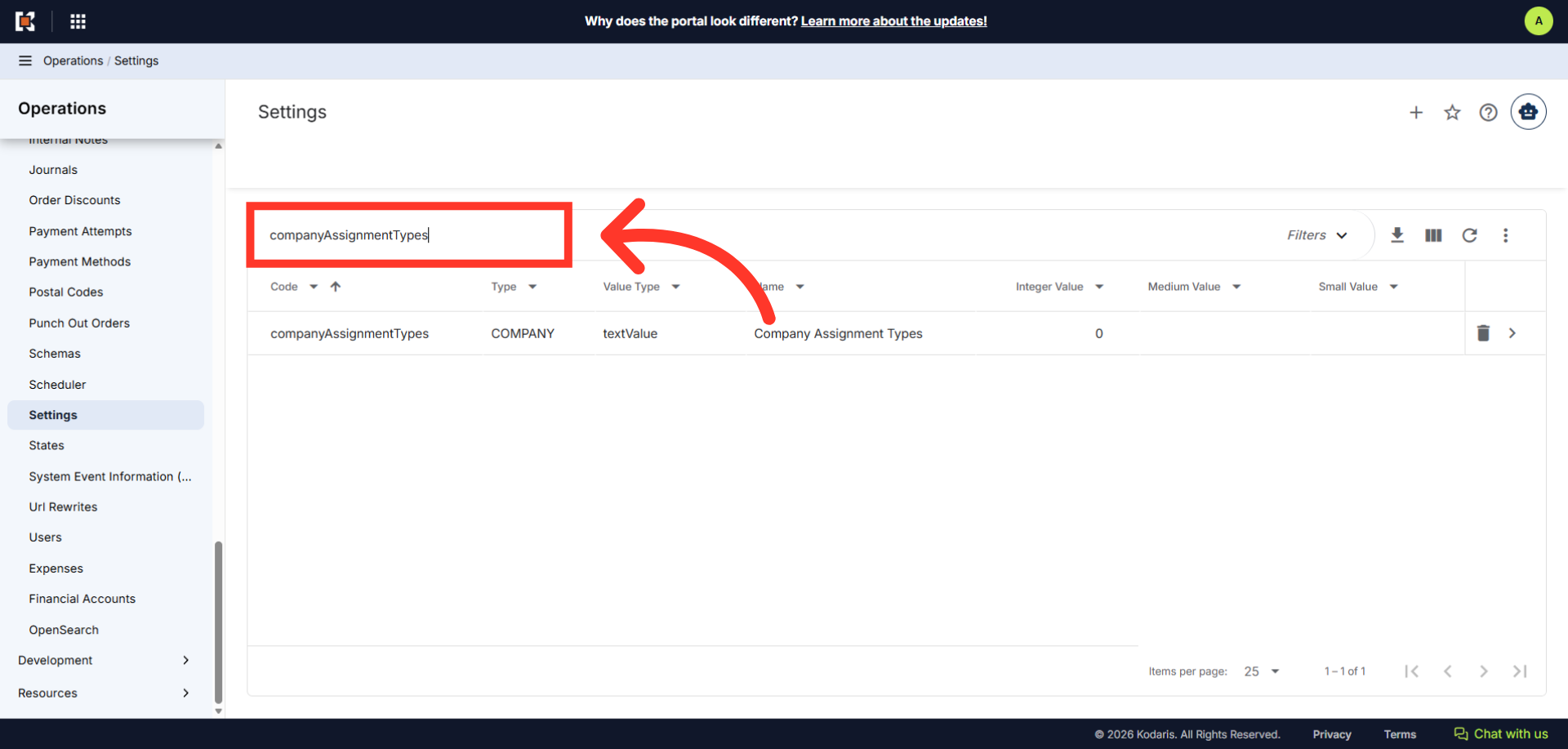
Click on the more details icon.
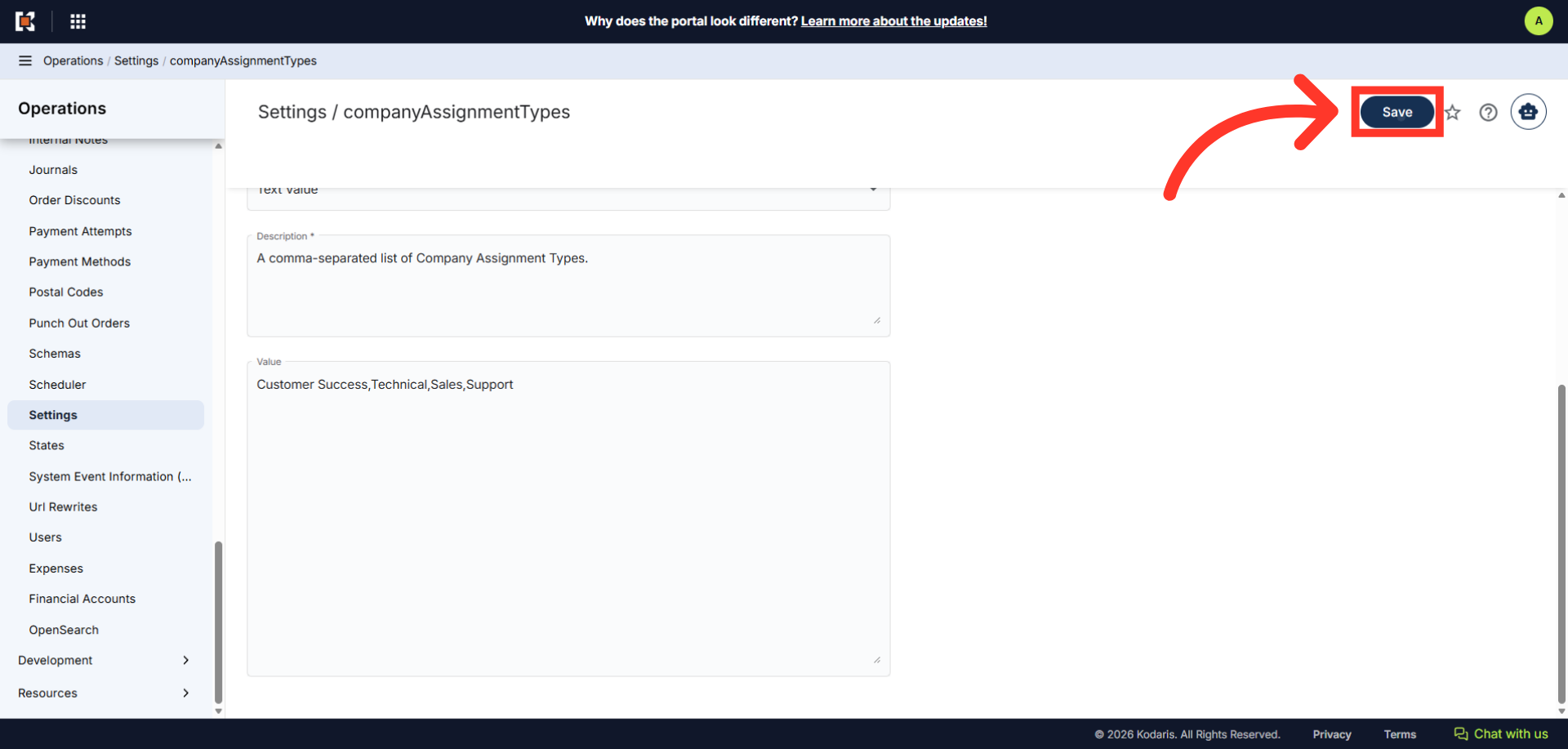
In the "Value" field, enter the assignment types you would like to add, separated by commas.
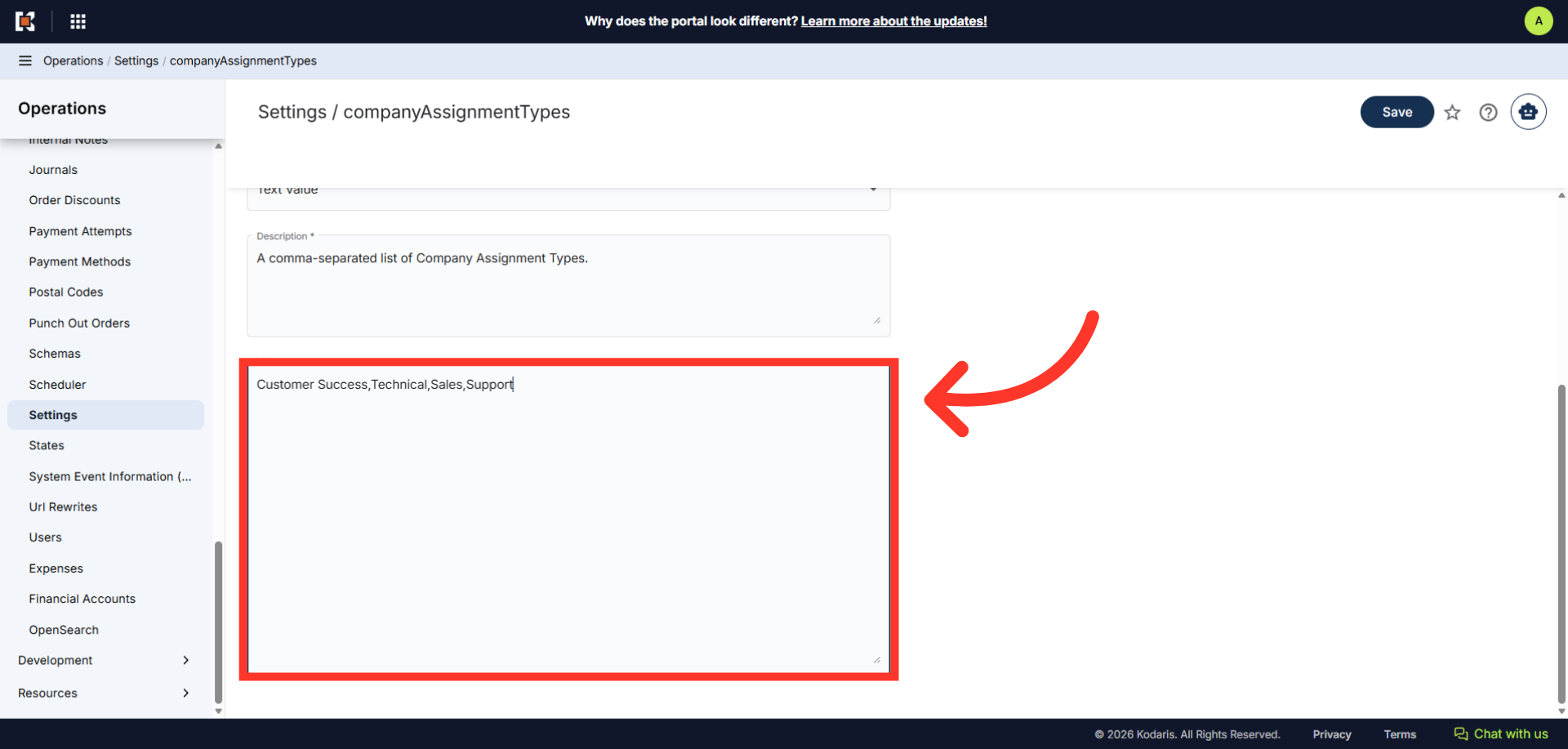
Once done, click the "Save" button to apply the changes. Once your values have been added, the options will appear in the "Company Assignment Type" options.