Product Documentation
Product Documentation
Product Documentation
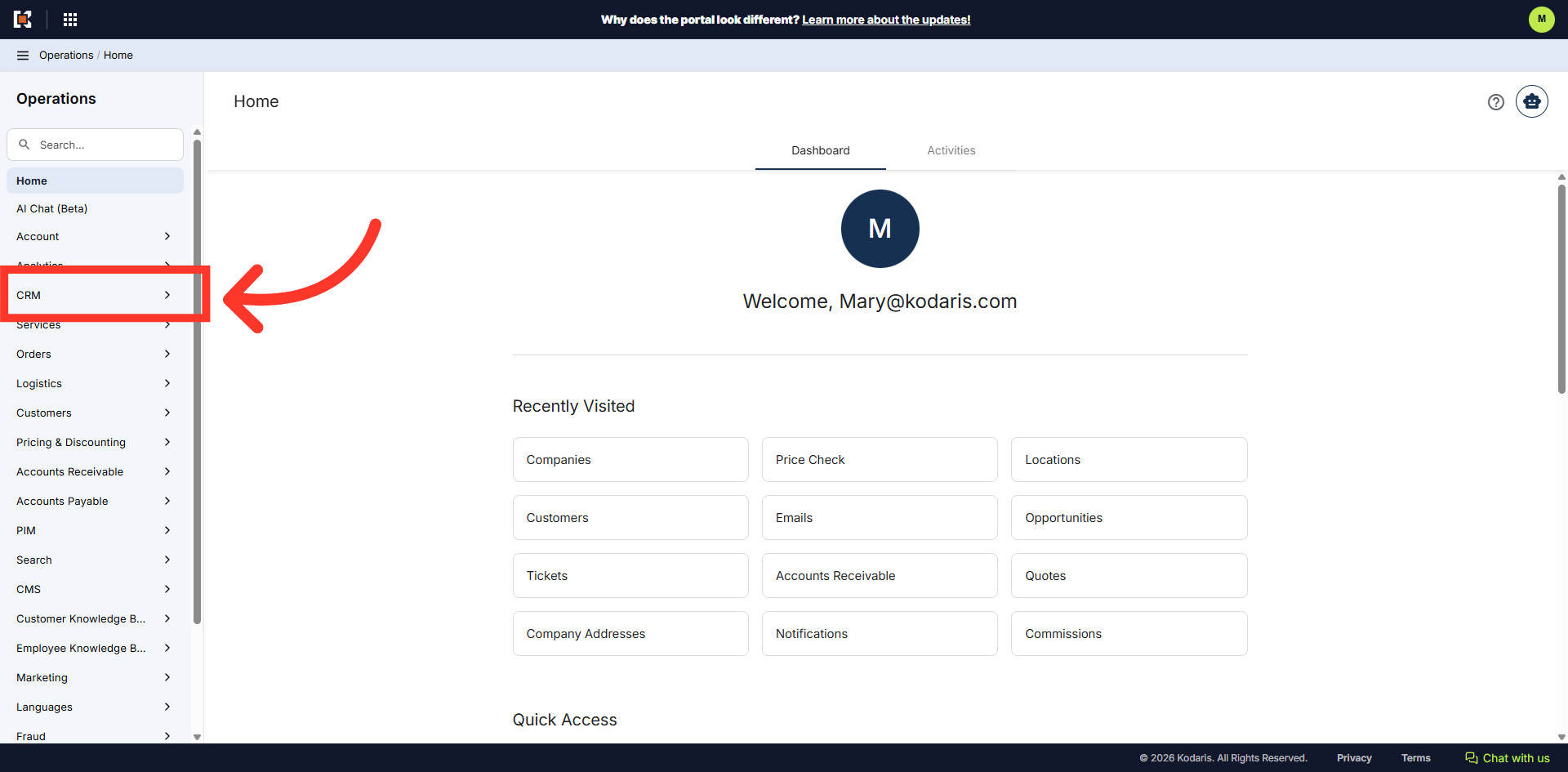
To search or filter on a company using the "CRM" section, navigate to "CRM" in the Operations Portal.
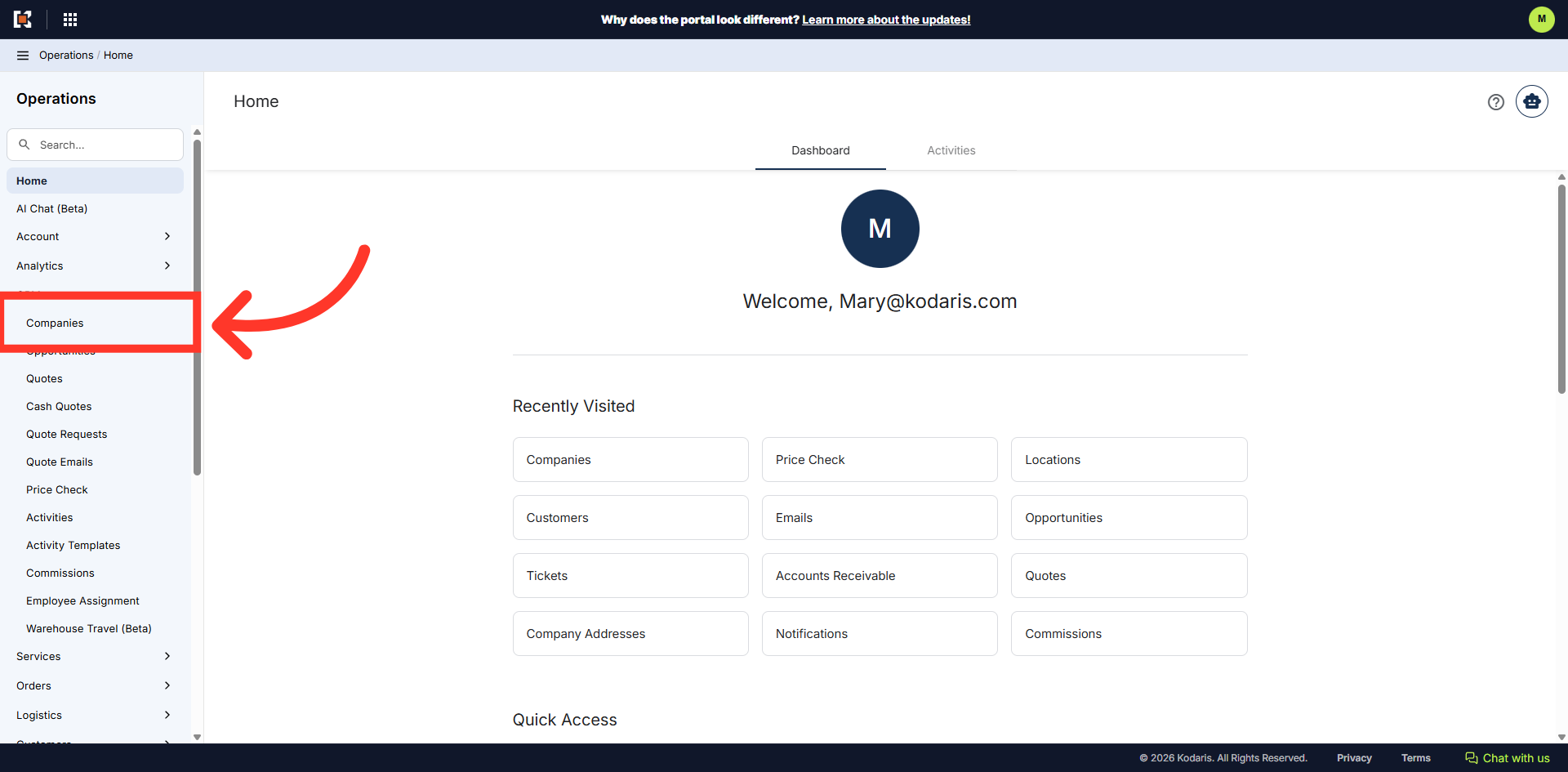
Then, click "Companies". In order to access "Companies" you will need to be set up either as an "administrator" or a "superuser", or have the appropriate roles: "companyEdit", or "crmCompanyEdit". Just a reminder, "crmCompanyEdit" access only allows employees to access companies that are assigned to them.
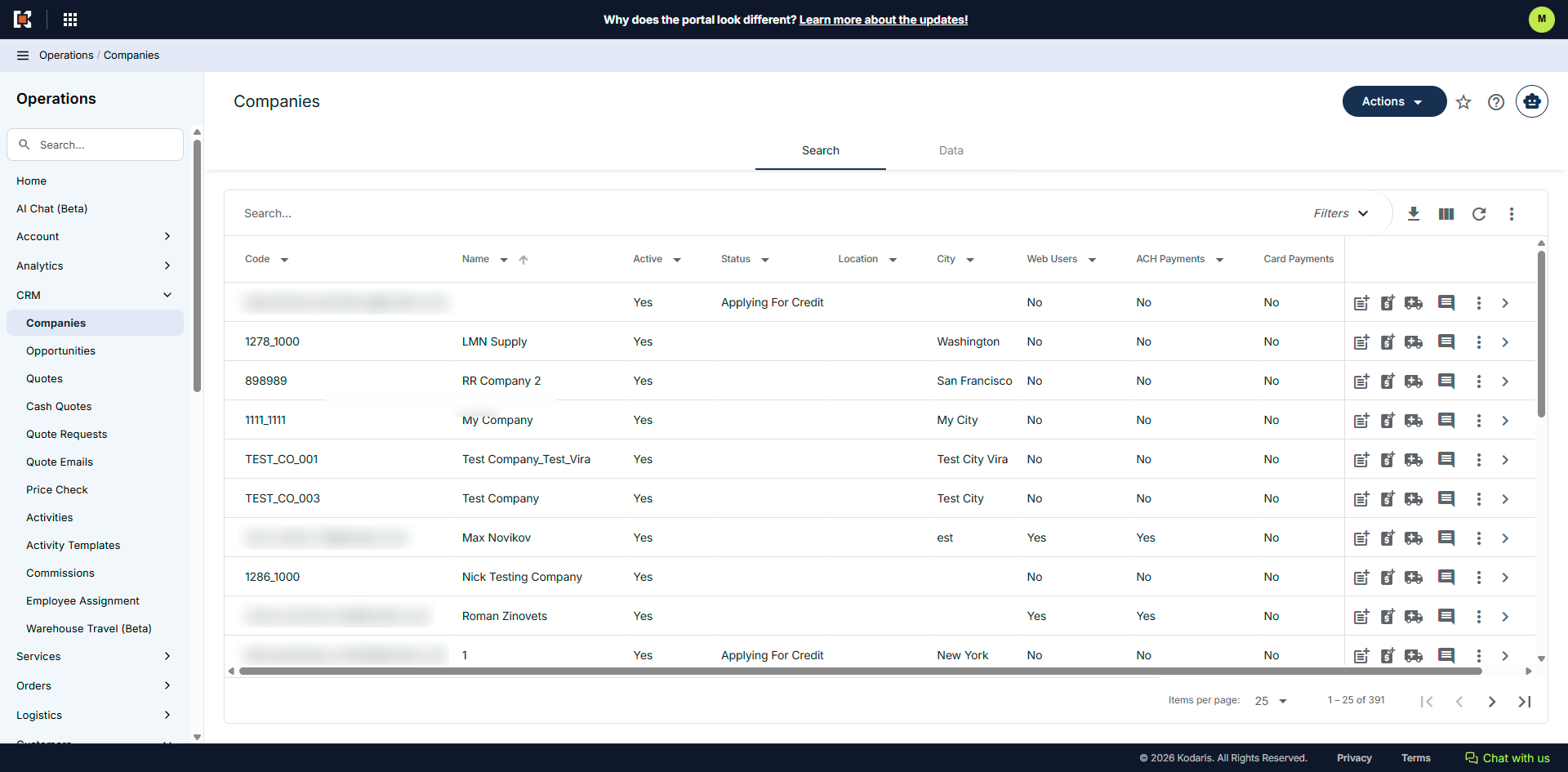
You will see the list of companies on this screen. There are various ways to search for a company and one is to simply browse the list here.
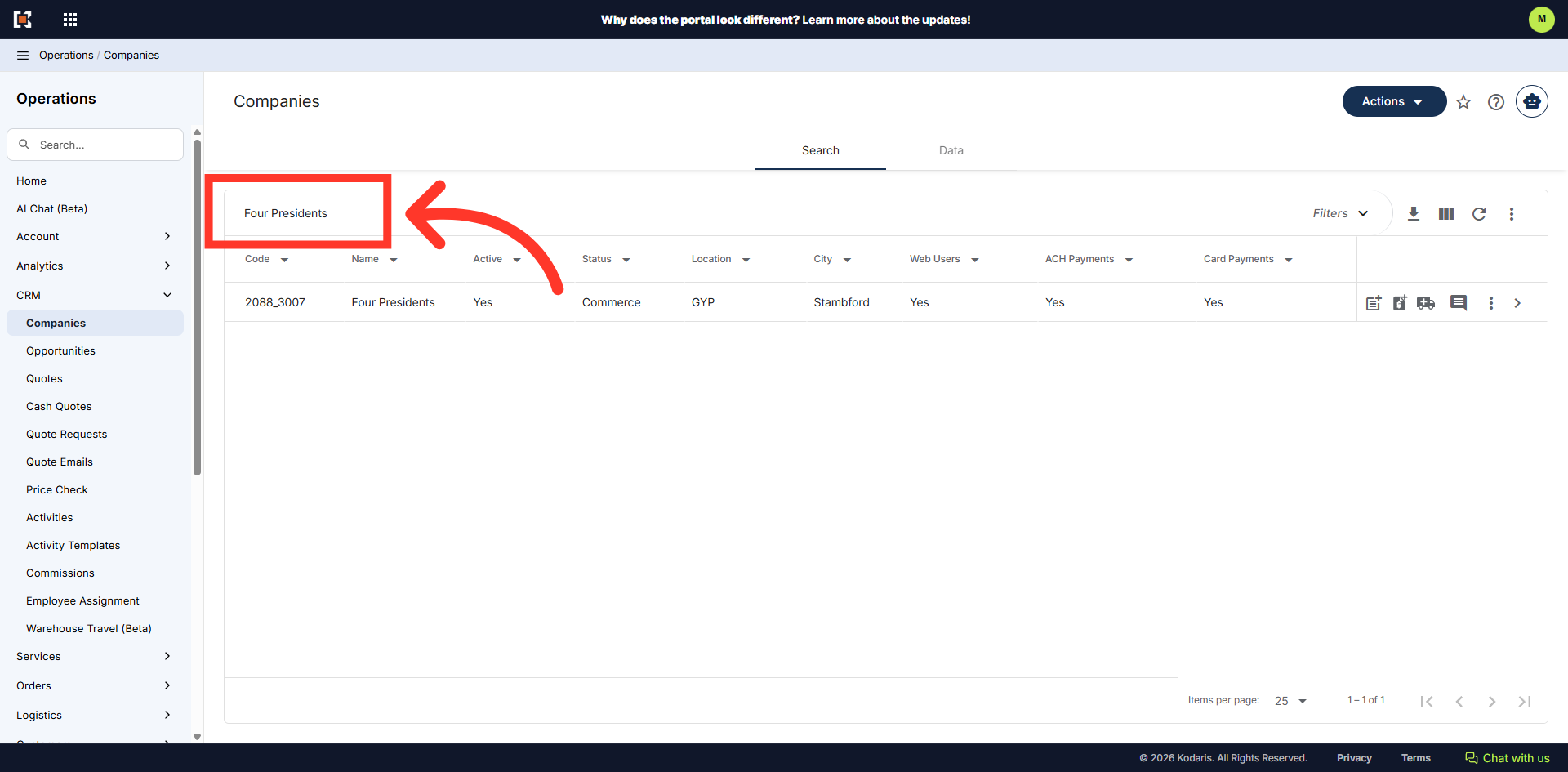
You can also type to search in the "Search" field. Companies matching the keywords will be shown as you type.
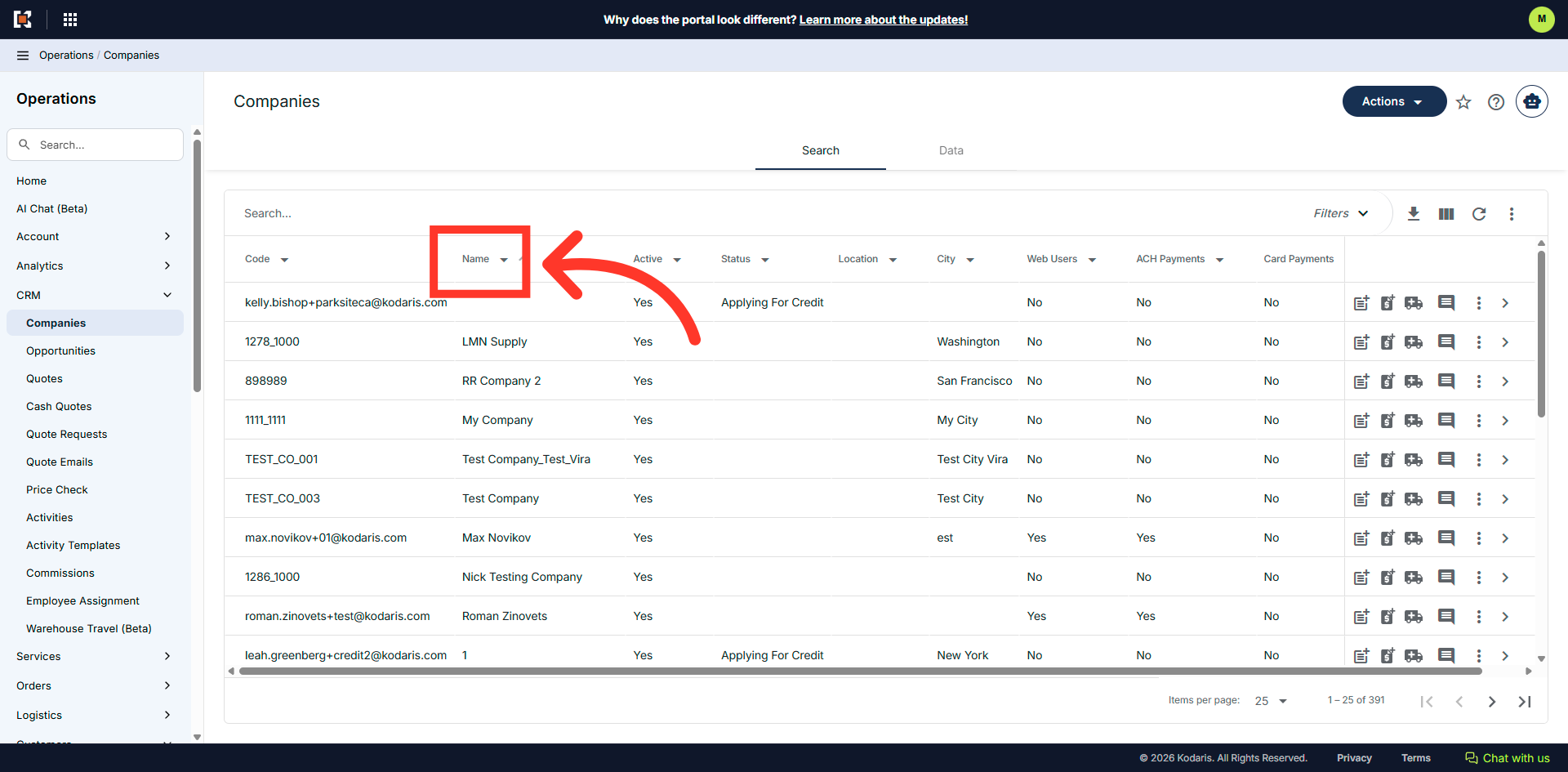
Additionally, you can use column filters to find a specific company. Let's try filtering through the "Name" column. Click the column filter dropdown.
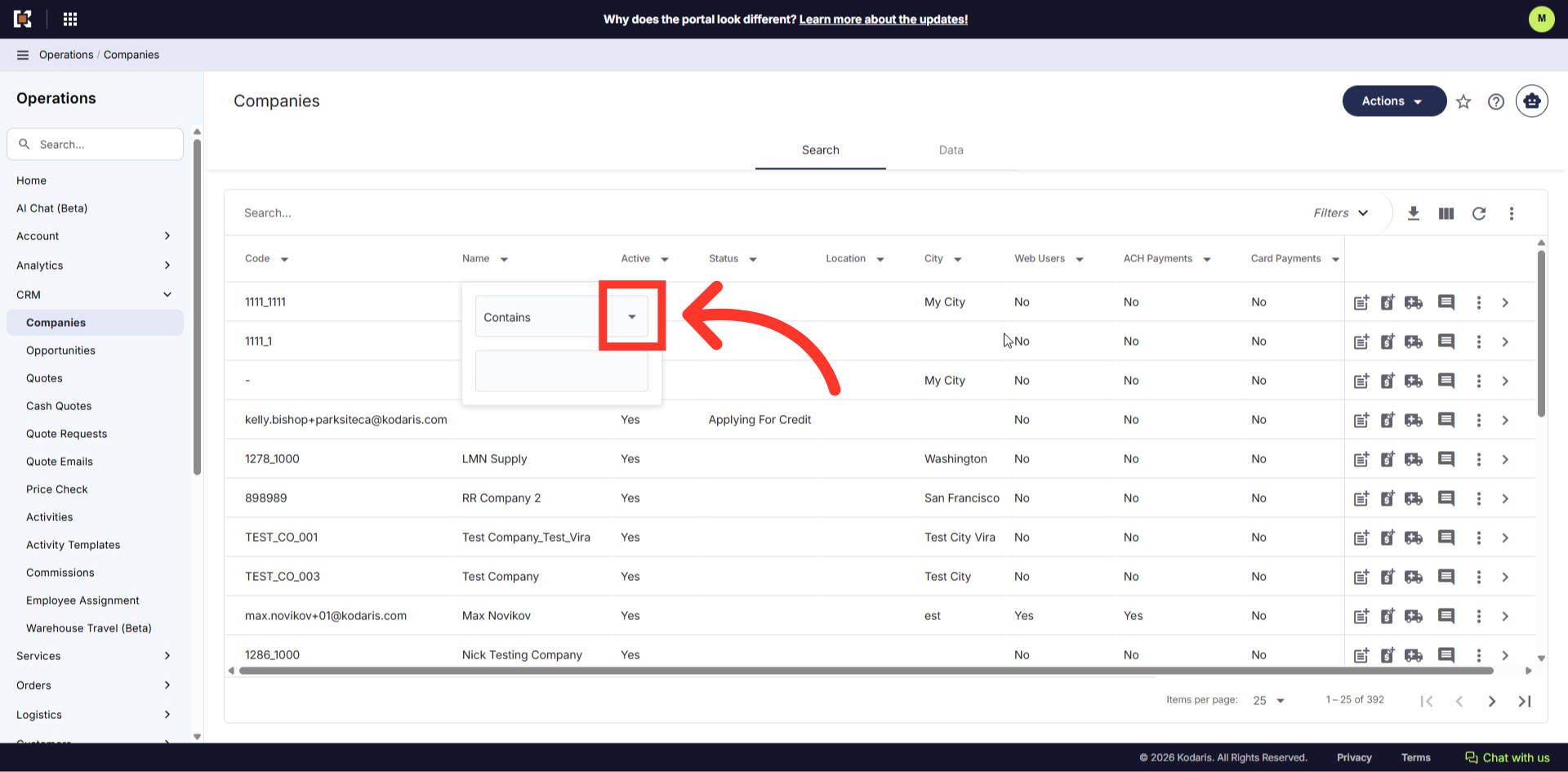
Click the dropdown to see different filter options.
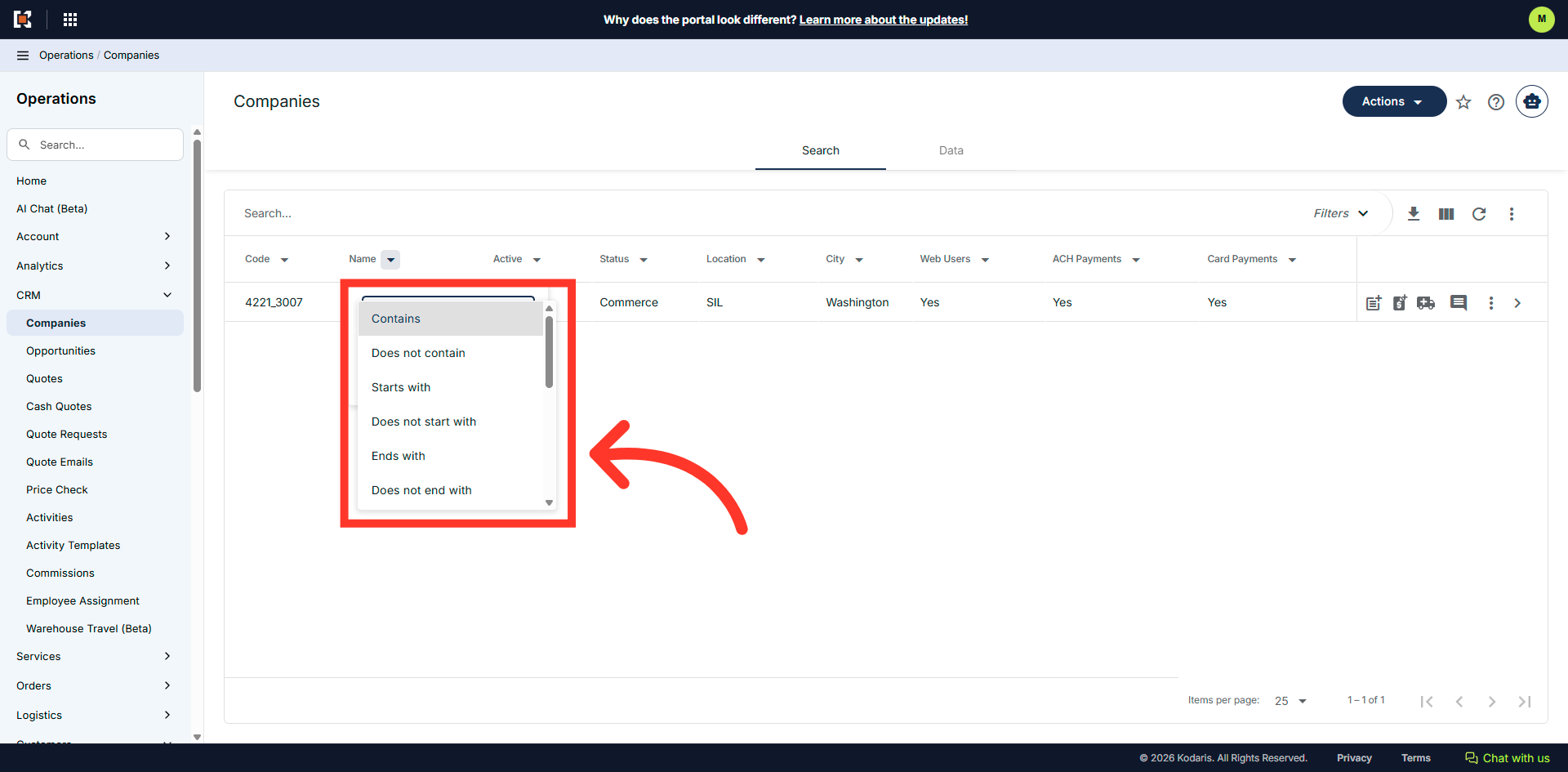
Then, select from the dropdown options.
Enter a company keyword.
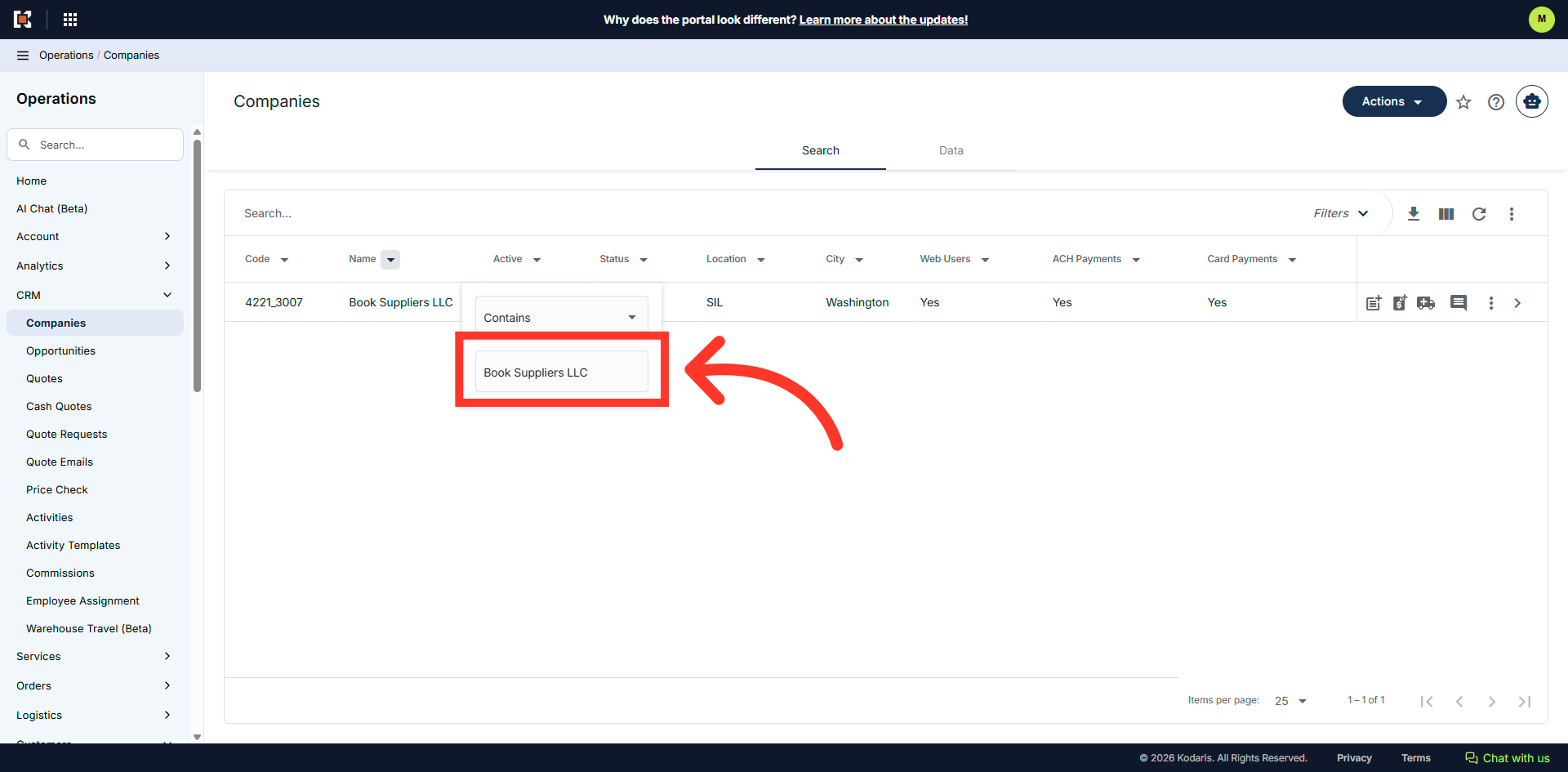
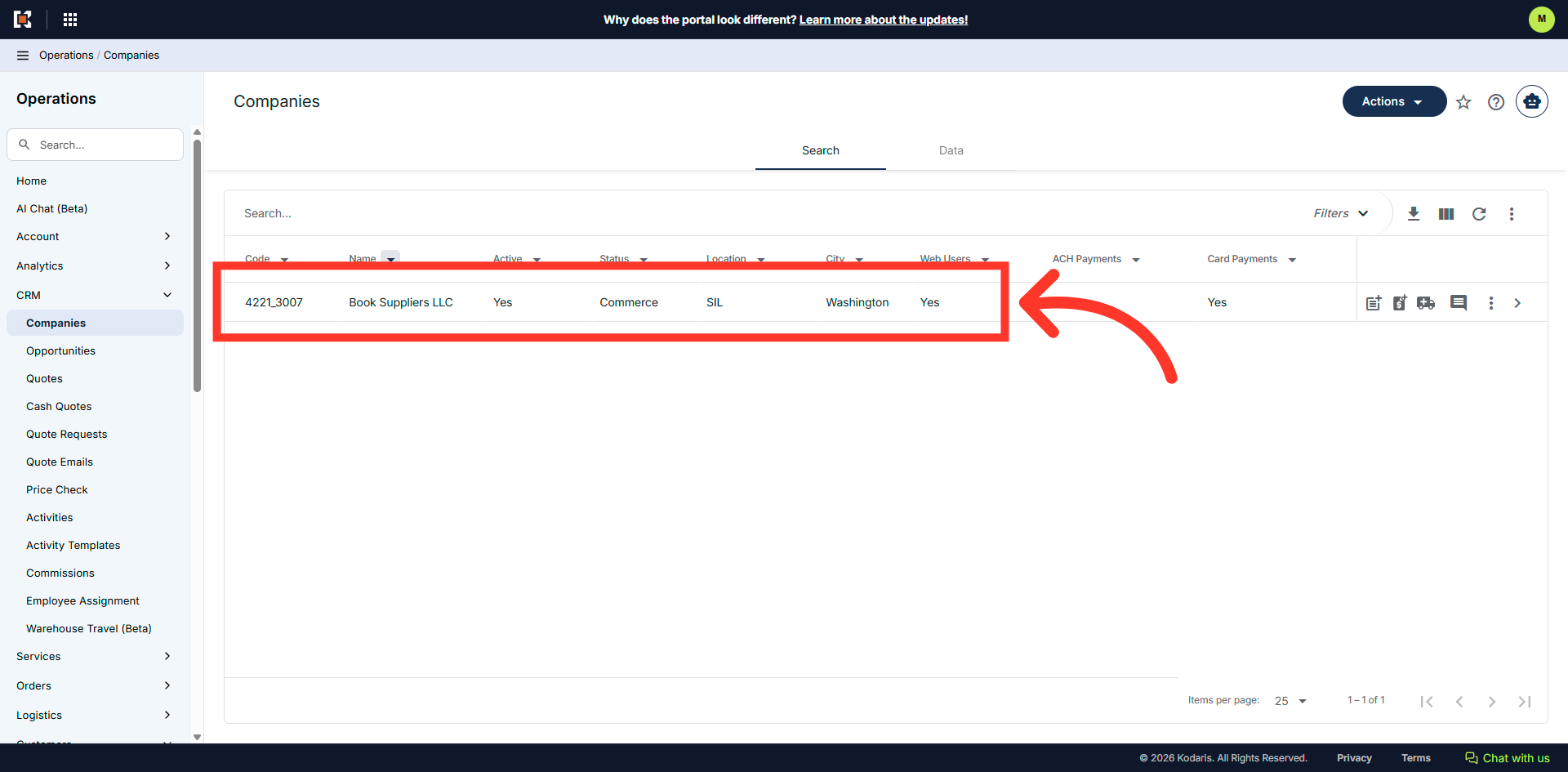
Companies matching the keywords will be shown on the screen.