 Product Documentation
Product Documentation
Product Documentation
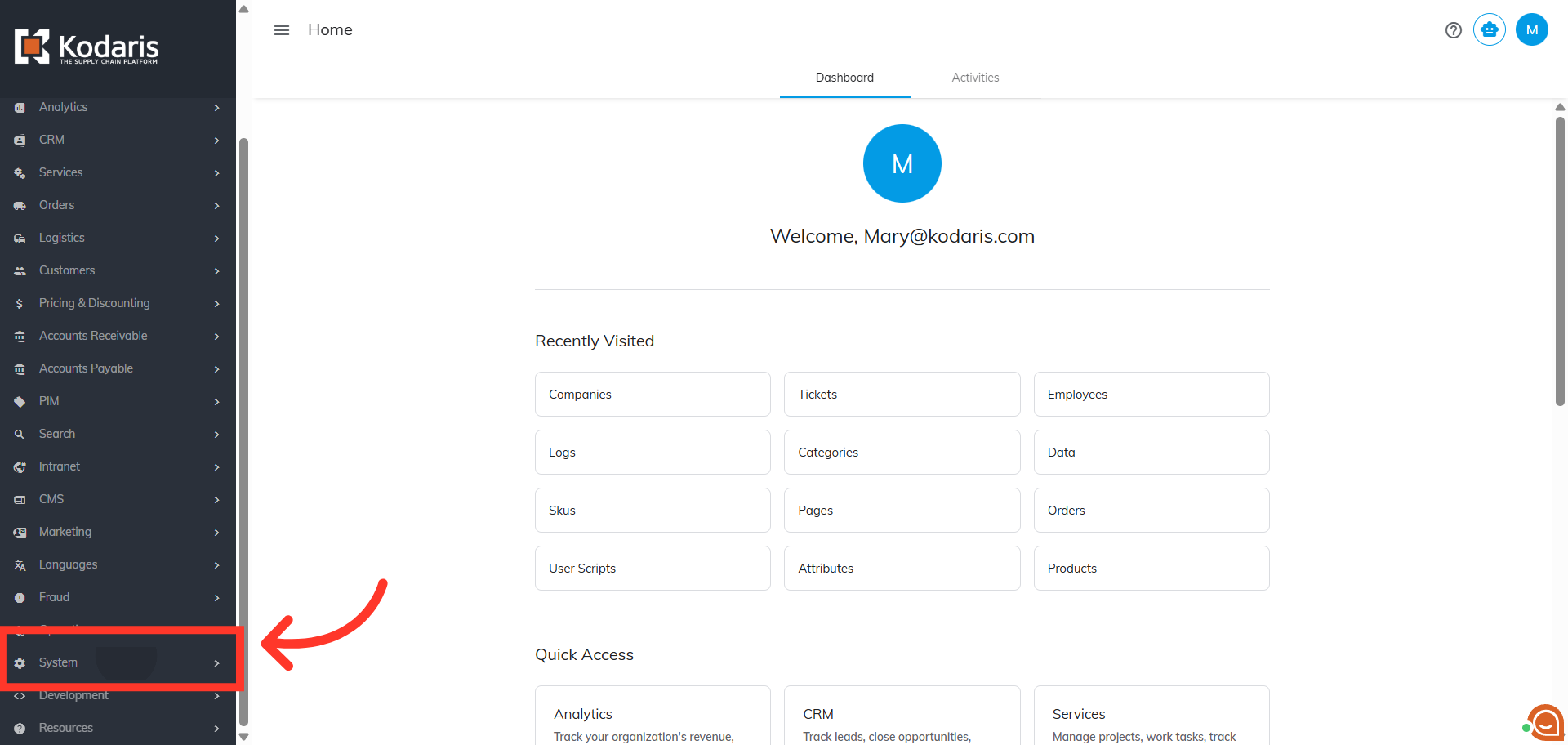
To customize internal flags for tickets navigate to the "System" section in the Operations Portal. Internal flags are only visible to operations portal users.
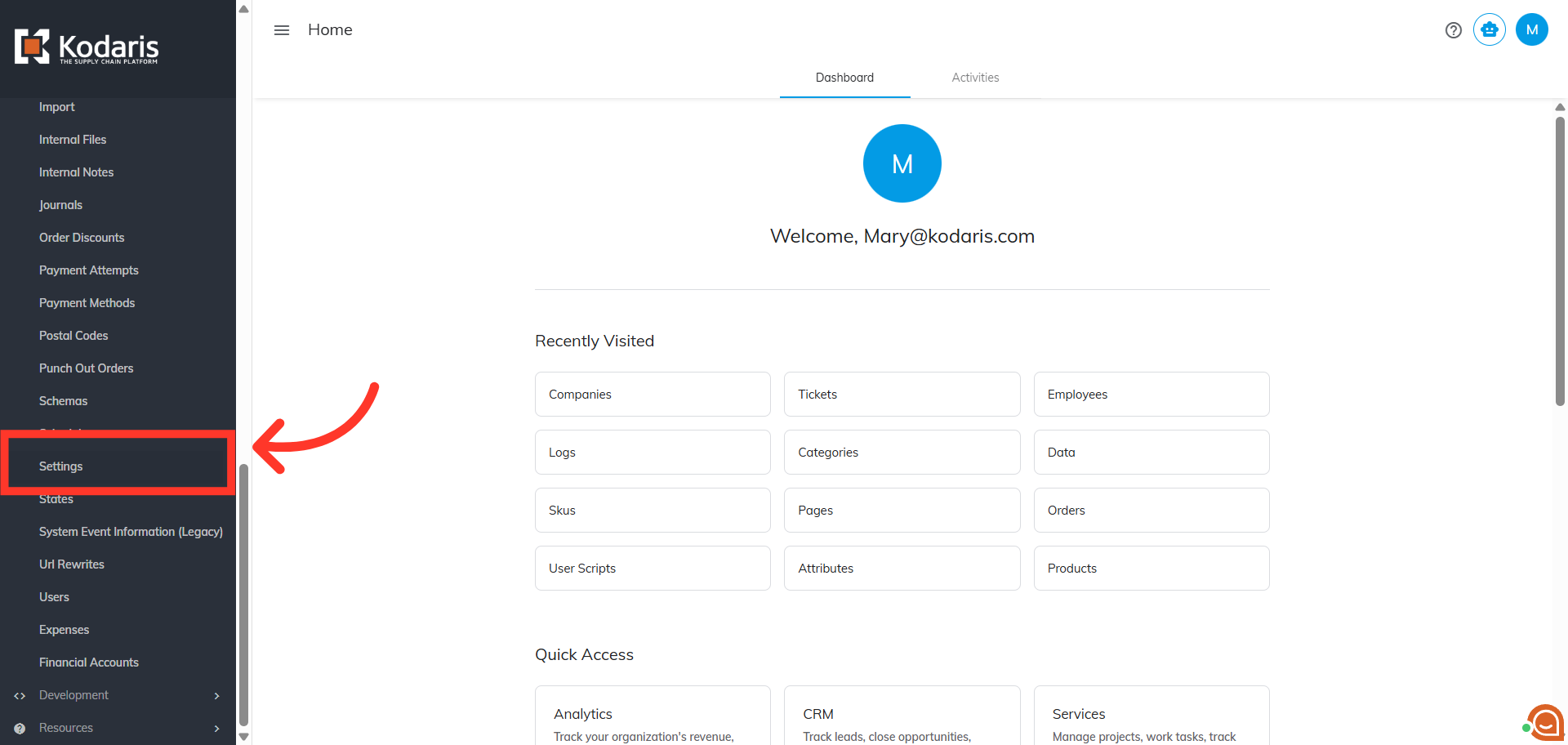
Click "Settings". In order to access and edit settings, you will need to be set up either as an “administrator” or a "superuser", or have the following roles: "settingEdit" and "settingView".
Search for "ticketflags" setting.

Locate the setting and click the more details icon.

Enter the ticket flags values you preferred in the "Value" field, separated by commas.
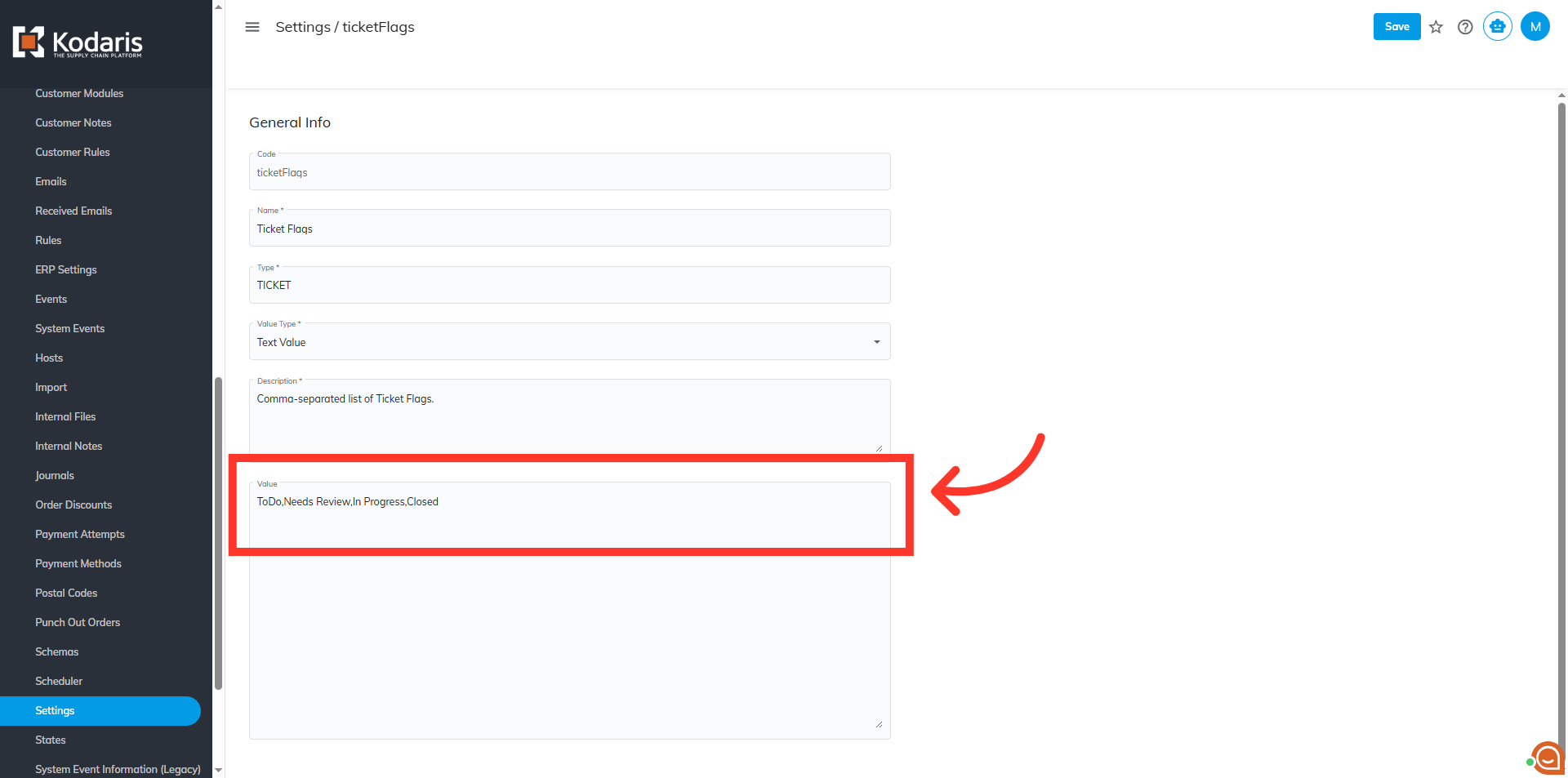
Click "Save" to save the update.

After configuring the internal flags for the ticket, check the configured dropdown by going to the "Services" section.

Then, click "Tickets." In order to access and update "Tickets", you will need to be set up either as an "administrator" or a "superuser", or have the roles of: "ticketView" and "ticketEdit".

You can check the values on the ticket details page. Click on the more details icon on a ticket.

The "Flag" field on the details page of any ticket will show the list of values you configured in the settings as a dropdown
