Product Documentation
Product Documentation
Product Documentation
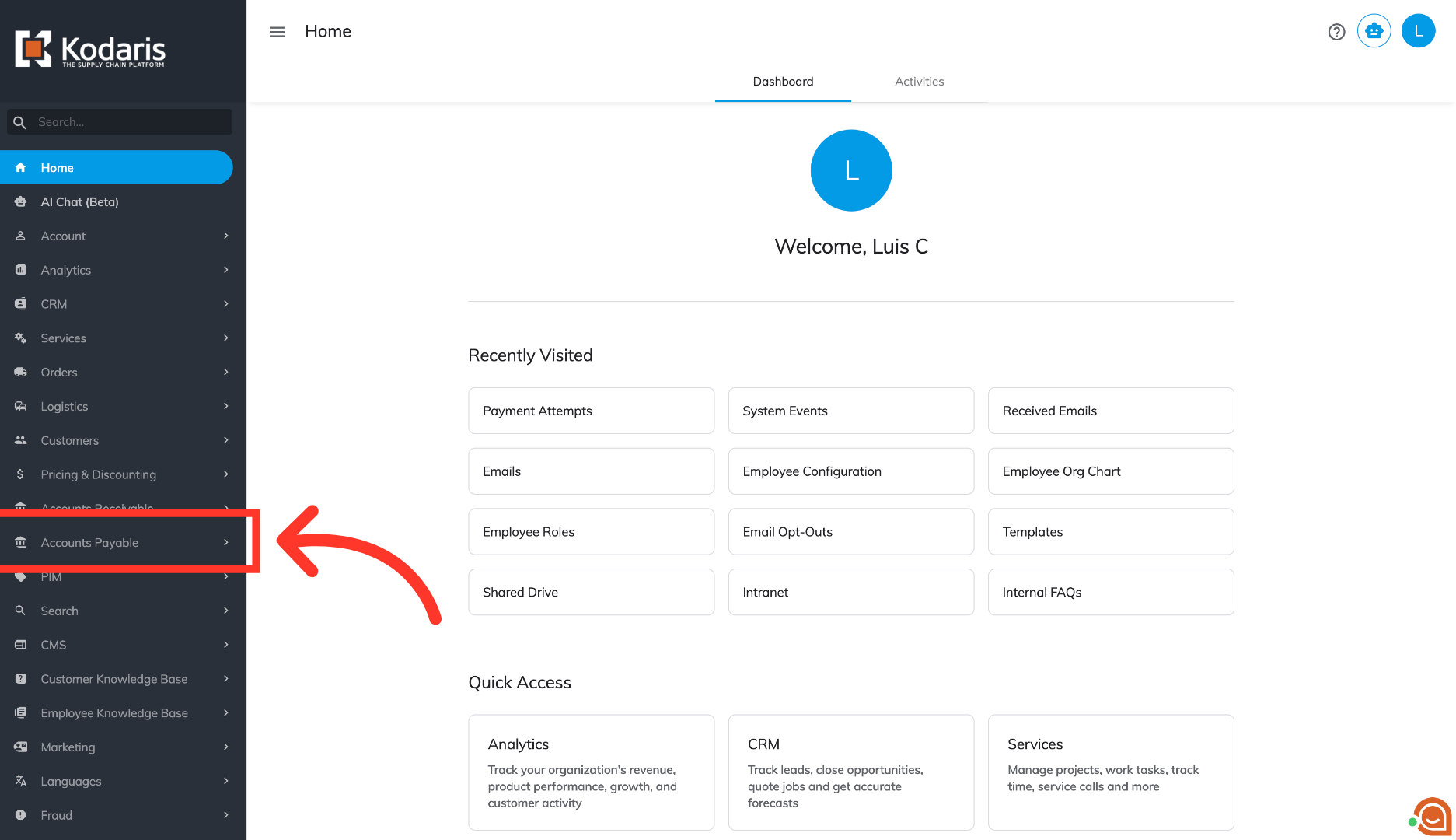
To add comments on vendor purchase orders, navigate to "Accounts Payable" in the operations portal
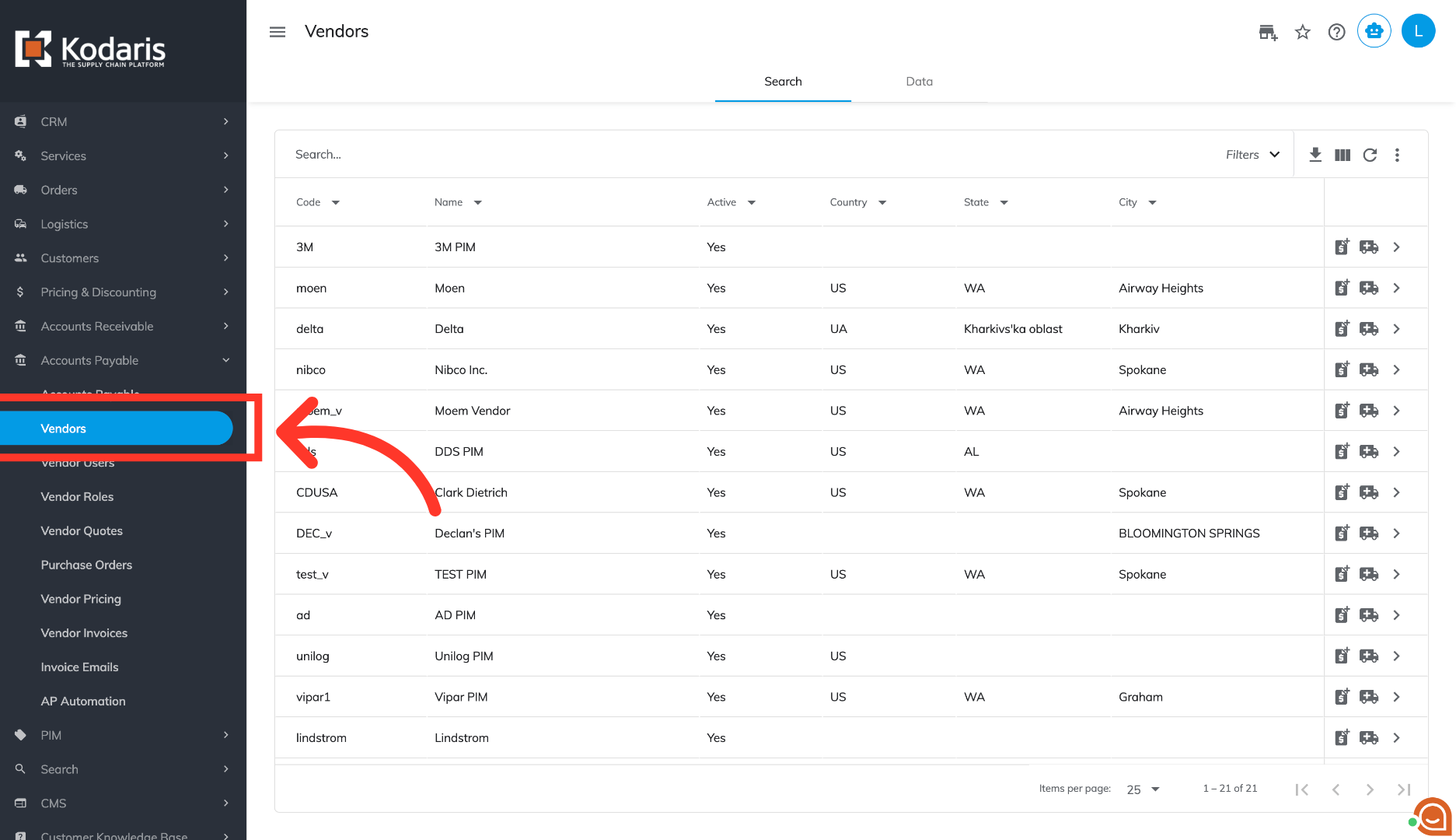
Click "Vendors". In order to access "Vendors" the account will need to be set up either as an "administrator" or a "superuser", or have the appropriate roles: "vendorView", "vendorEdit", "purchaseOrderView" and "purchaseOrderEdit."
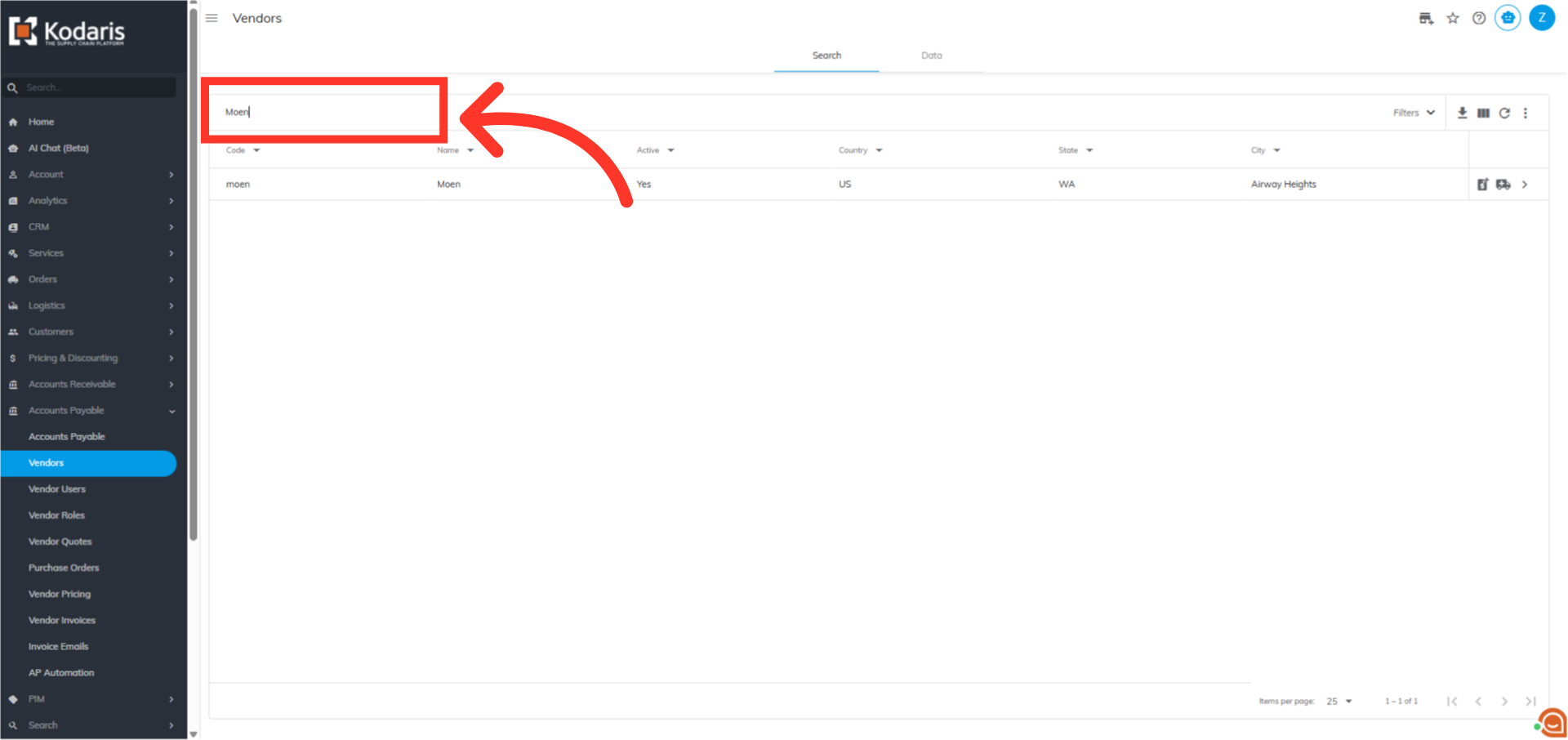
Click into the search field and enter a search term to locate the vendor.
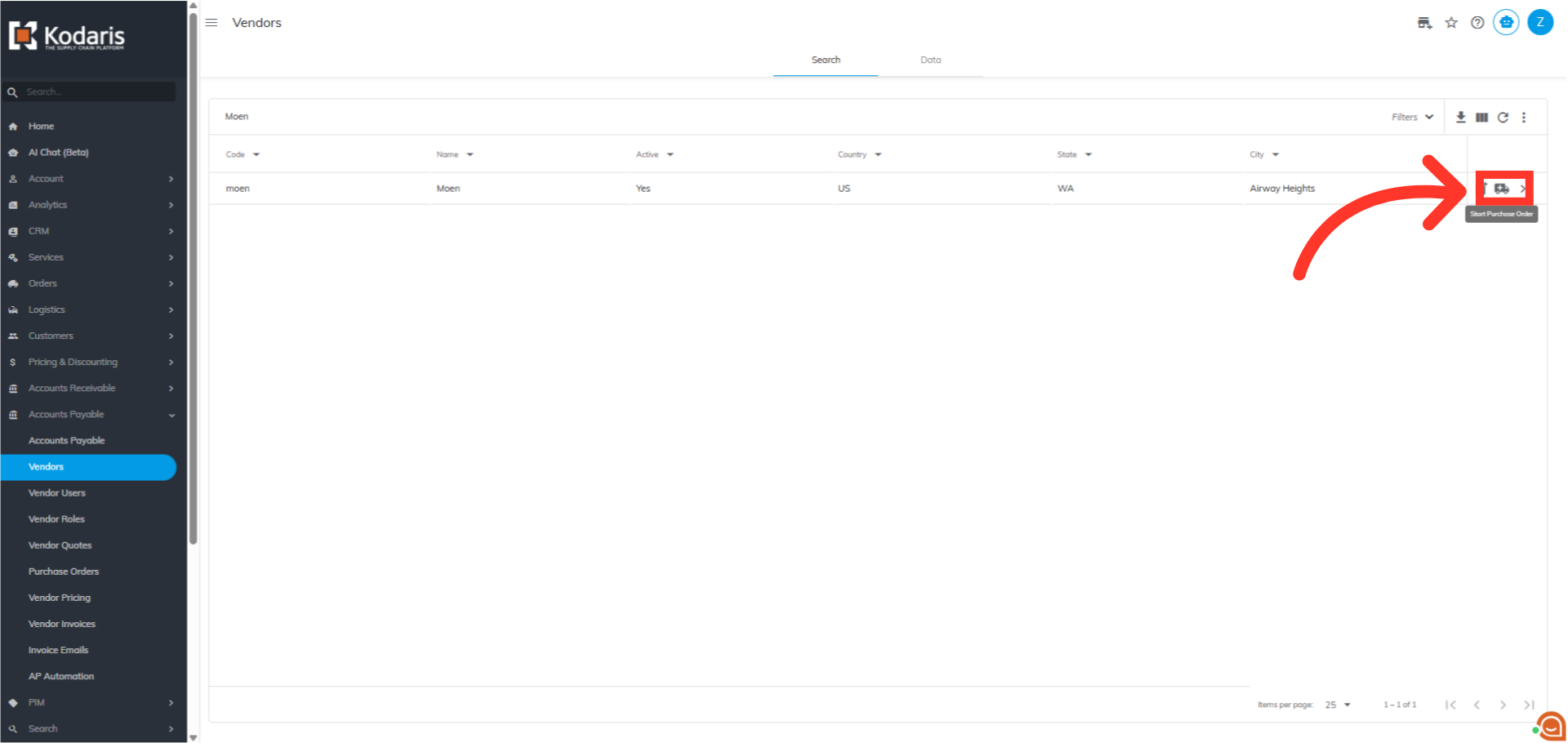
Click the "Start Purchase Order" icon on the vendor.
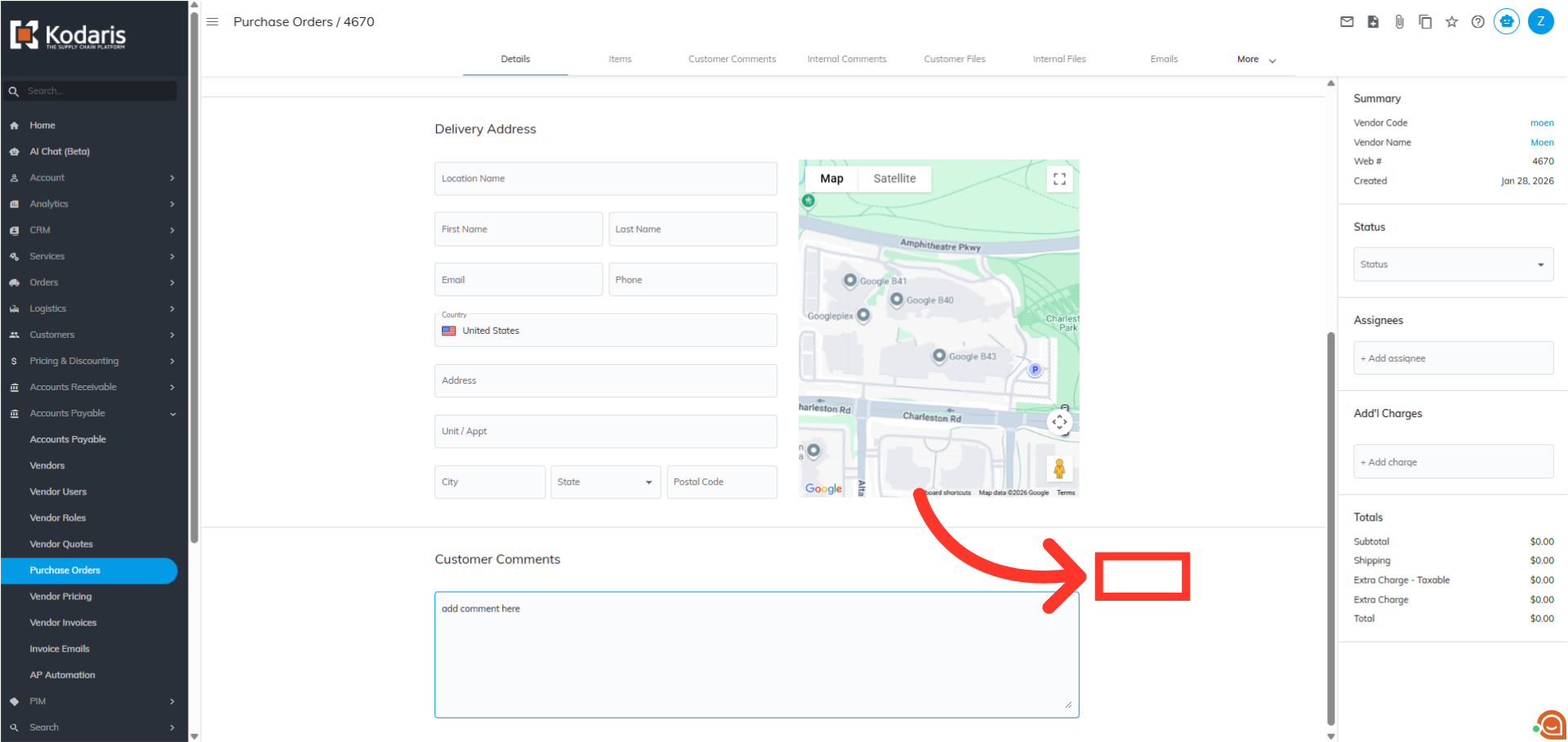
Scroll to find the "Customer Comments" field. Click into the field and add a comment. These comments will be visible to customers.
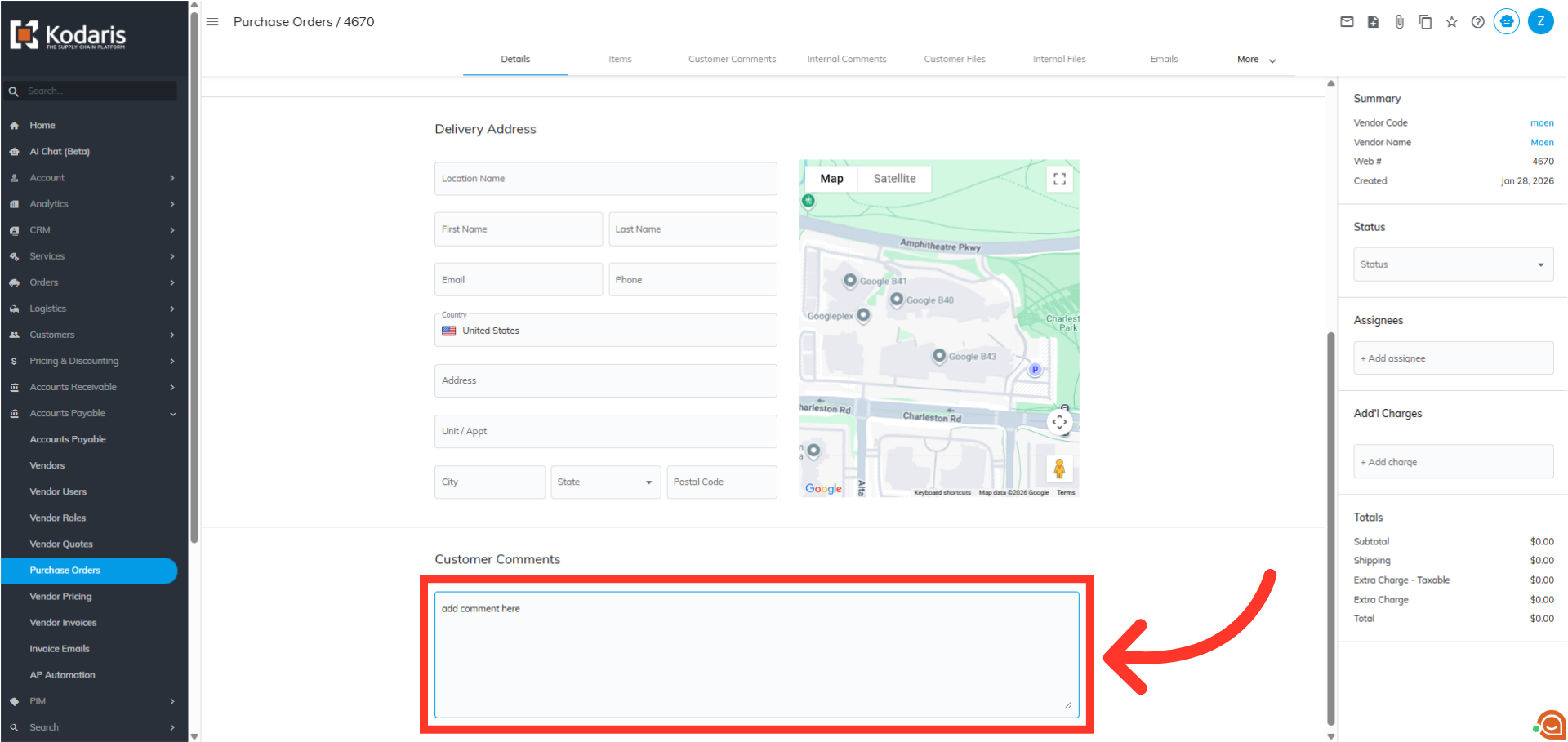
Click an area outside the field to save