Product Documentation
Product Documentation
Product Documentation
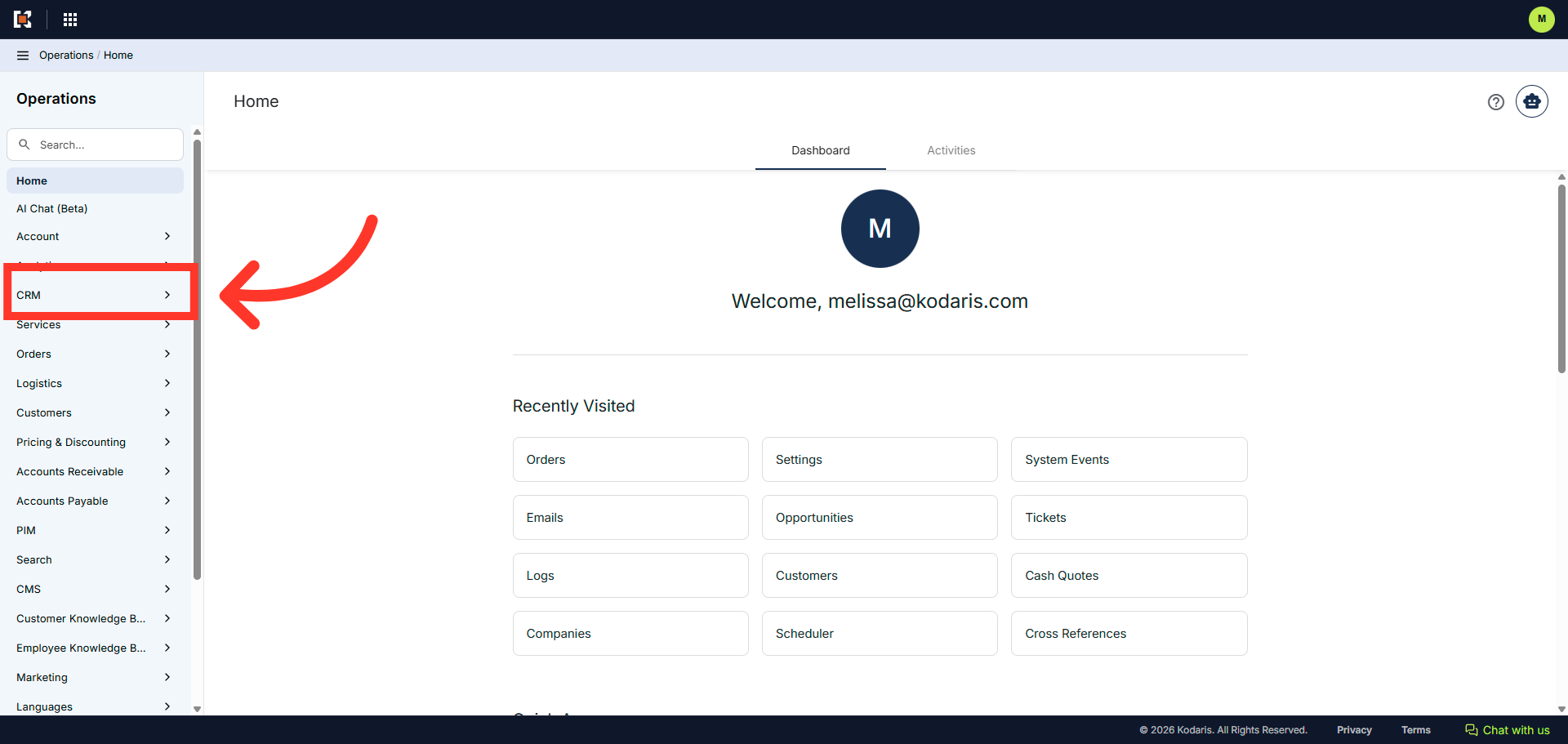
Products can be added quickly to a quote for a customer in the Operations Portal. To start, navigate to the "CRM" section.
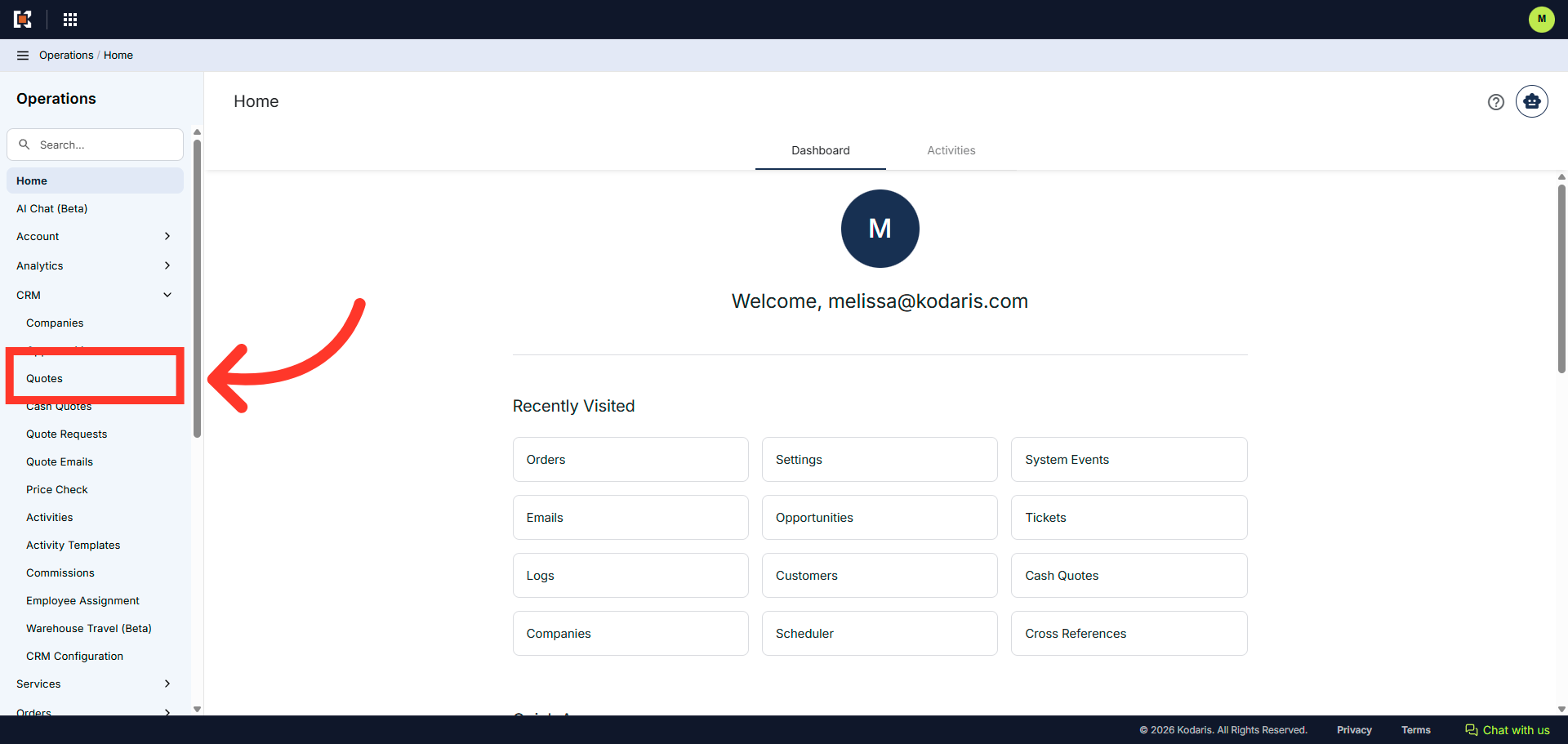
Then, click "Quotes". In order to access Quotes, you will need to have the role of "administrator" or "superuser", or have the roles of "quoteEdit" and "accountQuoting".
Locate the quote in the "Search..." field. You can enter the quote number to search.
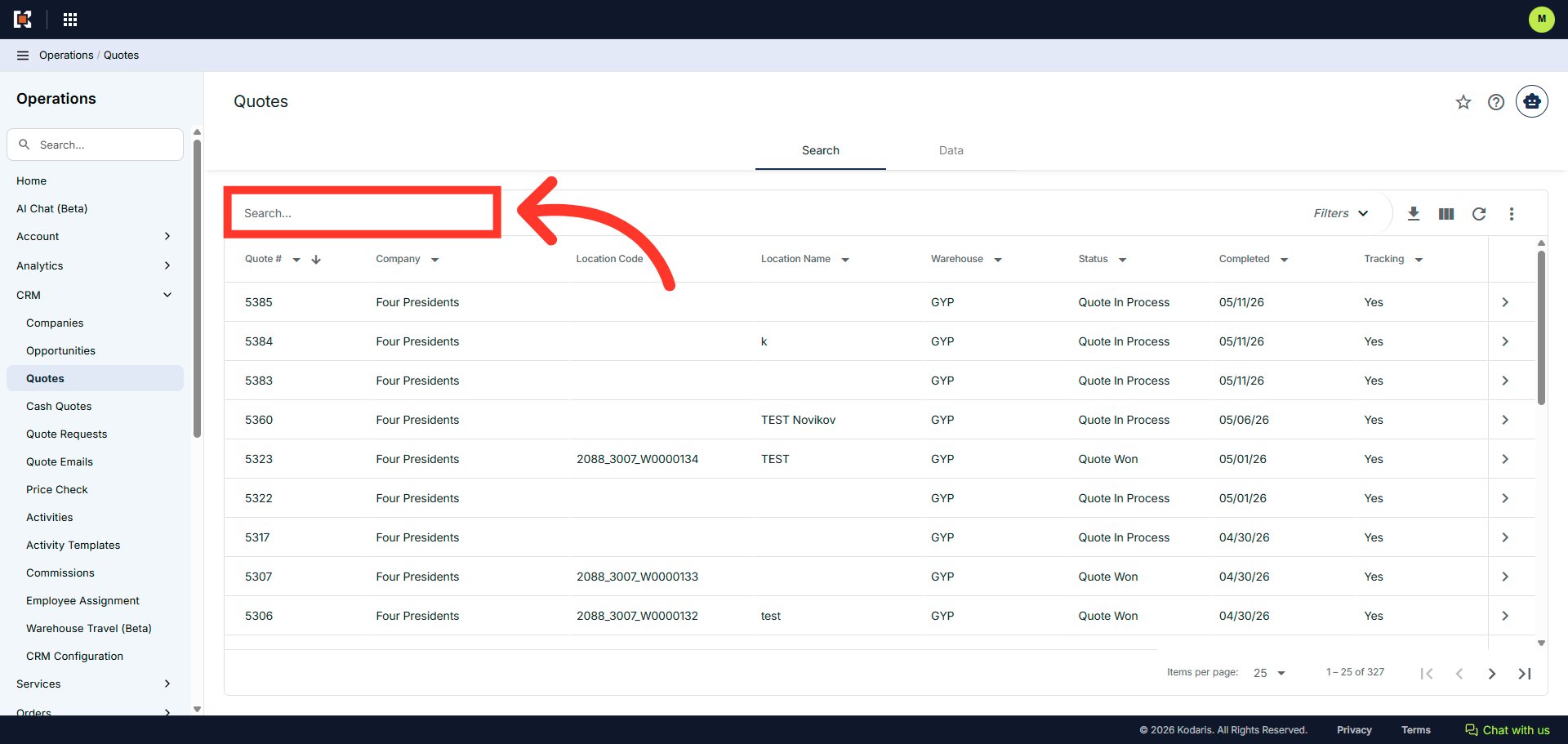
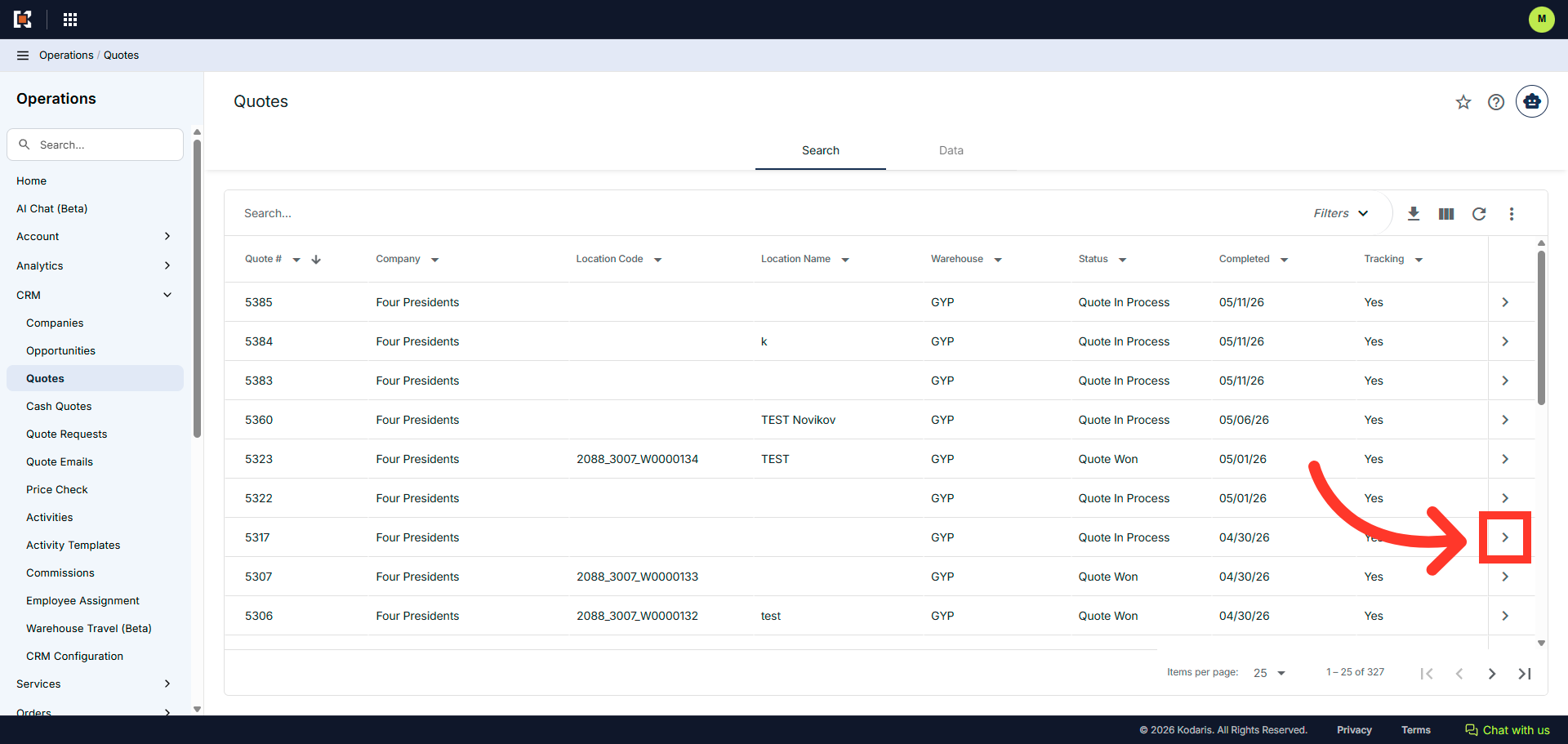
Click on the more details icon to view quote details.
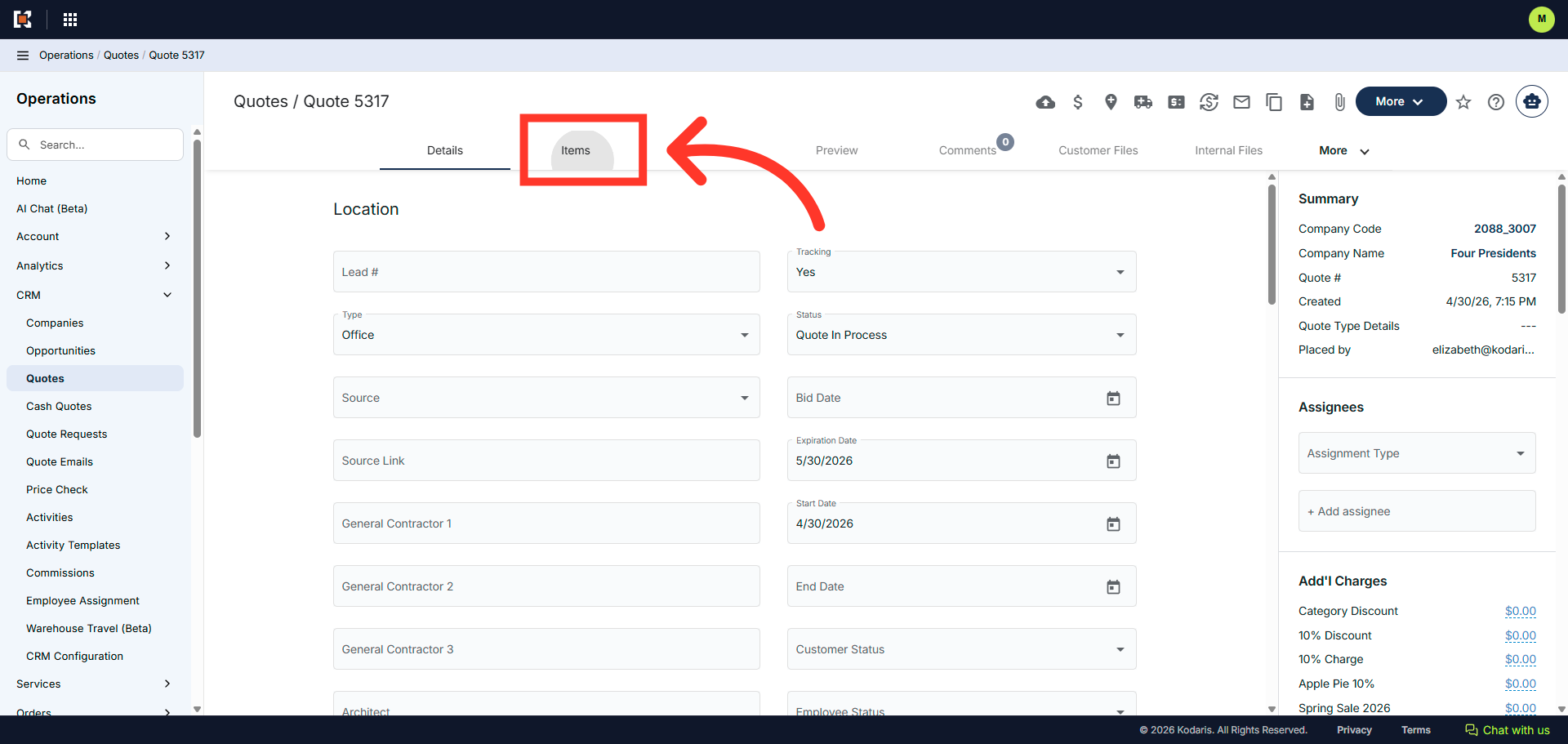
Go to the "Items" tab
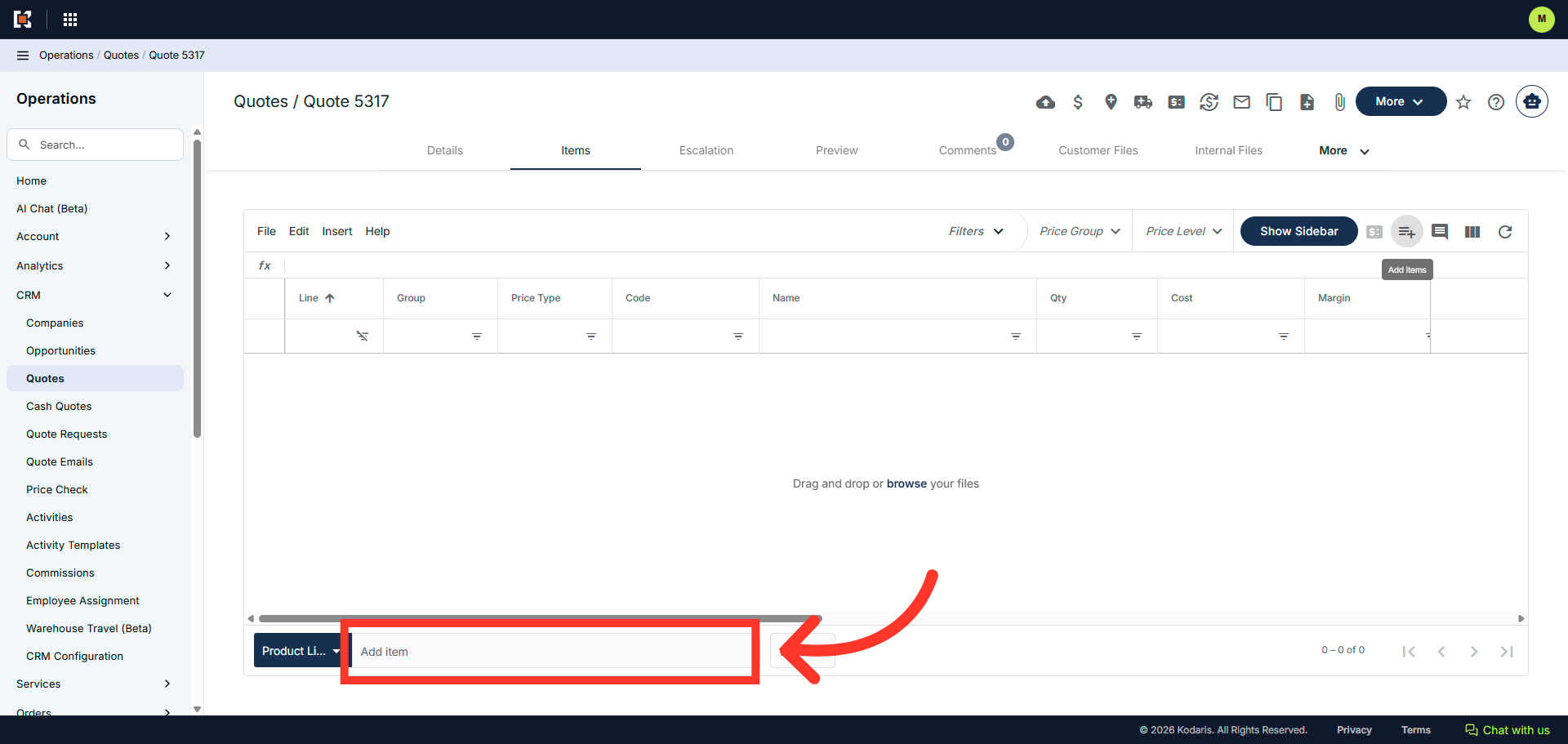
Click "Add item" to start adding items to quote.
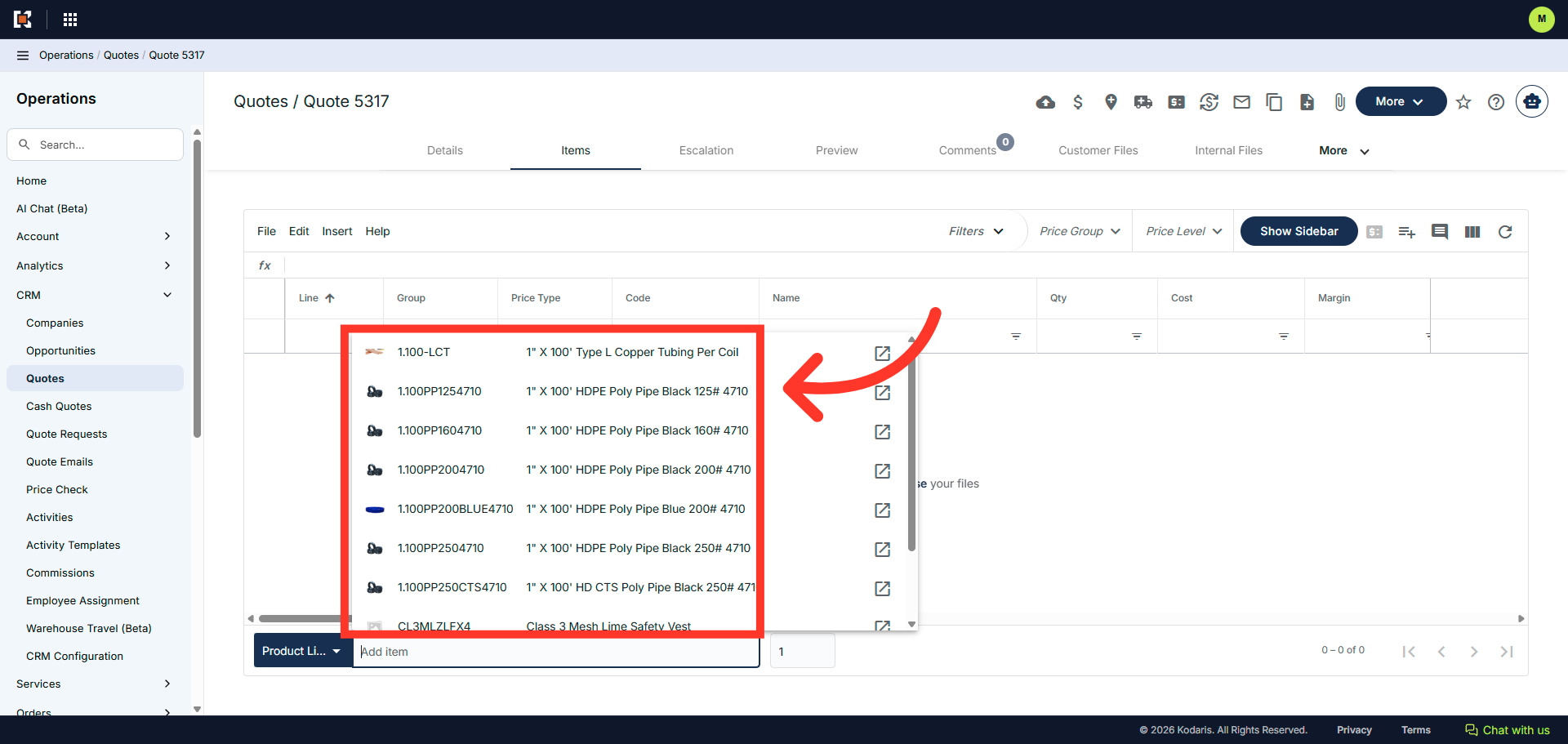
A list of products willappear. You can select a product from the list.
Or you can enter the product code or name to search for specific product.
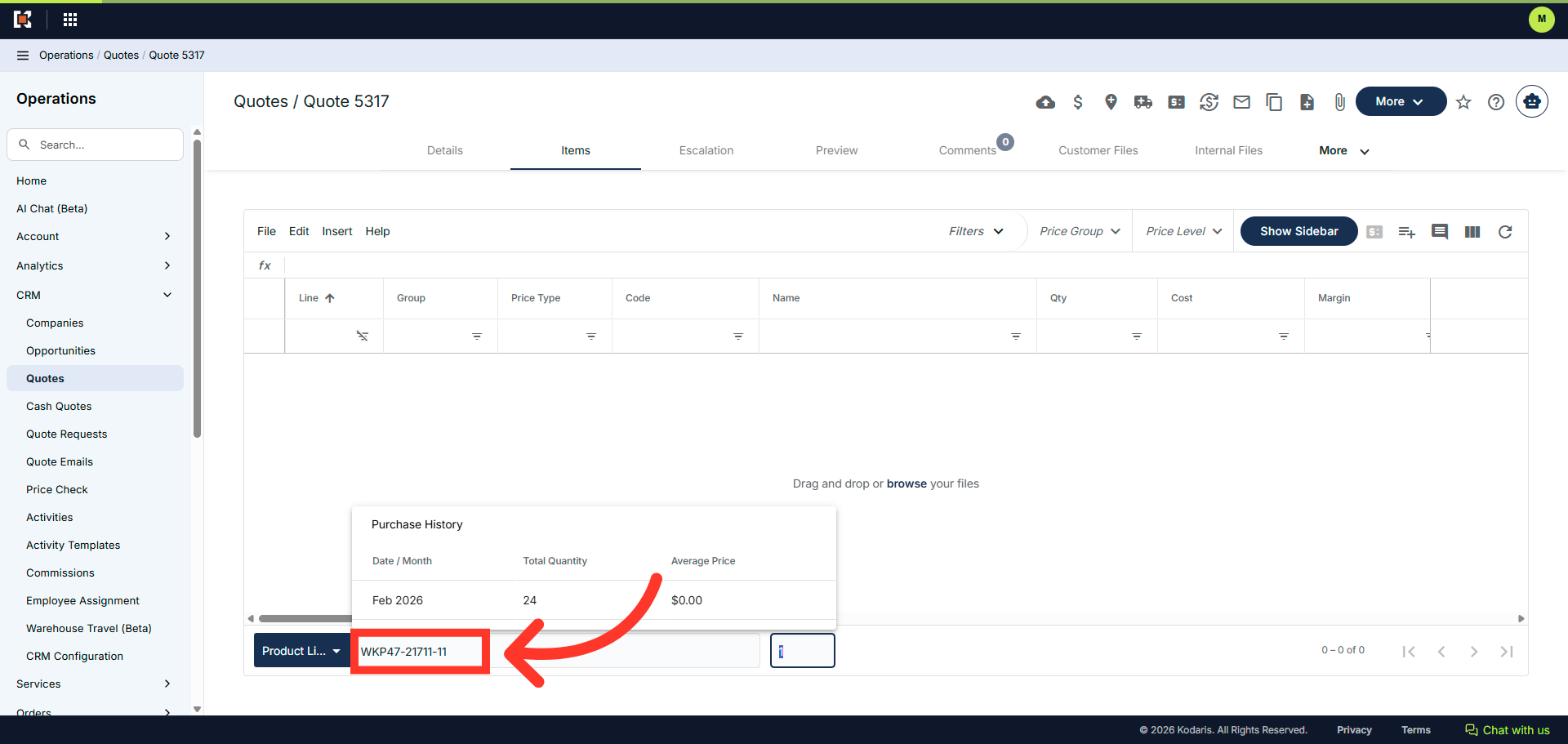
Set the quantity and hit "Enter" to add the product to the quote.
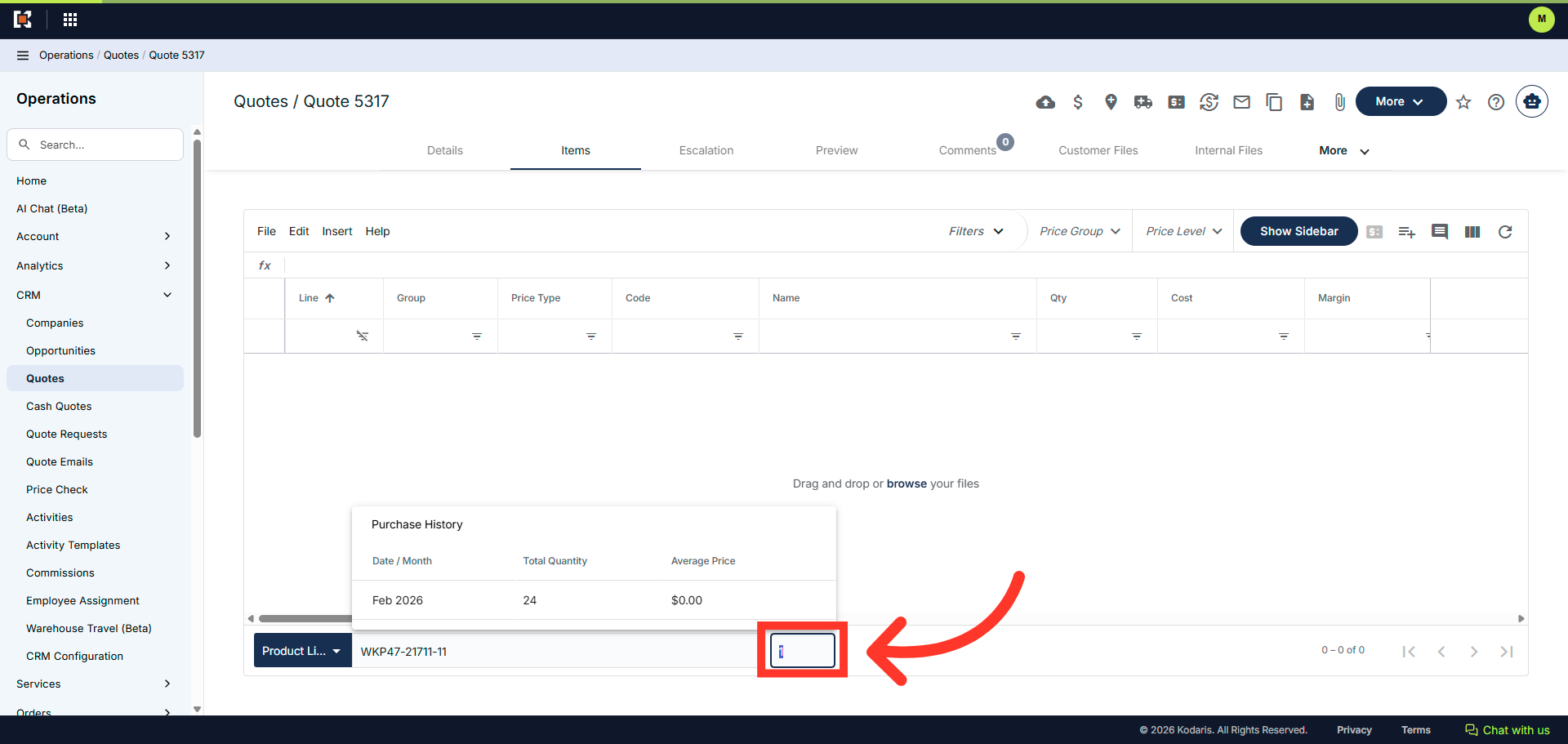
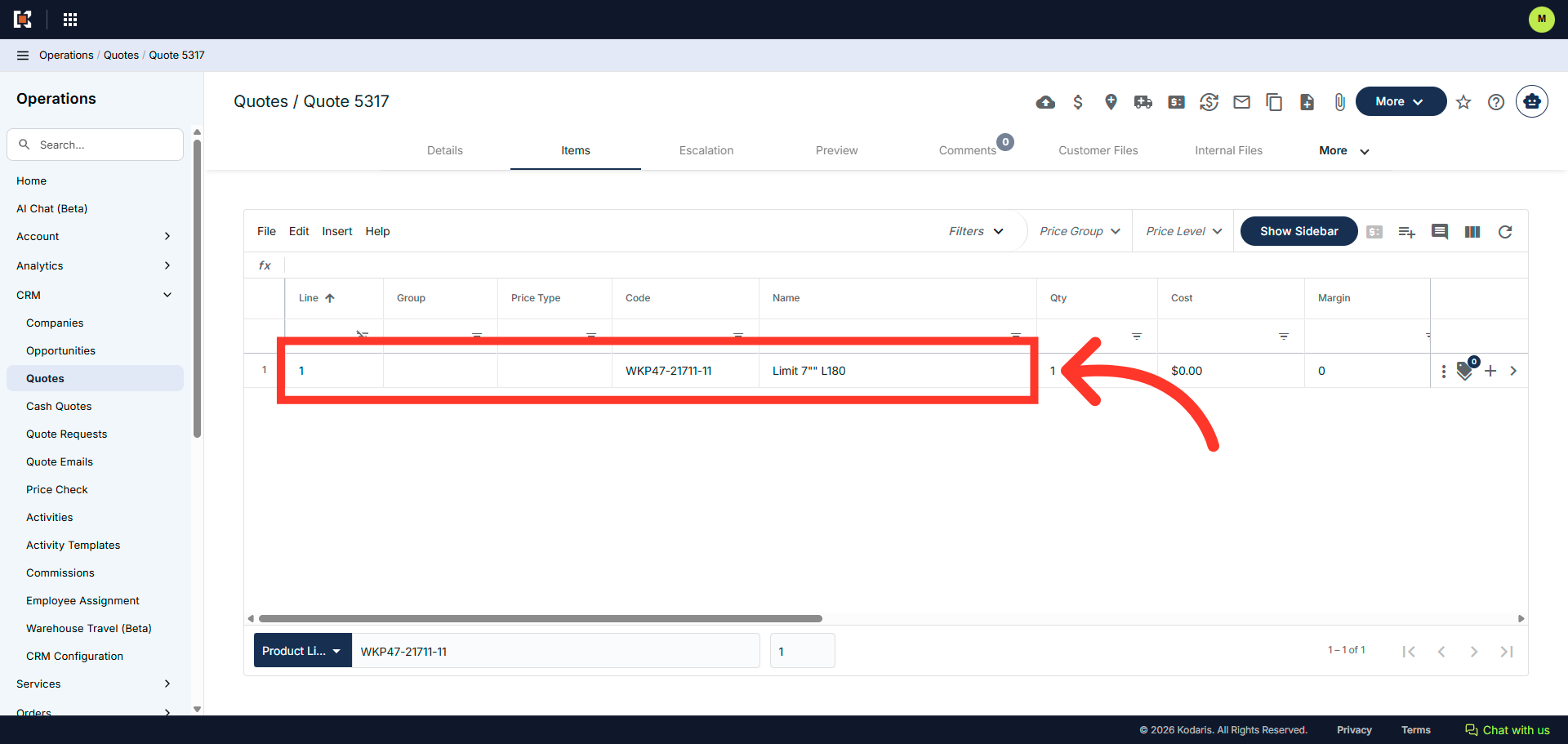
The product has been added to the quote.