Product Documentation
Product Documentation
Product Documentation
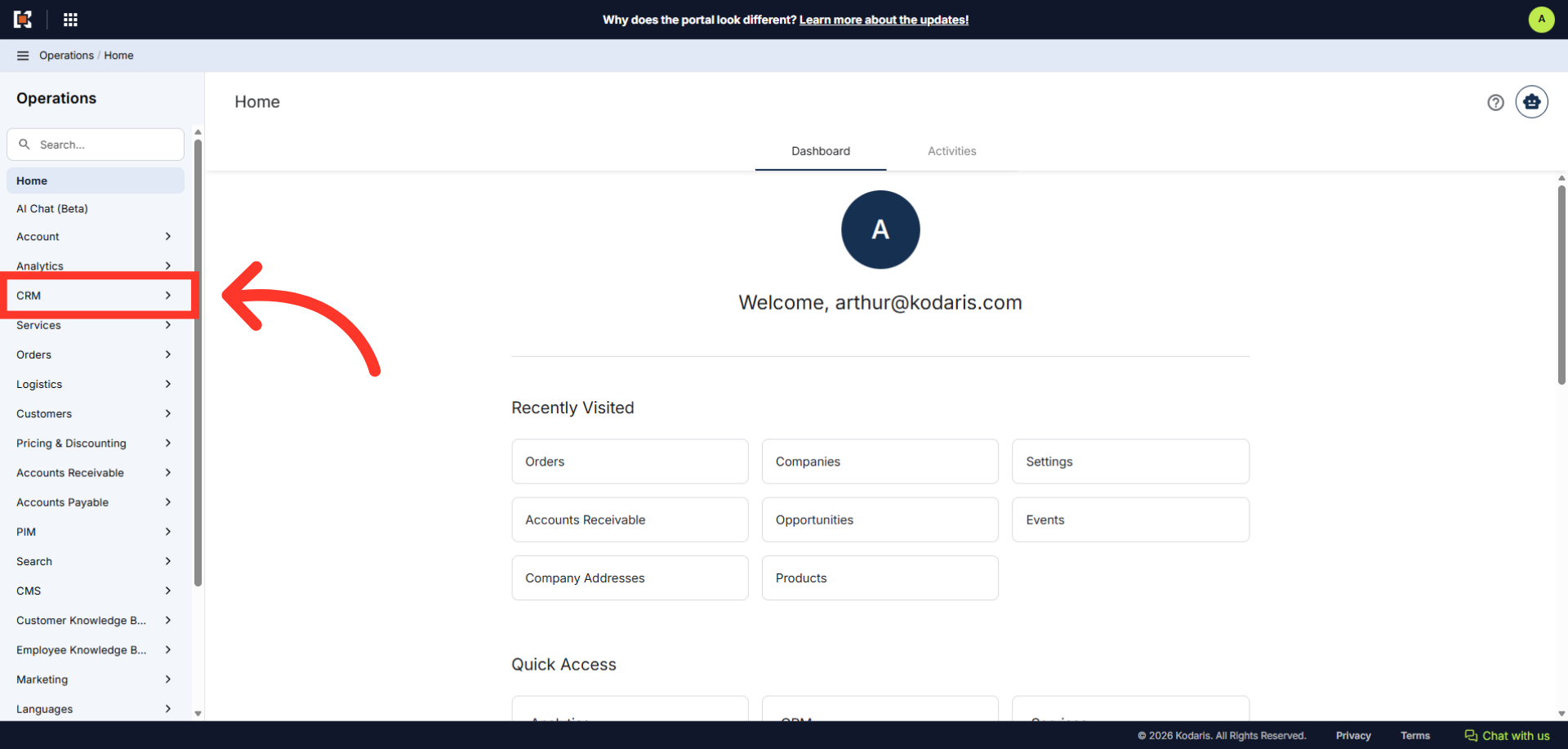
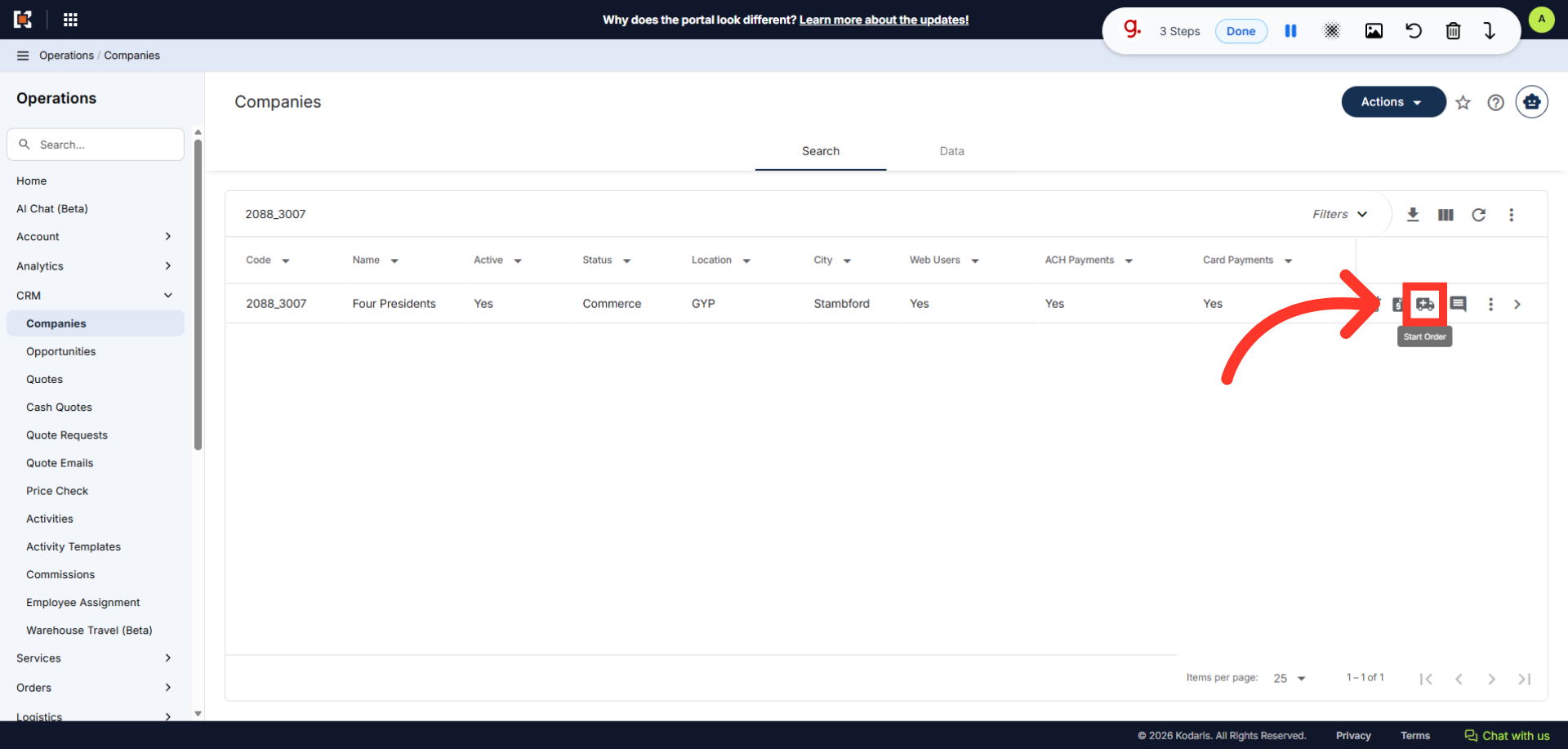
To start an order using the "CRM" section, navigate to "CRM" in the Operations Portal.
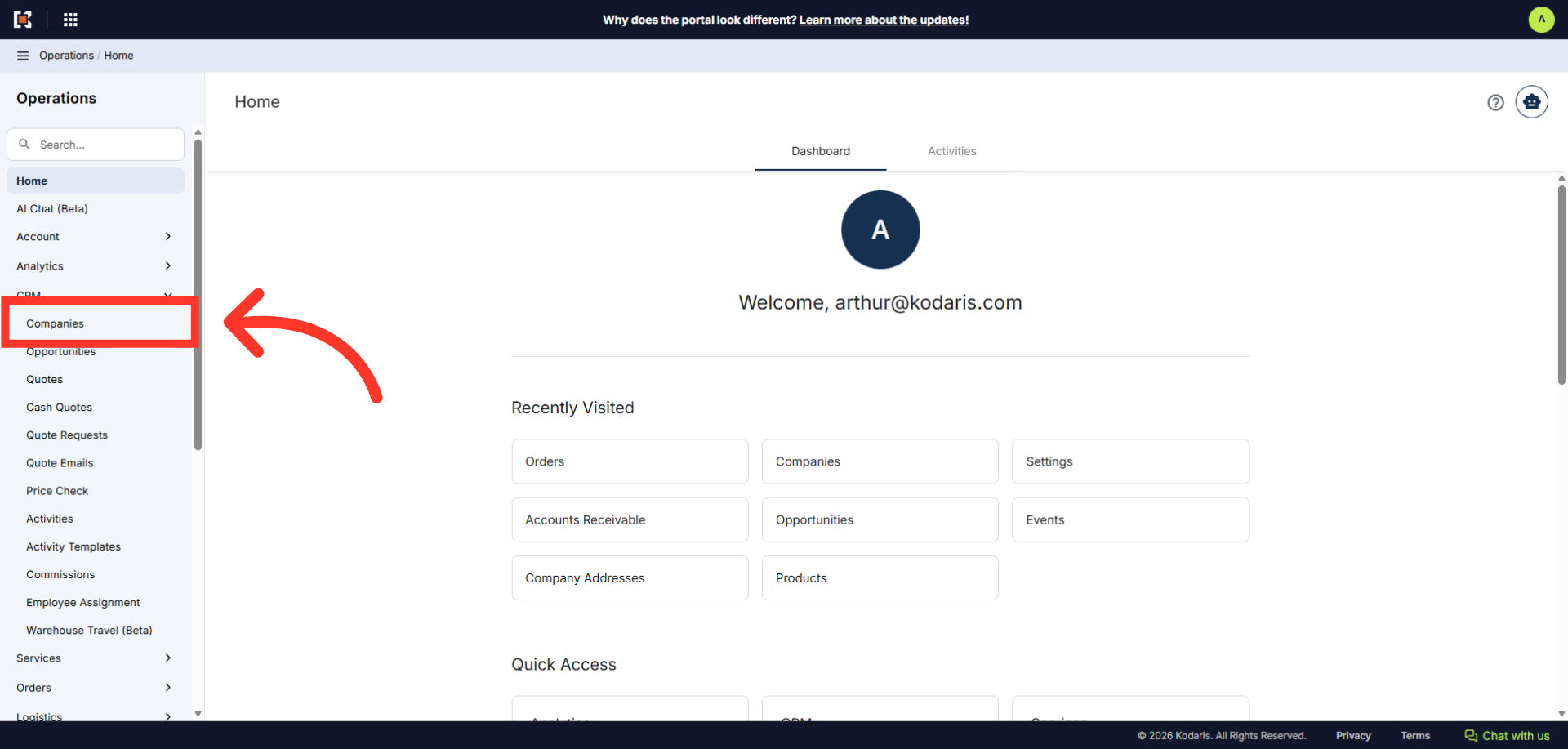
Then, click "Companies". In order to access "Companies", you will need to be set up either as an "administrator" or a "superuser", or have the appropriate roles: "companyView and companyEdit", or "crmCompanyView and crmCompanyEdit". Just a reminder, "crmCompanyView and crmCompanyEdit" access only allows employees to view companies that are assigned to them.
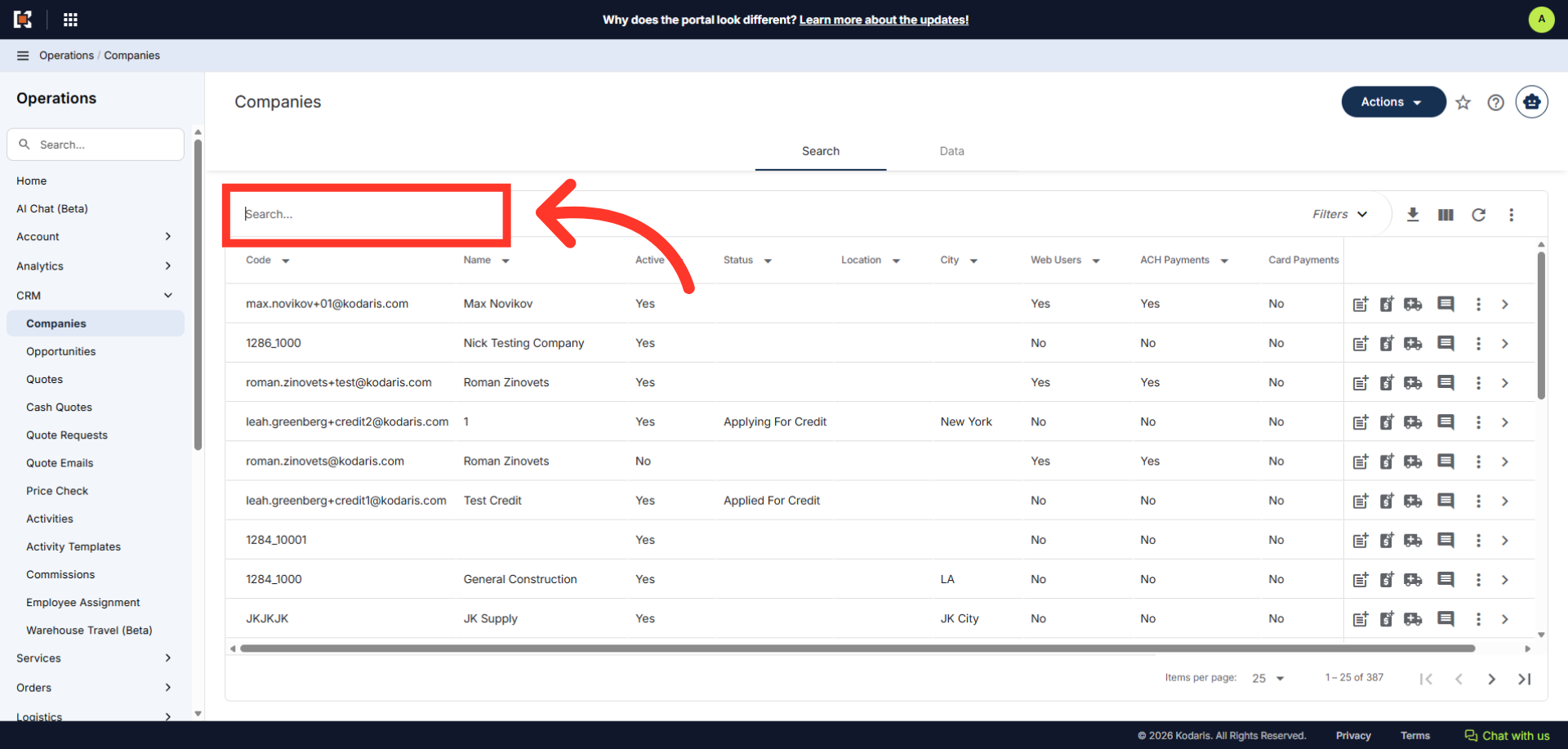
Enter the company name or code in the "Search" field.
Click the "Start Order" Icon. In order to access and use this feature, you will need to be set up either as an "administrator" or a "superuser", or have the following roles: "orderEdit" or "crmCompanyOrderEdit". Just a reminder, "crmCompanyOrderEdit" only allows employees to start orders to companies that are assigned to them.
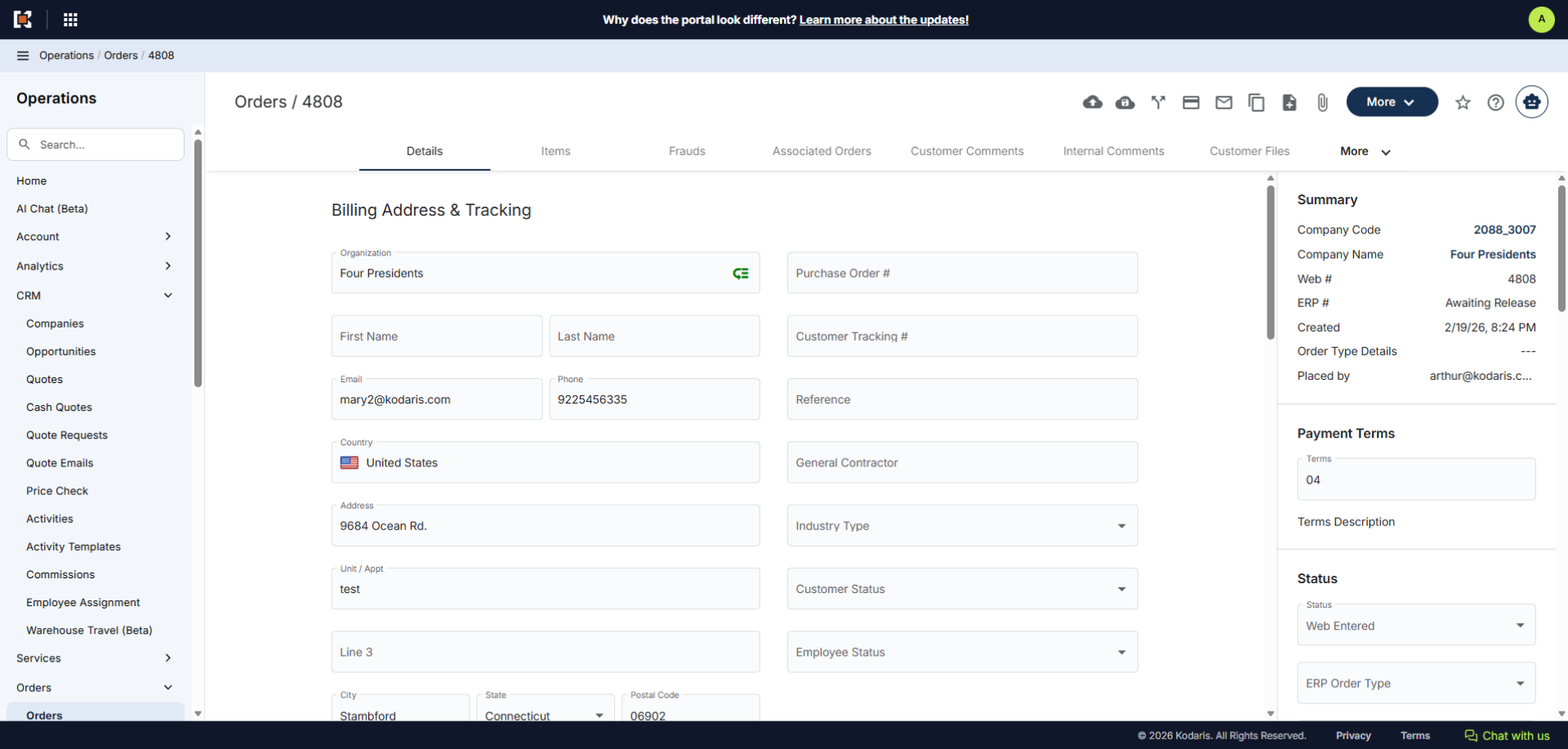
The "Orders" screen allows you to quickly enter order details, add products or items, and complete delivery details along with any required fields. Once finalized, simply save and process the order as needed.