Product Documentation
Product Documentation
Product Documentation
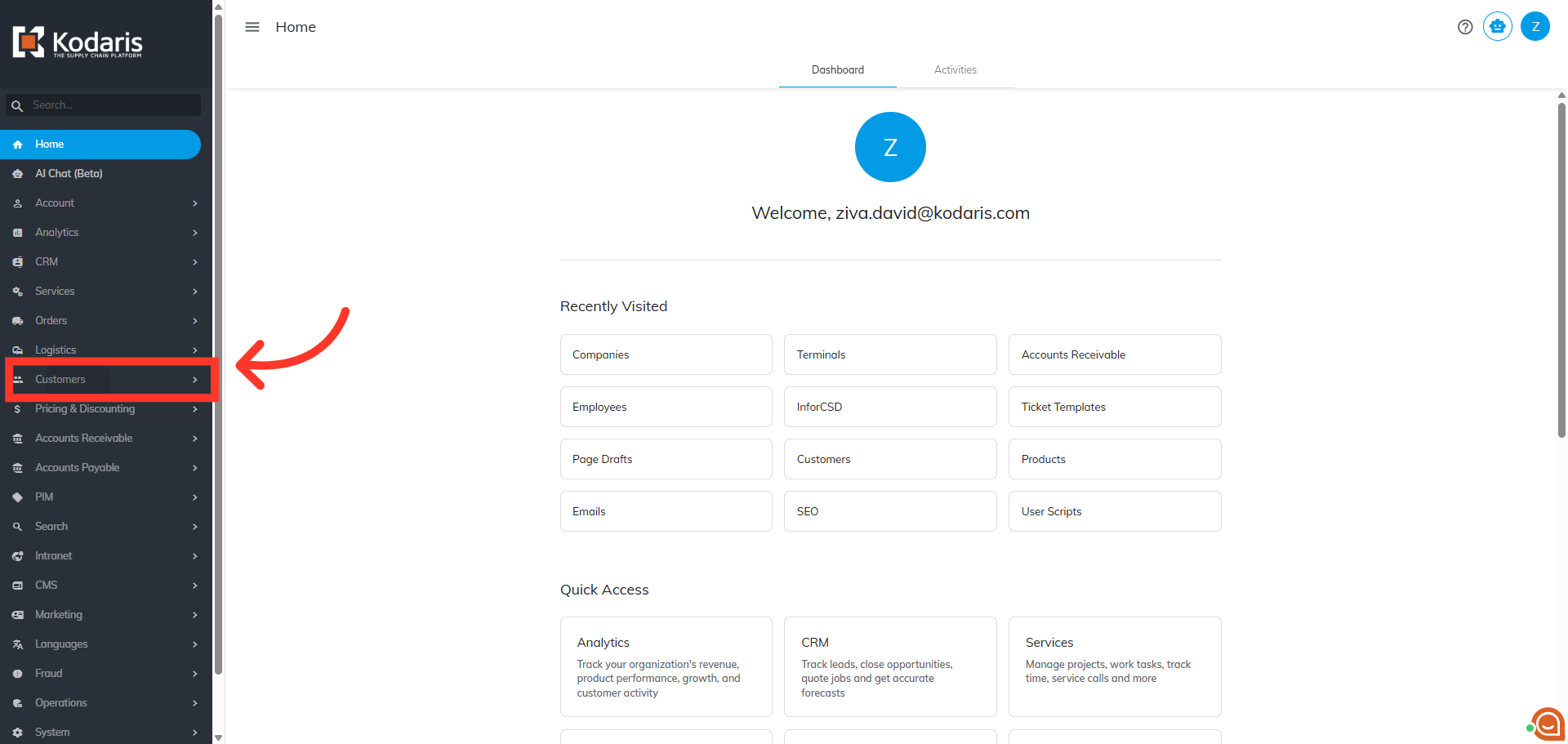
To export Product Lists that are assigned to a specific company, first, navigate to the "Customers" section in the Operations Portal.
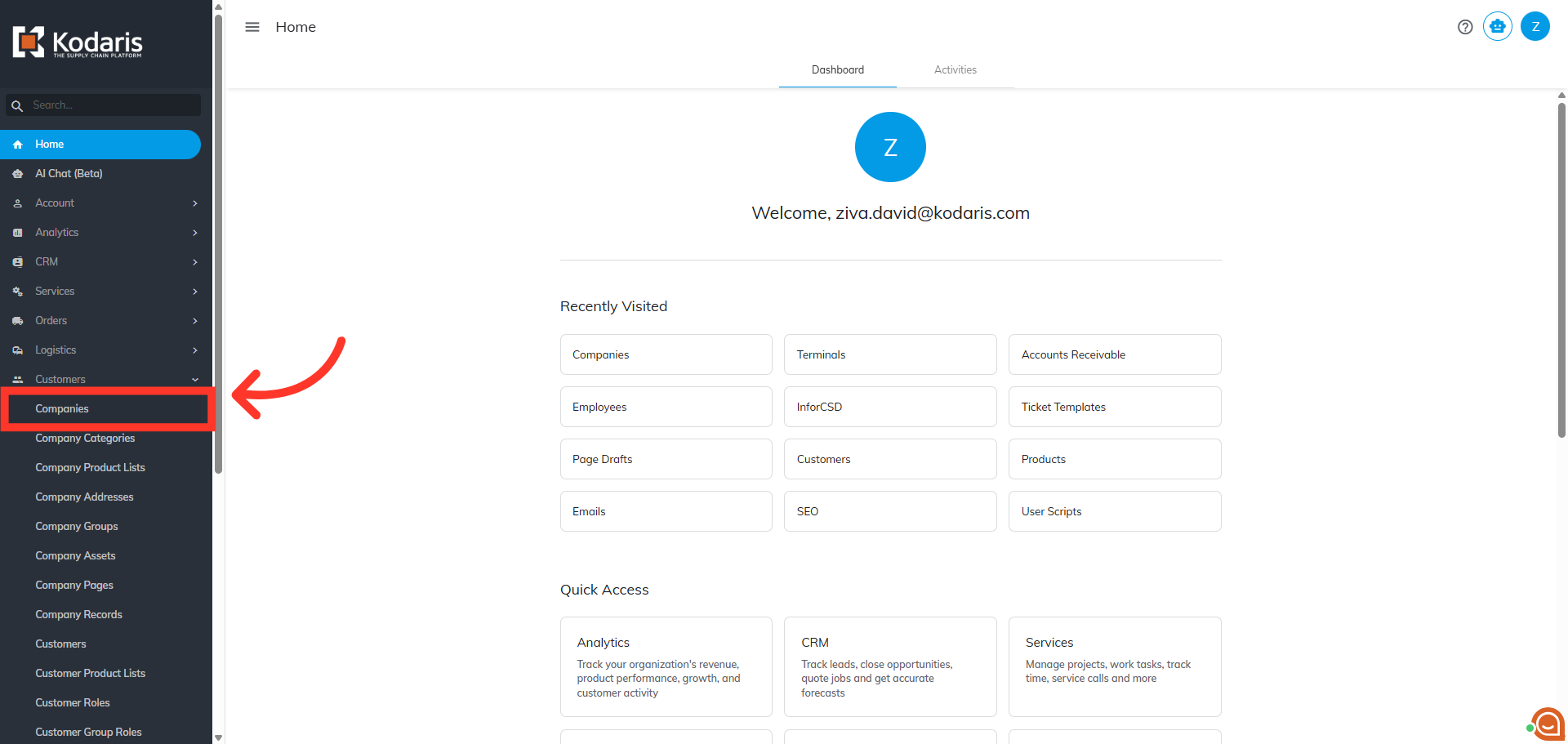
Then, click "Companies". In order to access "Companies" you will need to be set up either as an "administrator" or a "superuser", or have the appropriate roles: "companyView", "companyEdit", "customerView", and "customerEdit".
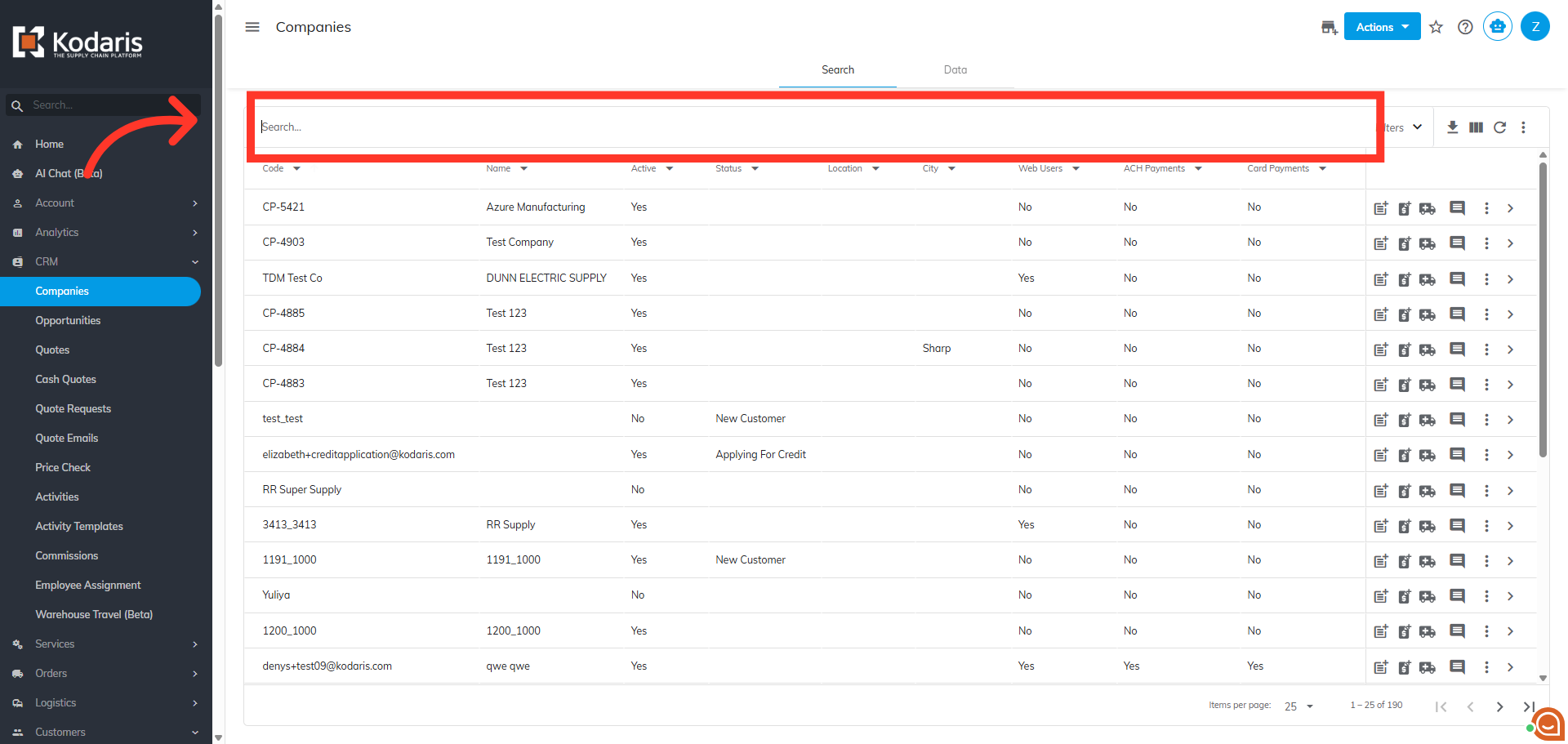
To quickly locate the company you wish to view, enter keywords in the "Search..." field.
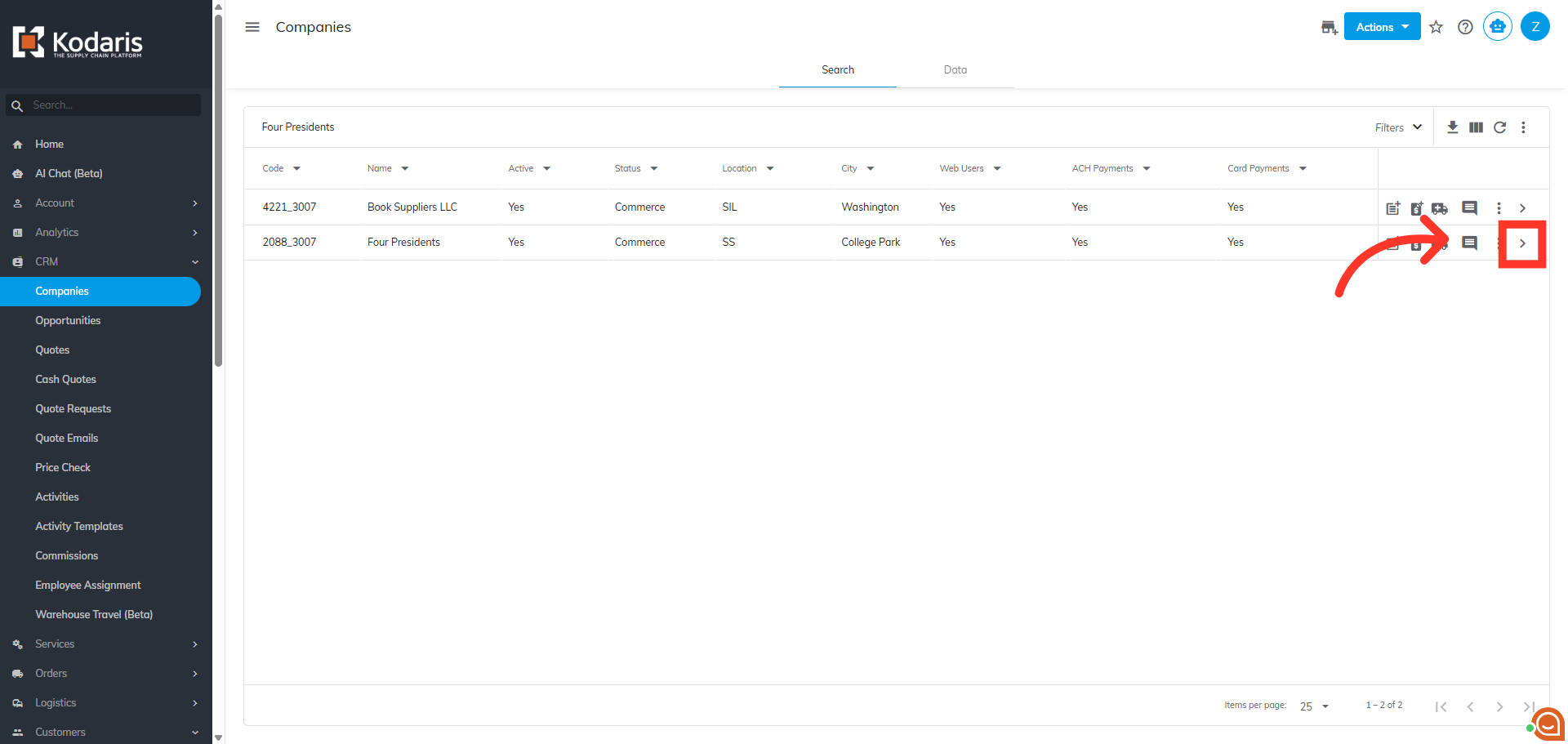
Next, click on the more details icon to go to the details screen.
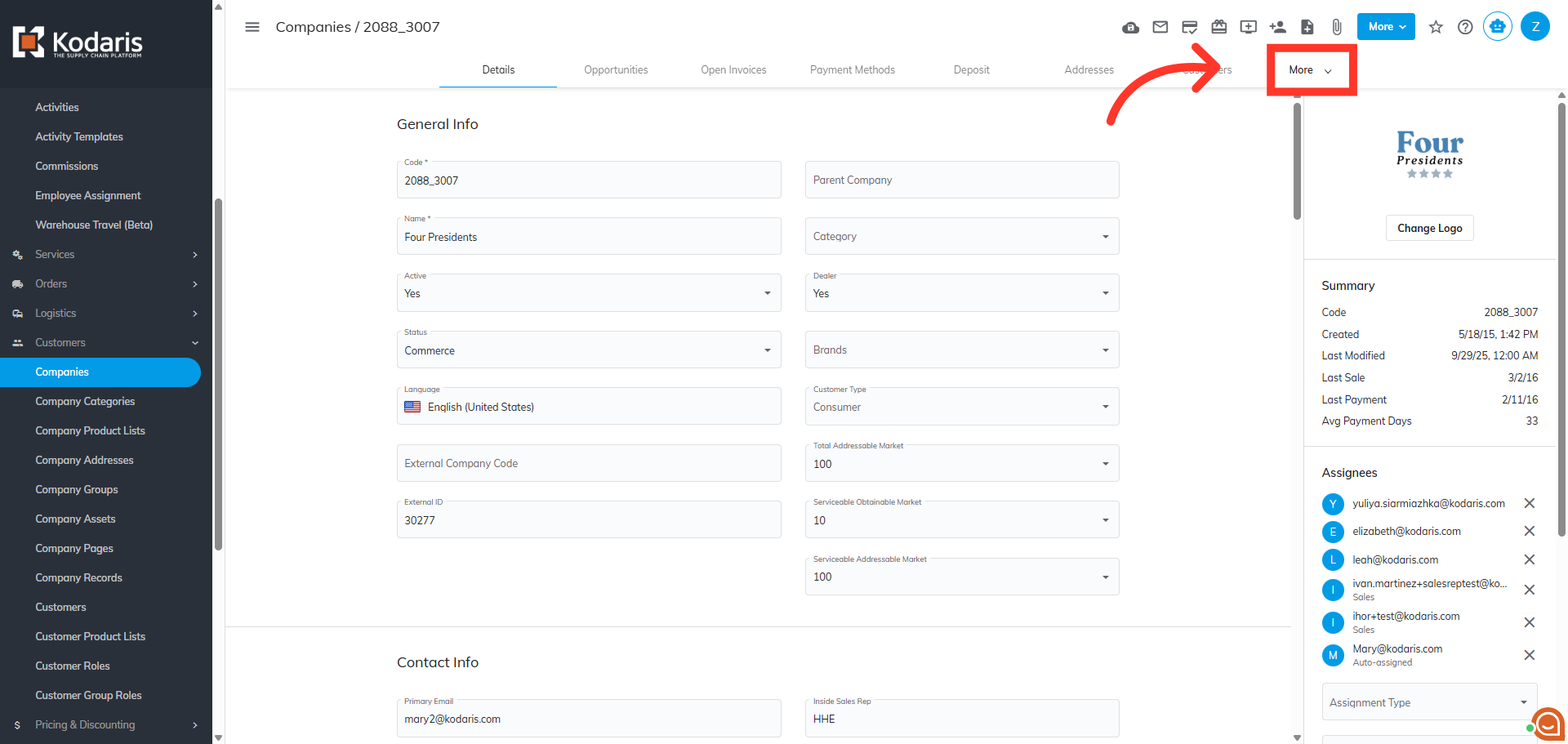
Click the "More" dropdown to view the additional tabs.
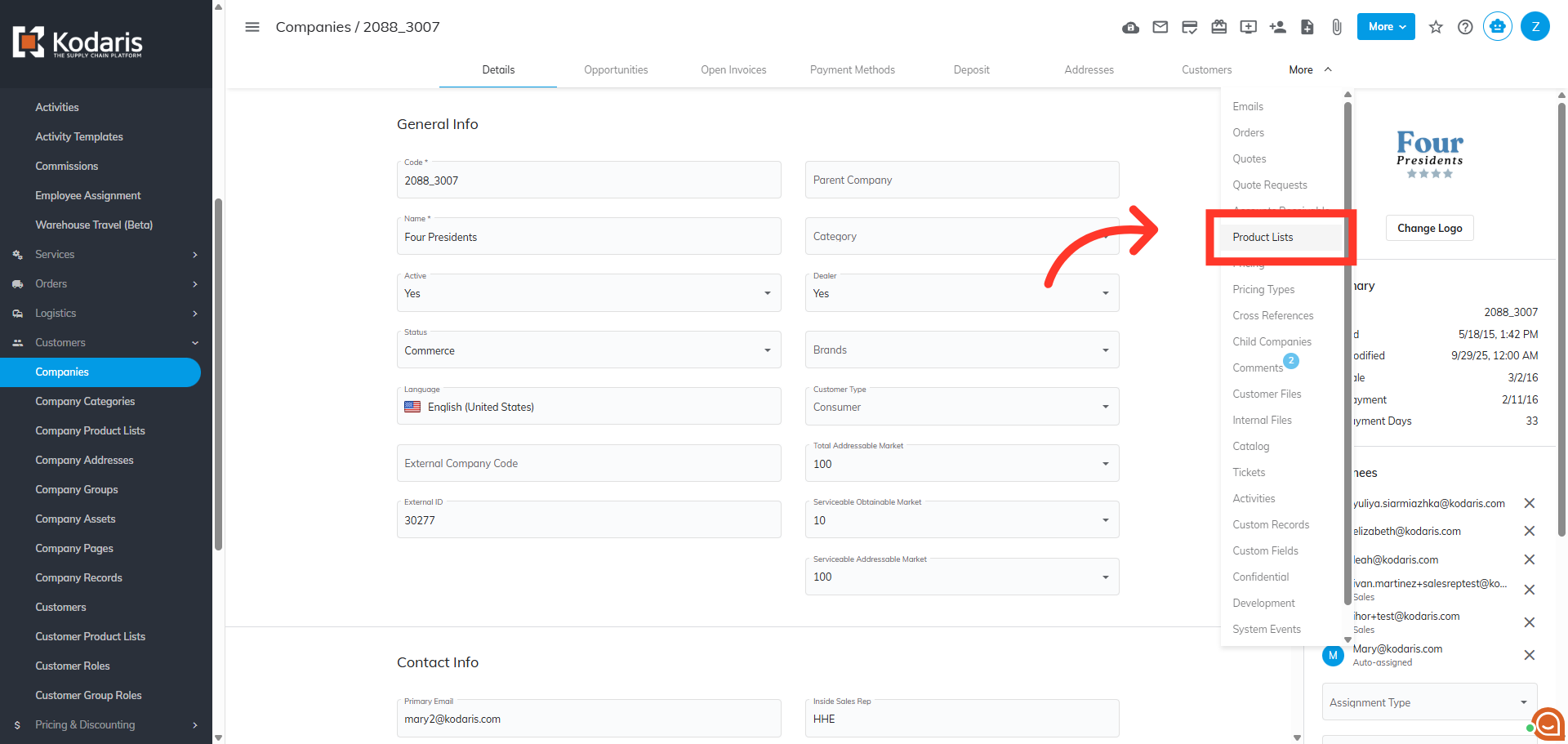
Click the "Product Lists" section to display the lists associated with the company.
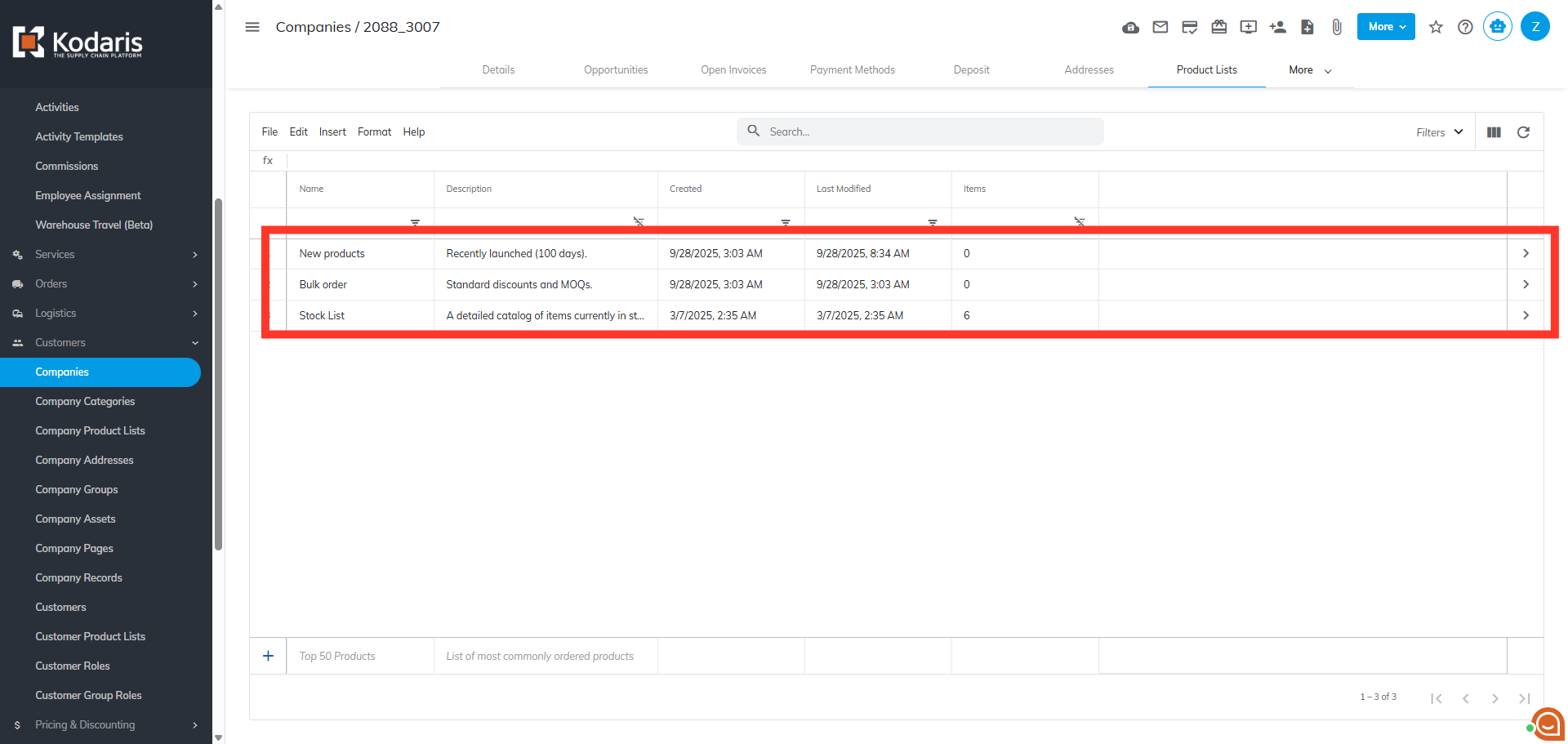
Product lists that are assigned to the company are displayed in the grid.
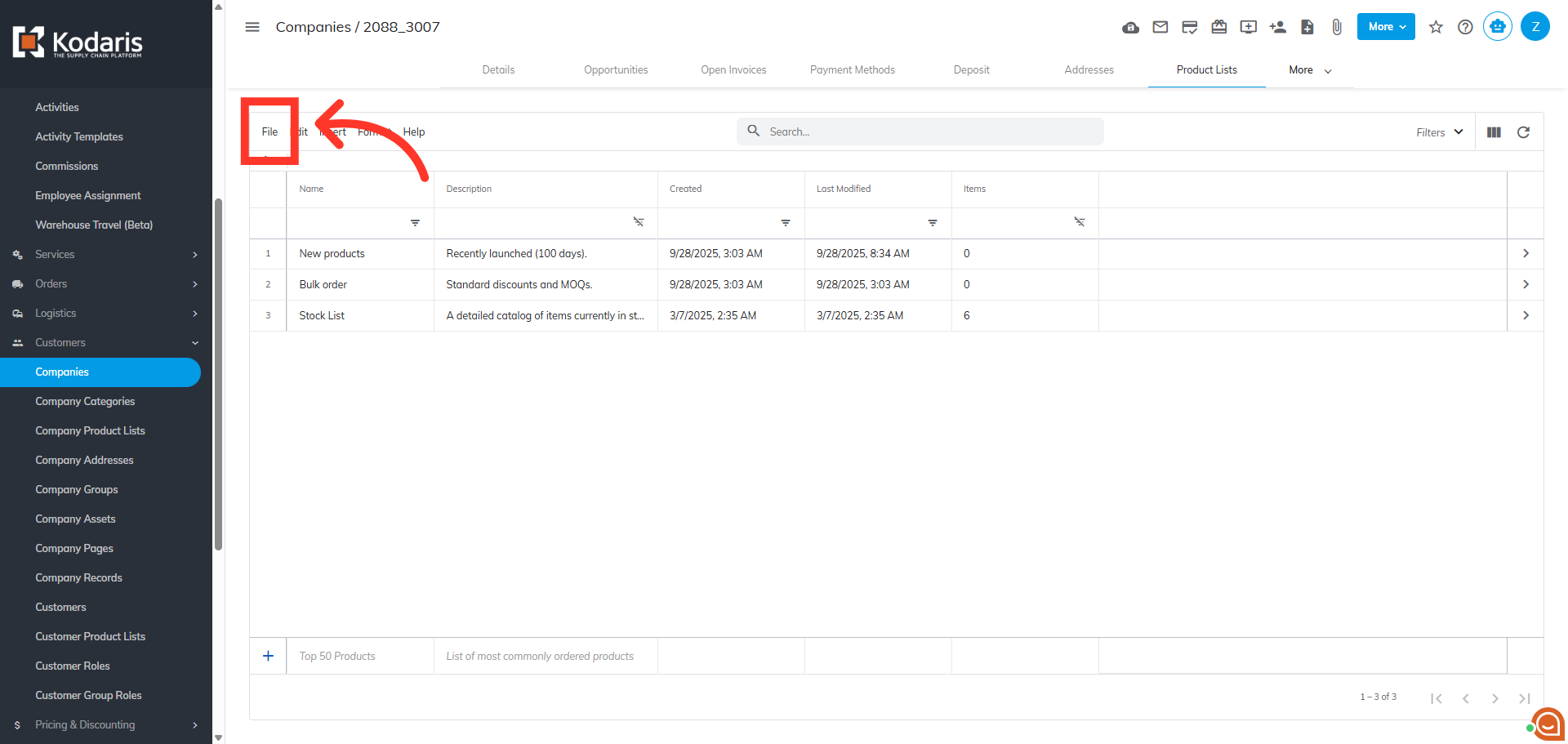
Next, click "File".
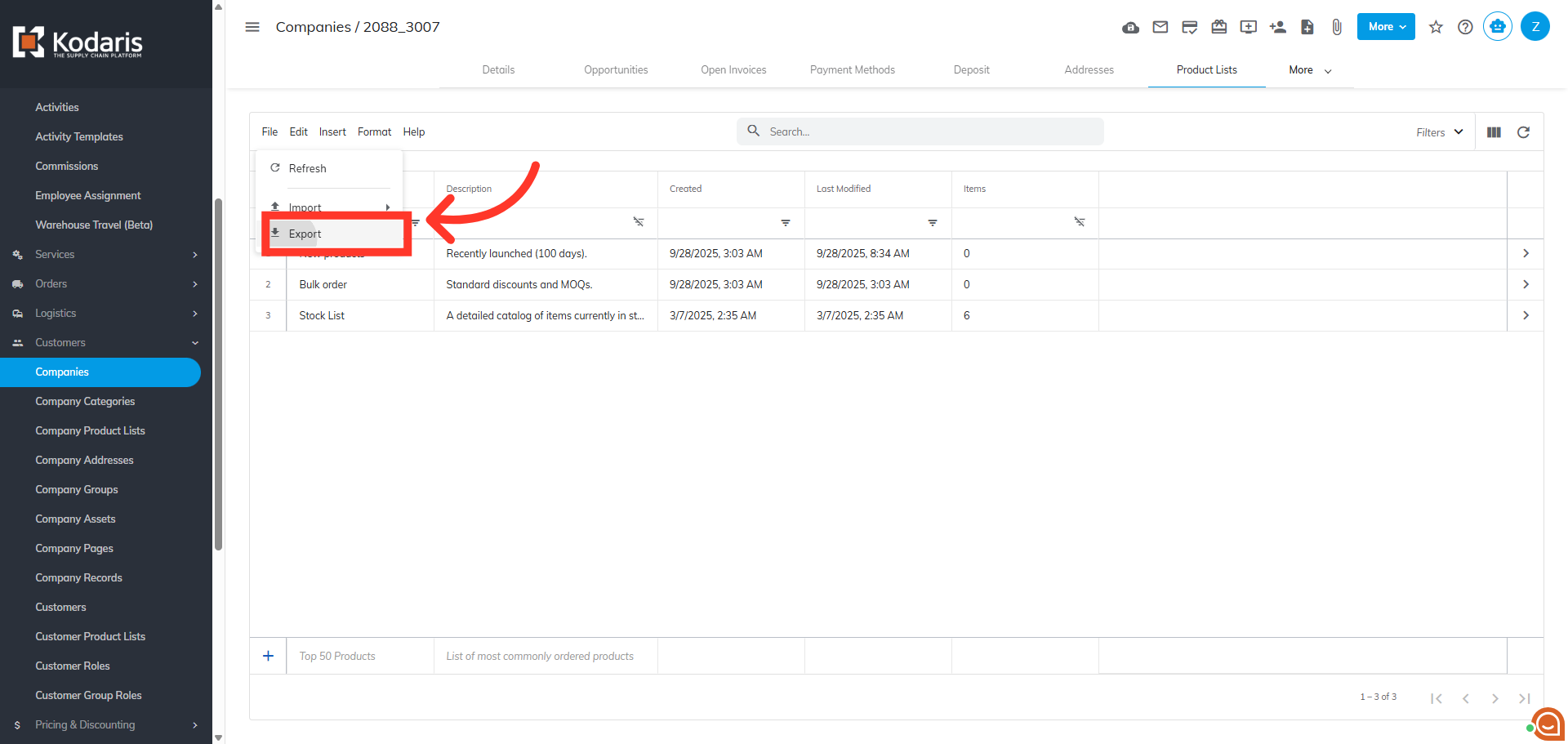
Click the "Export" option to initiate the process of saving your product list externally.
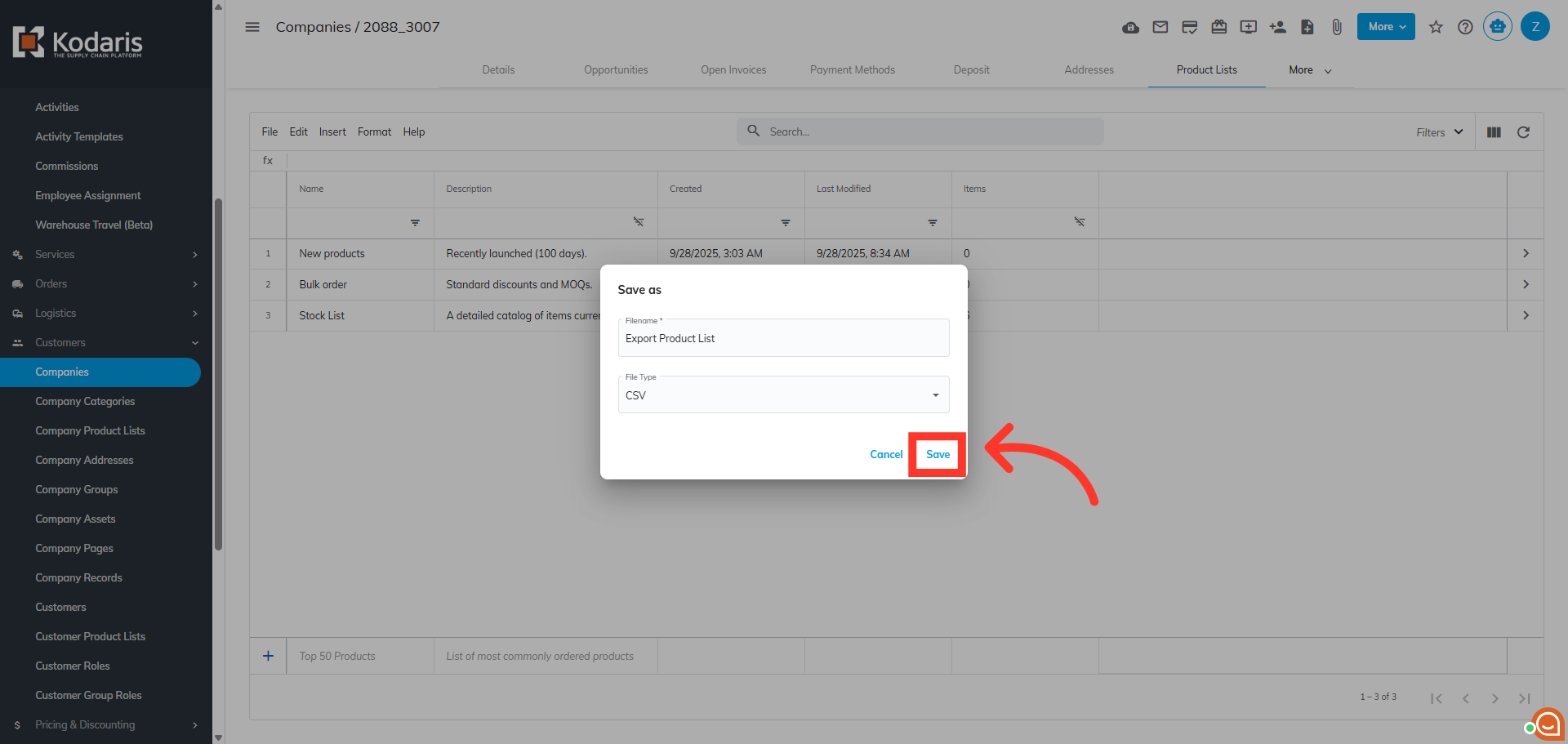
Rename the file, if needed.
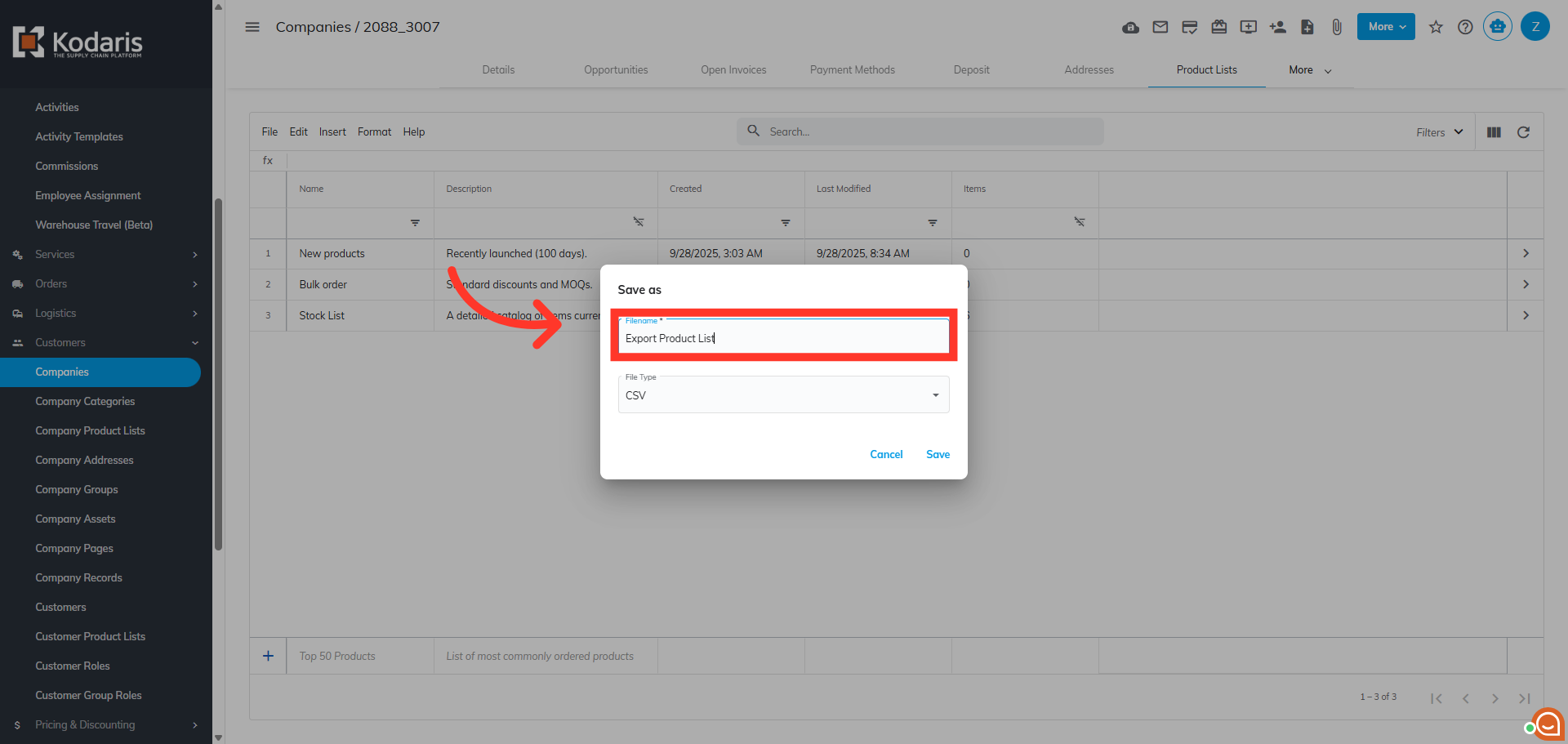
Click "Save" to complete the export process.