Product Documentation
Product Documentation
Product Documentation
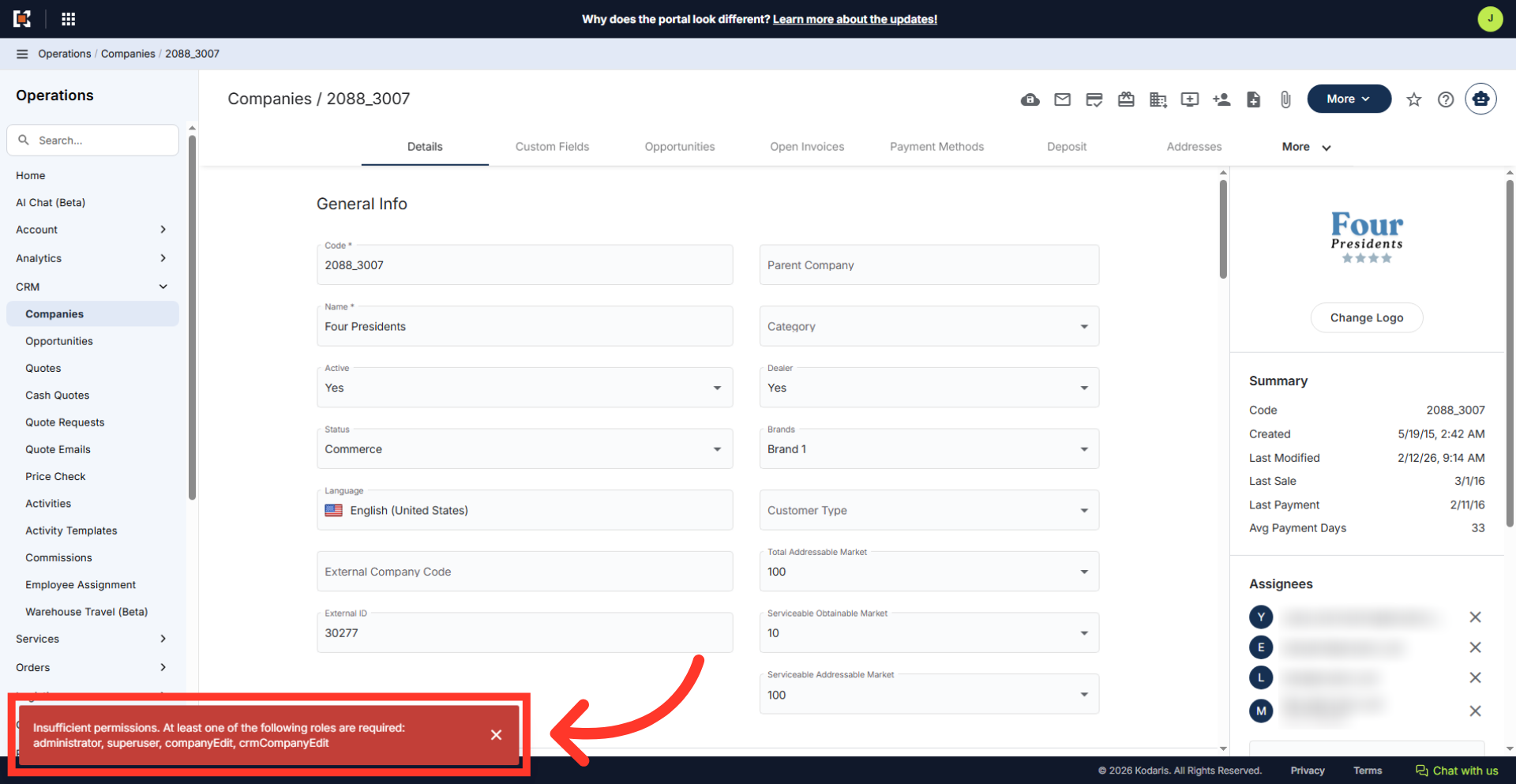
If users are trying to access an area in the operations portal and do not have the needed access a "Required Roles" alert will show on the screen. To see an example of this alert, we will navigate to the "Customers" section in the Operations Portal.
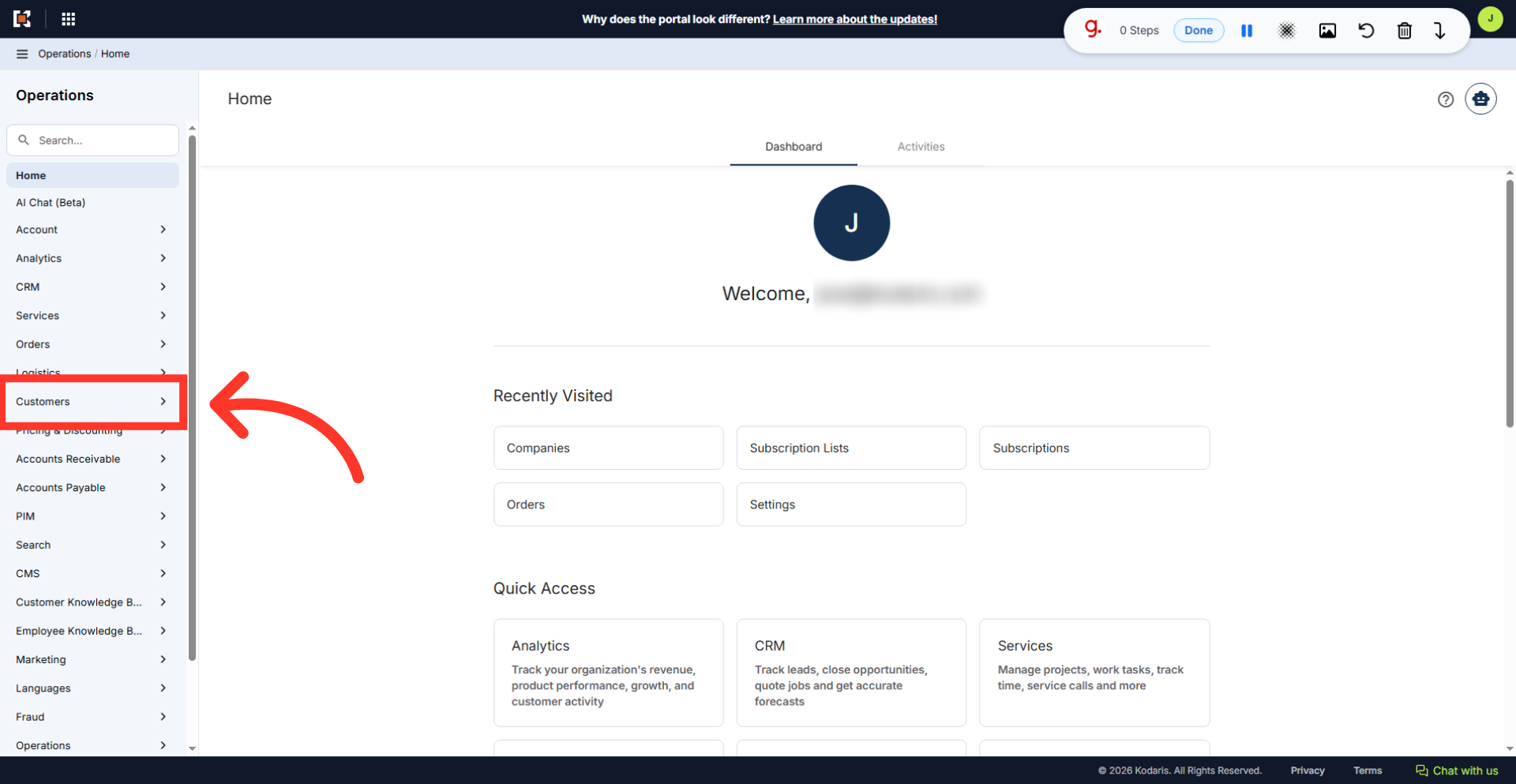
Then, click "Companies".

On this screen, use the "Search..." field to find a company.
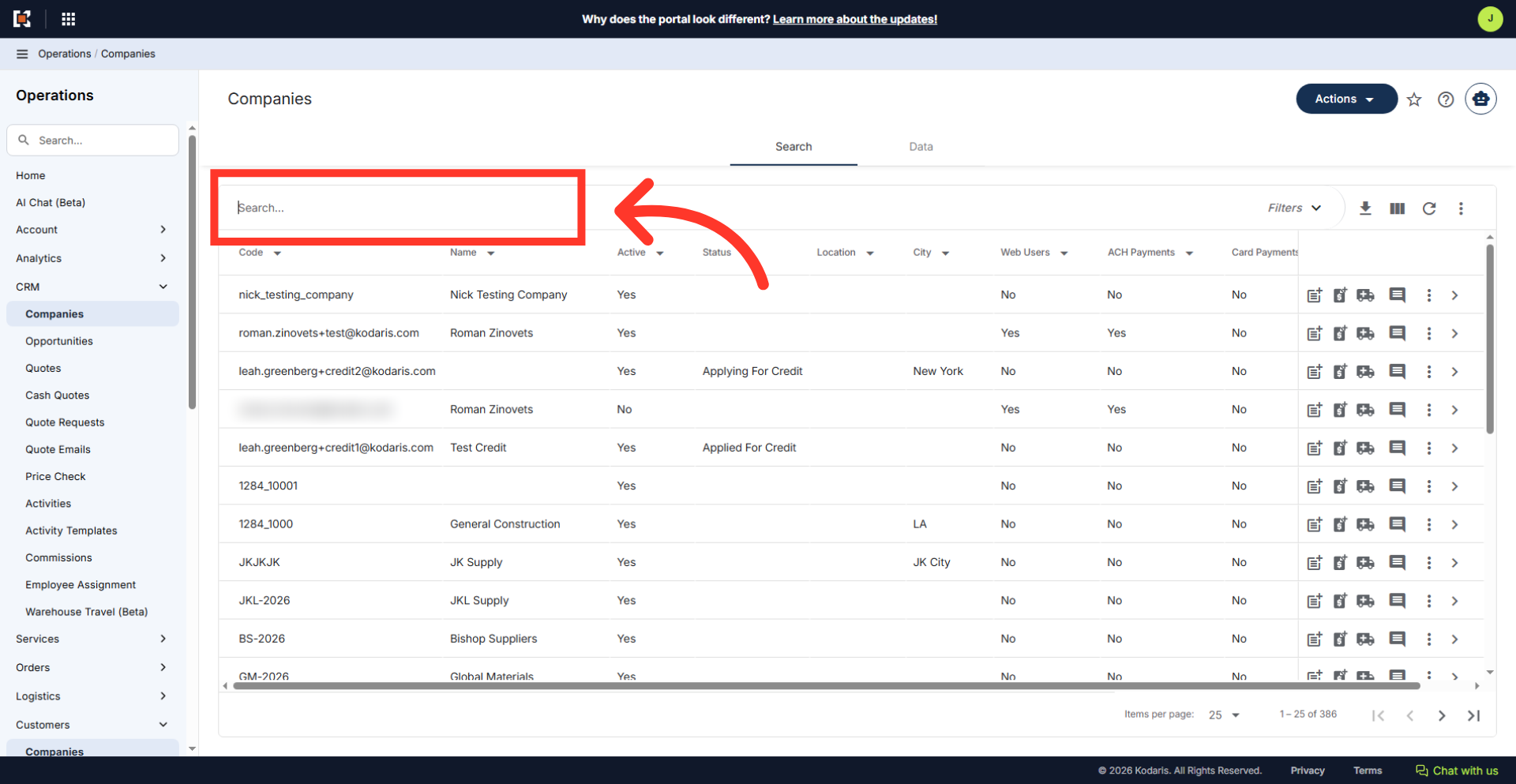
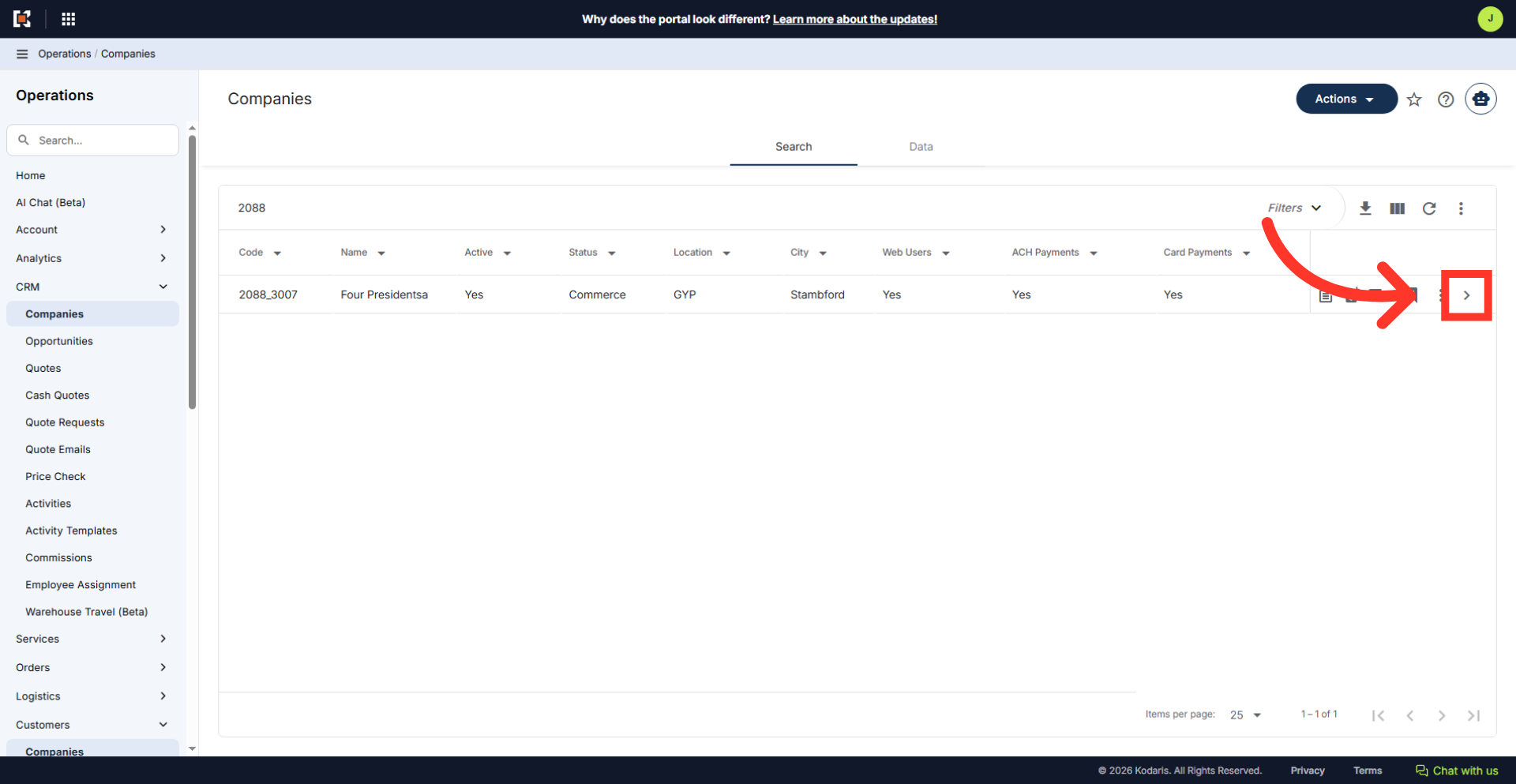
You can enter the company code or name to search for the company.

Click on the more details icon to view company details.
Then, try to perform an action on this screen - for this example, we will try to update the name.
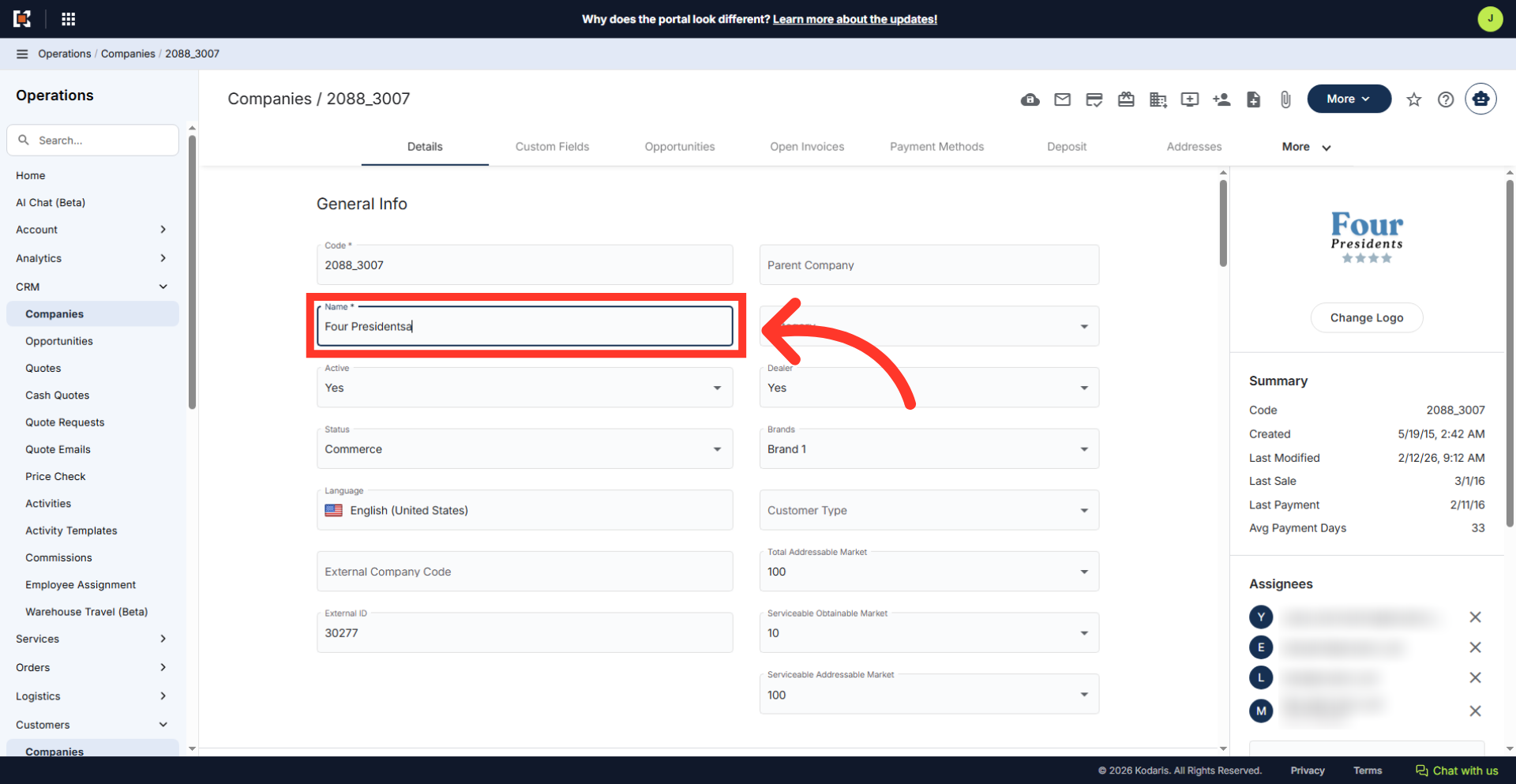
If the user does not have access to update on the screen, an alert will appear listing the specific roles needed. If access is needed, the user can then request the needed role update