Product Documentation
Product Documentation
Product Documentation
To add opportunities for a company, navigate to the "CRM" section in the Operations Portal.
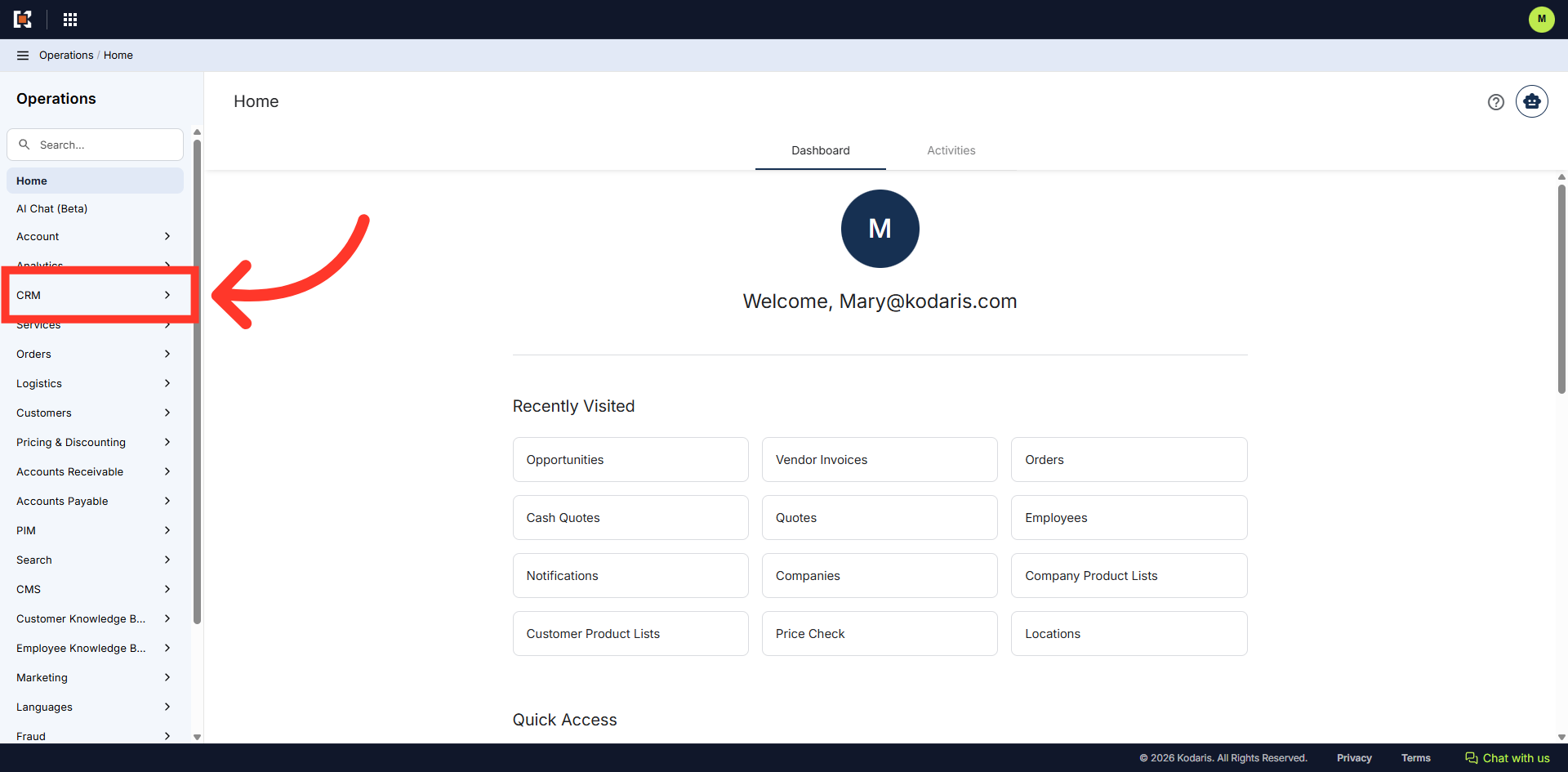
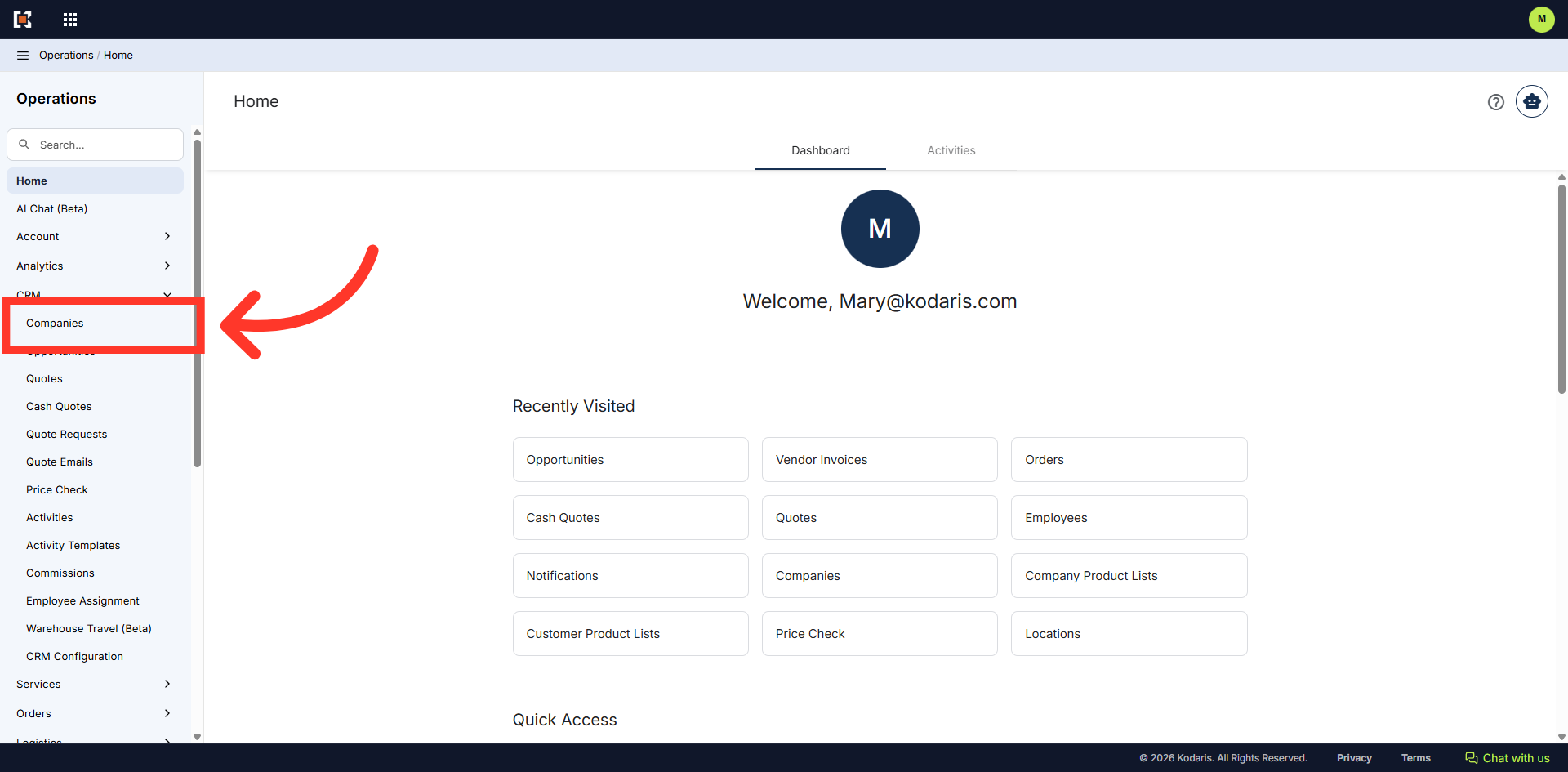
Then, click "Companies". In order to access "Companies" you will need to be set up either as an "administrator" or a "superuser", or have the appropriate roles: "companyEdit", or "crmCompanyEdit". Just a reminder, "crmCompanyEdit" access only allows employees to access companies that are assigned to them.
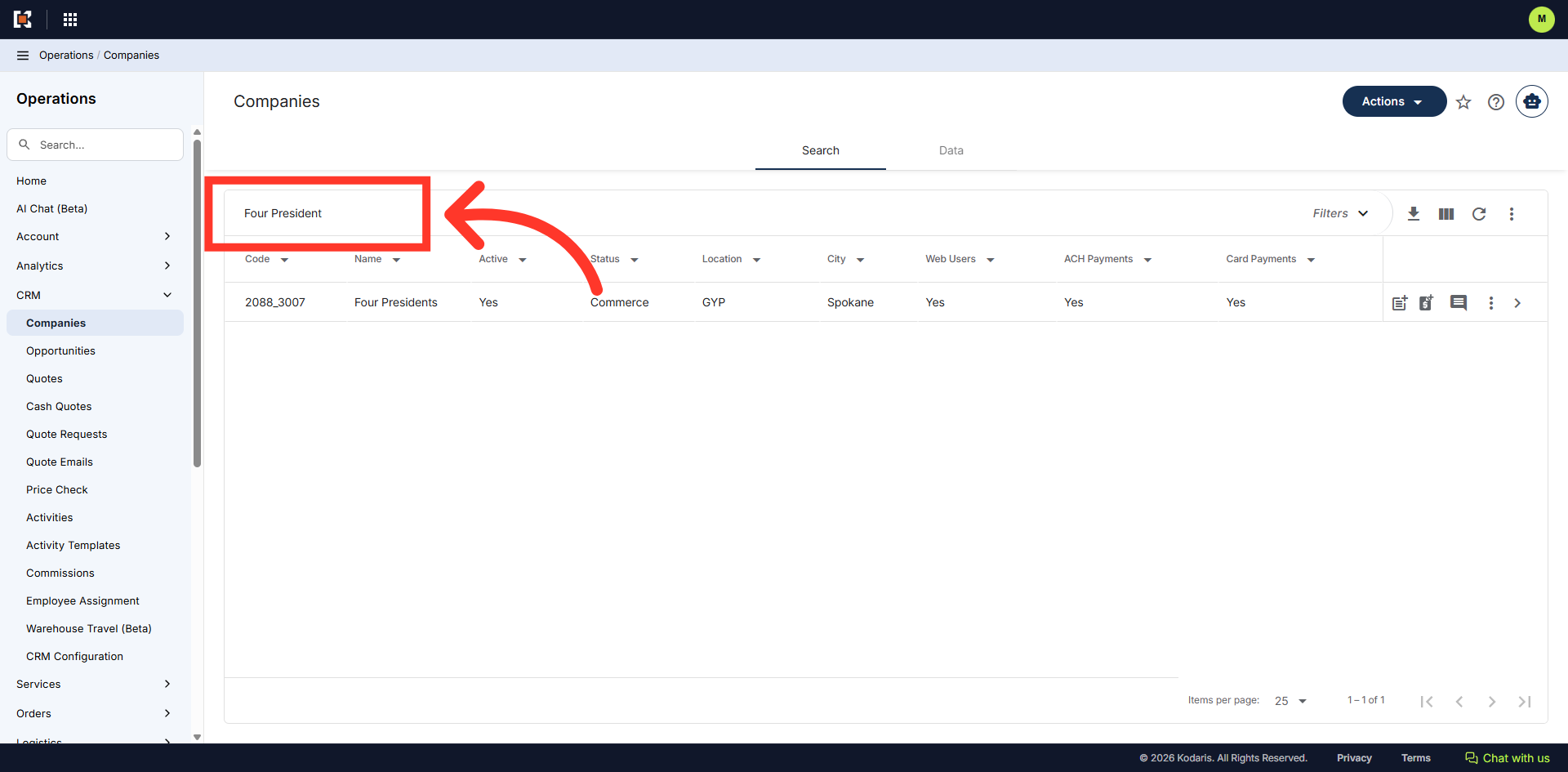
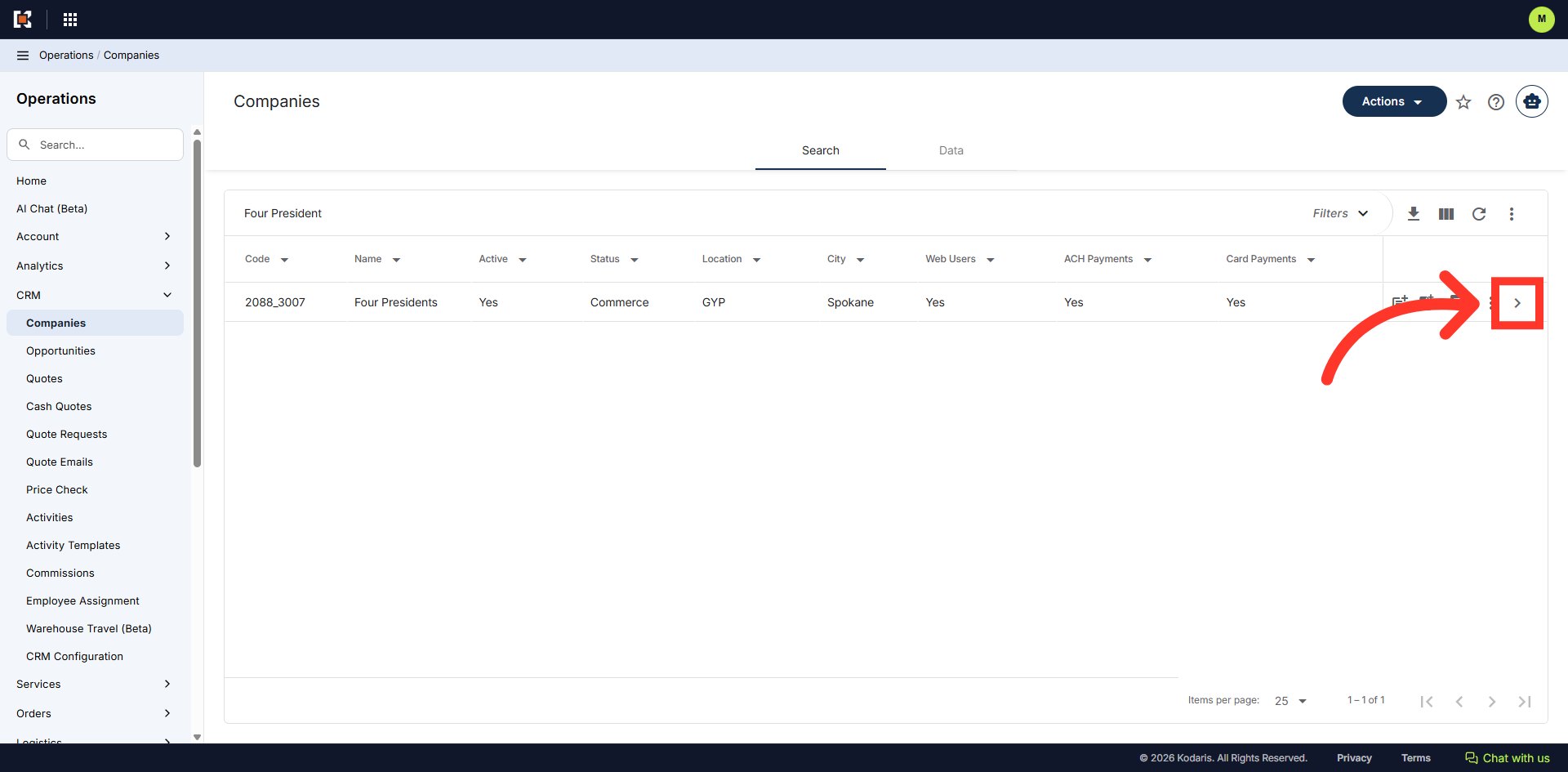
Search for the company by entering the company name or code in the "Search..." field.
Click on the more details icon to access company details.
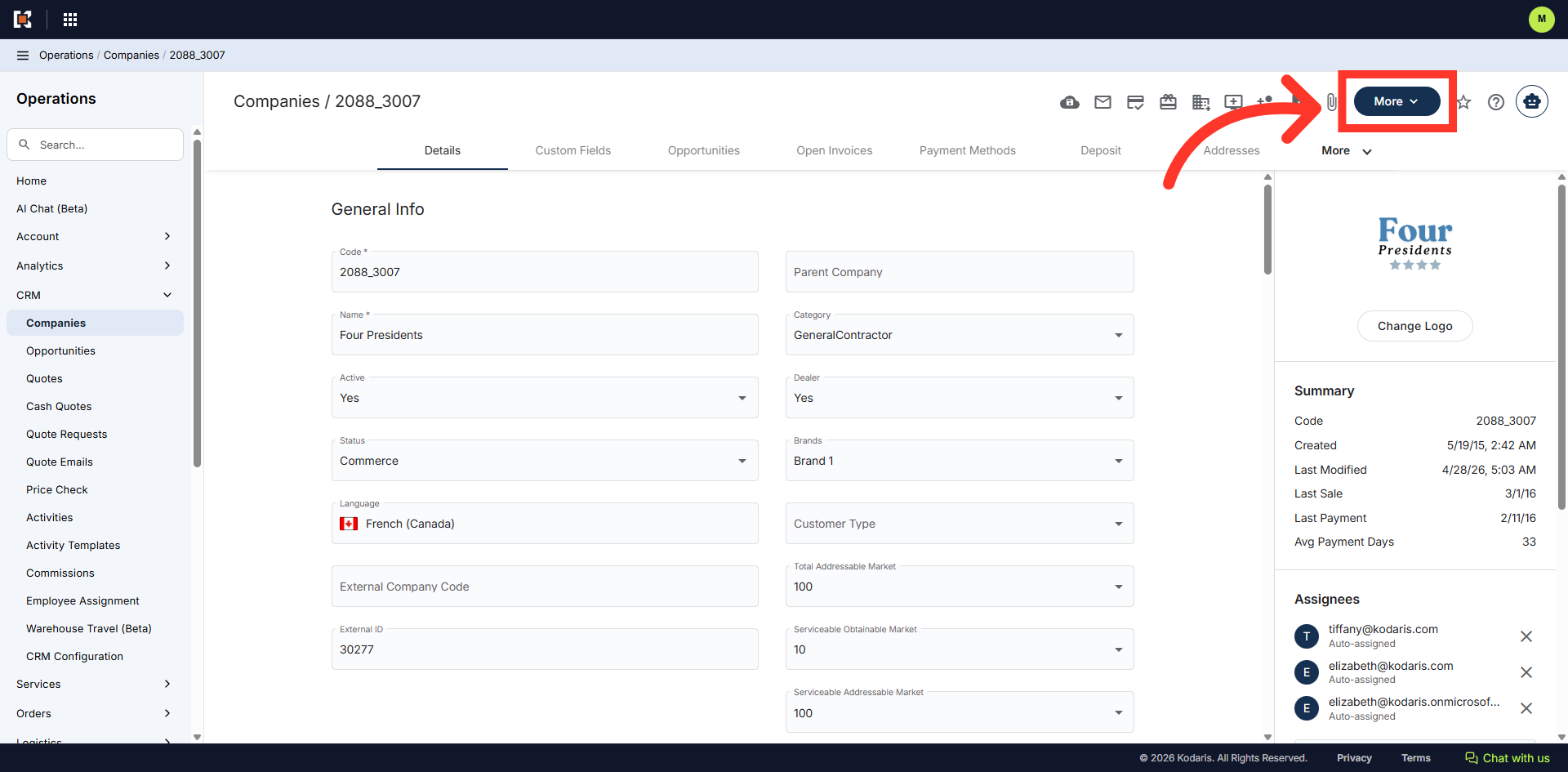
Click on the "More" dropdown.
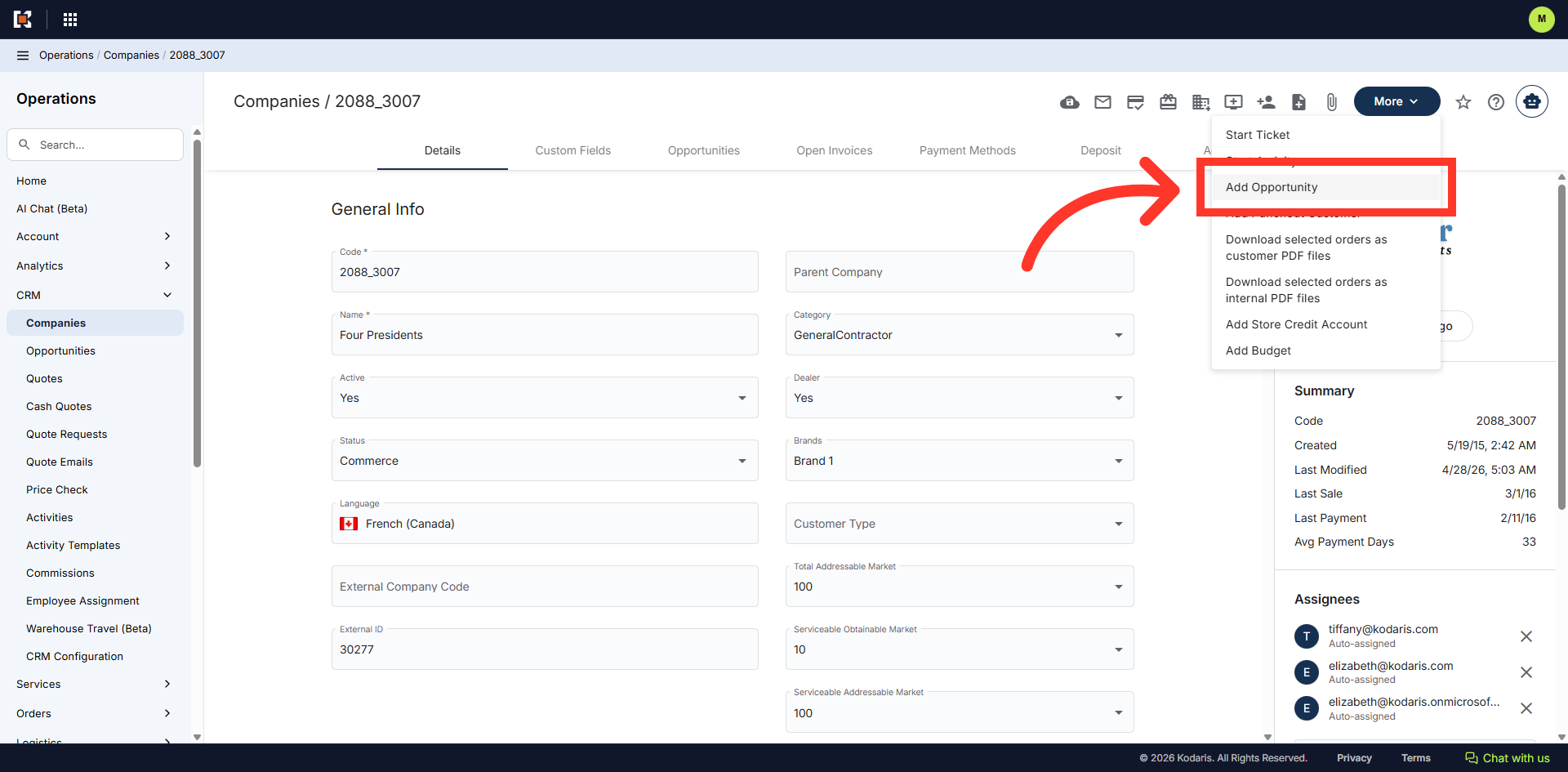
Then, select "Add Opportunity" from the options.
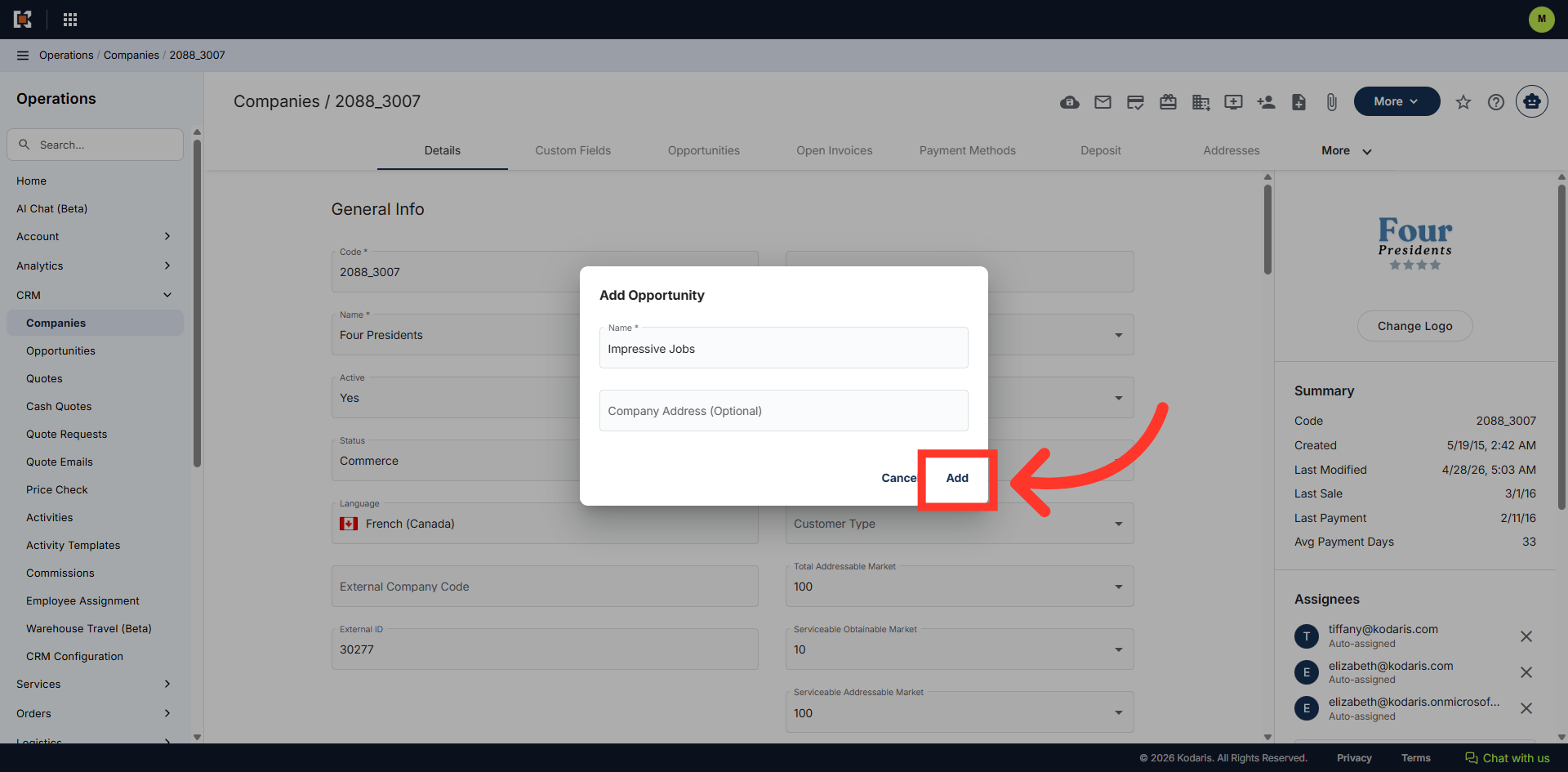
The "Add Opportunity" box will appear. Click the "Name field and enter the opportunity name
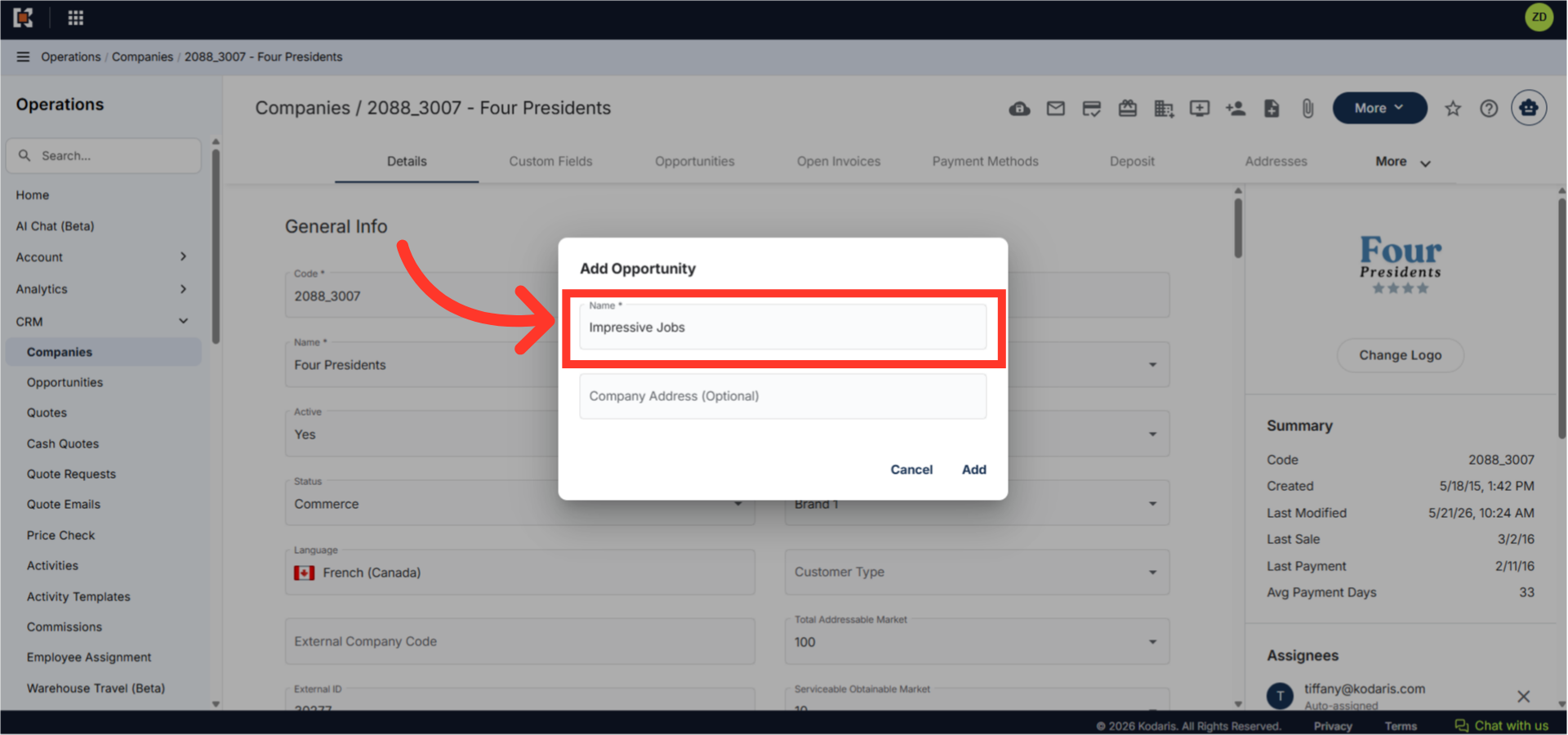
Now, click "Add".
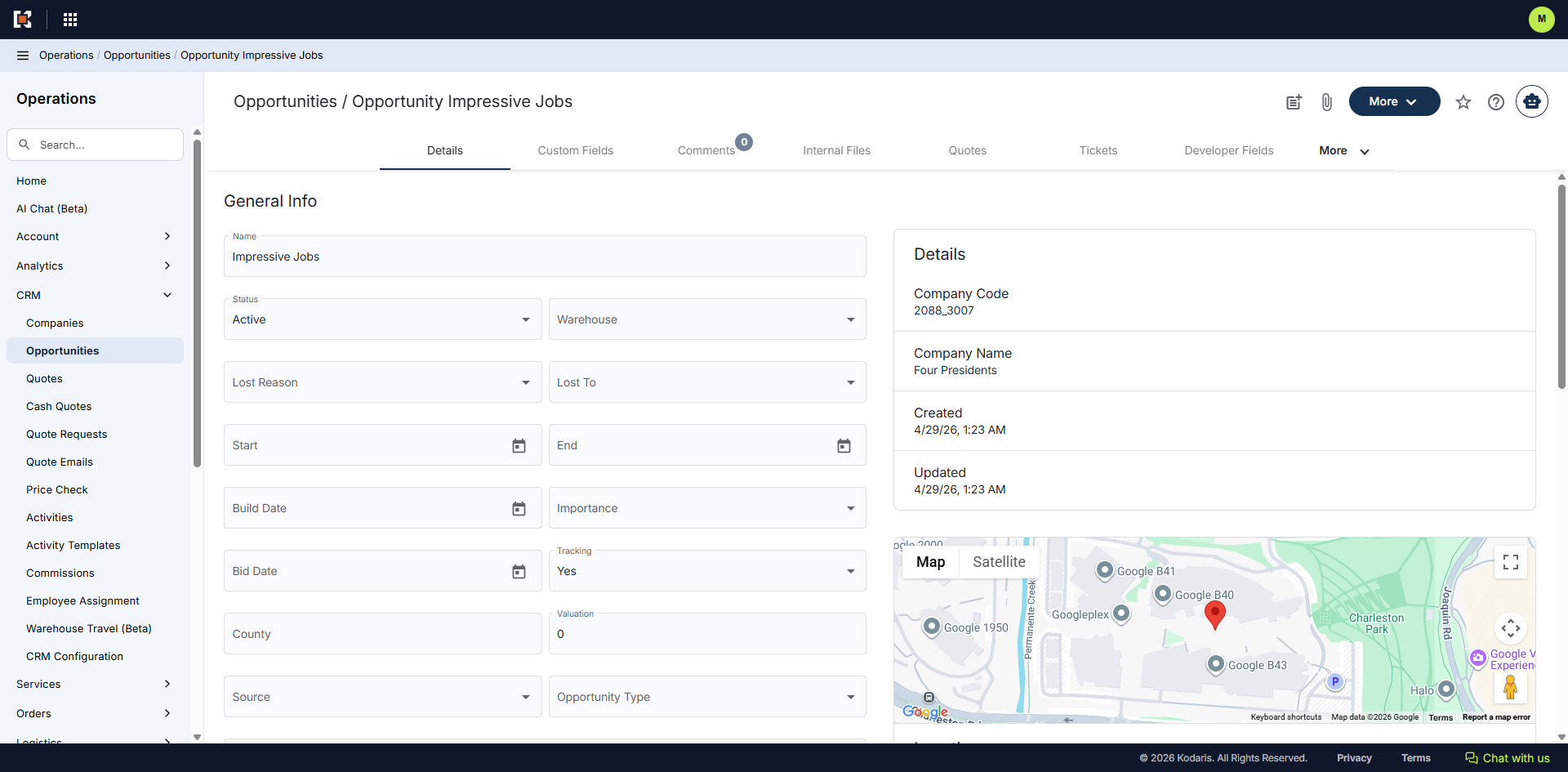
The opportunity has been added to the company.