Product Documentation
Product Documentation
Product Documentation
In order to access customer files from the "Companies" "Order" screen, navigate to the "CRM" section in the Operations Portal.
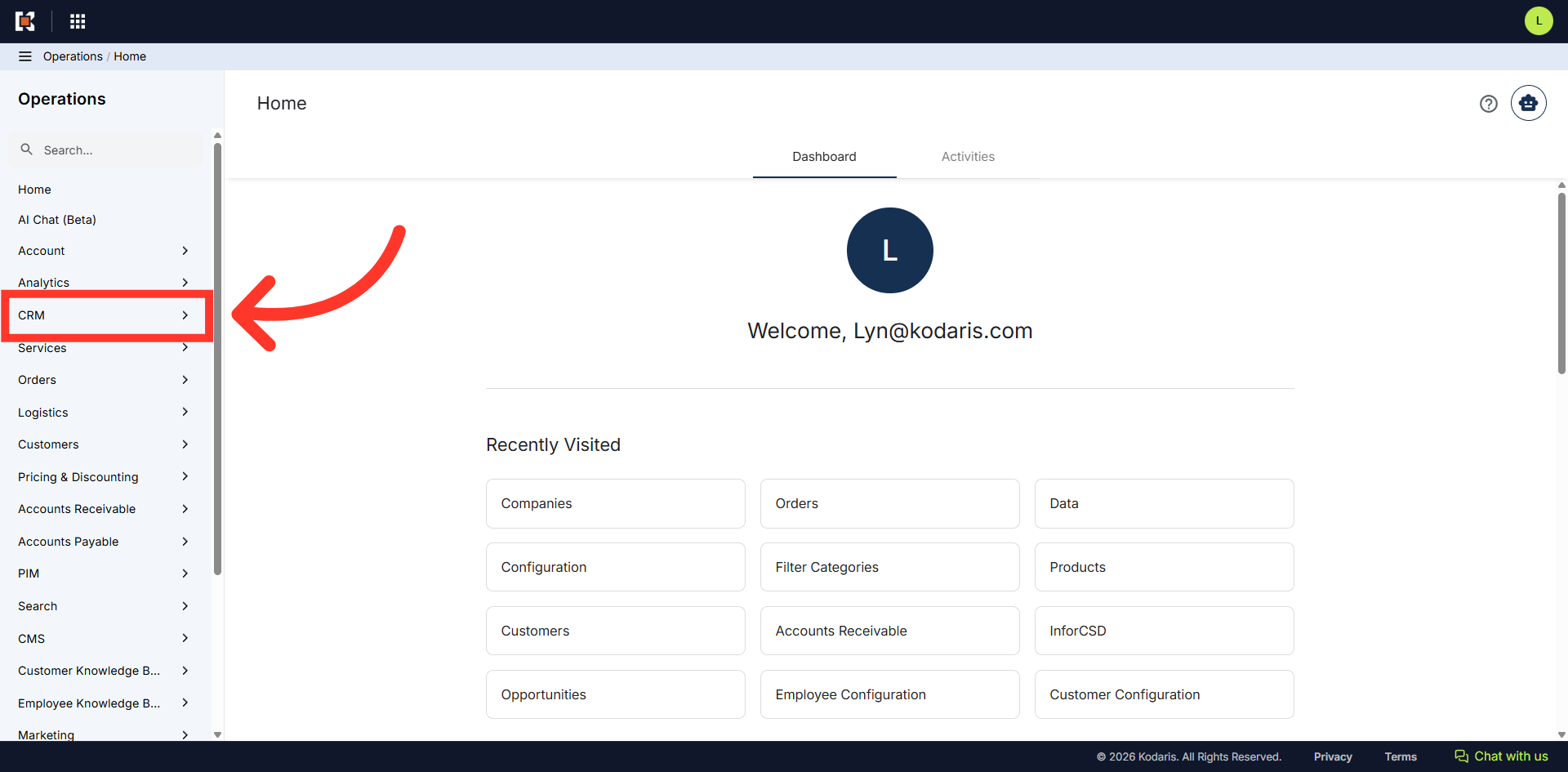
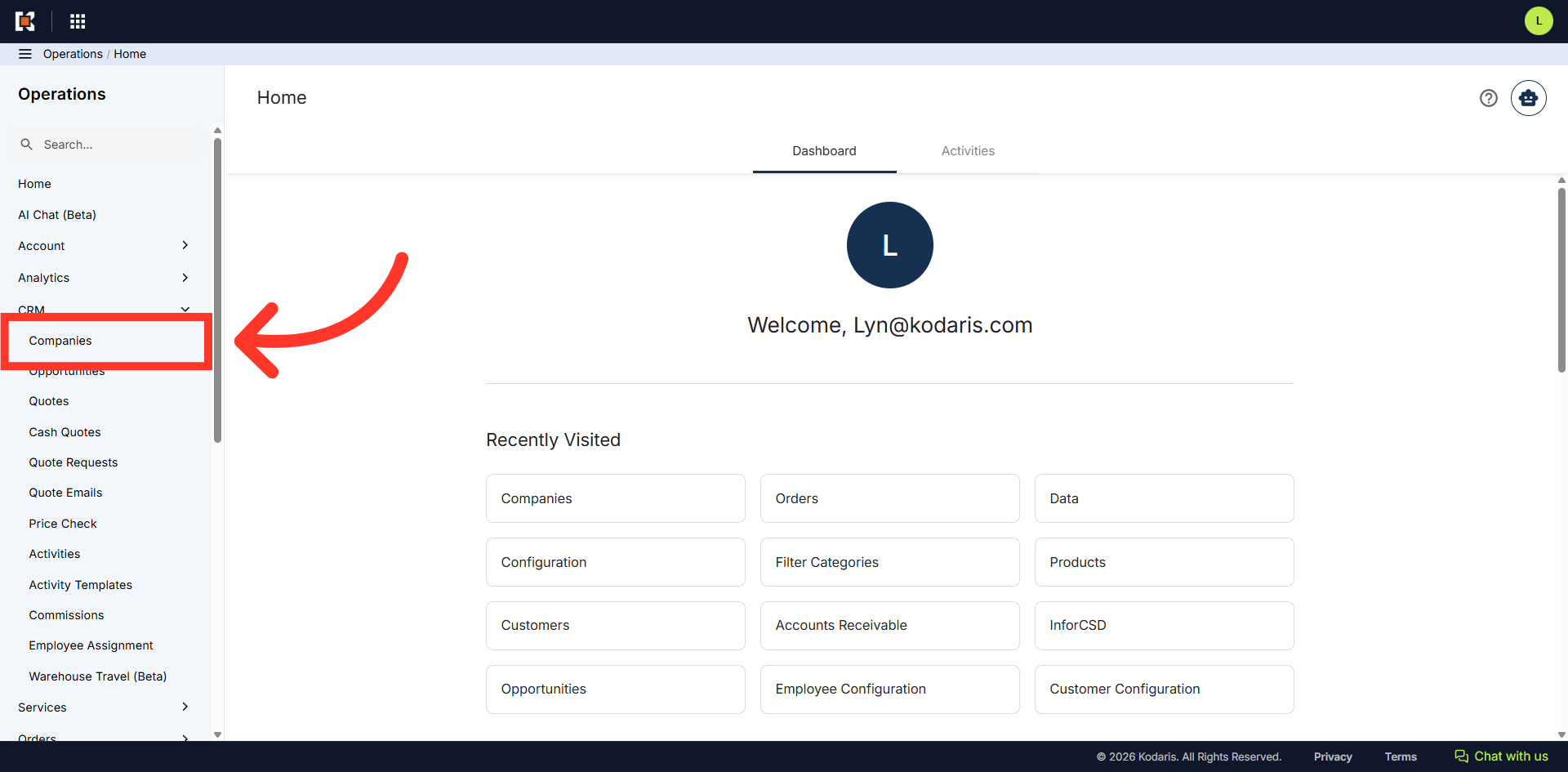
Then, click "Companies". In order to access "Companies", you will need to be set up either as an "administrator" or a "superuser", or have the appropriate roles: "companyView and companyEdit", or "crmCompanyView and crmCompanyEdit". Just a reminder, "crmCompanyView and crmCompanyEdit" access only allows employees to view companies that are assigned to them.
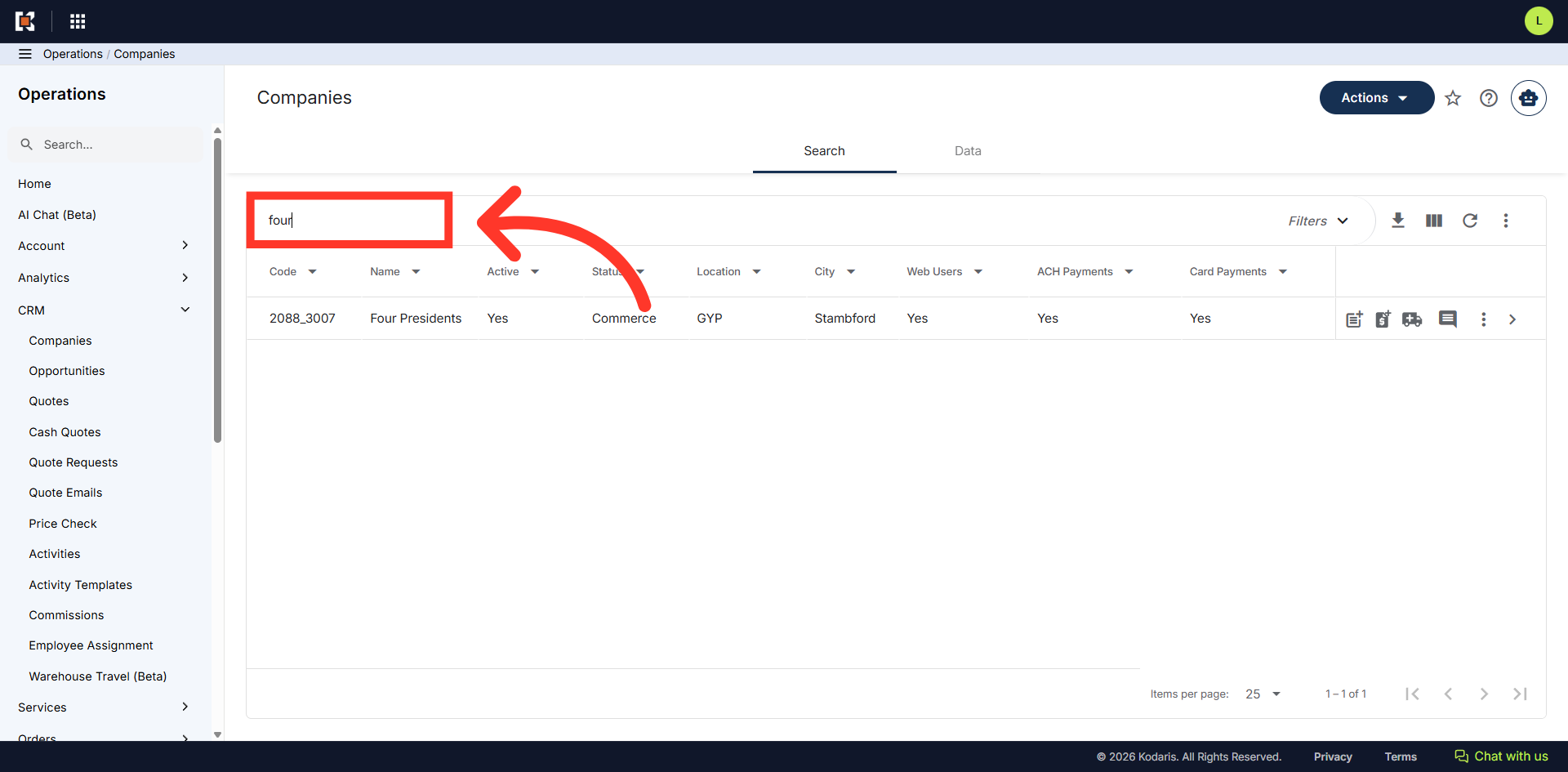
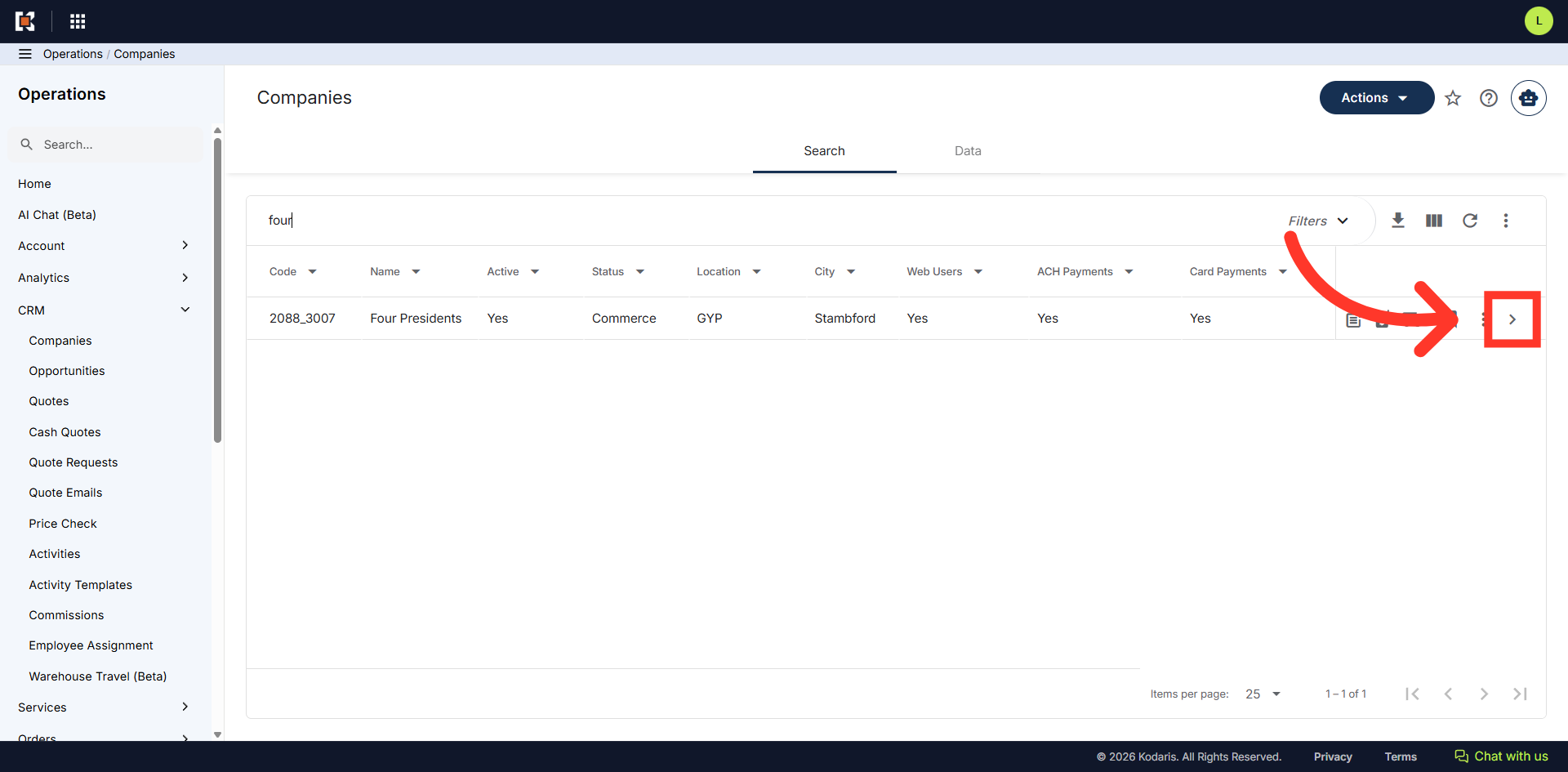
Search for the company. You can enter the company name or code in the "Search..." field to search.
Click on the more details icon to open the Company's details page.
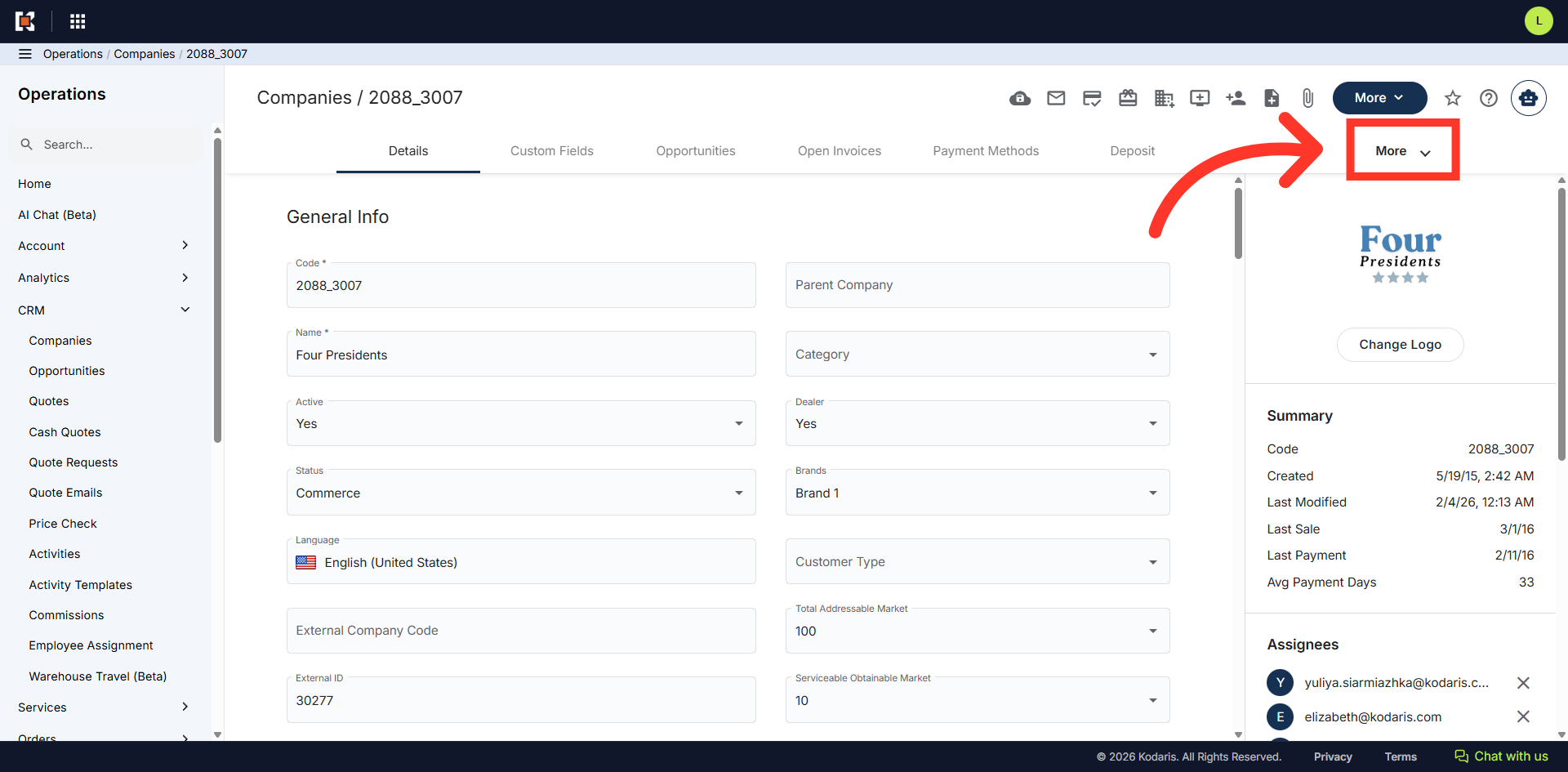
Then, click "More" to view other tabs.
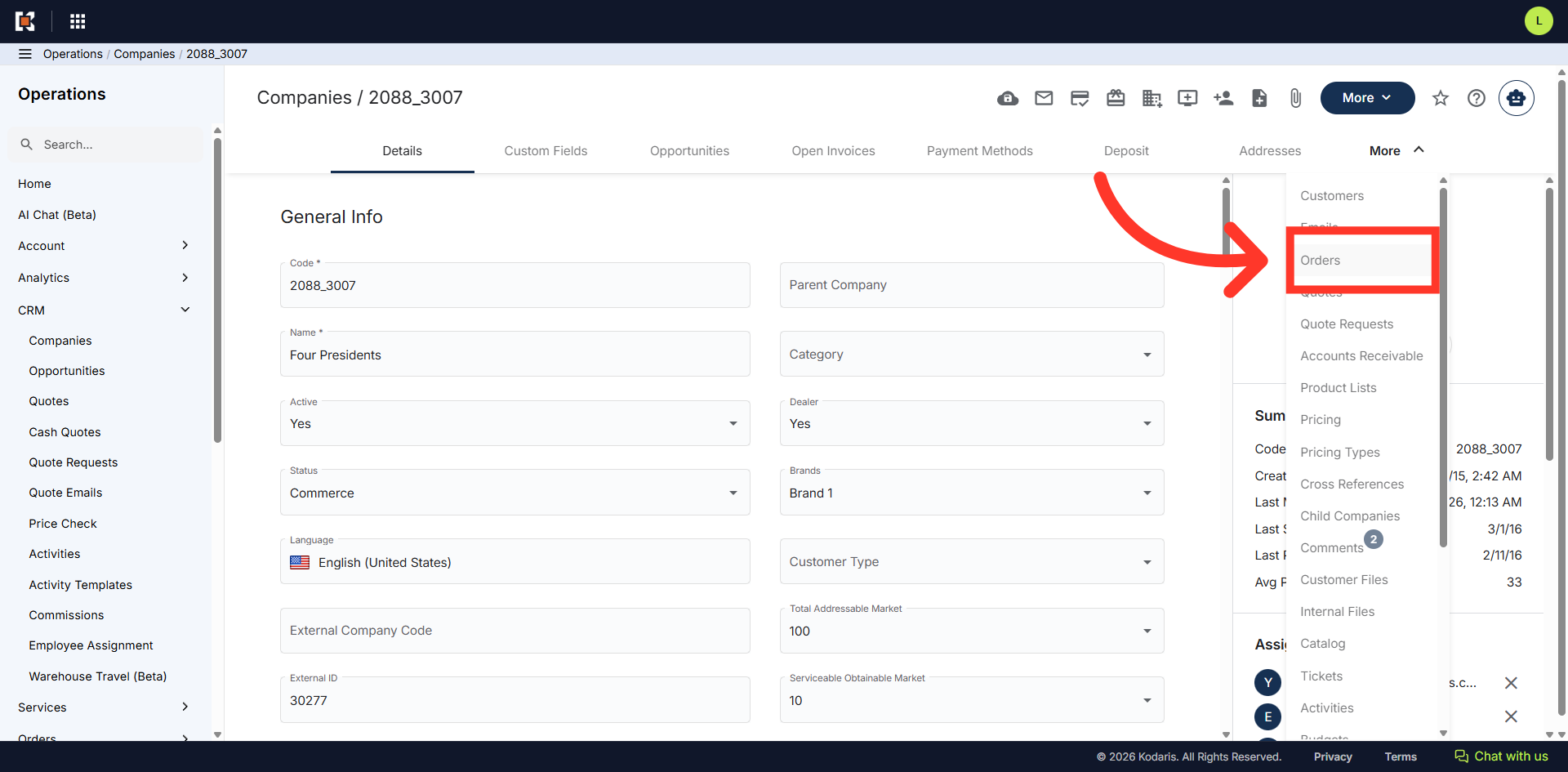
Select "Orders". In order to access and update "Orders", you will need the additional roles of: "dispatch", "orderEdit", "orderView", "crmCompanyOrderView" and "crmCompanyOrderEdit". Just a reminder, "crmCompanyOrderView" and "crmCompanyOrderEdit" access only allows employees to view company orders that are assigned to them.
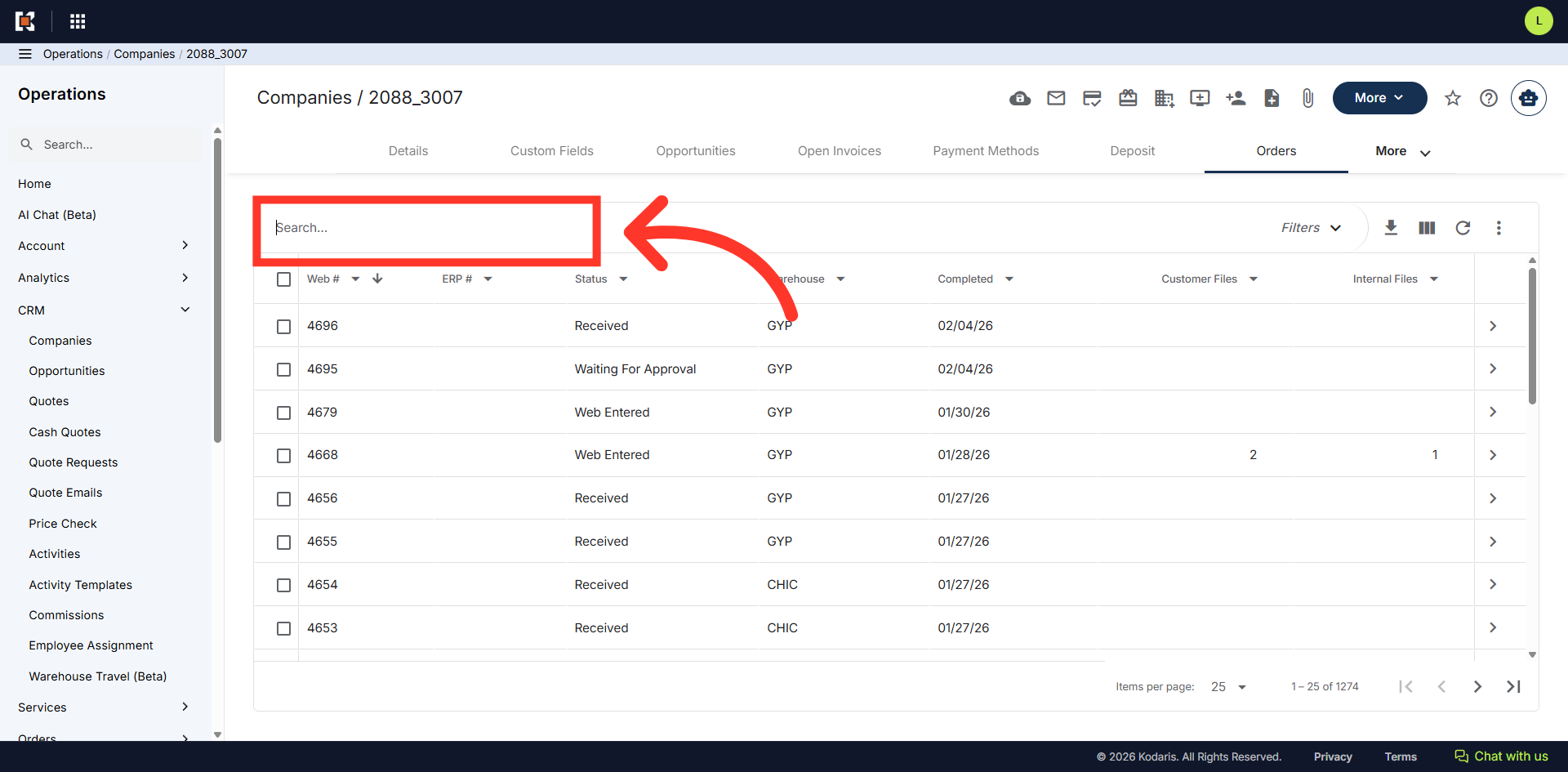
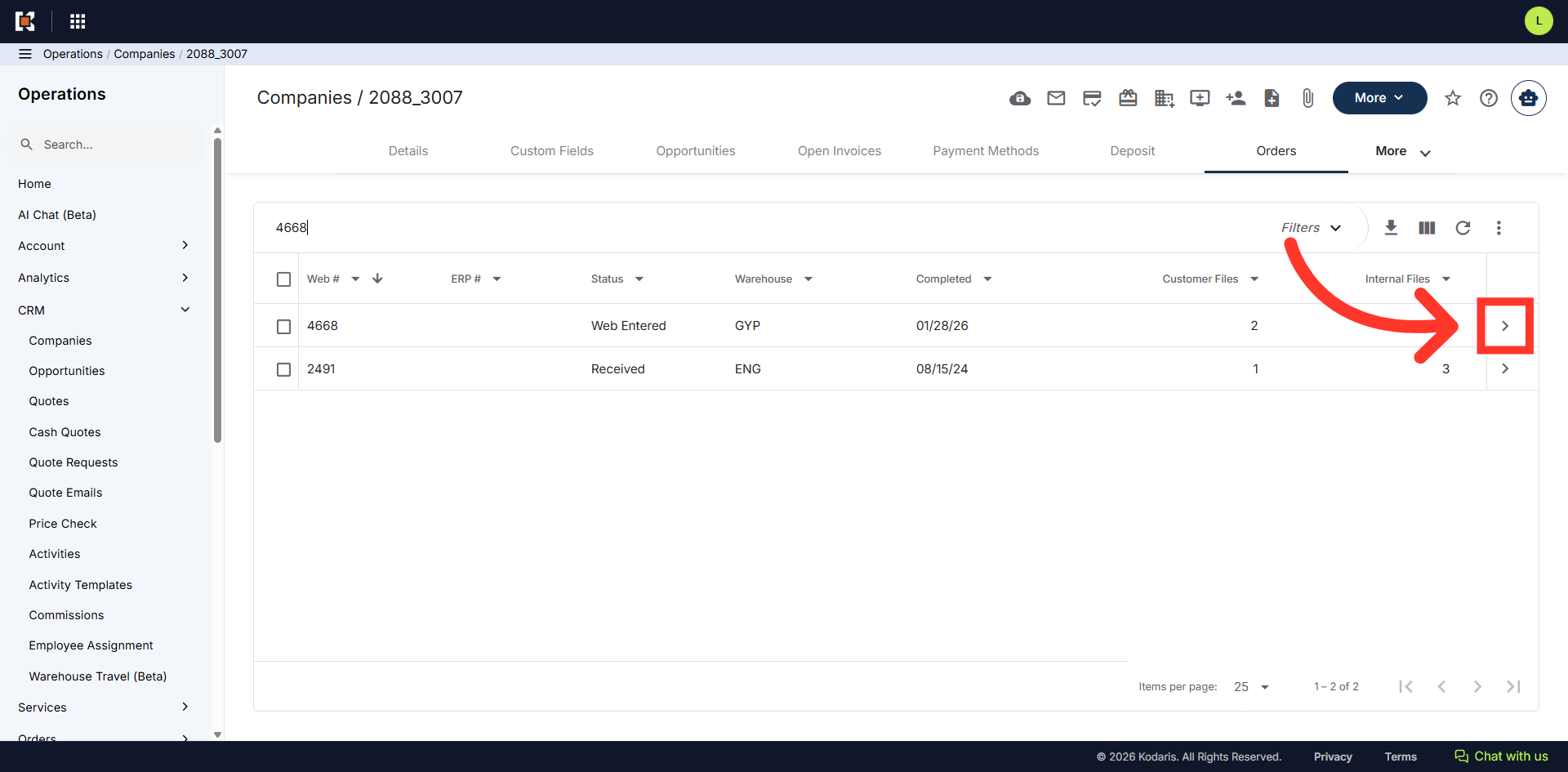
The "Orders" screen displays all orders associated with the company. Since we are going to access the "Customer Files" from the "Companies" "Order" screen, search for an order by entering the order number in the search box.
Click on the more details icon.
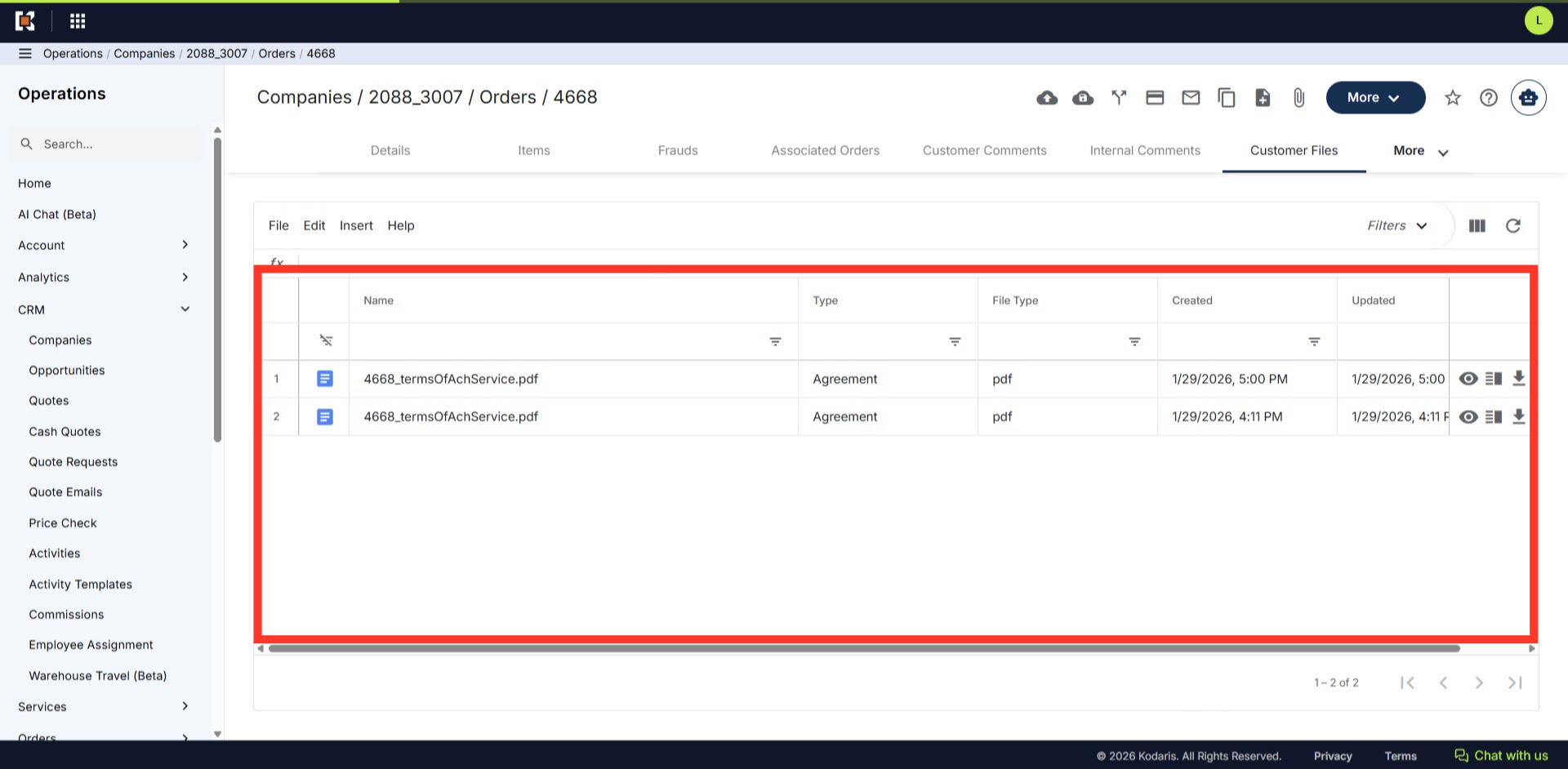
Click the "Customer Files" tab.
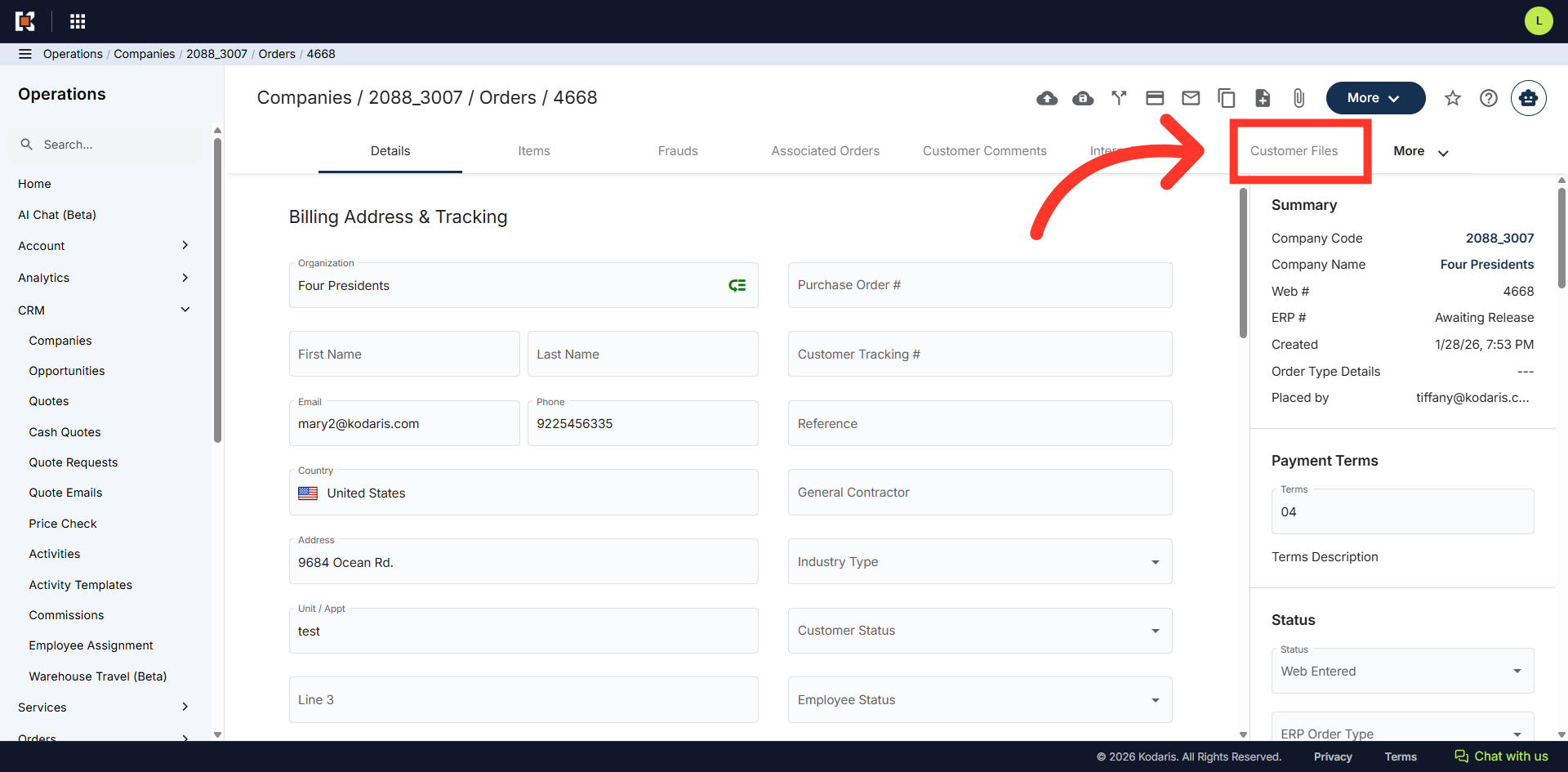
All files that have been generated as "Customer PDF" will save under the "Customer Files" tab on the order and are going to be visible to the customer and also to operations portal users.