Product Documentation
Product Documentation
Product Documentation
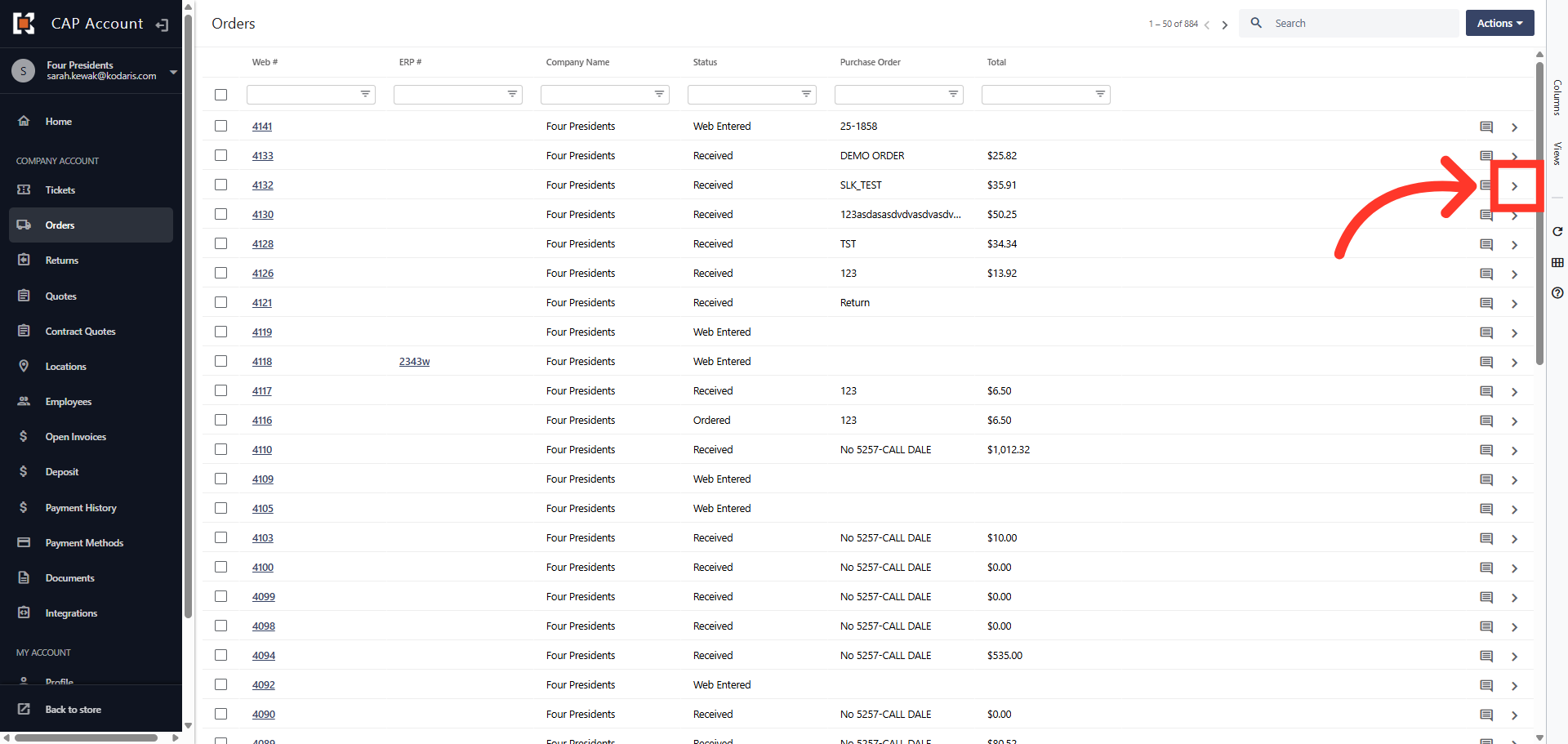
In the customer portal, you can now create a company or personal list from previous orders in your order history. These product lists or catalog can be used to place repeat orders quickly and efficiently. To start, navigate to the "Orders" section in your Customer Portal.
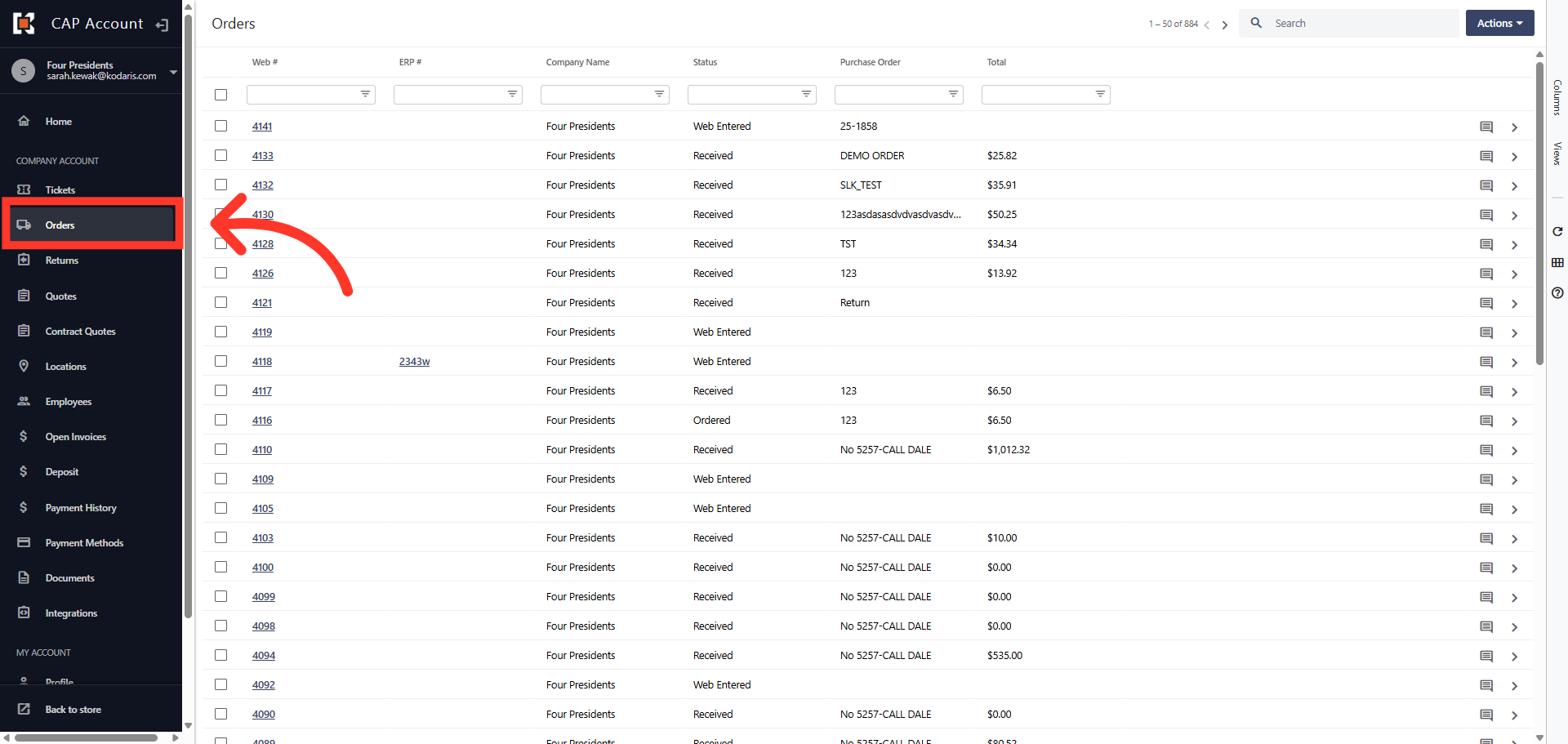
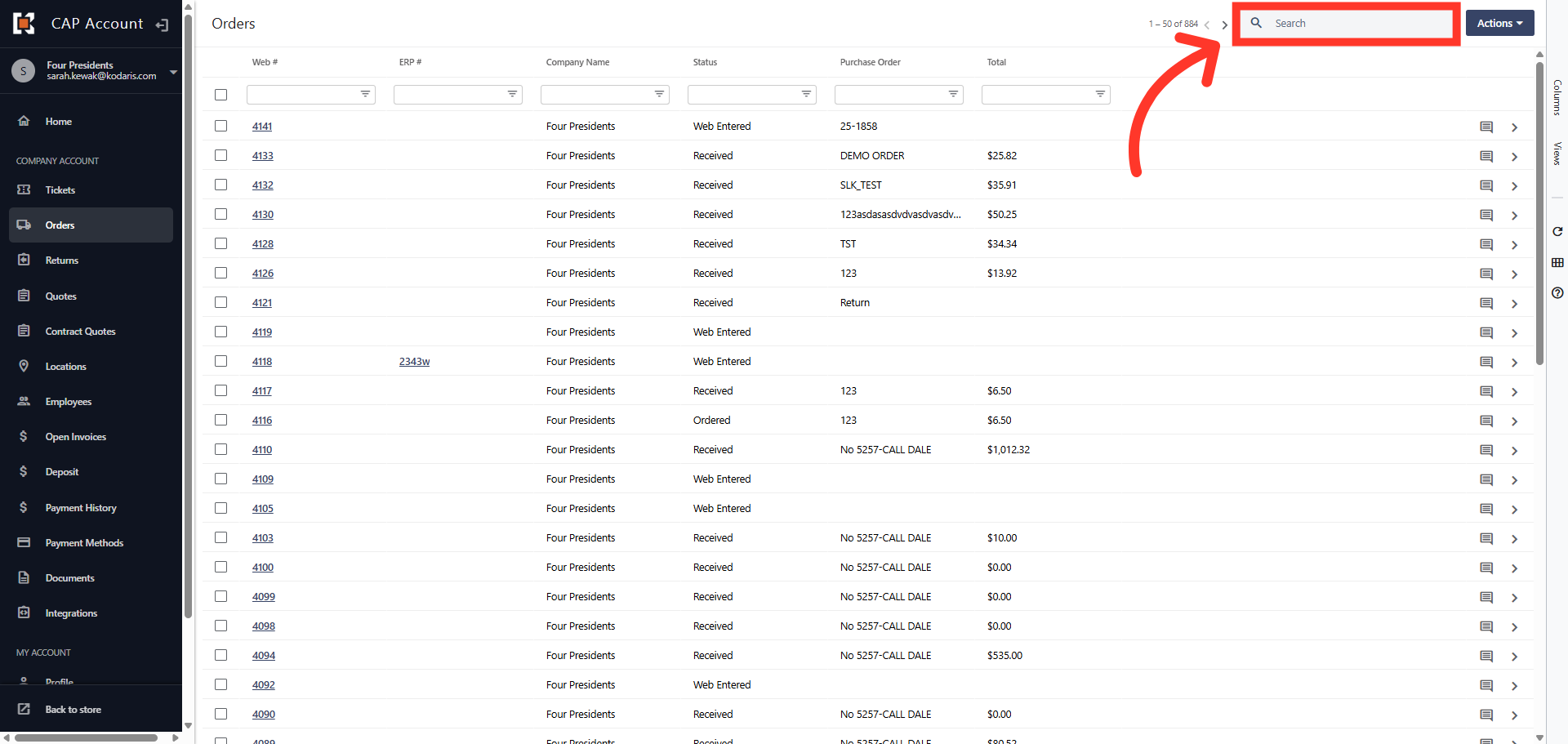
In order to access "Orders", you will need to have the role of "Company Admin", "View All Orders", or "View Assigned Location Orders". Search for the order in the "Search" field.
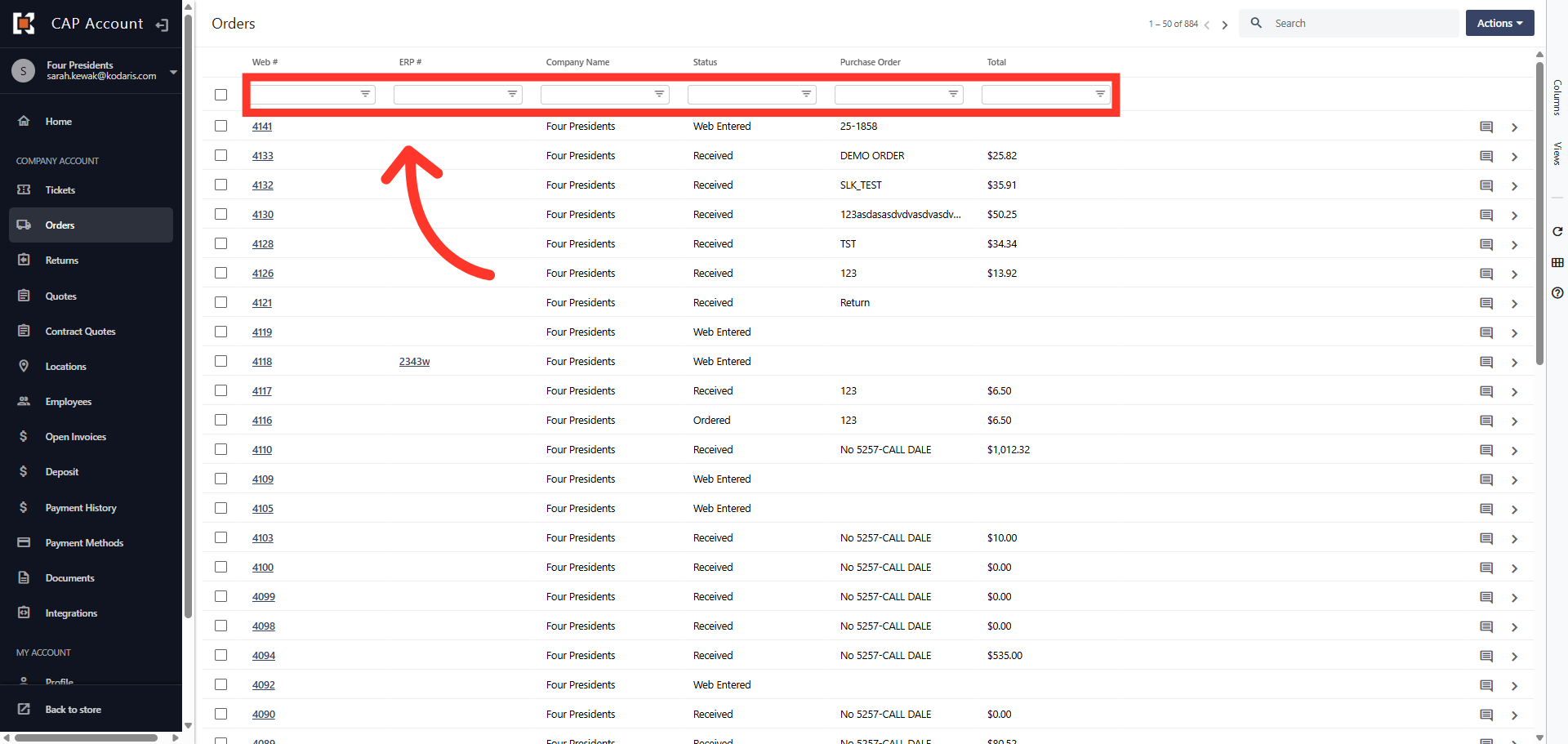
You can also use the filter columns to search for the order.
Next, click on the more details icon to see the order details including the items on the order.
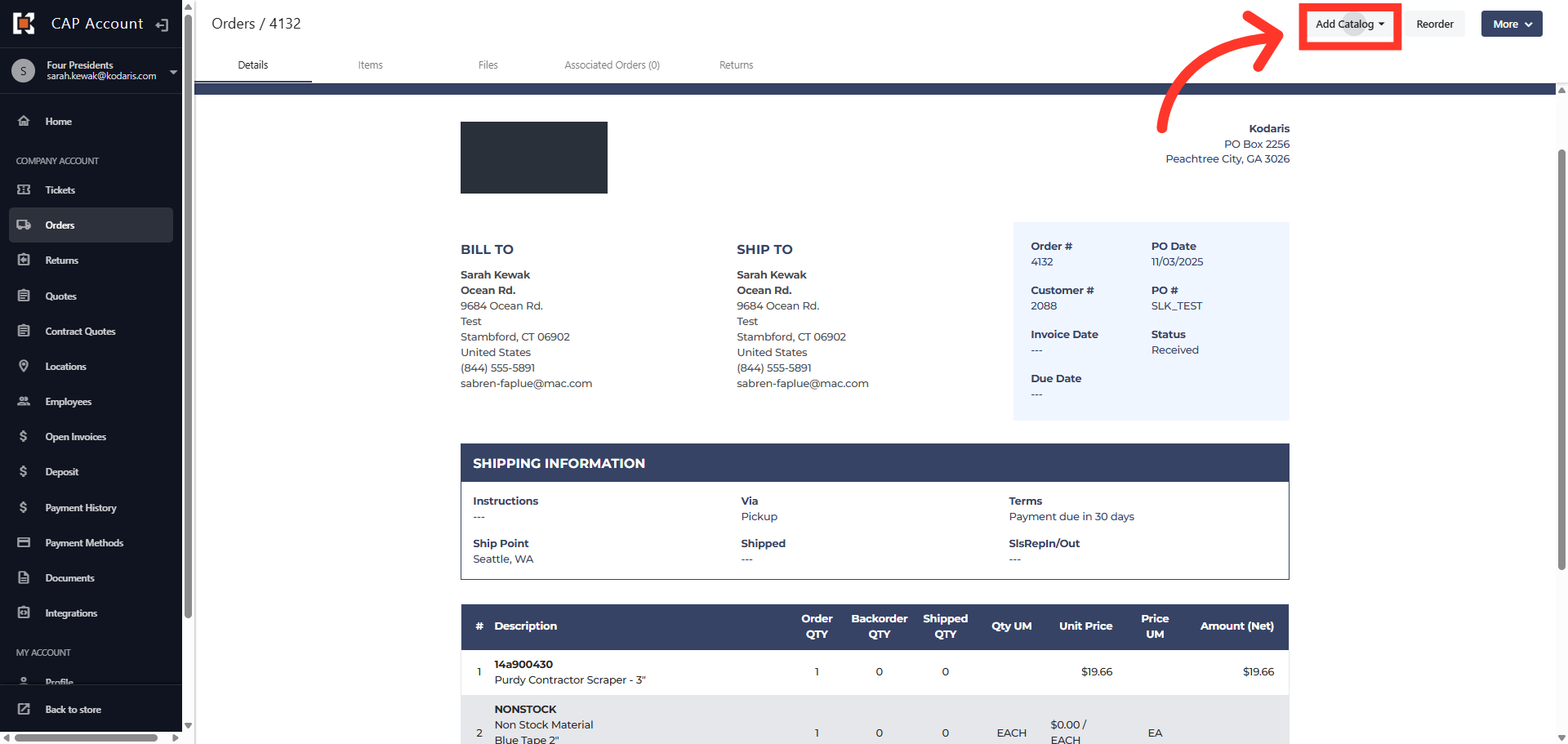
Then, click the "Add Catalog" button to view the menu options.
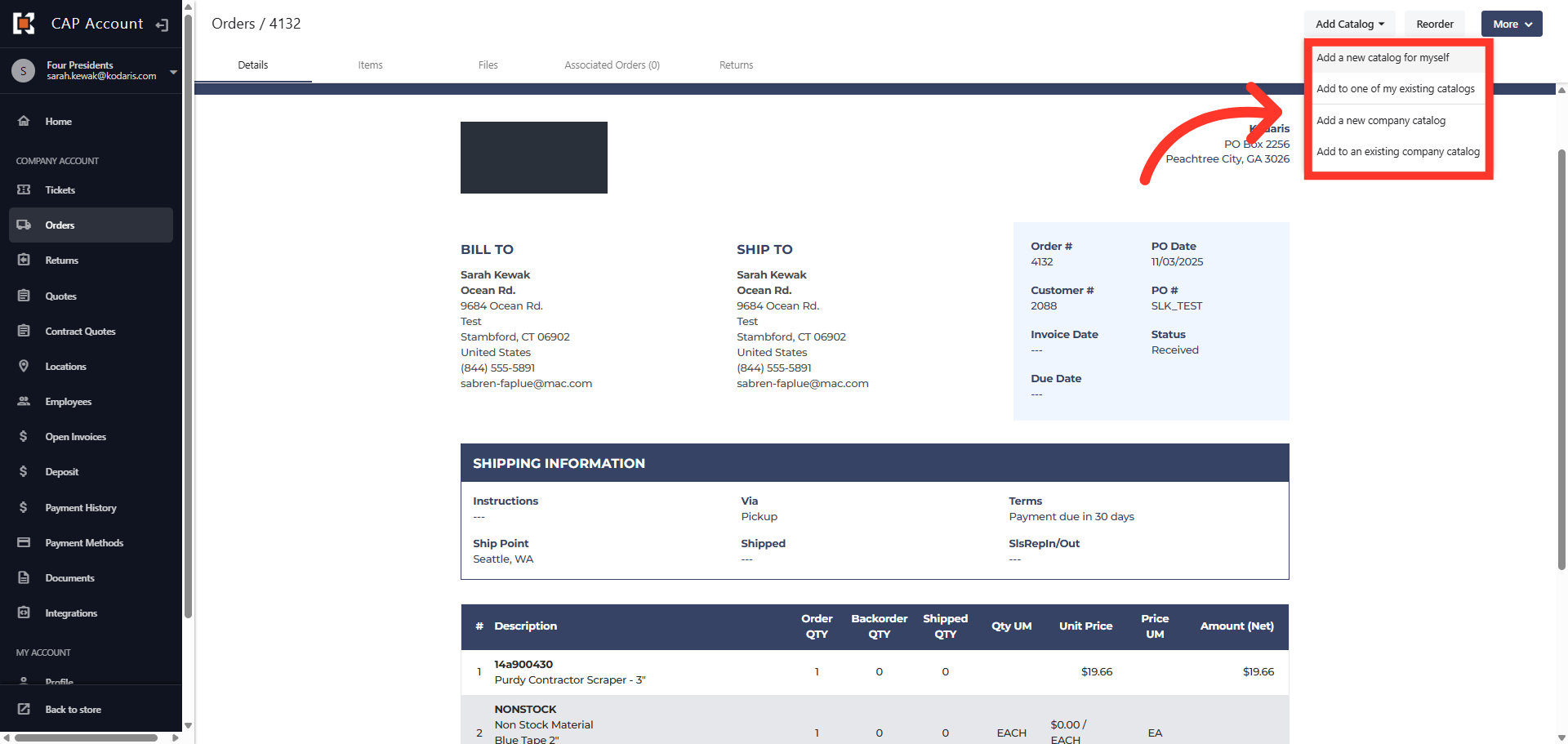
Select the catalog option you wish to use. You can choose from creating a new catalog or adding to an existing catalog for yourself or for all users in the company.
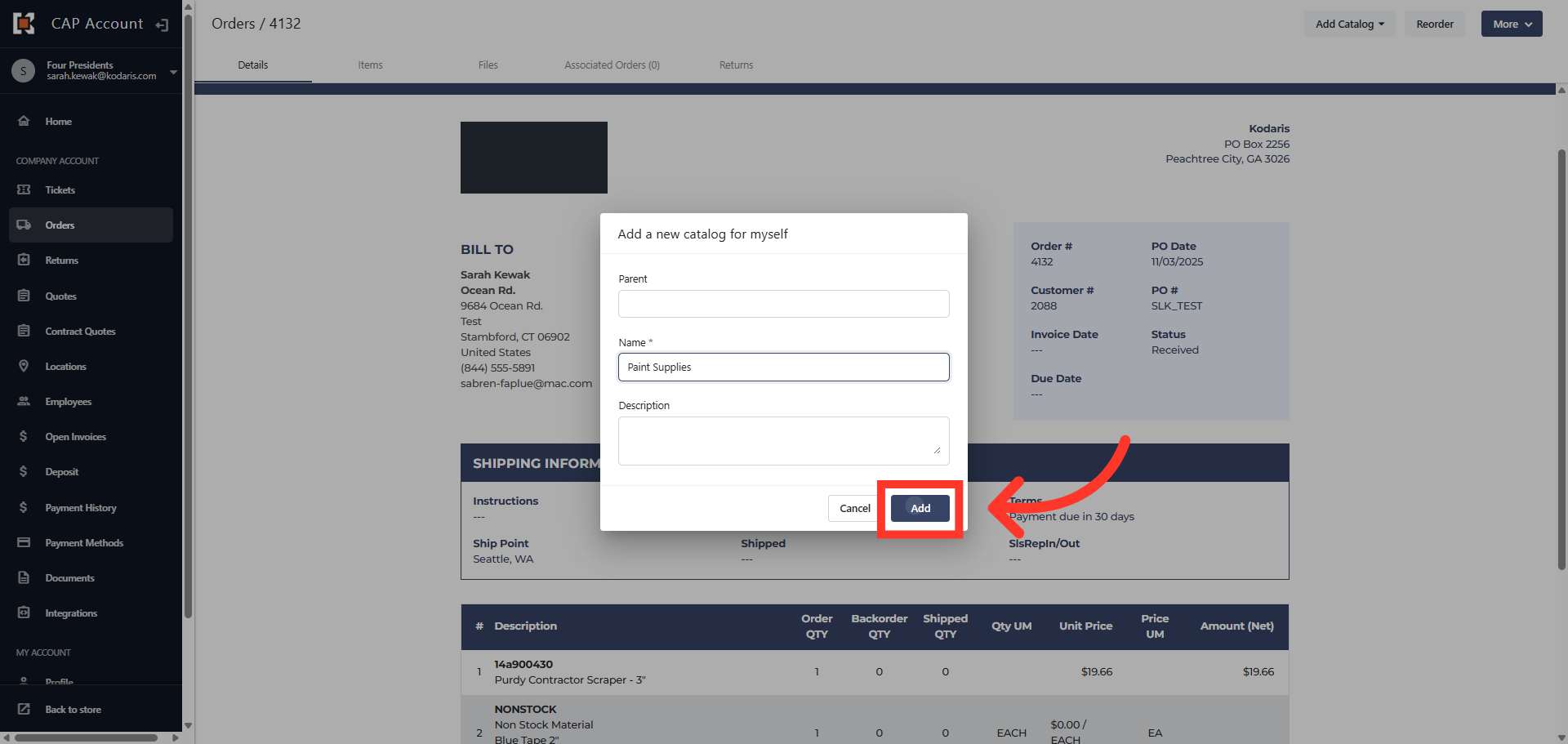
Enter a catalog "Name" in the required "Name" field. You can also add a brief description.
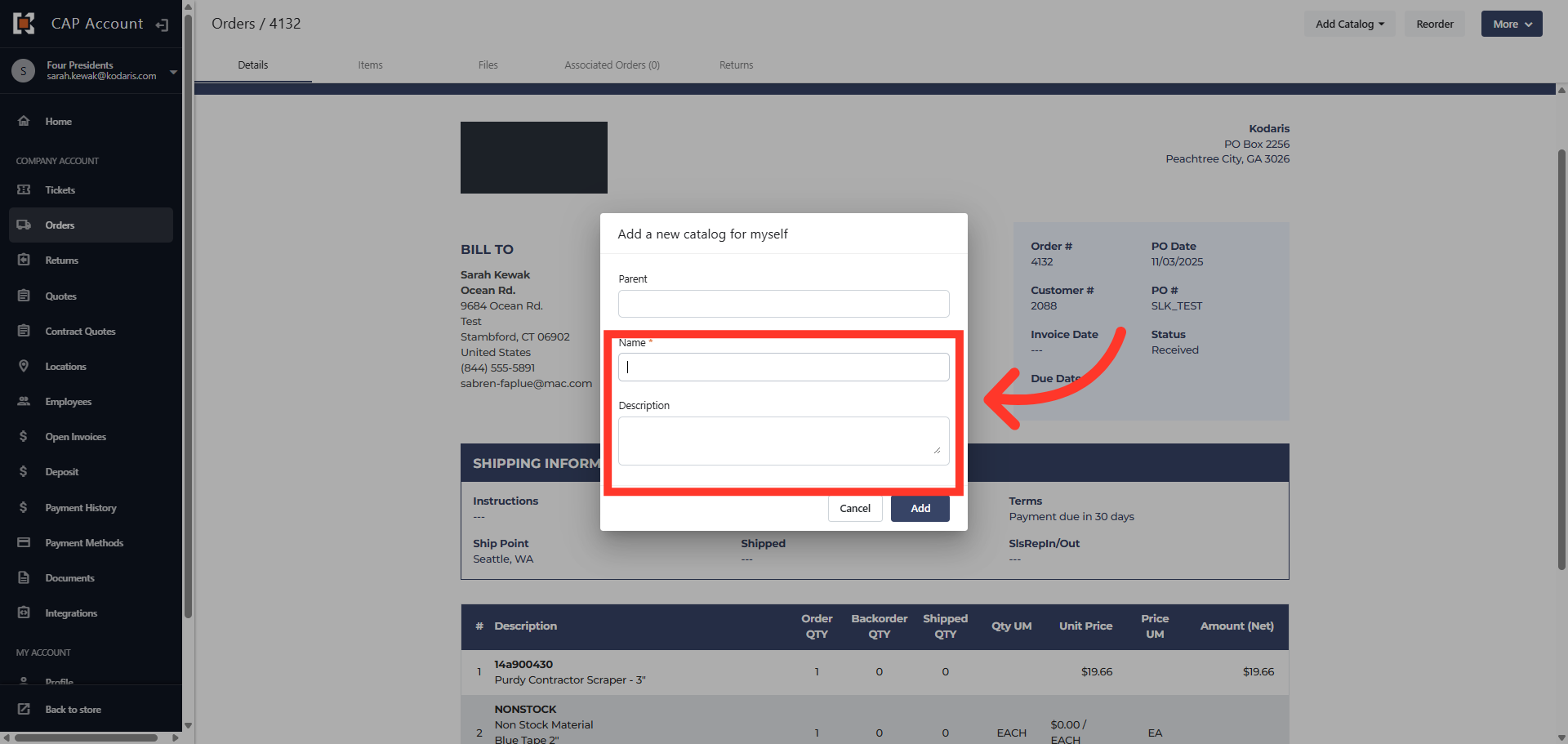
Then, click the "Add" button.
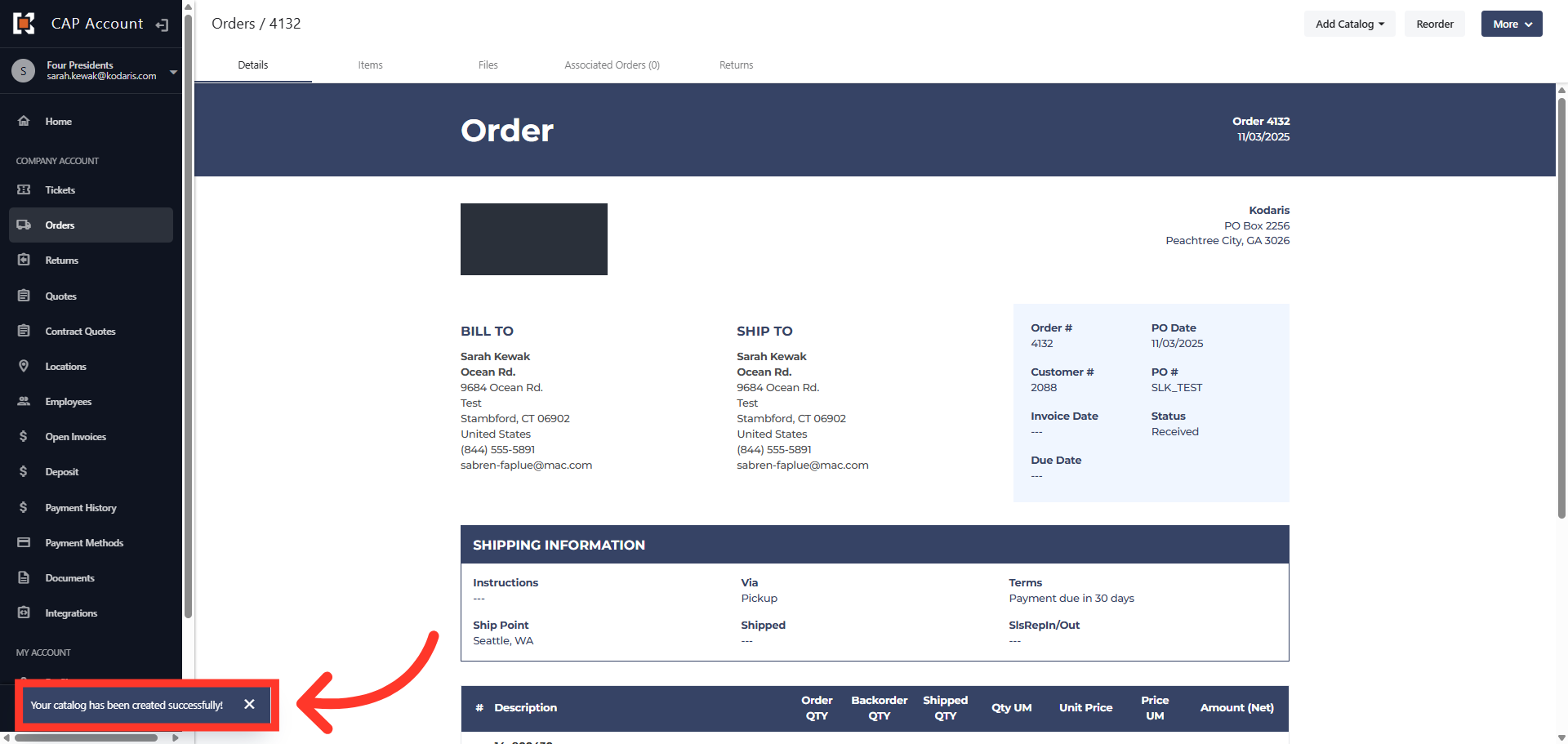
You will see a message stating the catalog has been successfully added.