Product Documentation
Product Documentation
Product Documentation
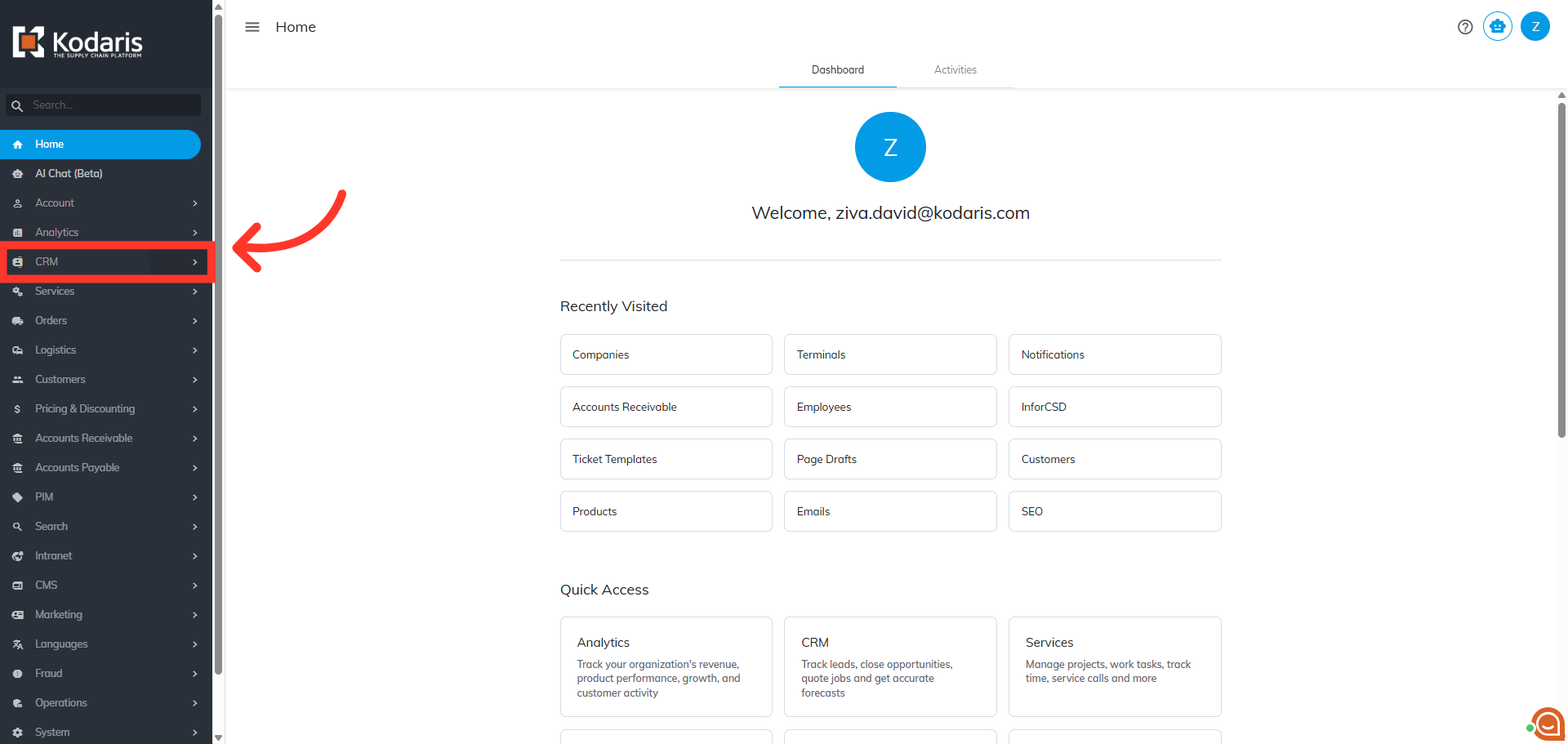
To view user fields on product lists, navigate to the "CRM" section in the Operation Portal.
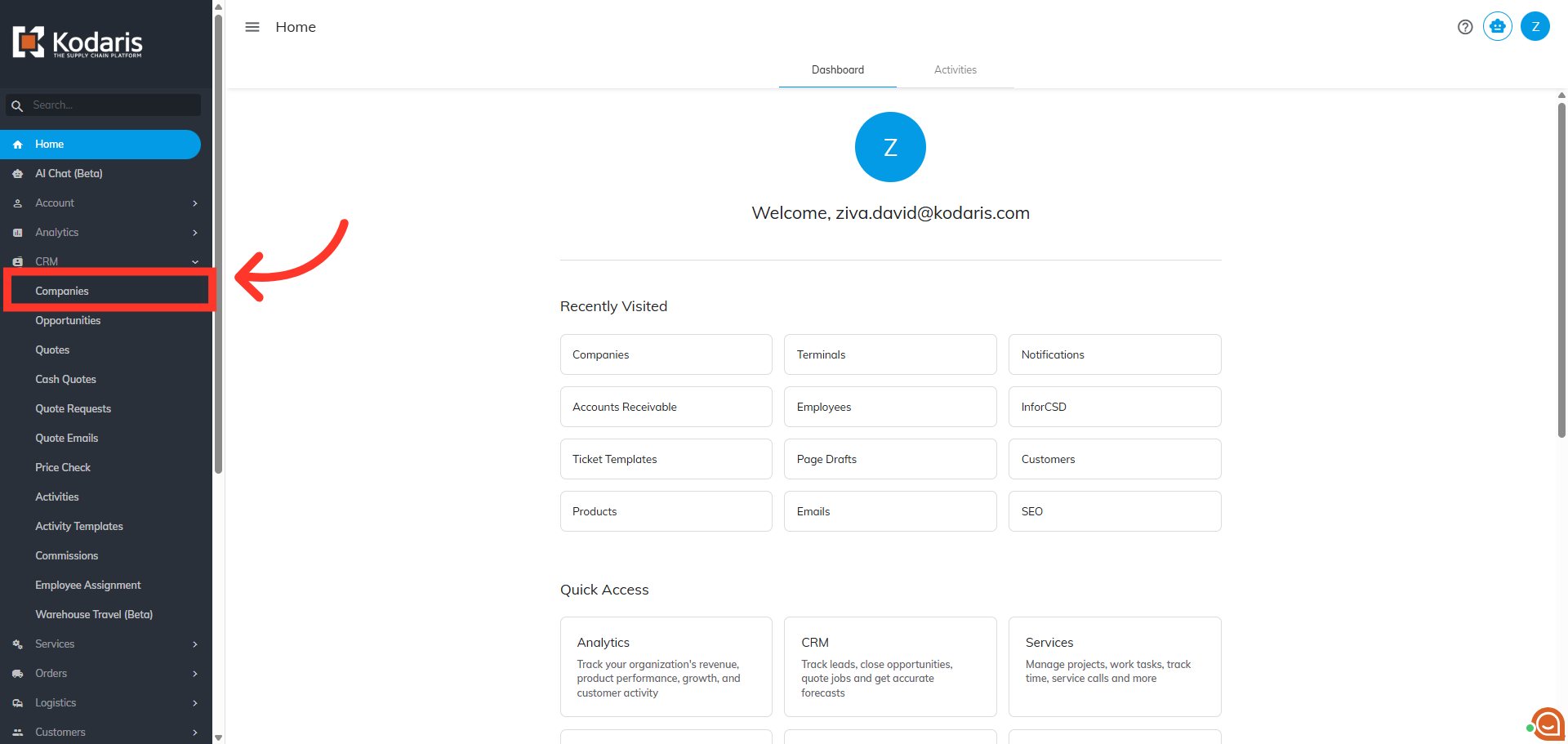
Then, click on "Companies". In order to access "Companies" you will need to be set up either as an "administrator" or a "superuser", or have the appropriate roles: "companyView", "companyEdit" , "customerView", and "customerEdit".
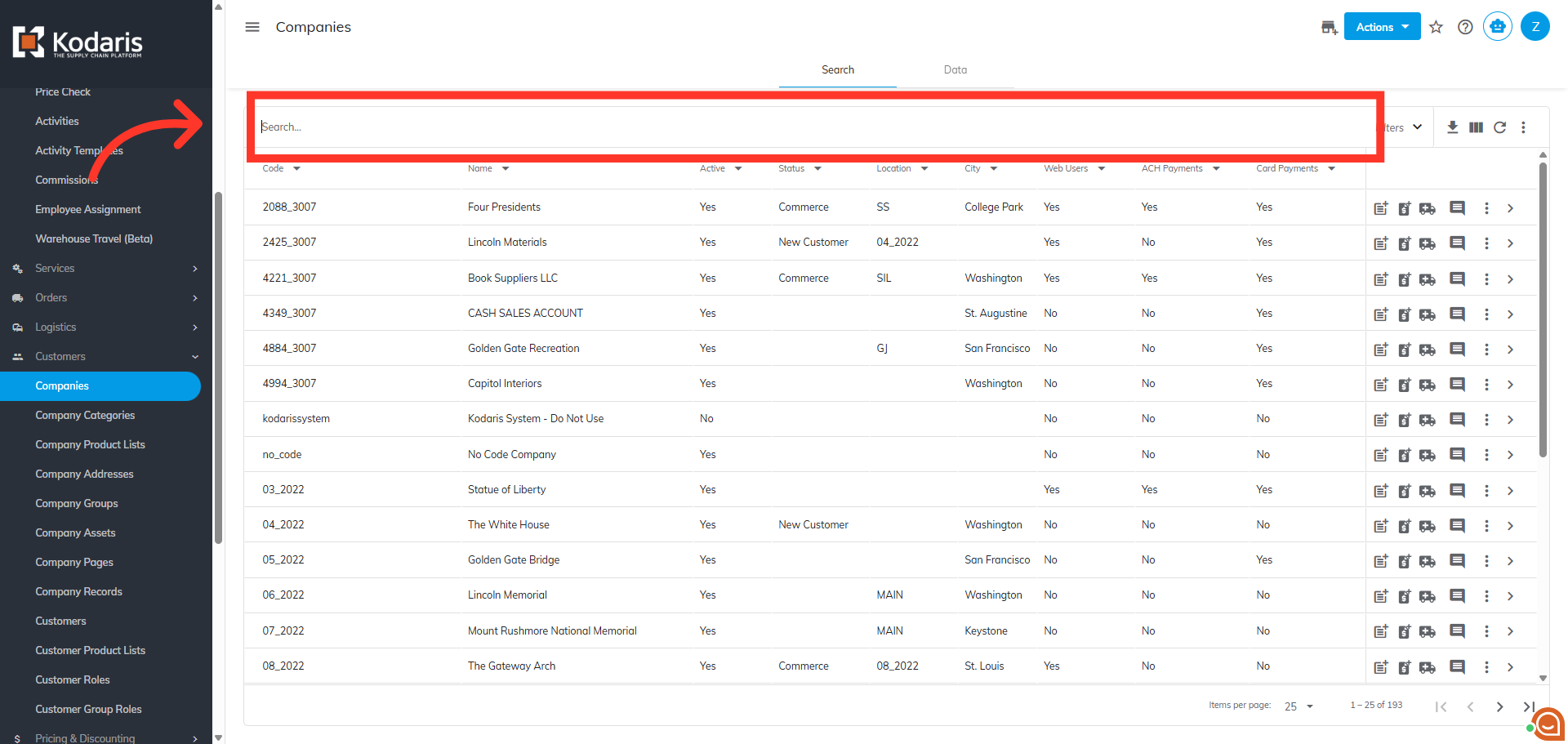
To locate the company you wish to view, use the "Search" field to find the company.
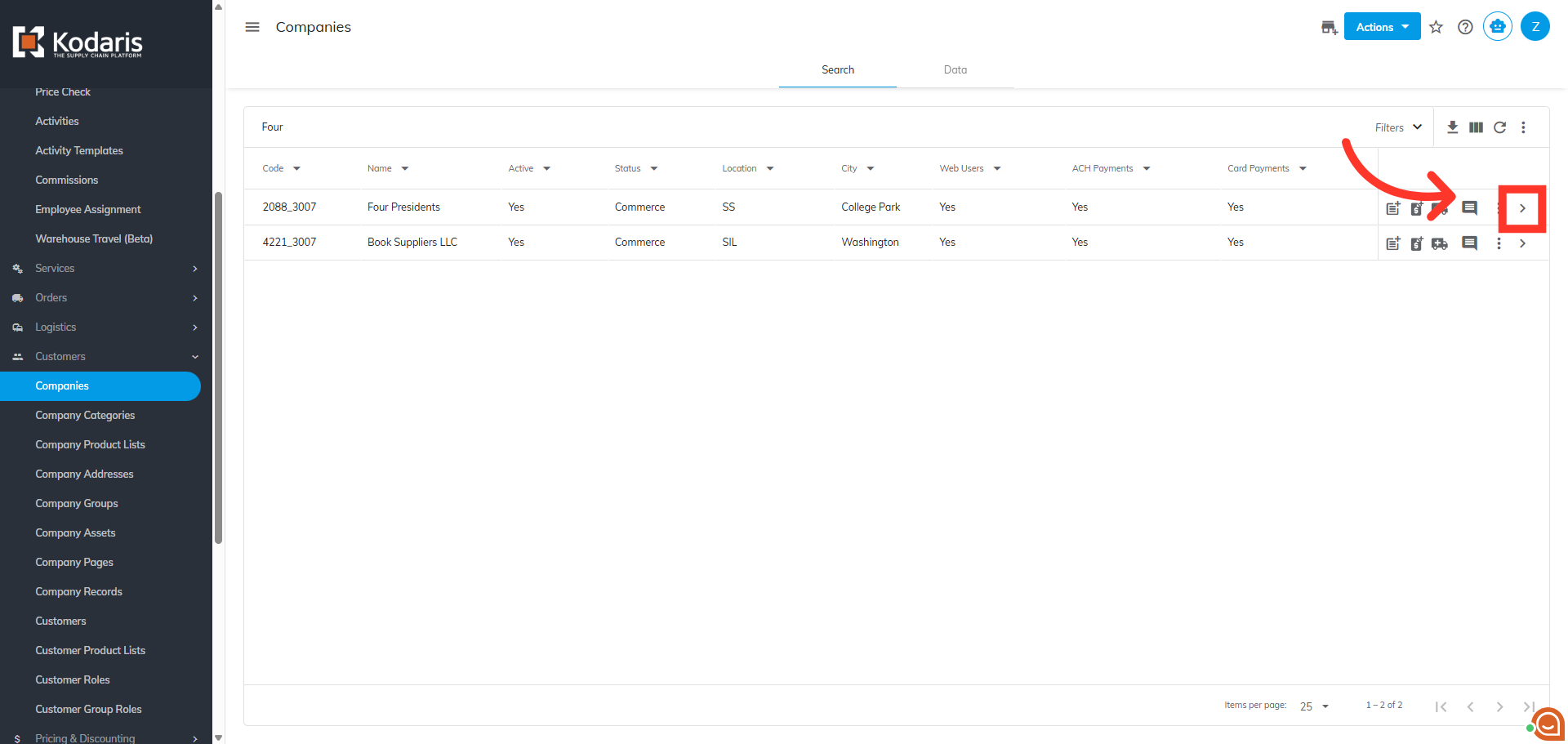
Click on the more details icon to view the company details.
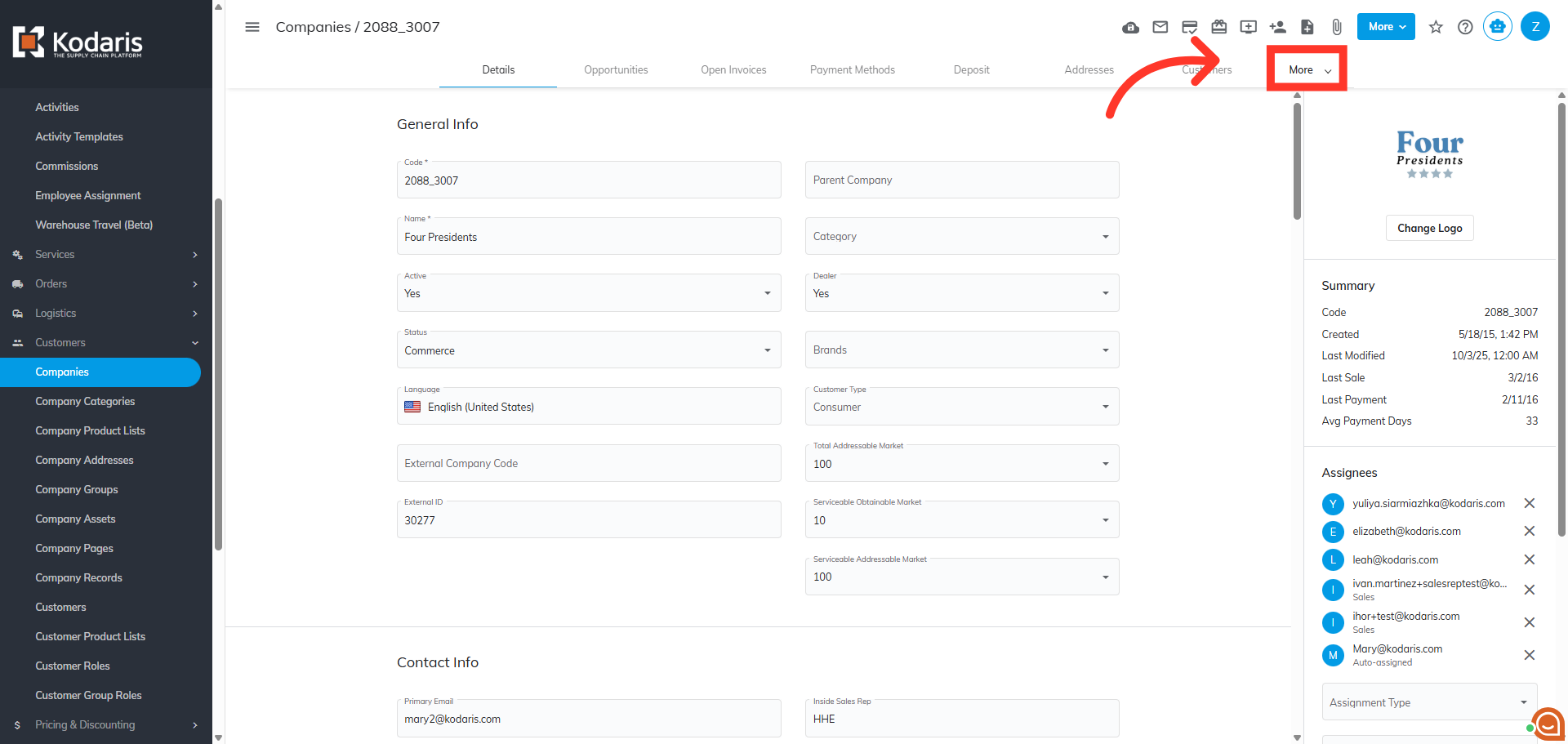
Then, click on the "More" button to view other tabs.
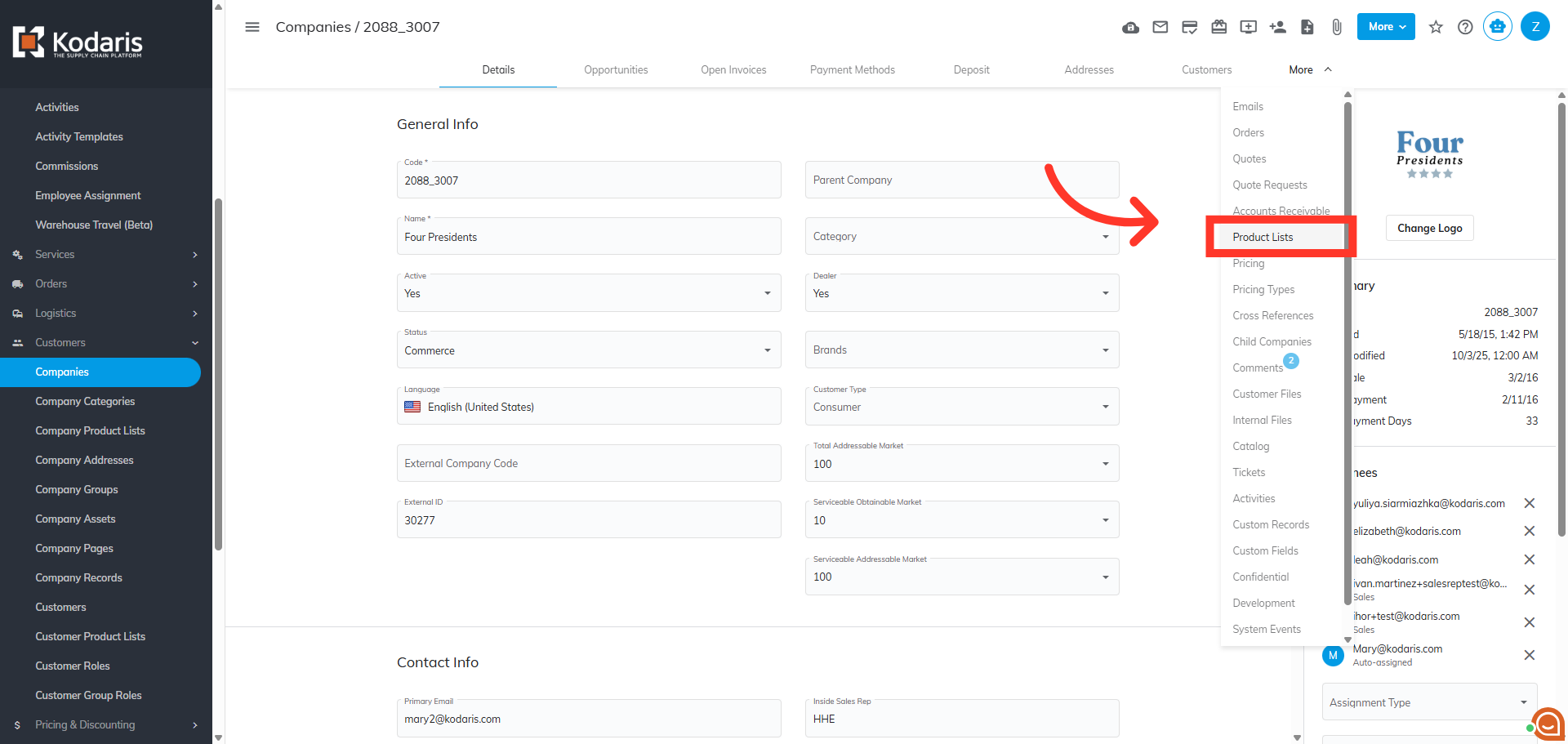
Next, click on "Product Lists" to view and manage lists.
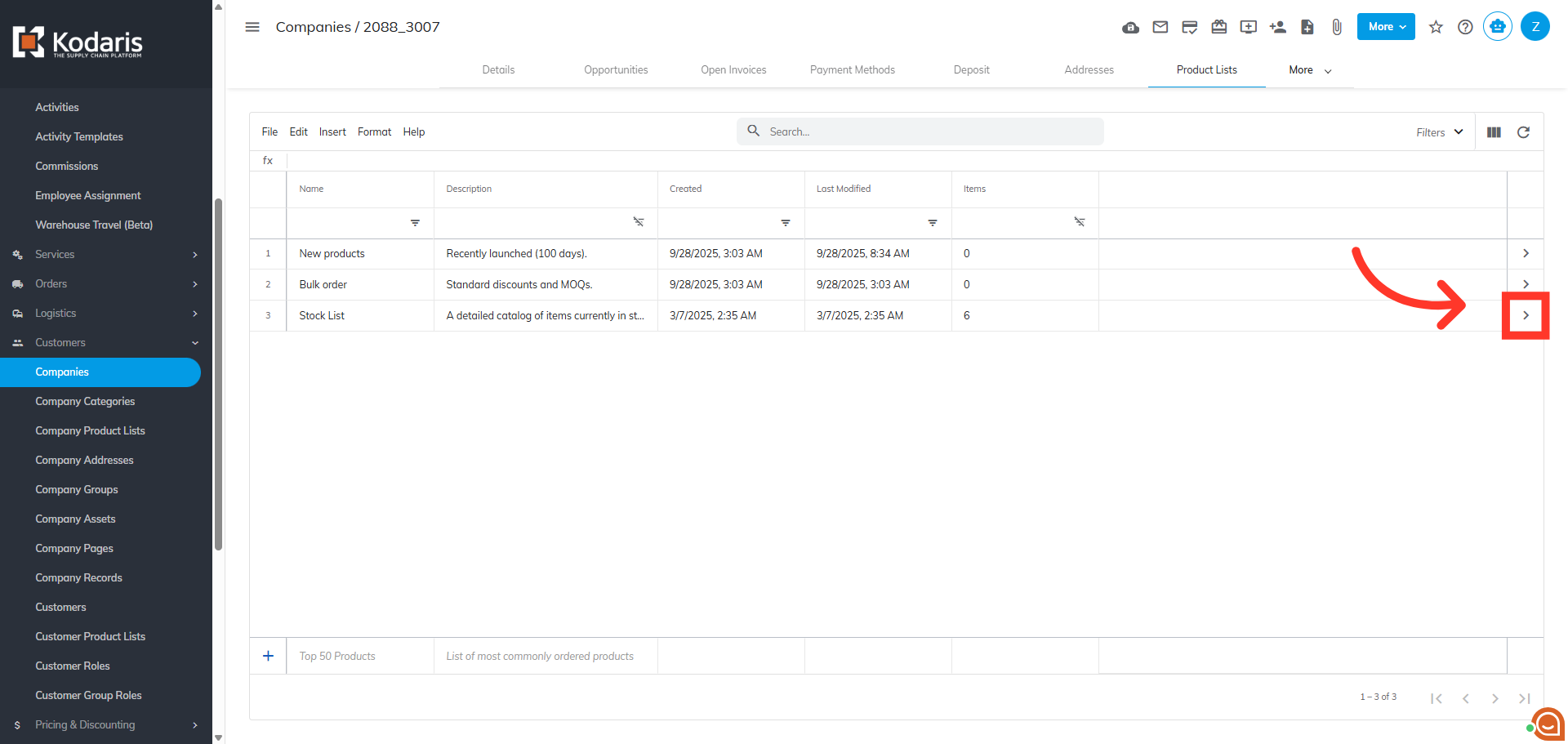
Click on the more details icon to view the specific list details.
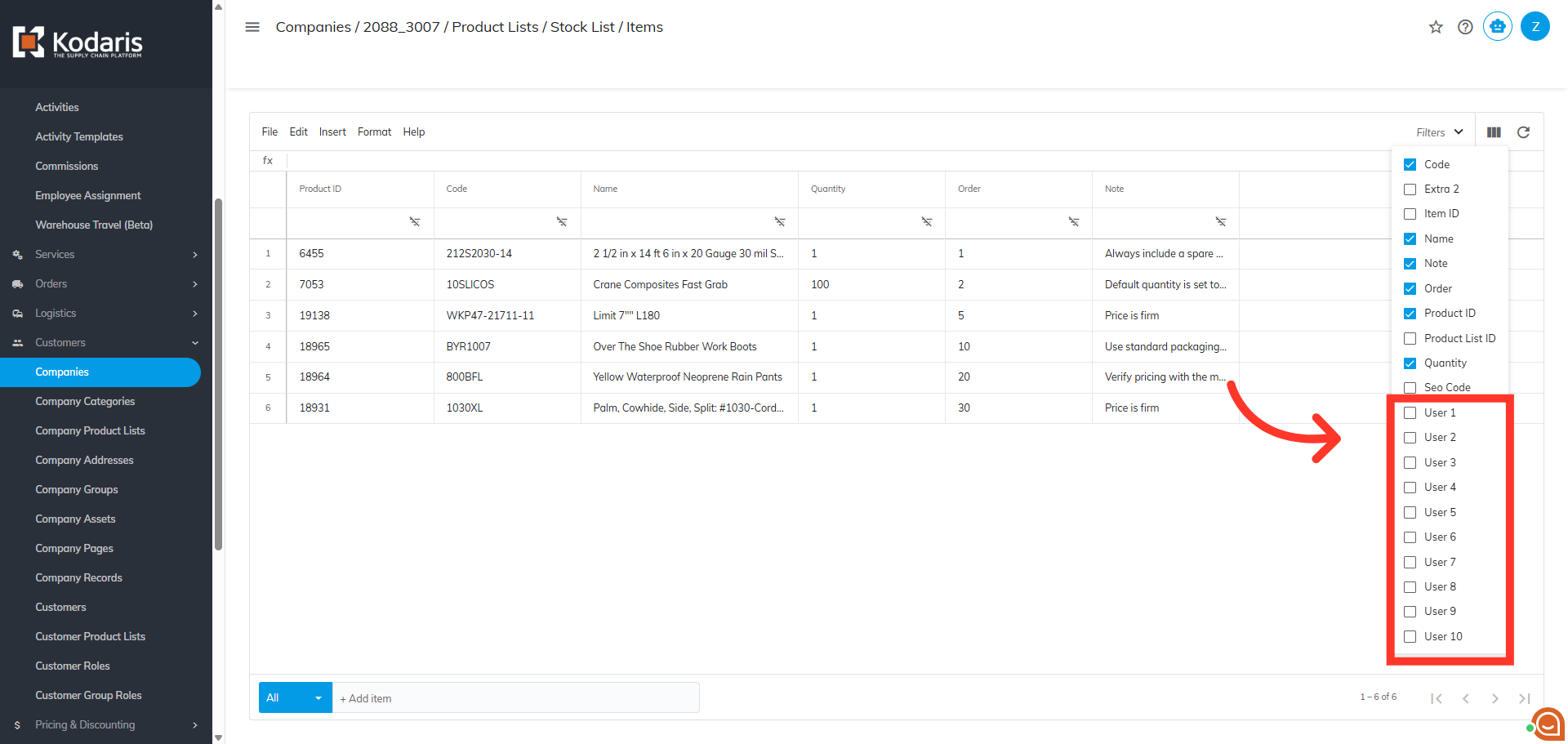
Click "Show/Hide Columns" icon.
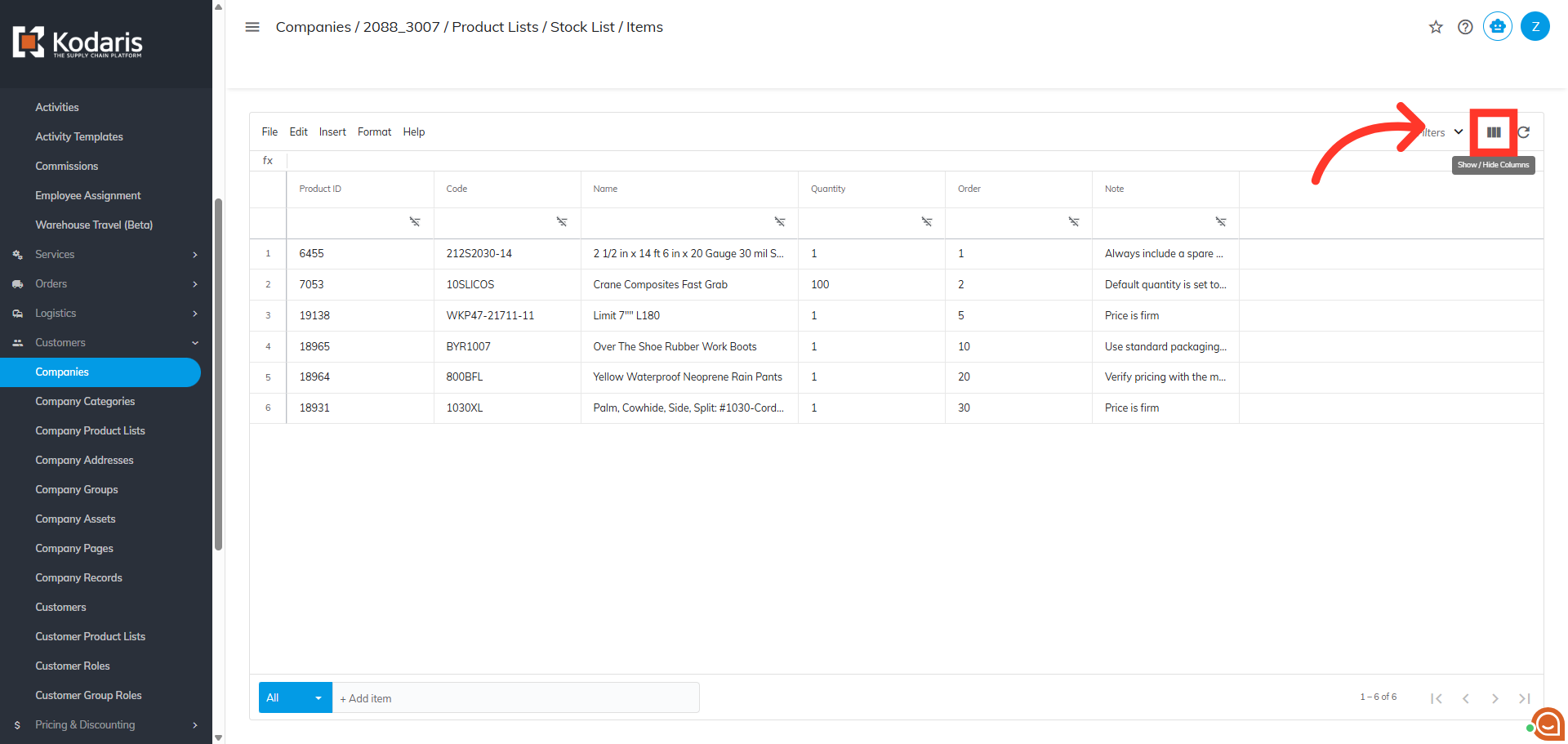
You can add up to ten user fields to your product list grid. These fields can be used in various ways dependent on your ERP or your data.