 Product Documentation
Product Documentation
Product Documentation
The "Company Status" field can be customized to your needs. These statuses can used to help filter companies by status when using the "Companies" screen. To configure, navigate to the "System" section in the Operations Portal.
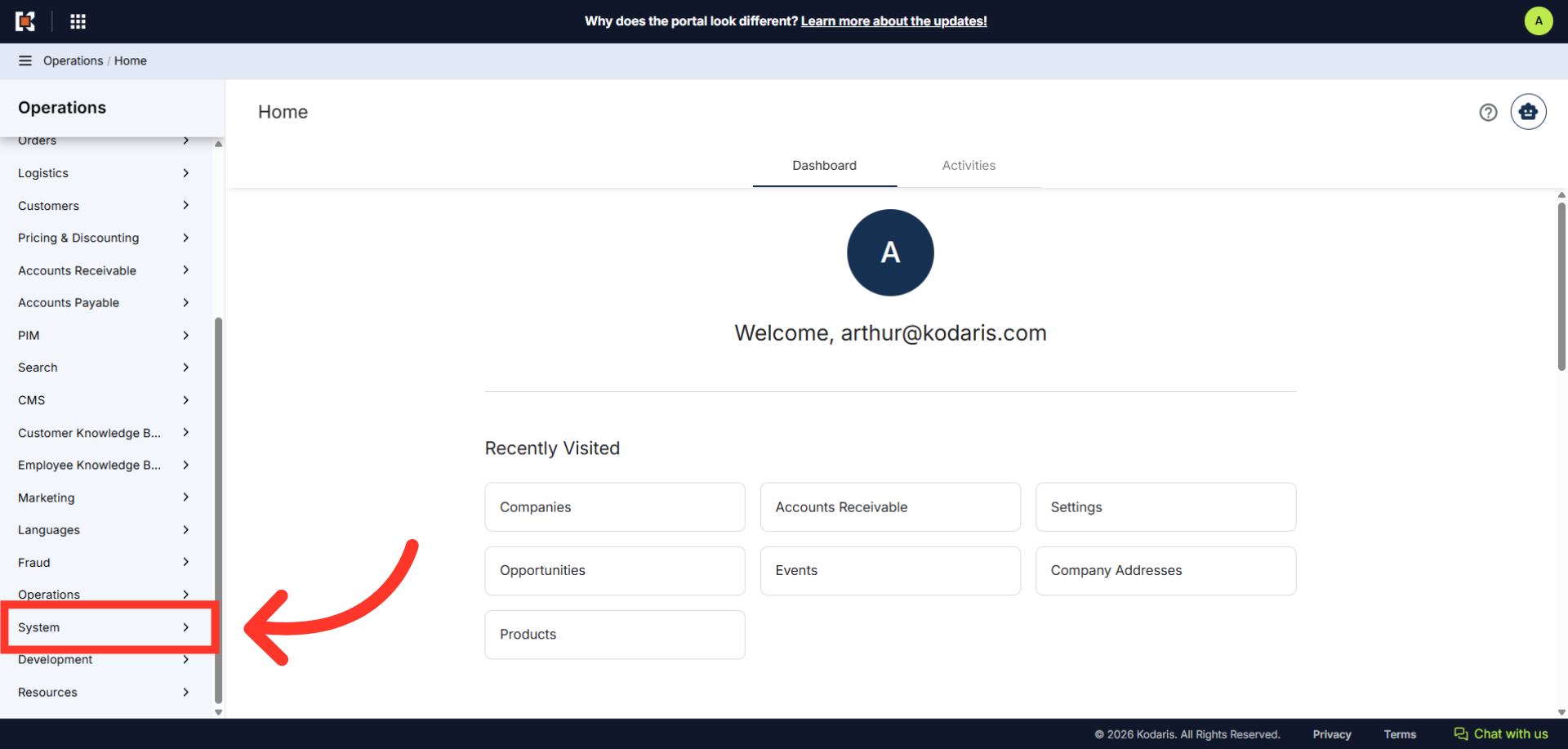
Then, click "Settings". In order to access and edit settings, you will need to be set up either as an "administrator" or a "superuser", or have the following roles: "settingEdit".

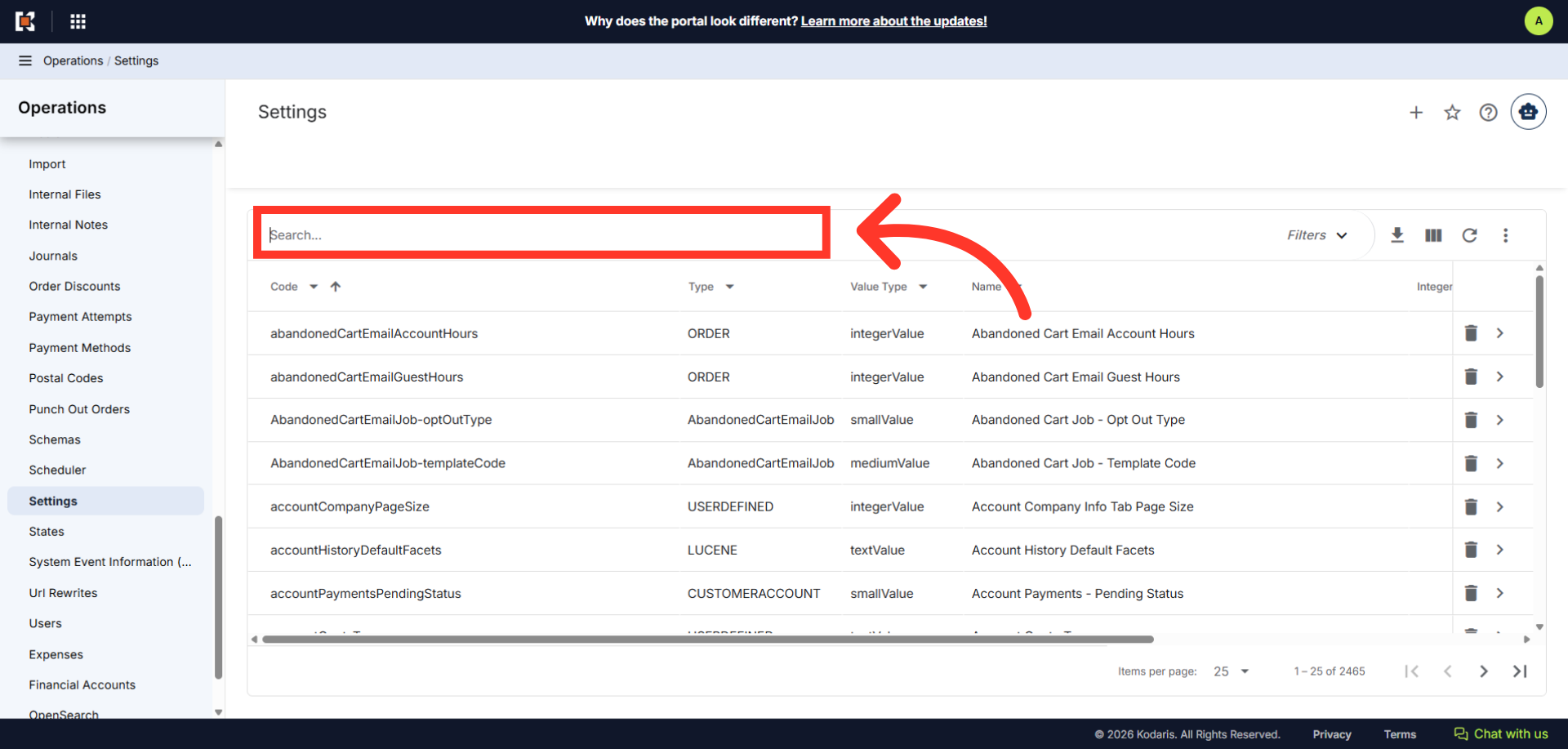
Search for "defaultCompanyStatuses".
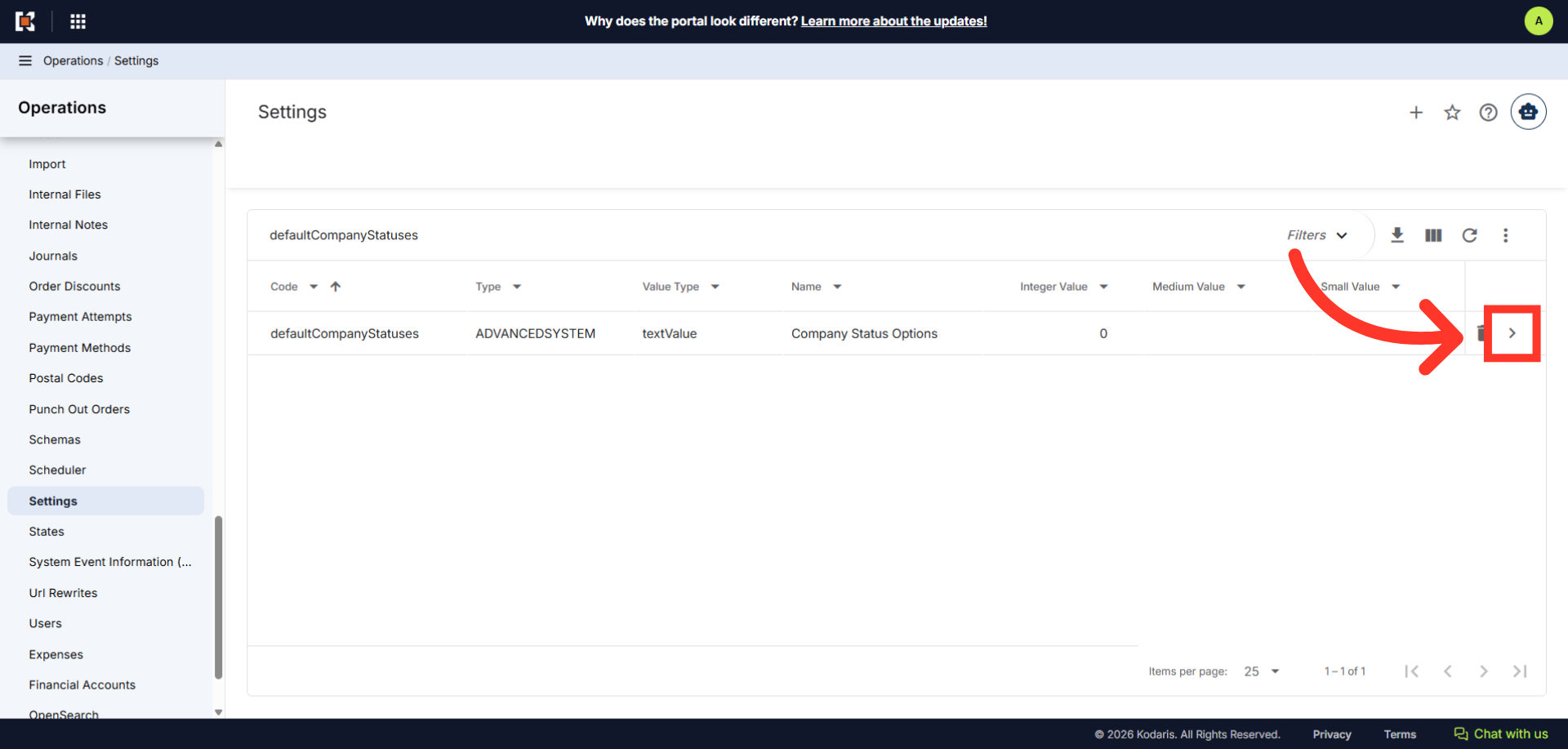
Click on the more details icon.
In the "Value" field, enter the value of the statuses you would like add, separated by commas.

Once done, click the "Save" button to apply the changes.
