Product Documentation
Product Documentation
Product Documentation
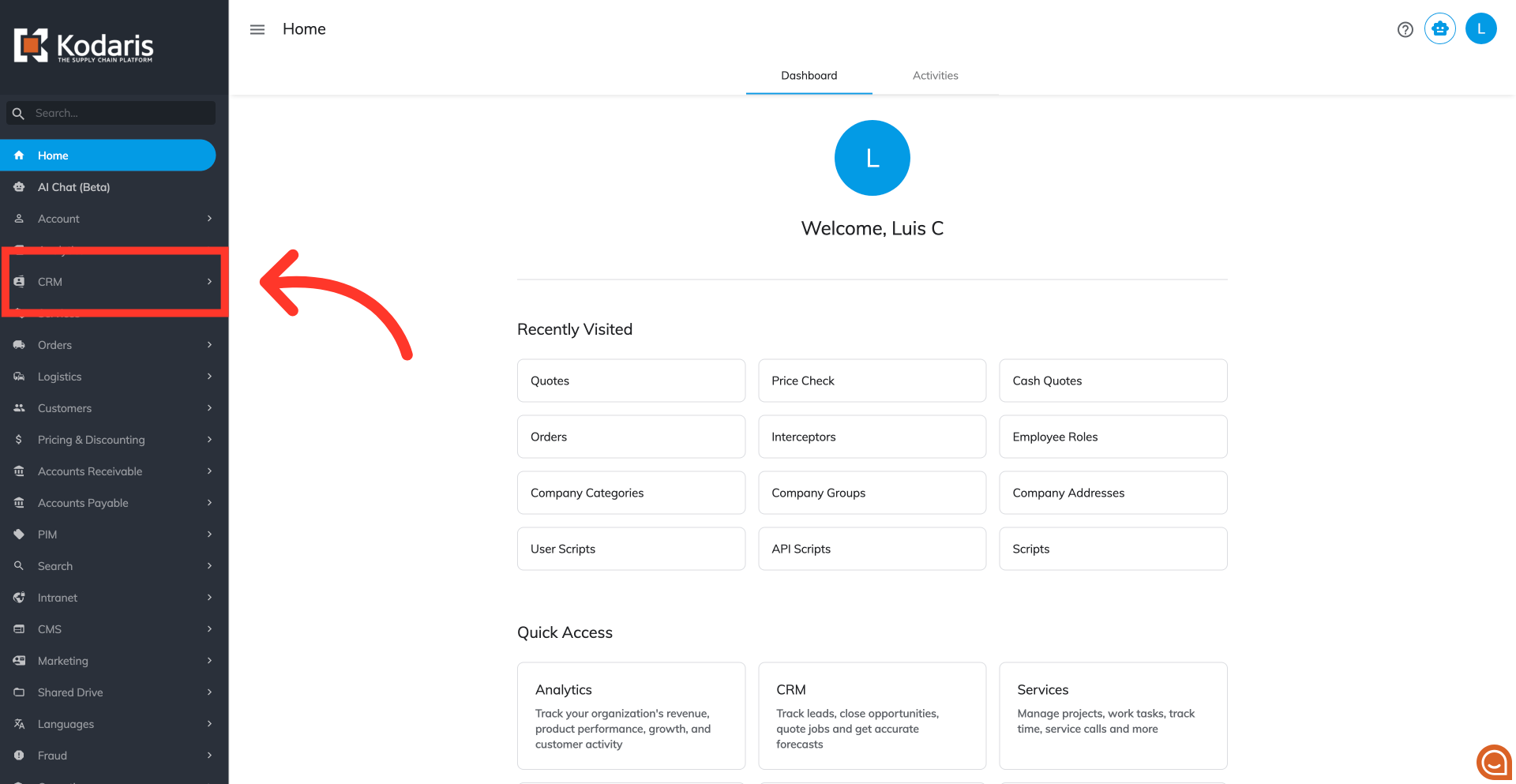
To view the purchase history of a product on a quote, start by navigating to the "CRM" section in the Operations Portal.
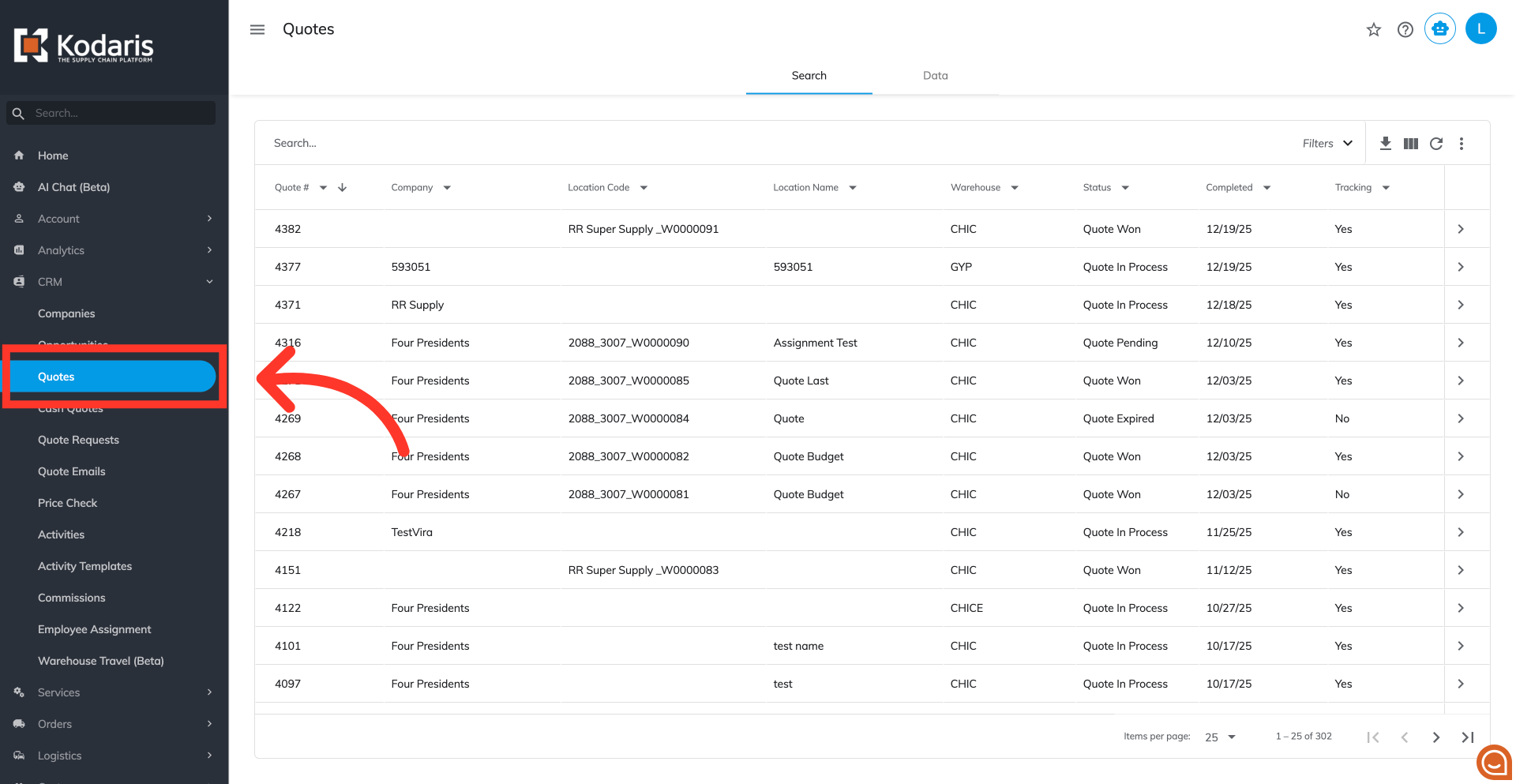
Then, click "Quotes" to view the list of quotes. In order to access "Quotes" you will need to be set up either as an "administrator" or a "superuser", or have the appropriate roles: "quoteView," "quoteEdit" and "accountQuoting."
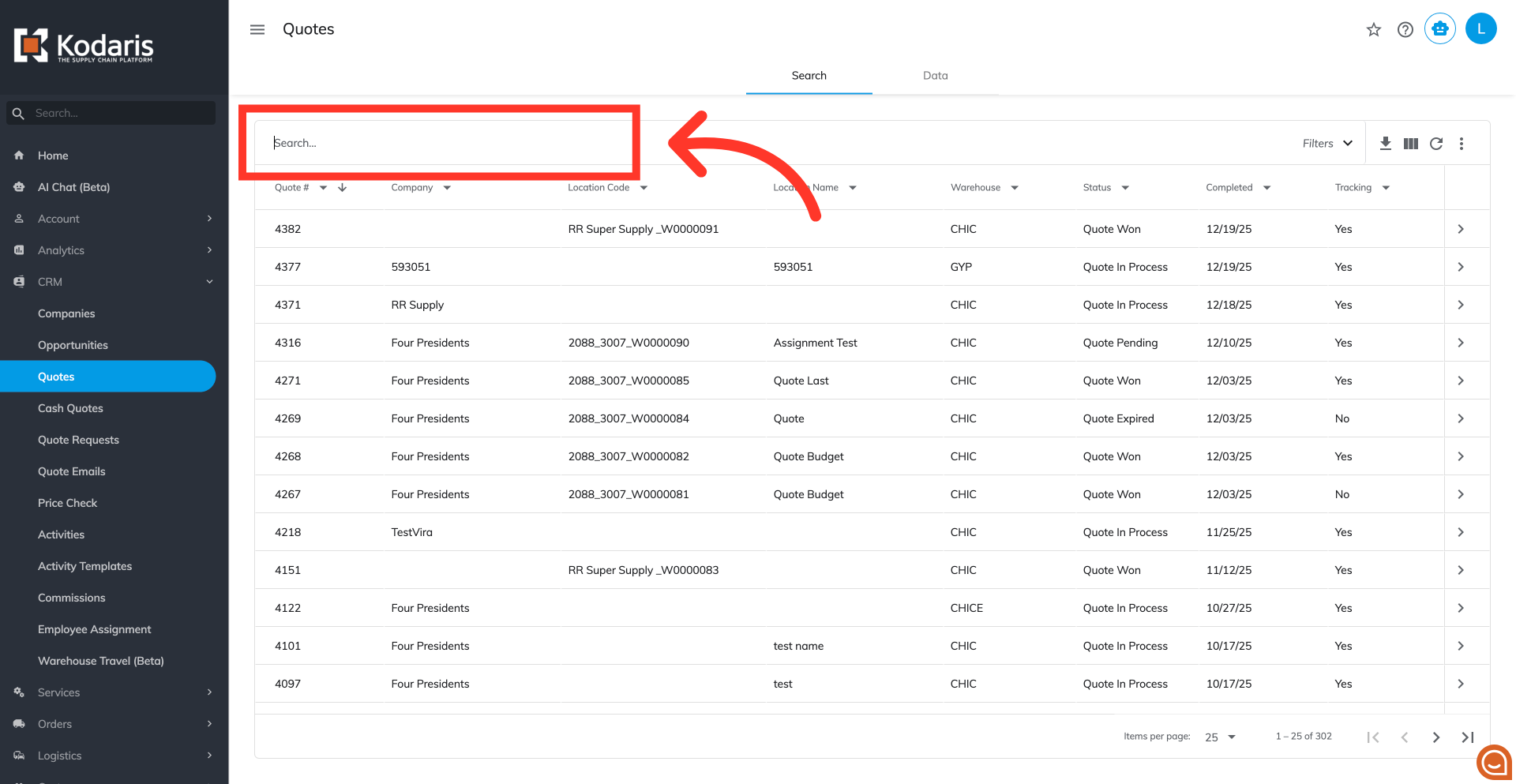
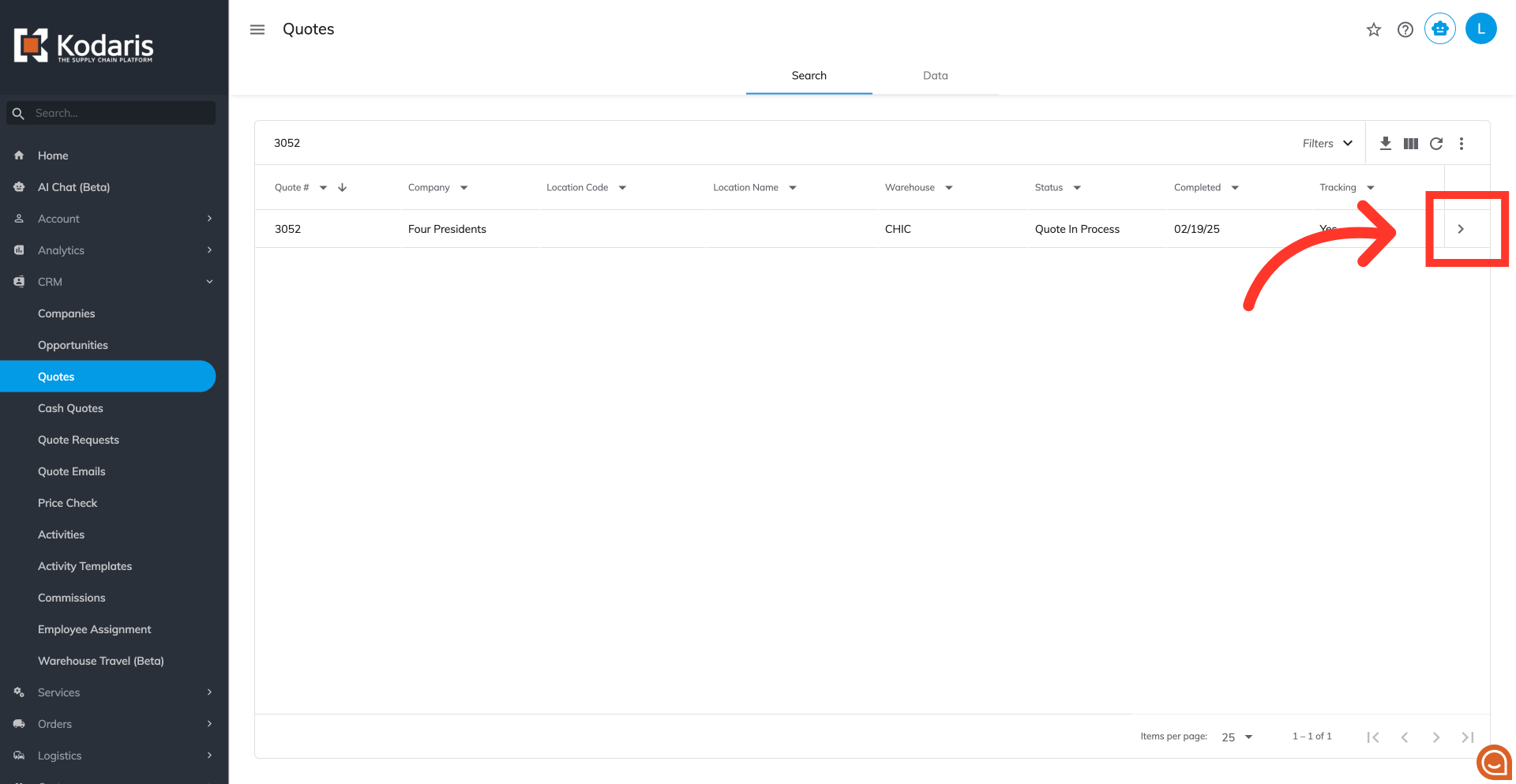
Use the "Search..." field to find the quote.
Click the more details icon to open the detailed view of the quote.
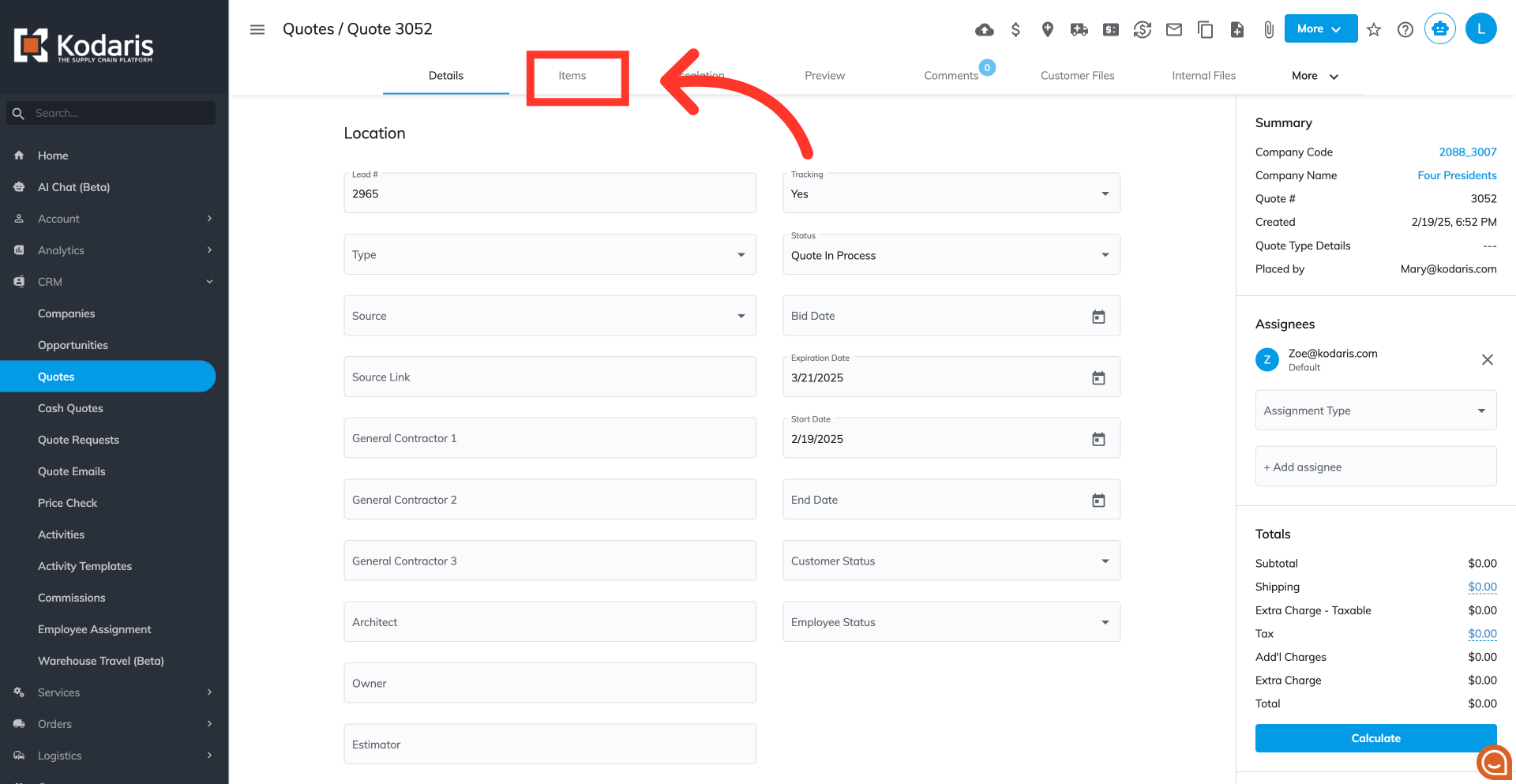
Go to the "Items" tab to display items on the quote.
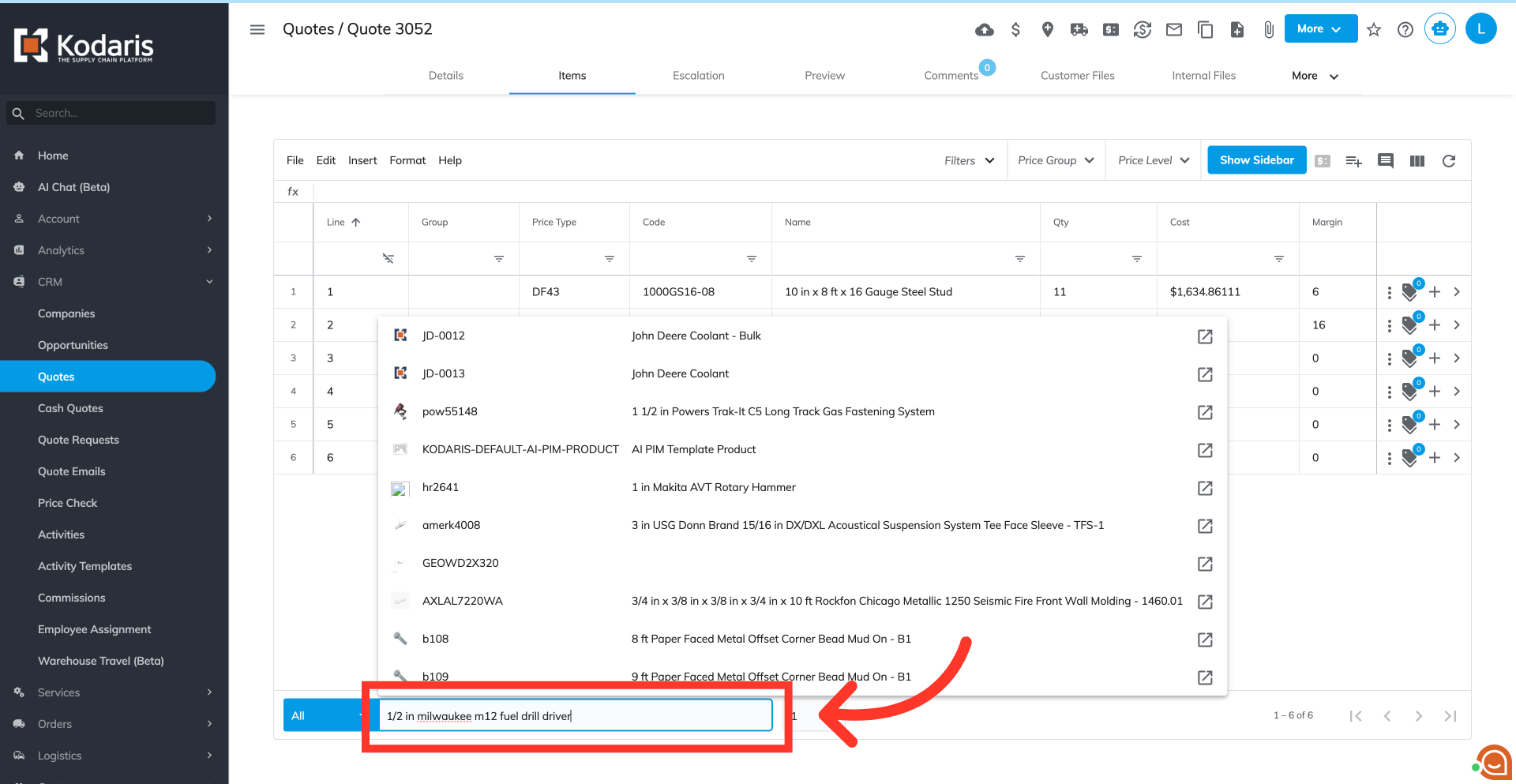
Click into the "Add item" field and type to search for a product.
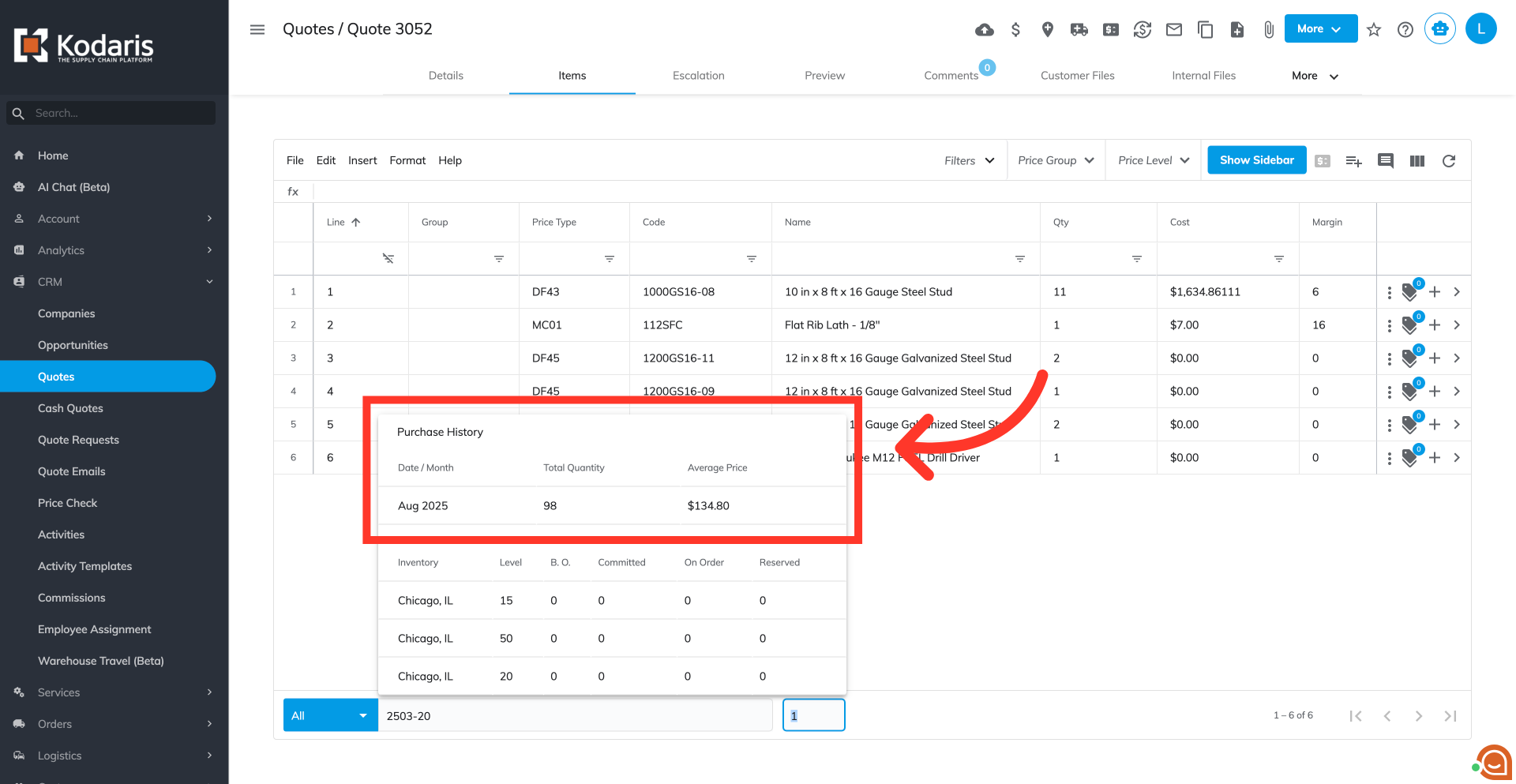
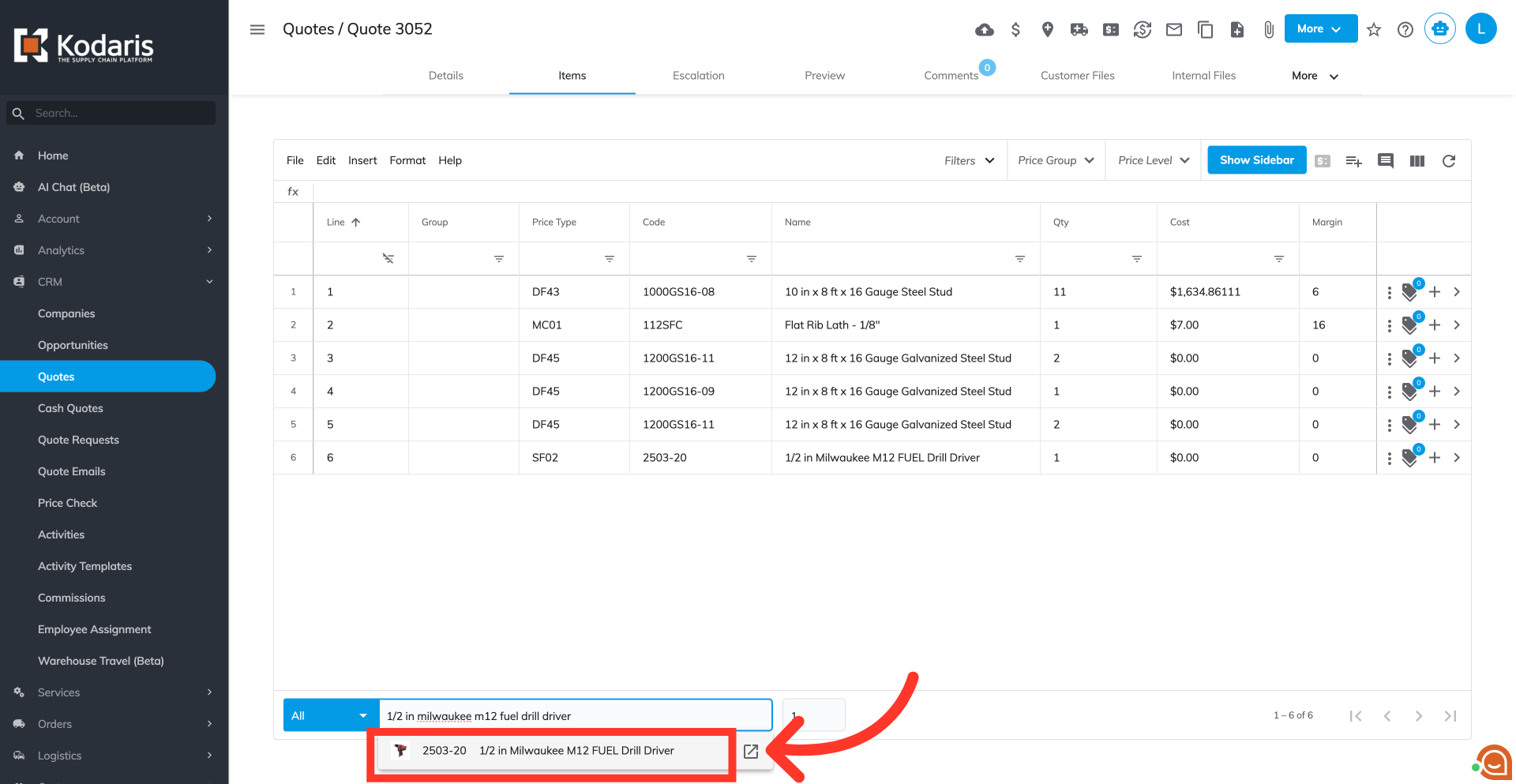
Select a product from the suggestion list to display the purchase history.
The "Purchase History" box appears for that product.