Product Documentation
Product Documentation
Product Documentation
To verify if a fee has been added to a credit card transaction, you can view the "Fee Amount" in the Accounts Receivable screen in the Operations Portal. First, navigate to the "Accounts Receivable" section.
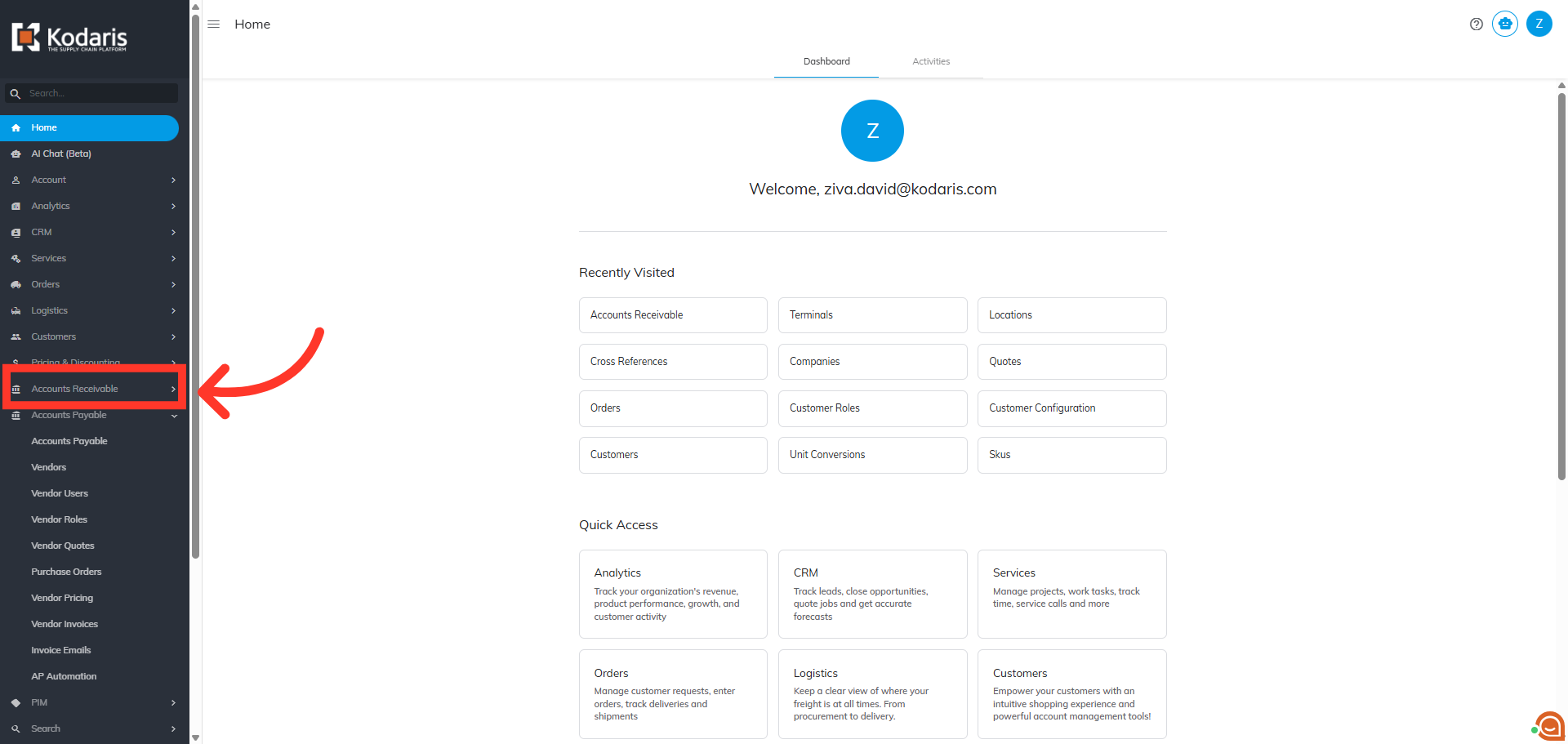
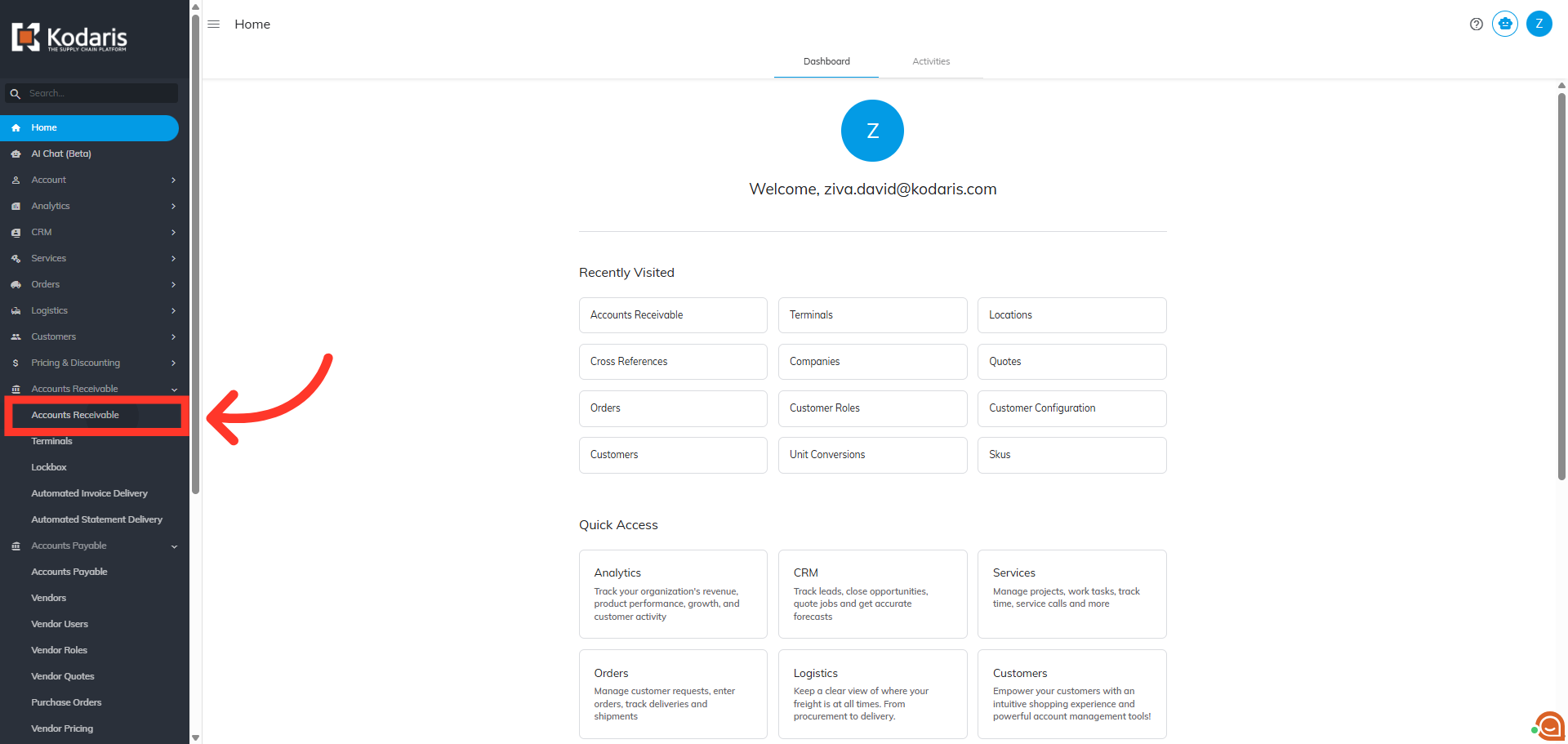
Then, click "Accounts Receivable" to view the transactions. In order to access "Accounts Receivable" you will need to be set up either as an "administrator" or a "superuser", or “accountant” or have the following roles: "paymentEdit” and “paymentView”.
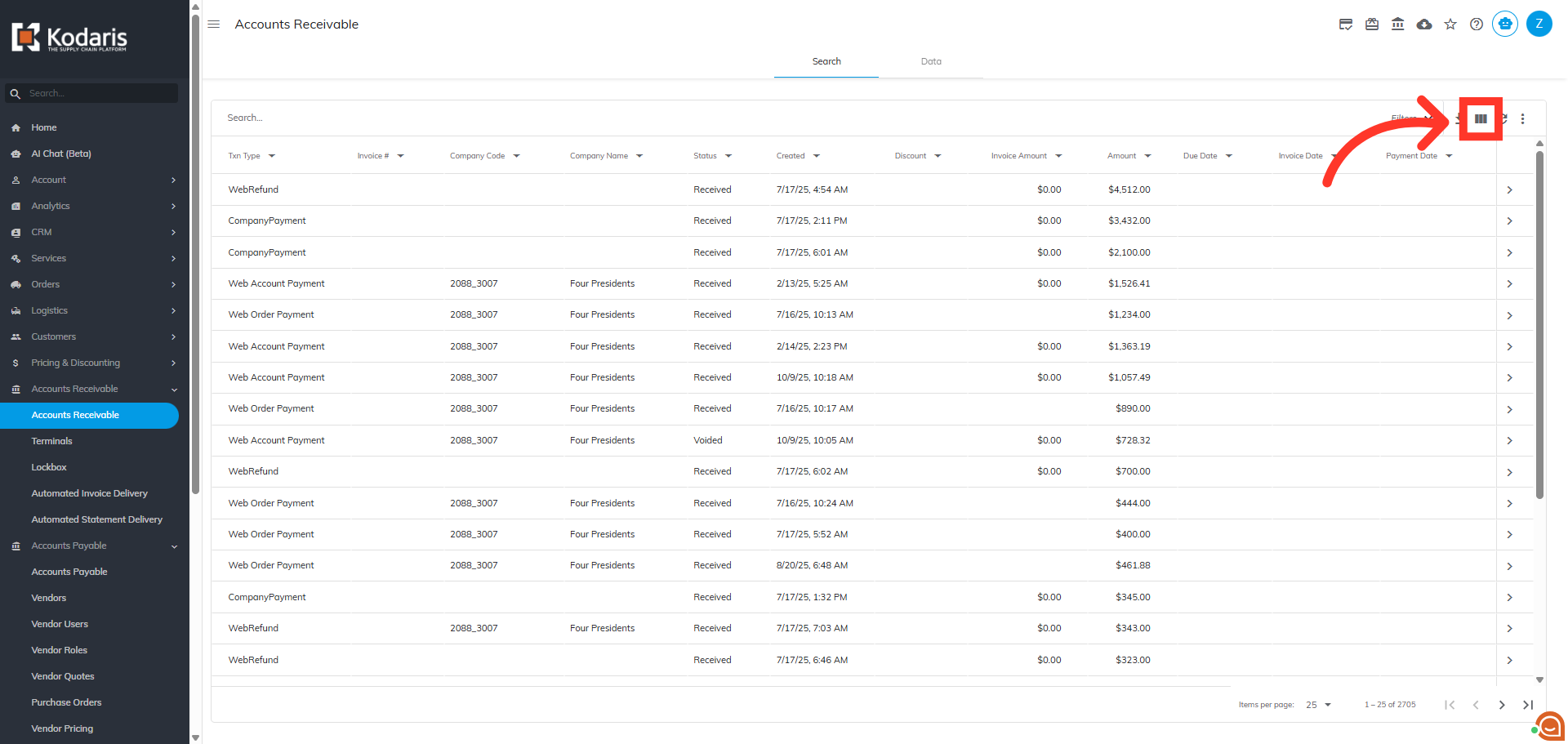
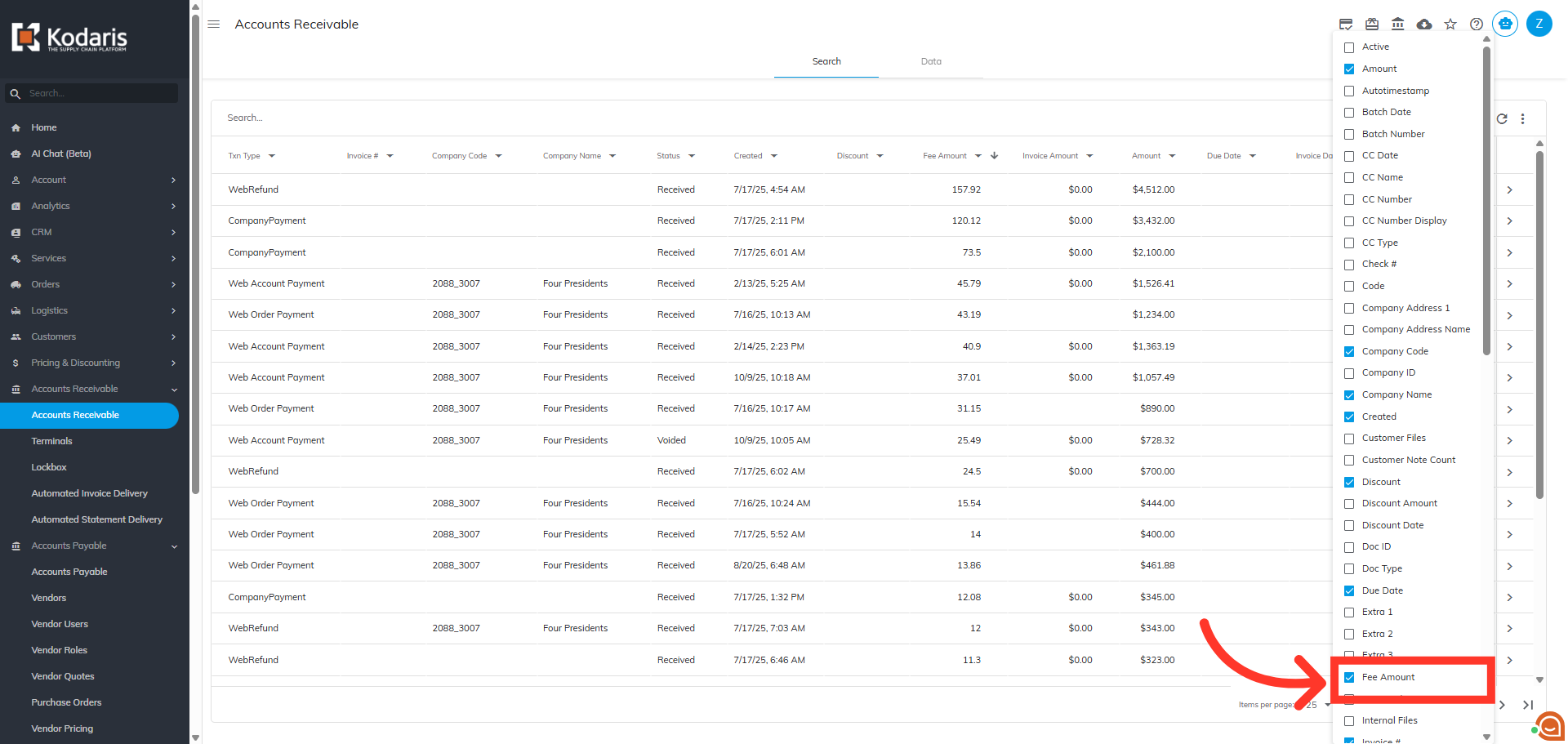
The "Fee Amount" column is not displayed by default. To add the column to the grid view, click the "Show/Hide Column" icon to view the available column headers.
Then, selec the "Fee Amount" option to include fee details in your grid view.
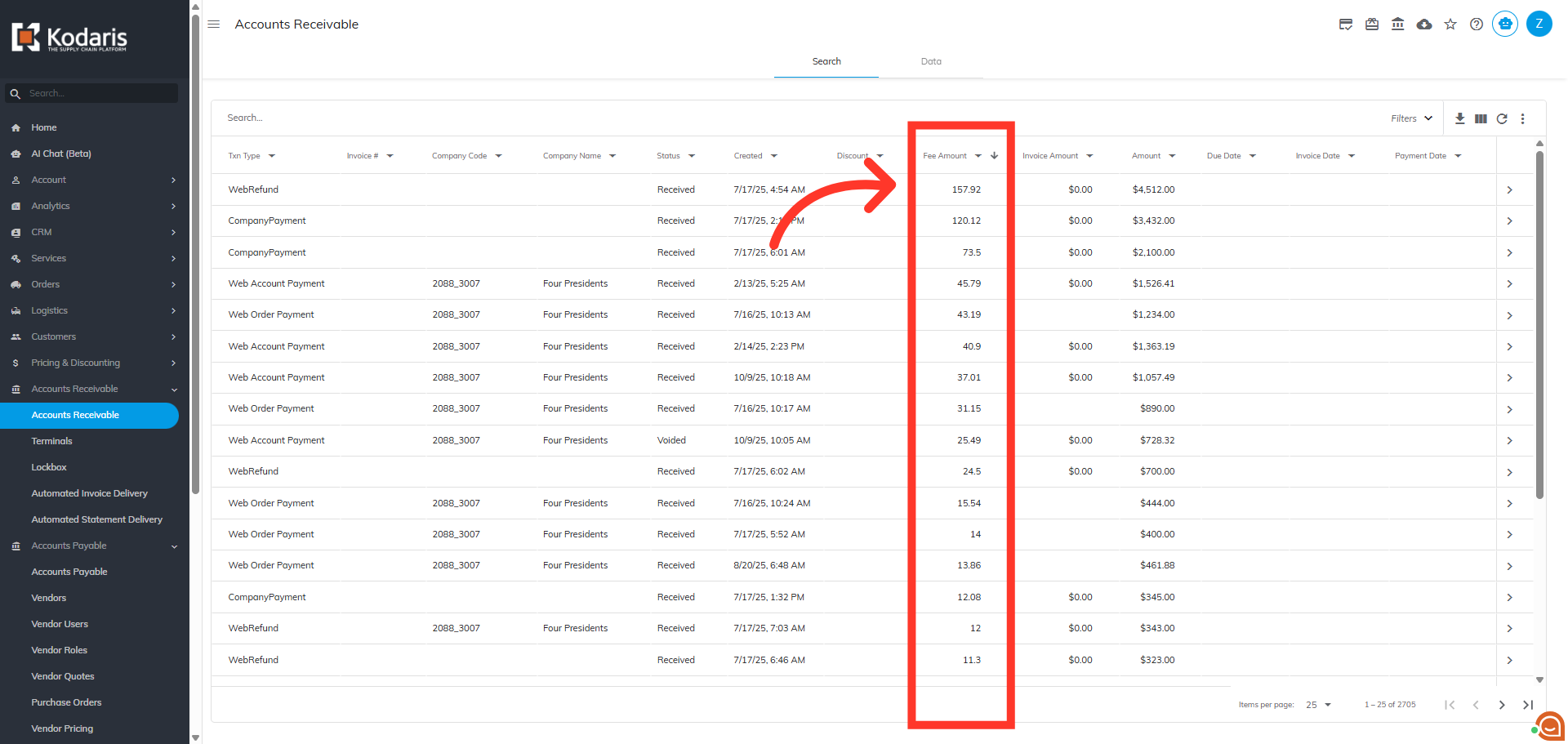
The "Fee Amount" column has been added to the grid view and displays fee amounts on the transactions.
Next, click the more details icon on the transaction you wish to view if you would like to verify the fee type.
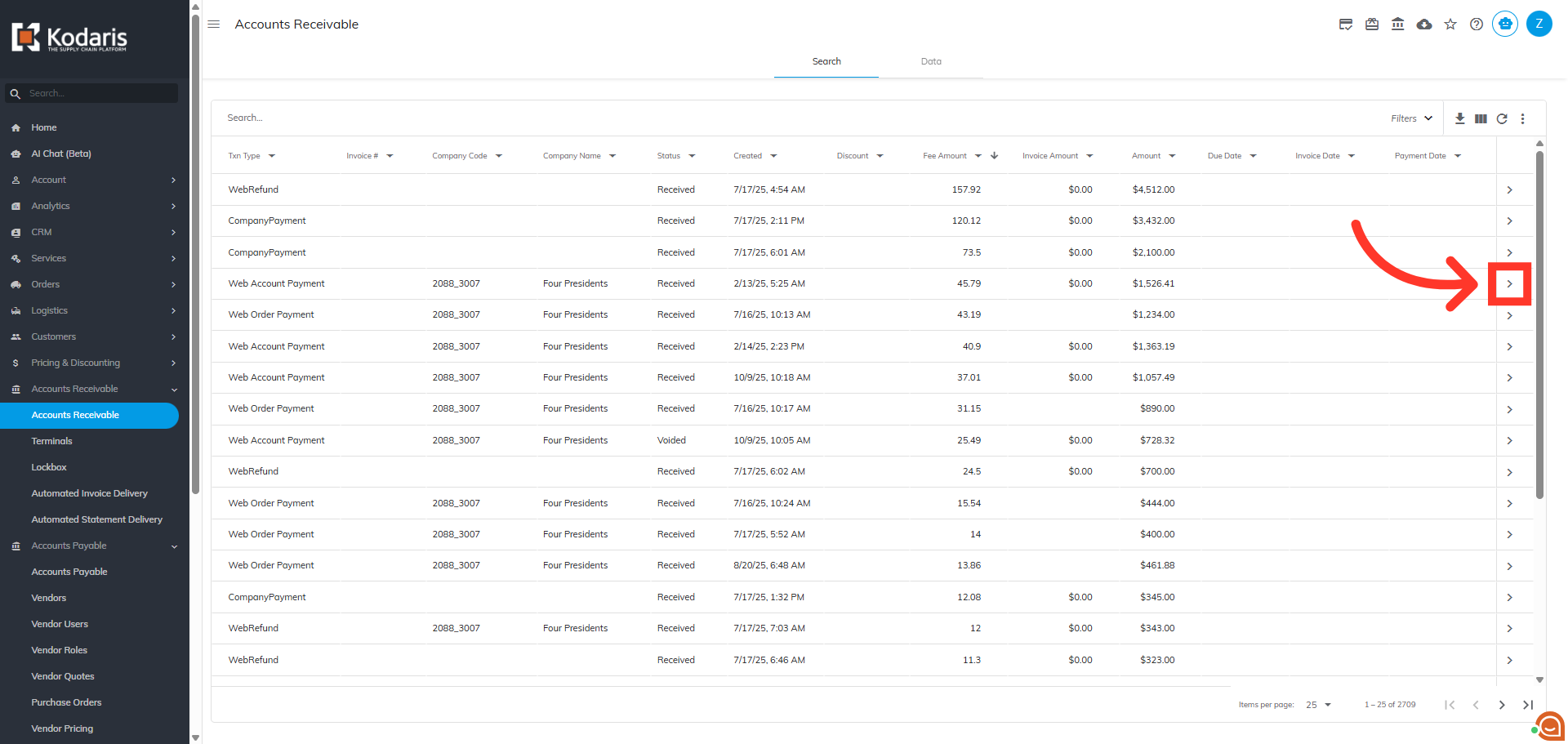
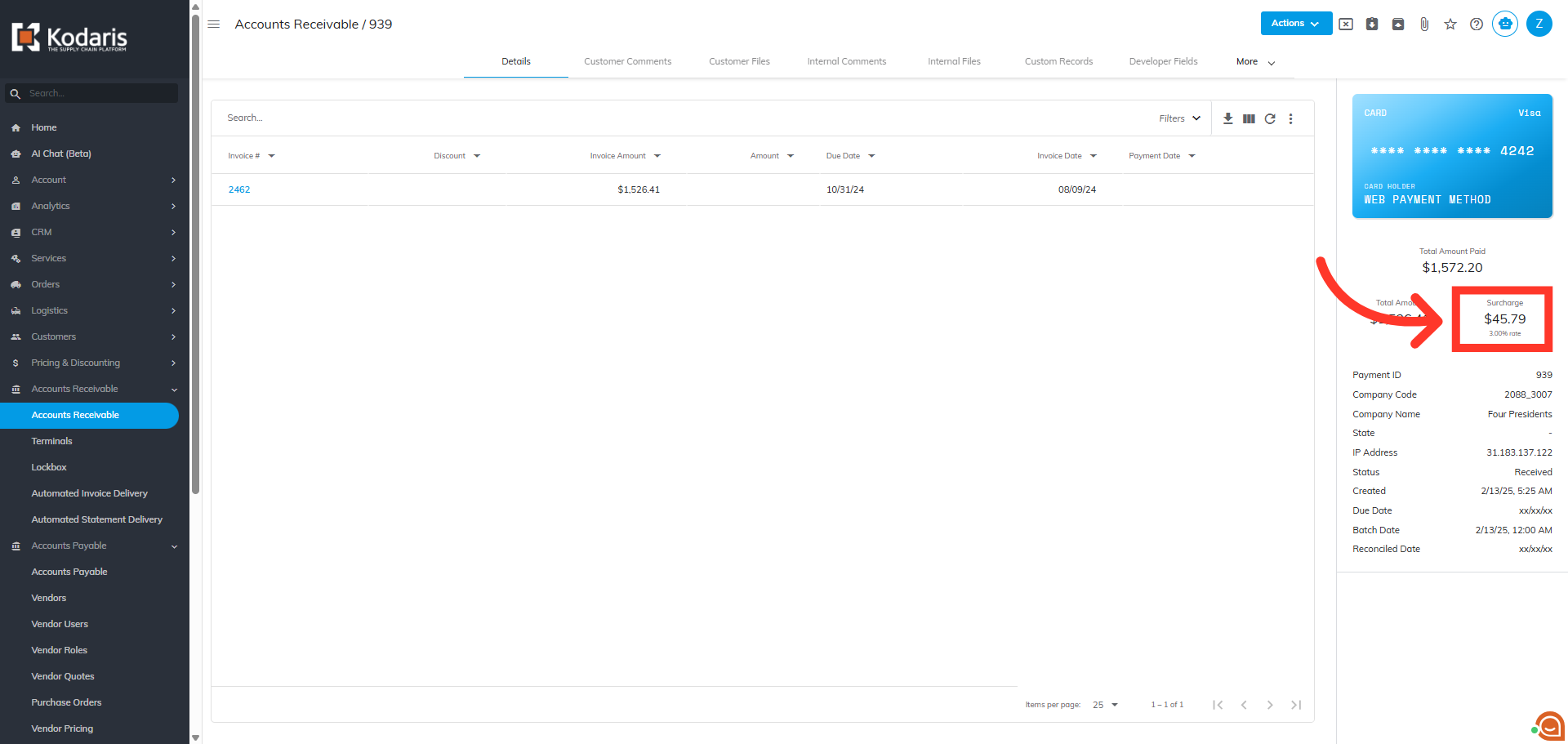
The fee amount and fee type is displayed on the details of the transaction.