Product Documentation
Product Documentation
Product Documentation
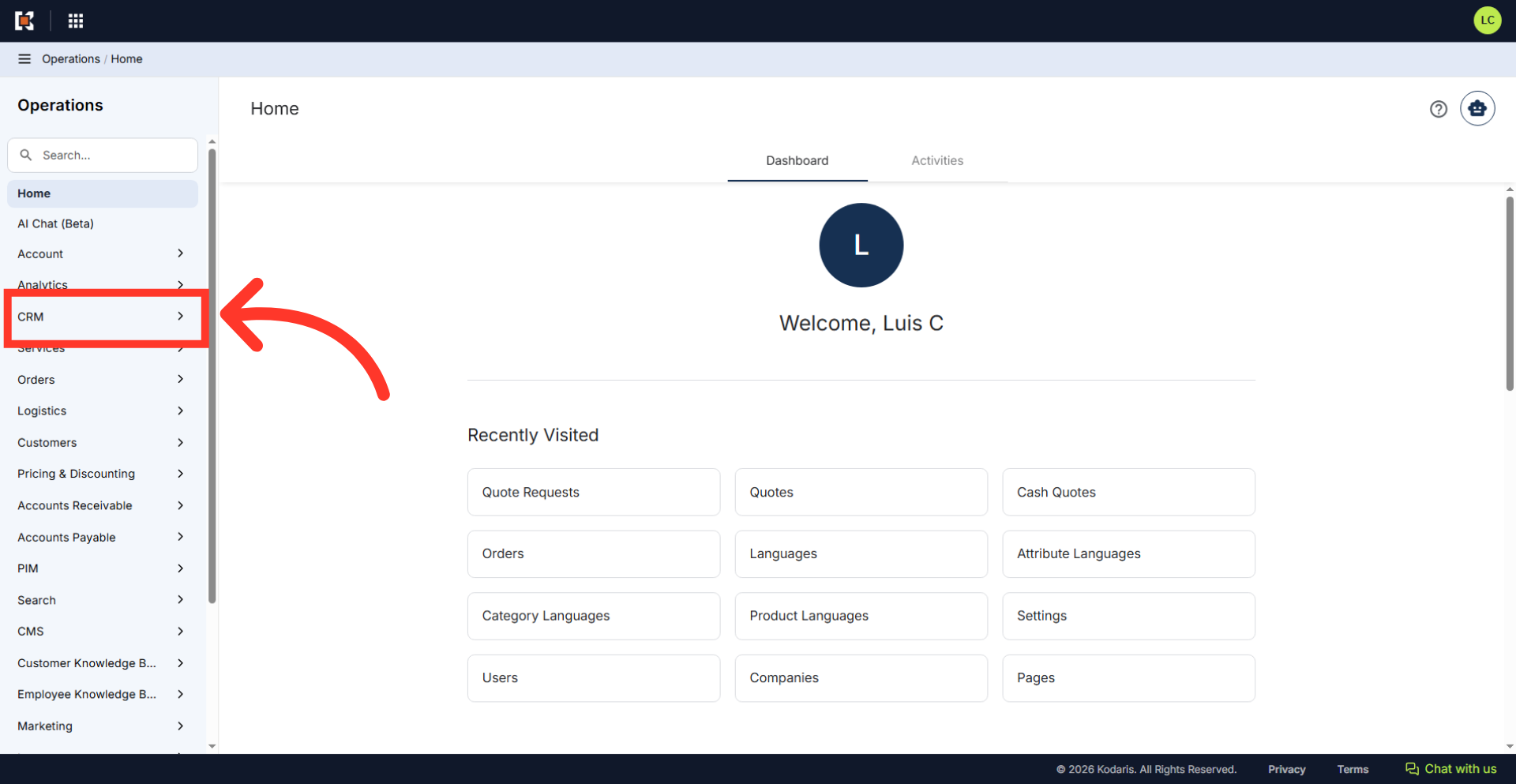
To attach customer files to a cash quote, navigate to the "CRM" section in the Operations Portal.
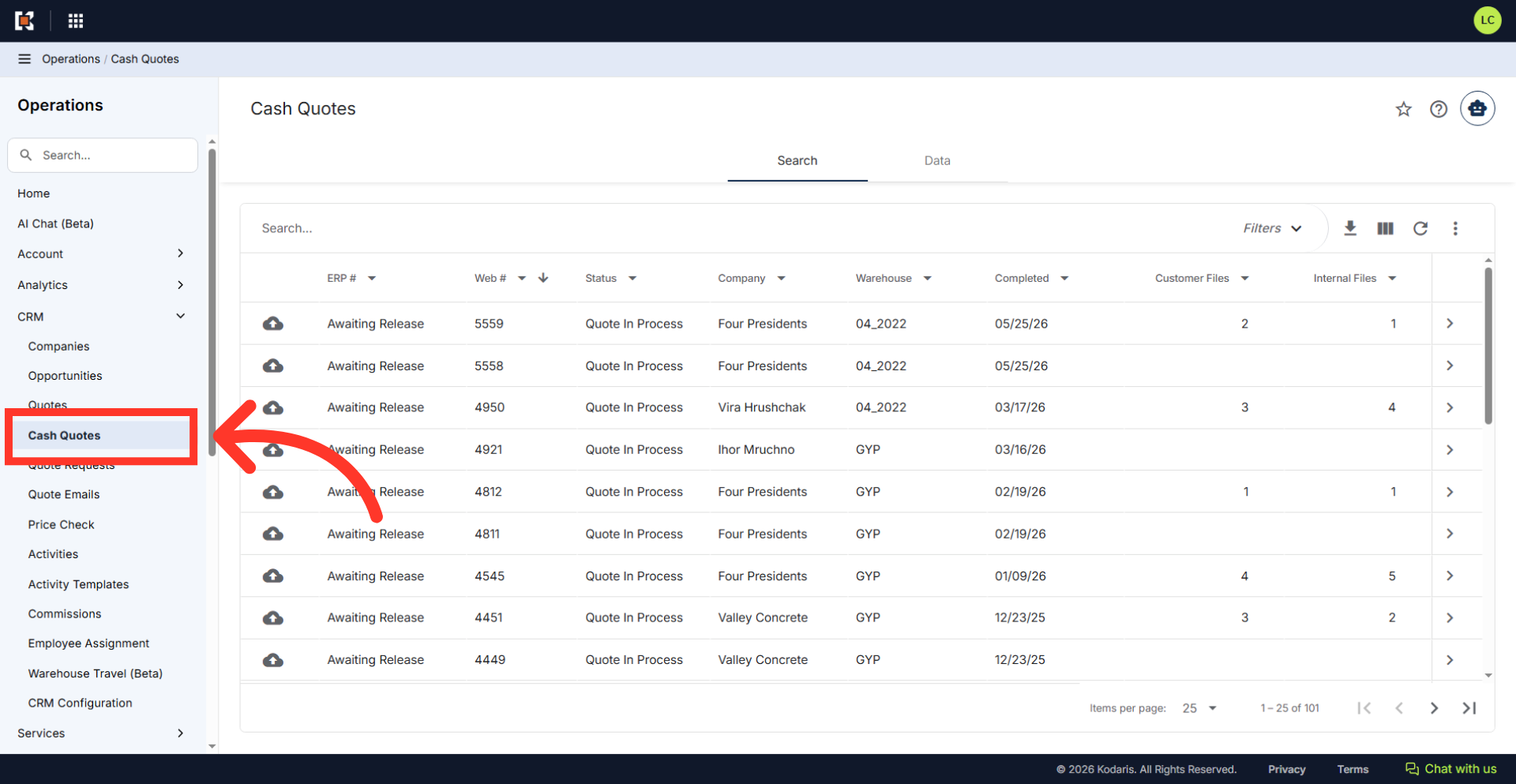
Then, click "Cash Quotes". In order to access "Cash Quotes" and attach customer files, the account will need to be set up either as an "administrator" or a "superuser", or have the appropriate role: "productPriceView", "orderView", "orderEdit", "crmCompanyOrderView", "crmCompanyOrderEdit", "customerFileView", "customerFileEdit", or "dispatch".
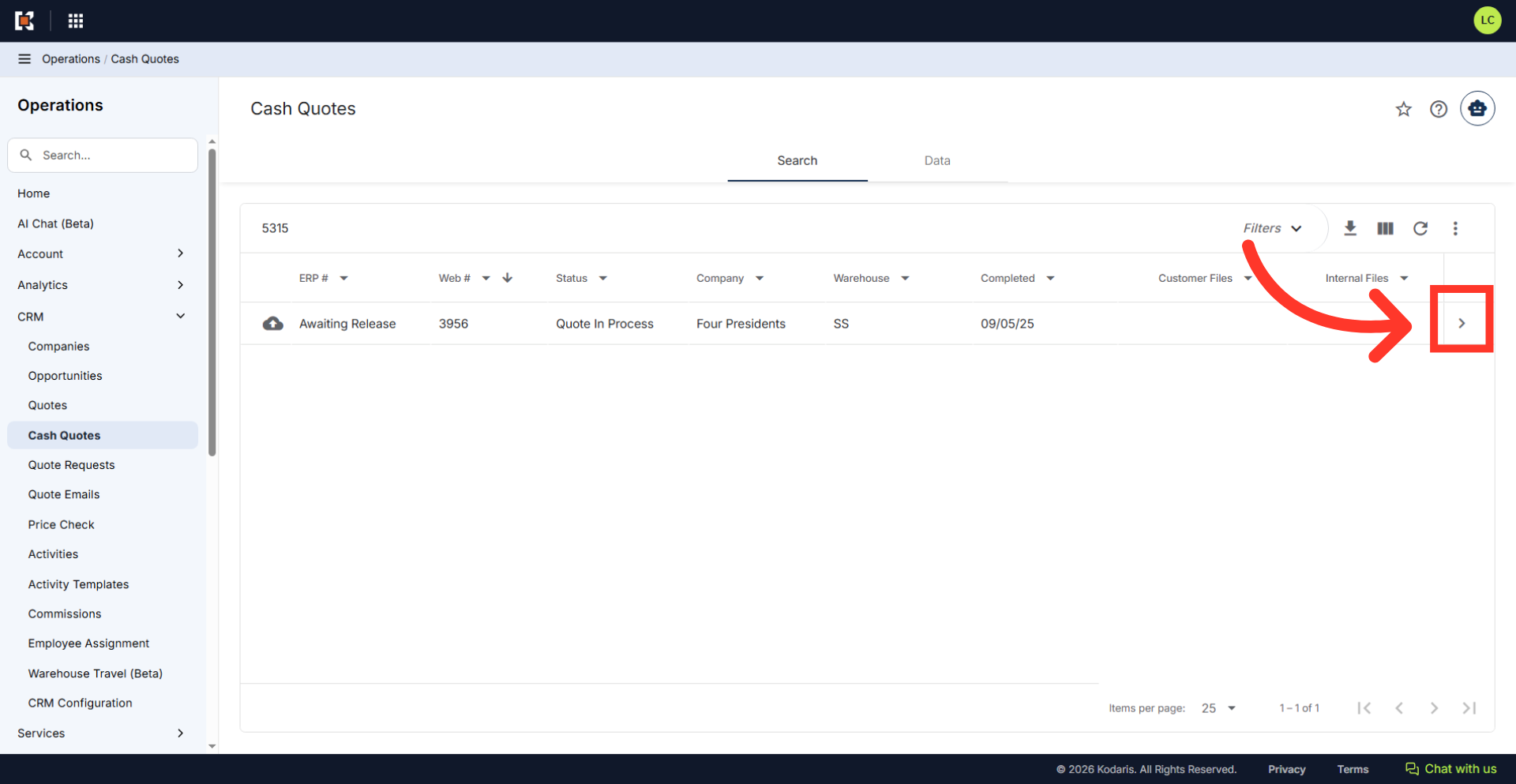
Use the "Search..." field to locate the cash quote.
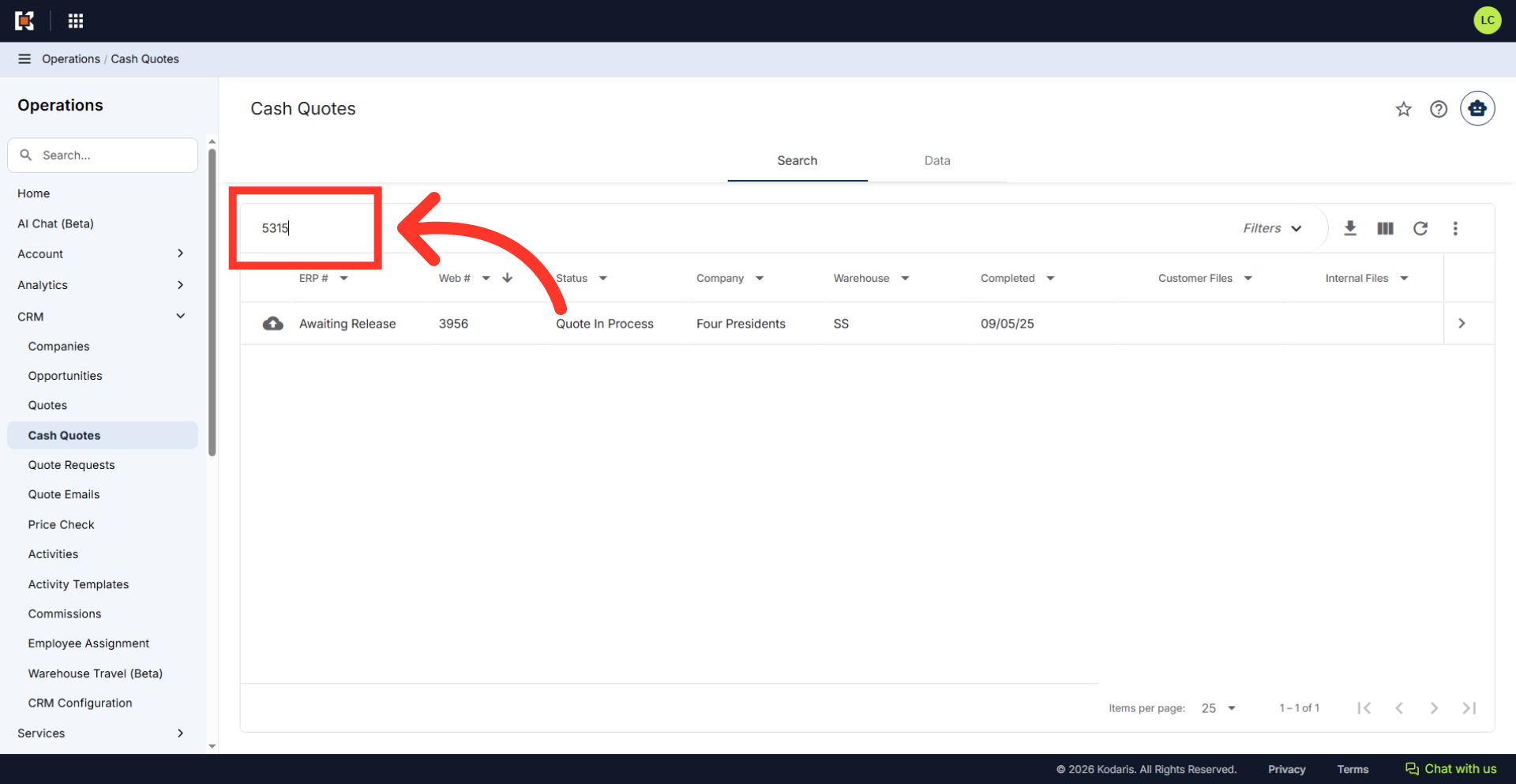
Click on the more details icon to open the cash quote details screen.
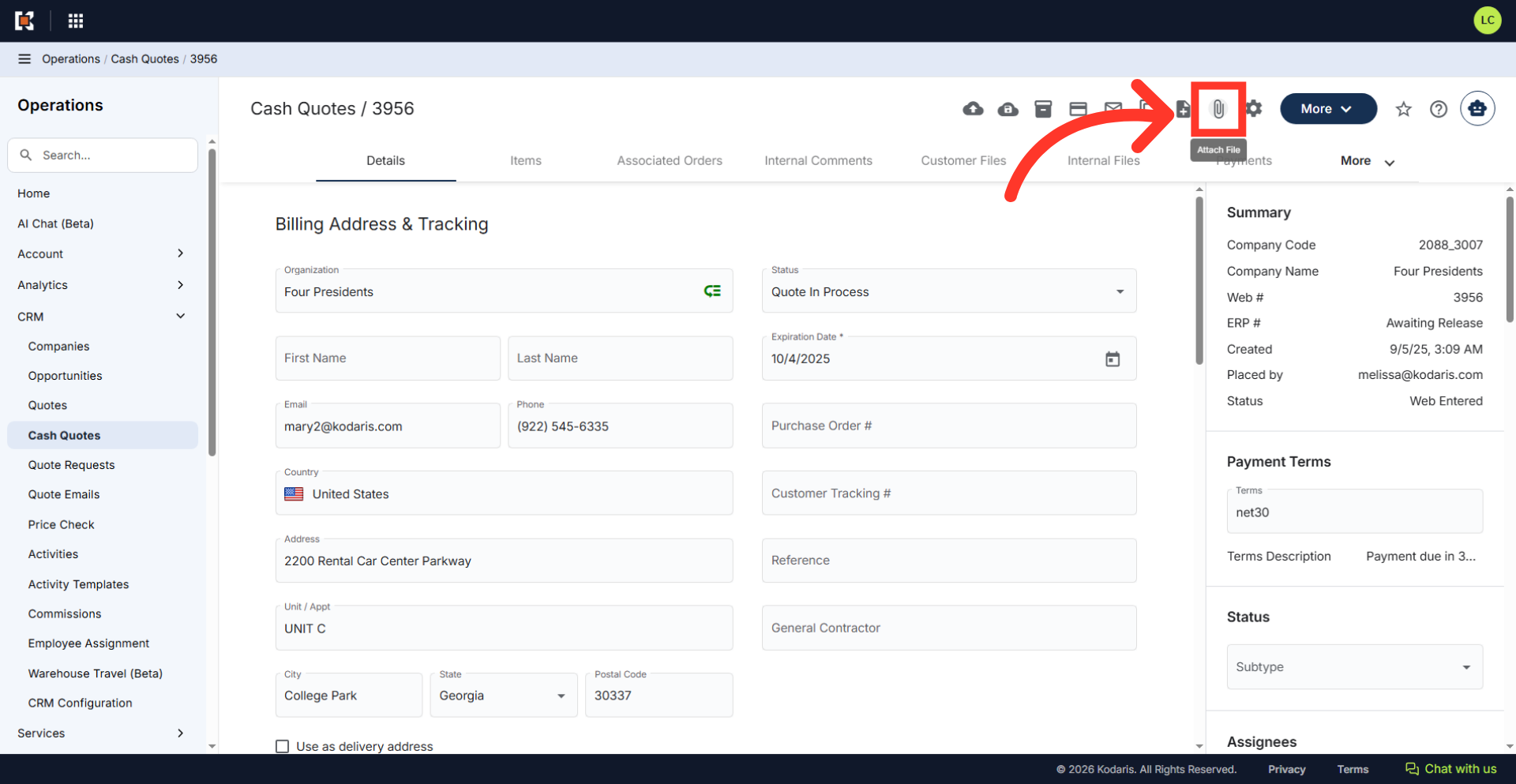
Click the "Attach file" icon located in the upper right corner of the screen.
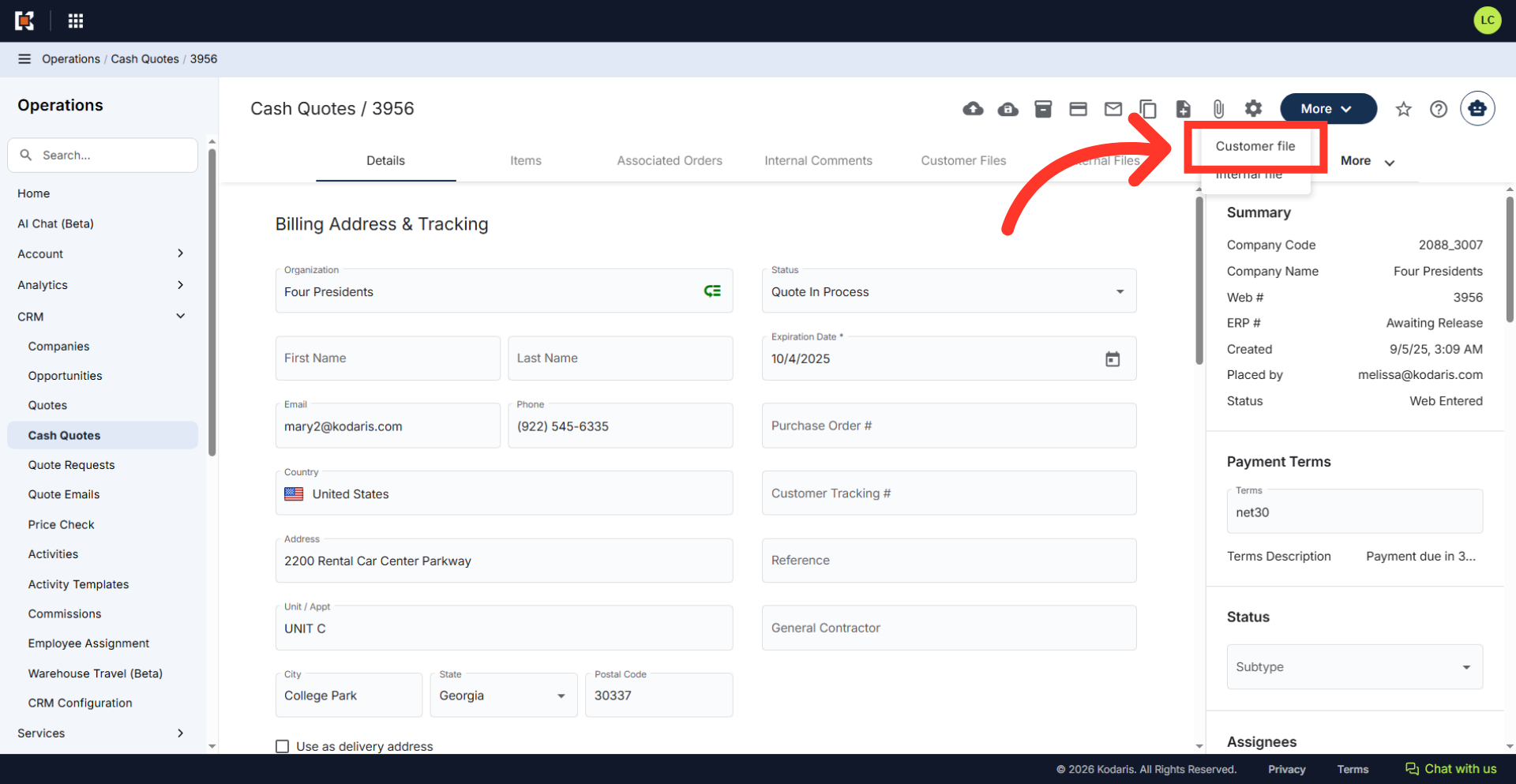
Choose "Customer File" from the dropdown as the file type.
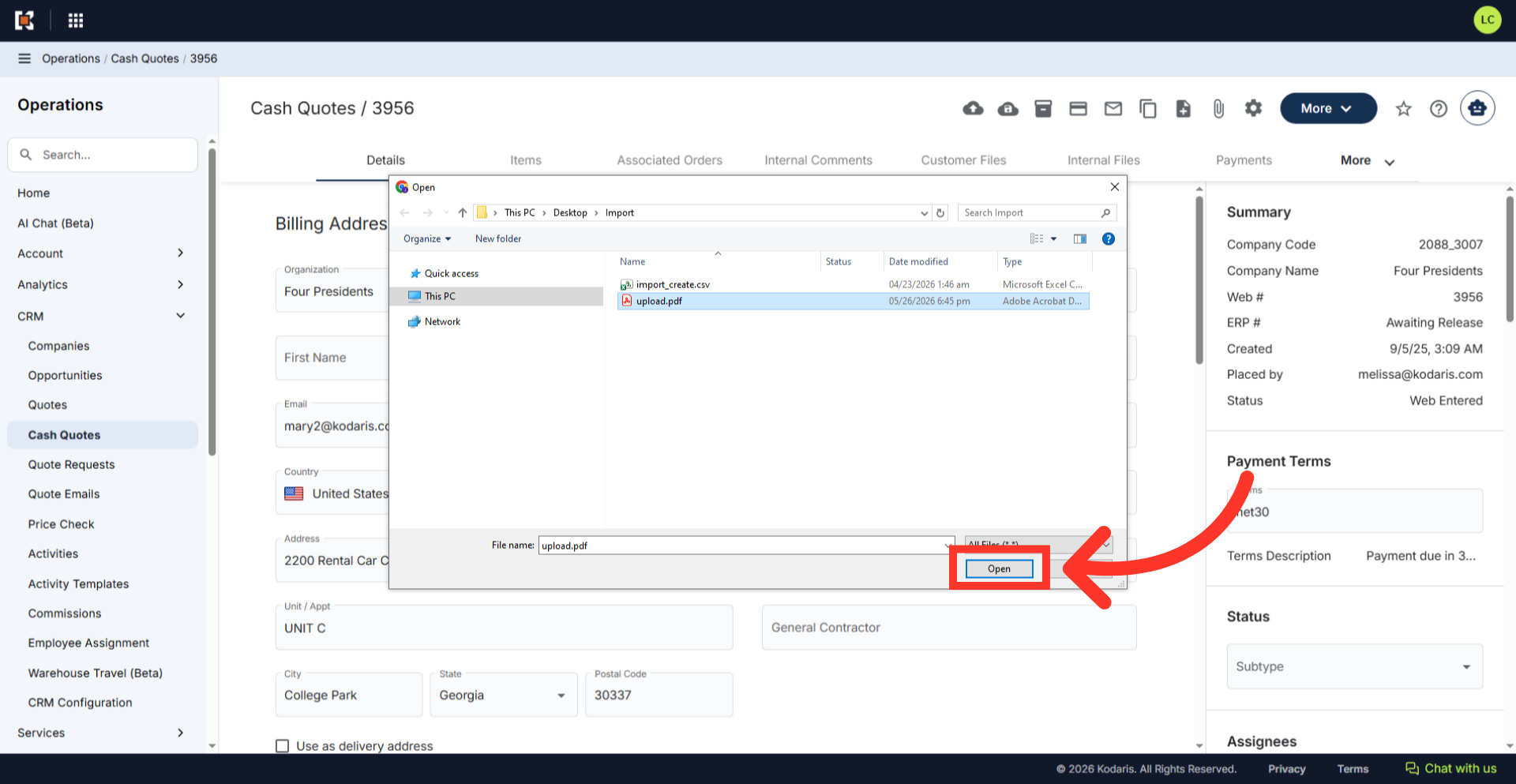
Browse and select the file you want to upload to the cash quote.
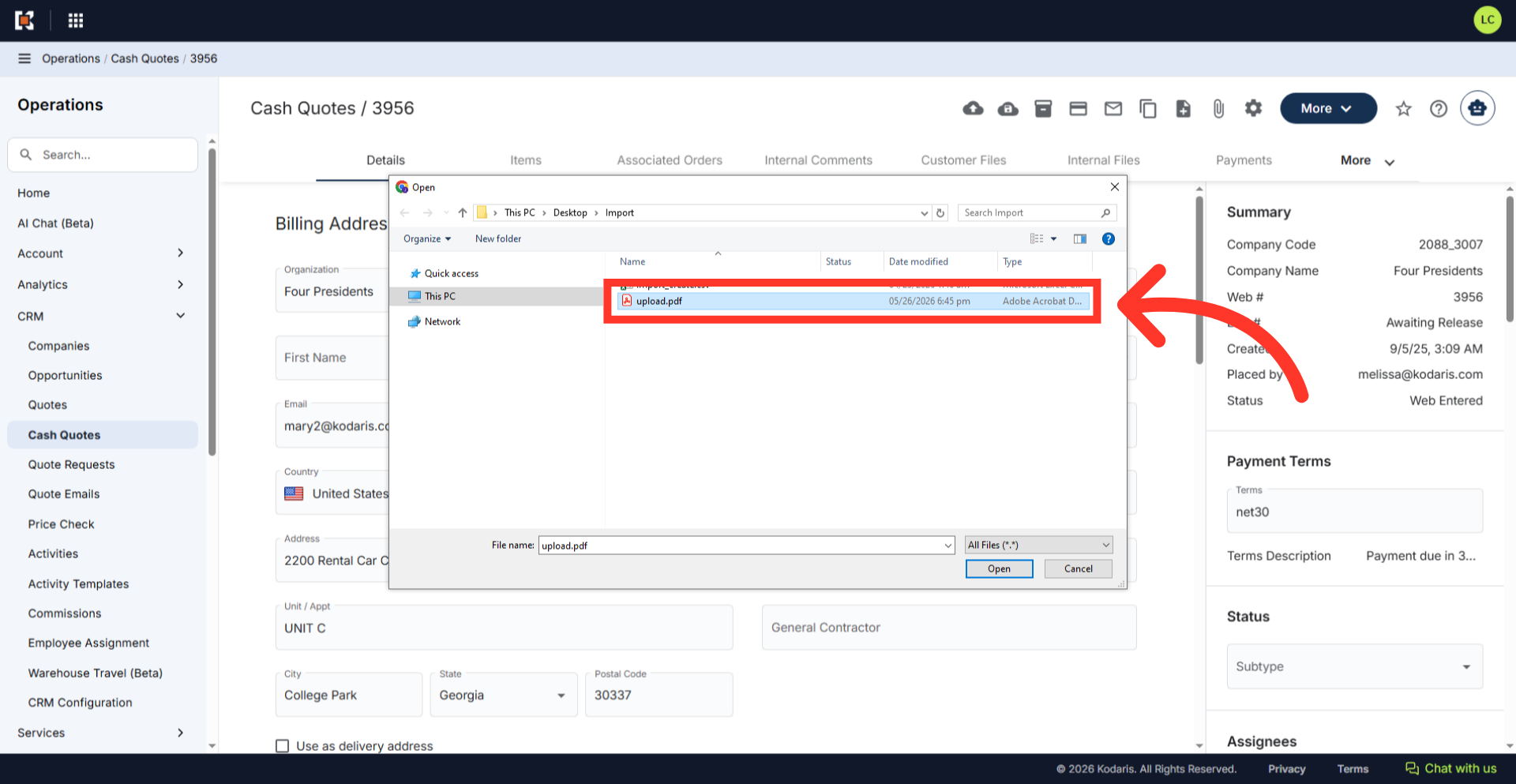
Click the "Open" button to upload the file.
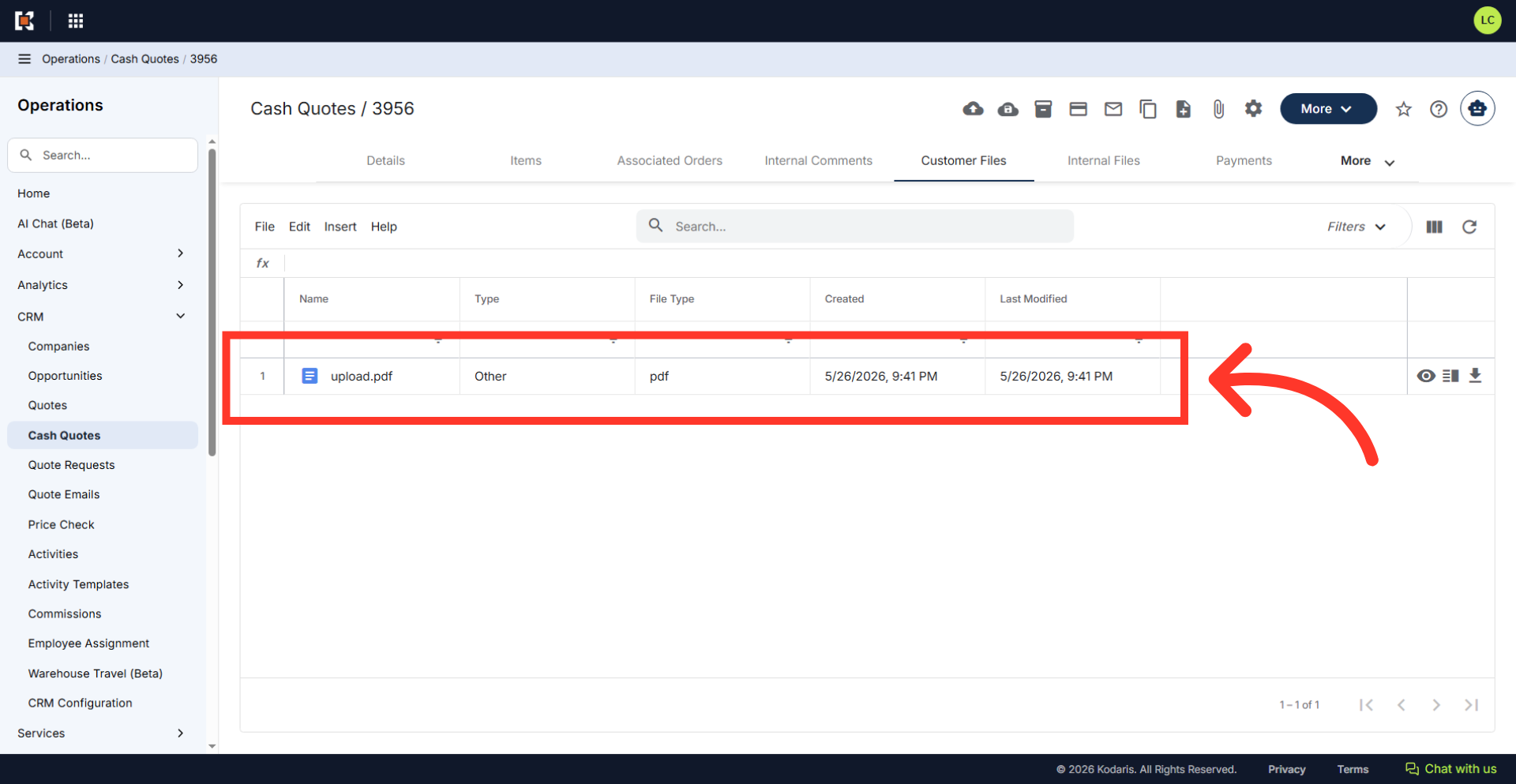
The attached file will be saved to the "Customer Files" tab and will be visible to internal users and the customer.