Product Documentation
Product Documentation
Product Documentation
Internal Files are for operations portal users only. This is an excellent way to store files associated with a company that need to remain internal to your organization. You can upload and view these documents on a customers account by navigating to the "CRM" section in the Operations Portal.
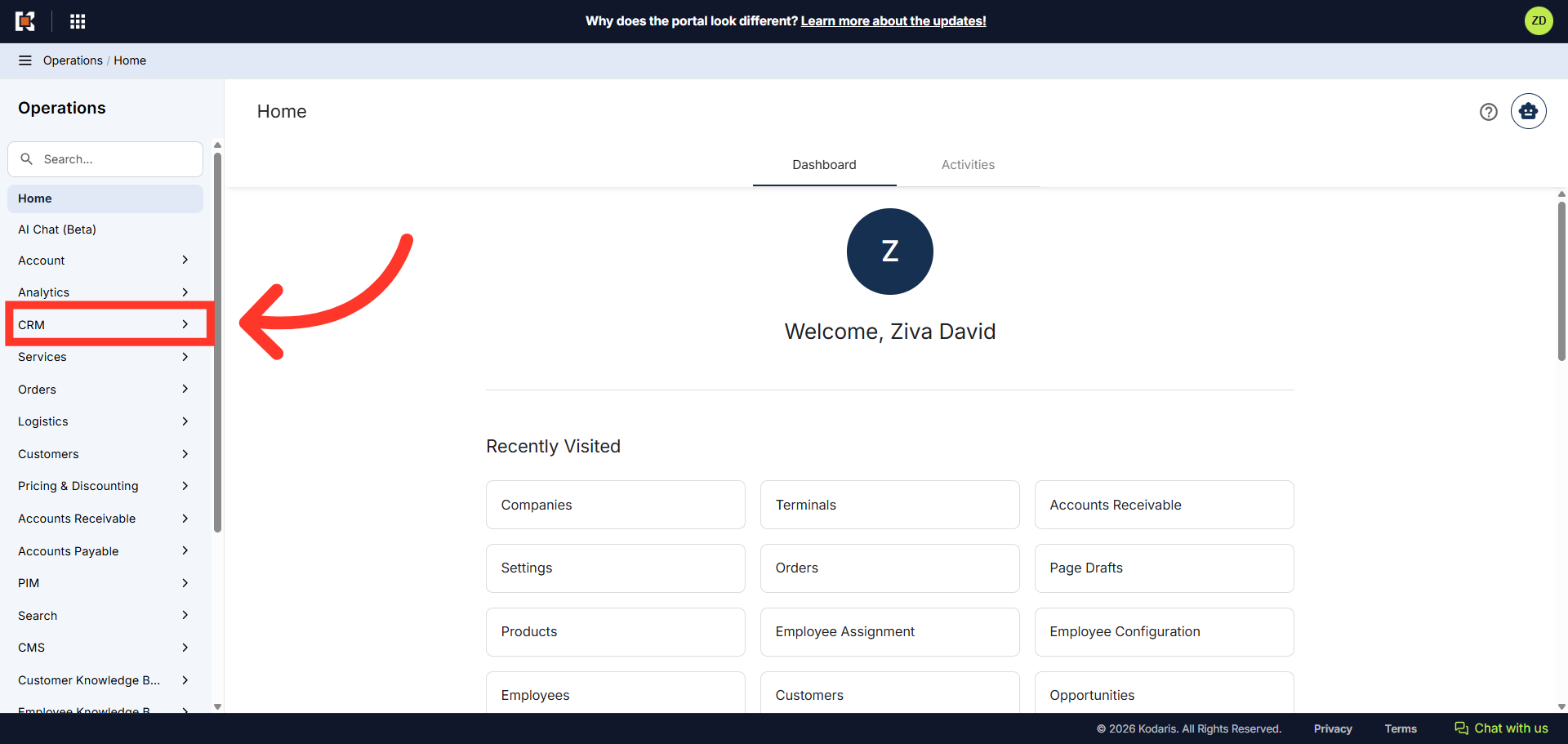
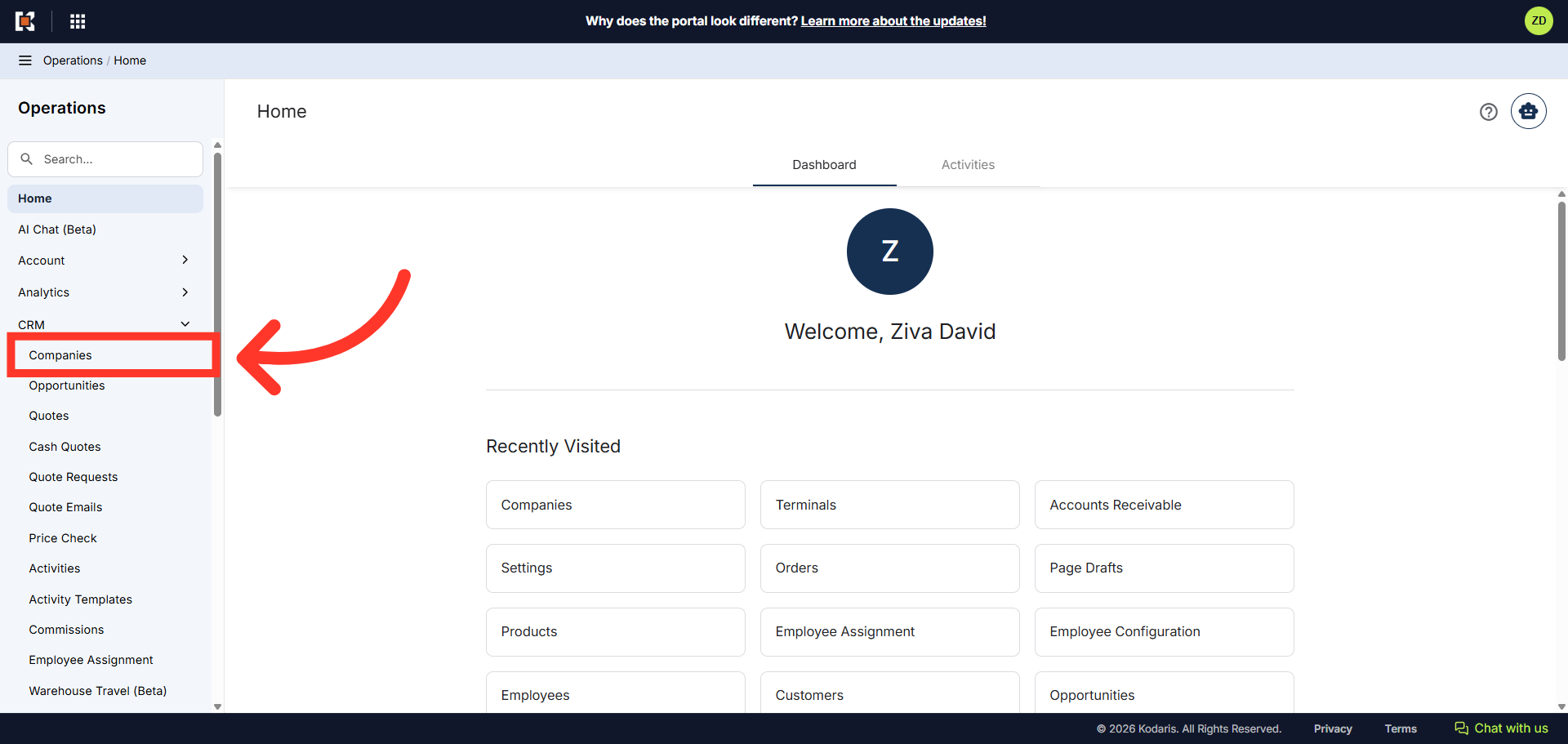
Then, click "Companies". In order to access "Companies" you will need to be set up either as an "administrator" or a "superuser", or have the appropriate roles: "companyEdit", or "crmCompanyEdit". Just a reminder, "crmCompanyEdit" access only allows employees to access companies that are assigned to them.
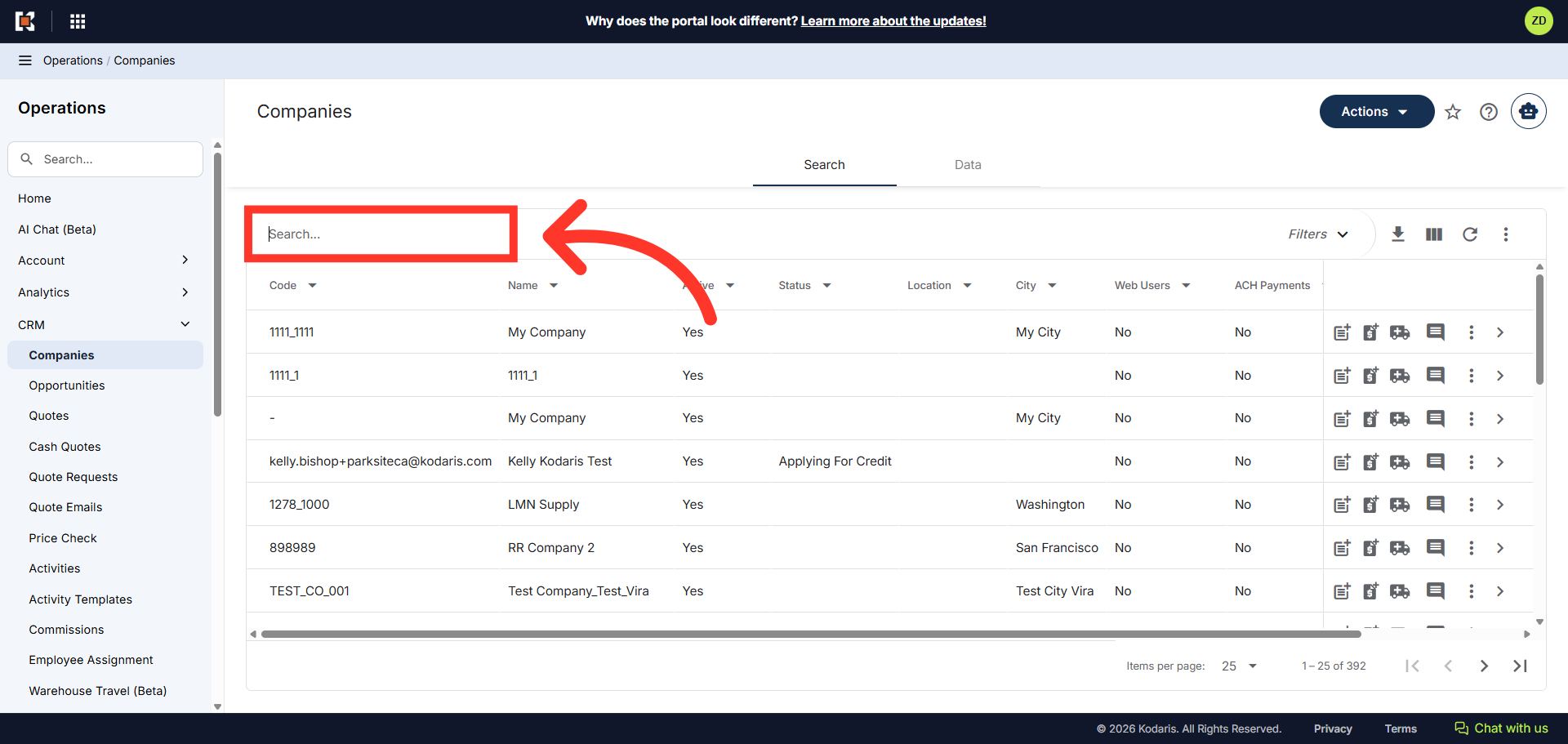
To quickly locate the company you wish to view, use the "Search..." field and search for the company using the company name or company code. In this example, we will a use company name.
Then, click on the more details icon to access the company details.

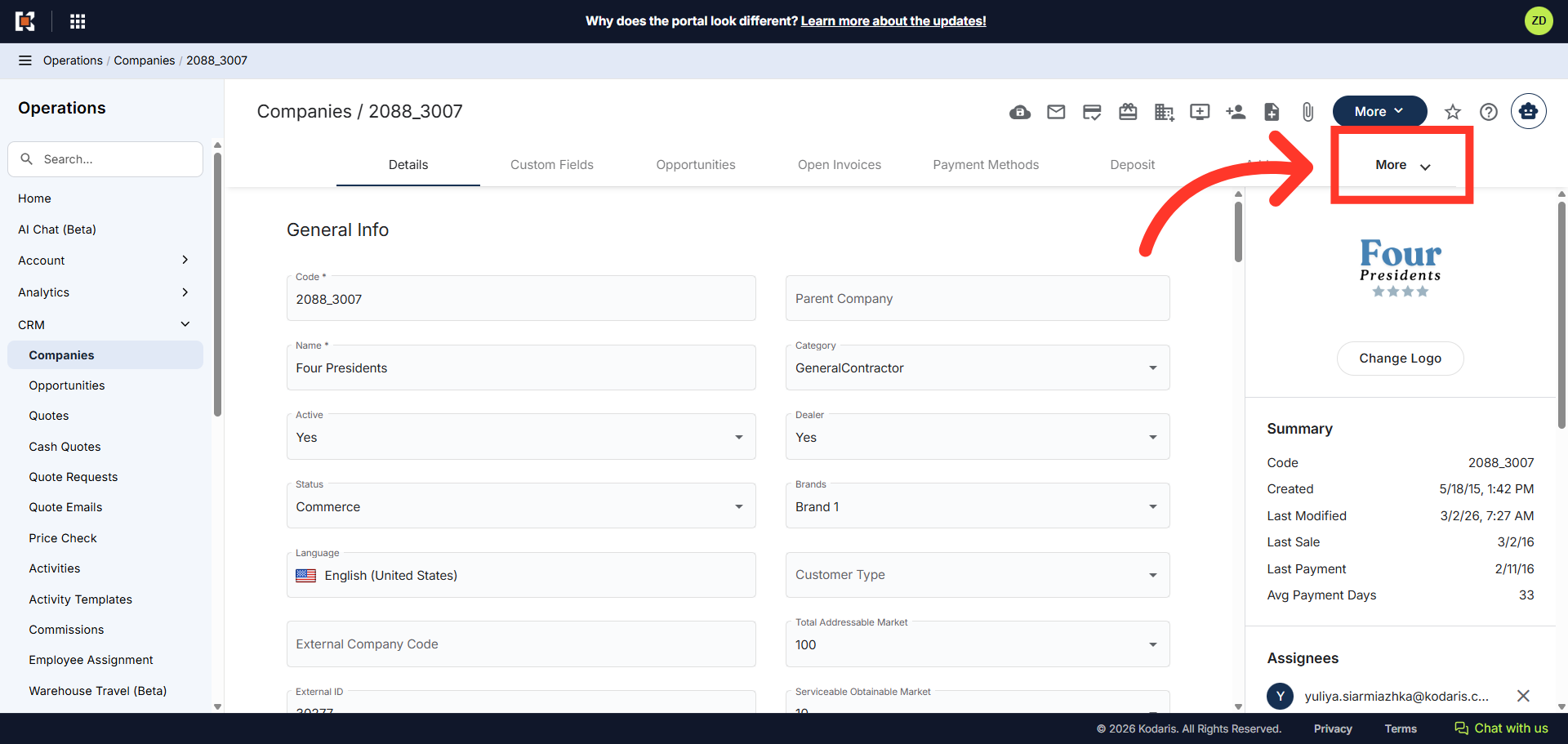
To view Internal Files that are saved to the company, click the "More" tab at the top of the company "Details" page.
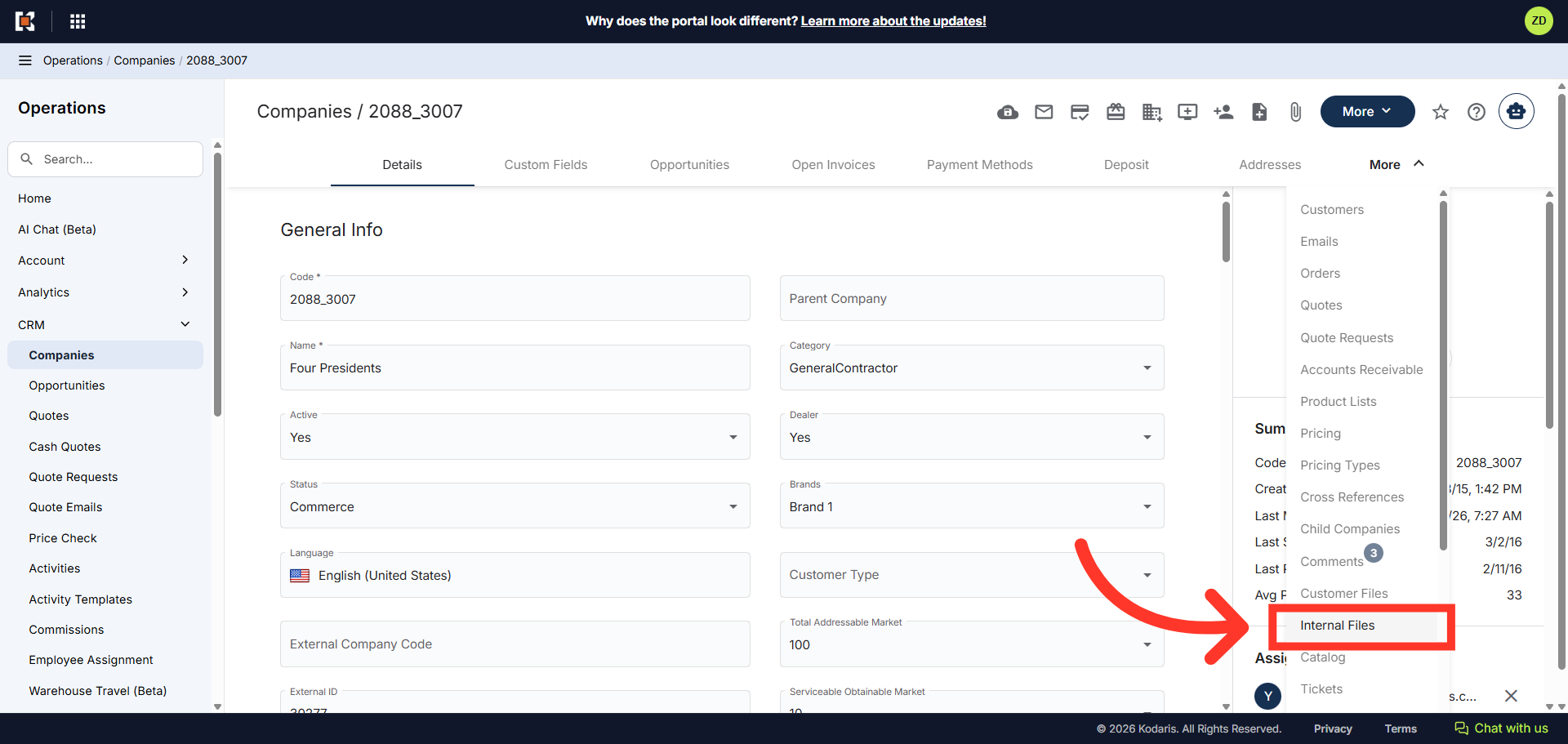
Then, click "Internal Files" from the drop-down menu.
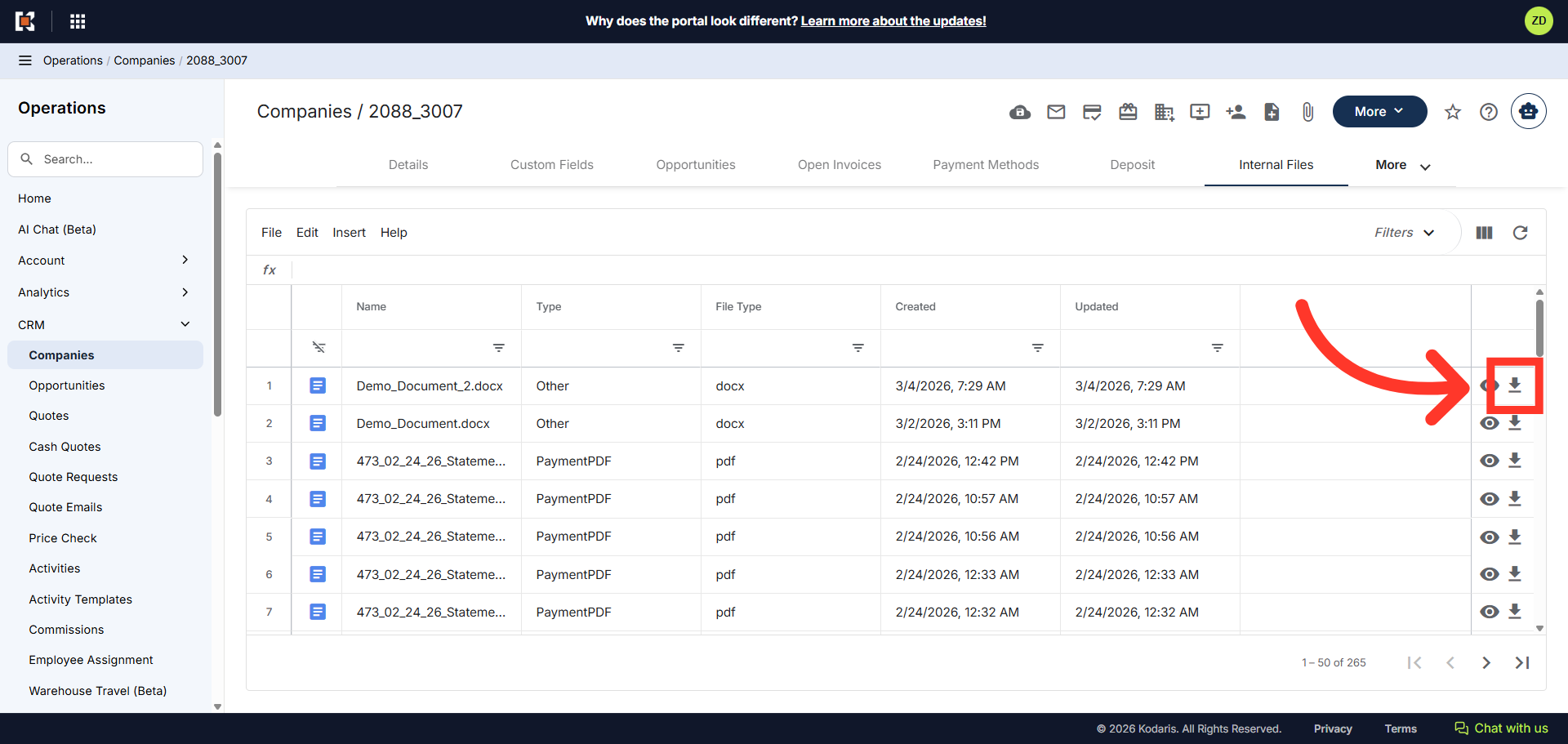
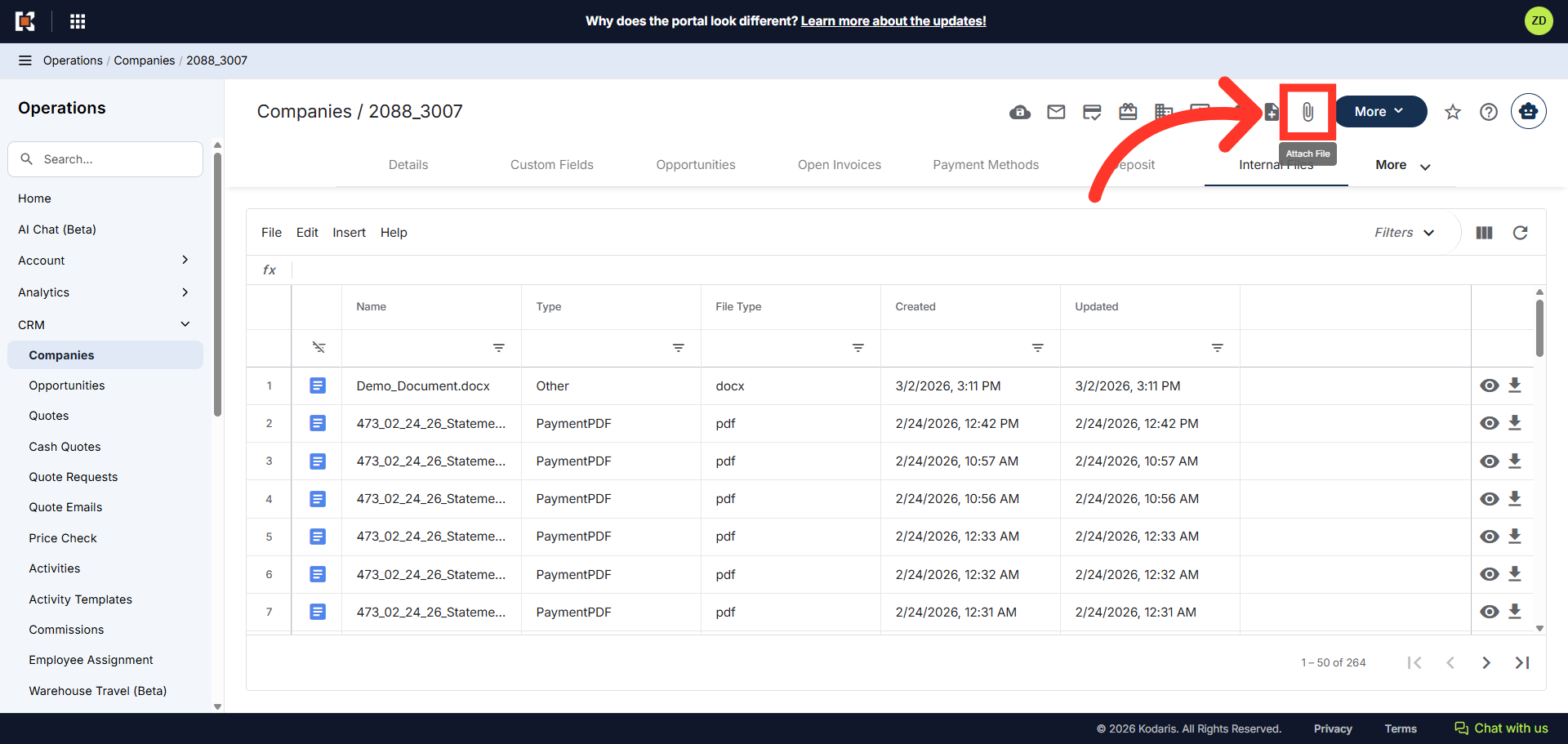
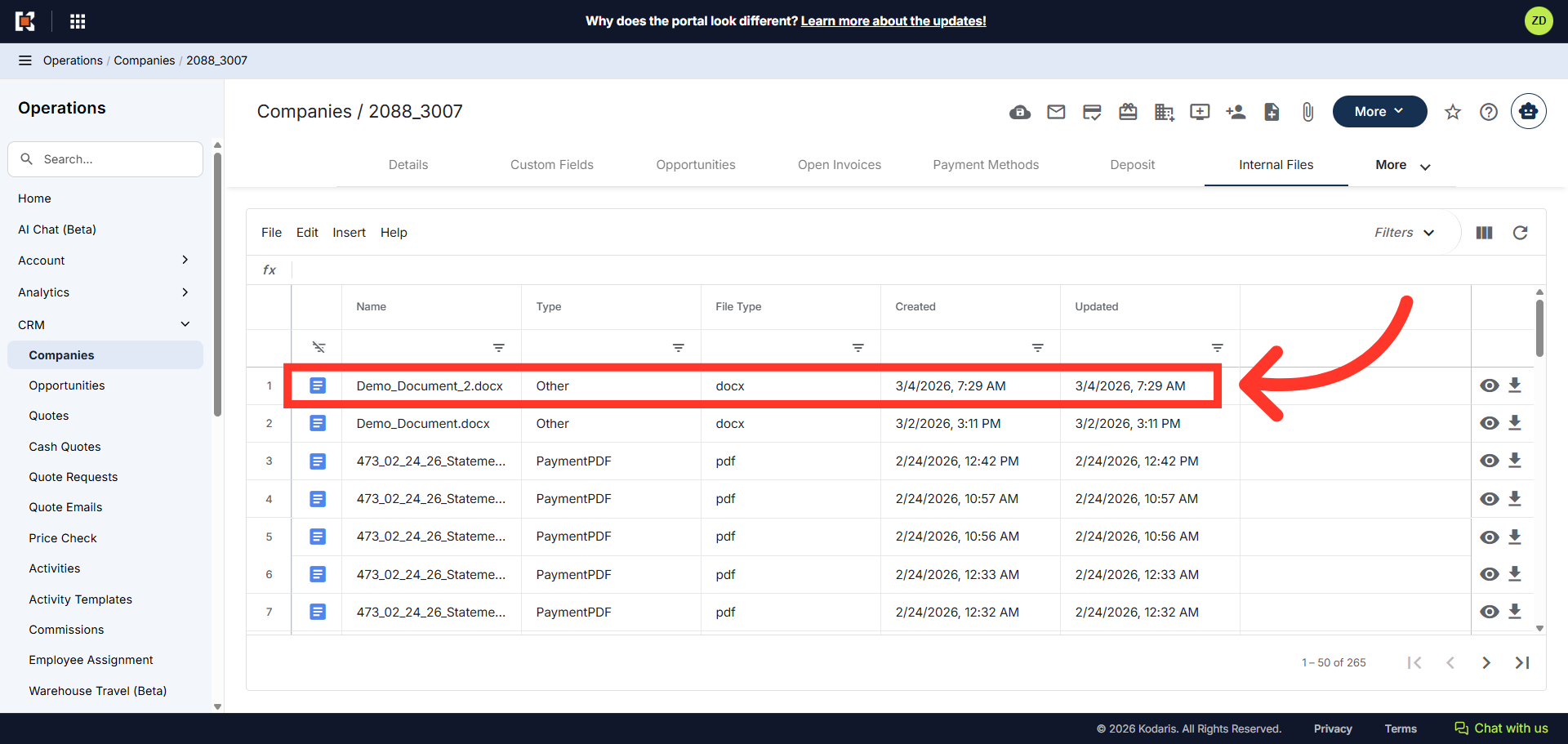
The grid view shows a list of all internal files that have been added. You can search for files using the column headers at the top of the grid.

To attach a file, click the "Attach File" icon at the top.
Then, select "Internal file" from the drop-down menu.

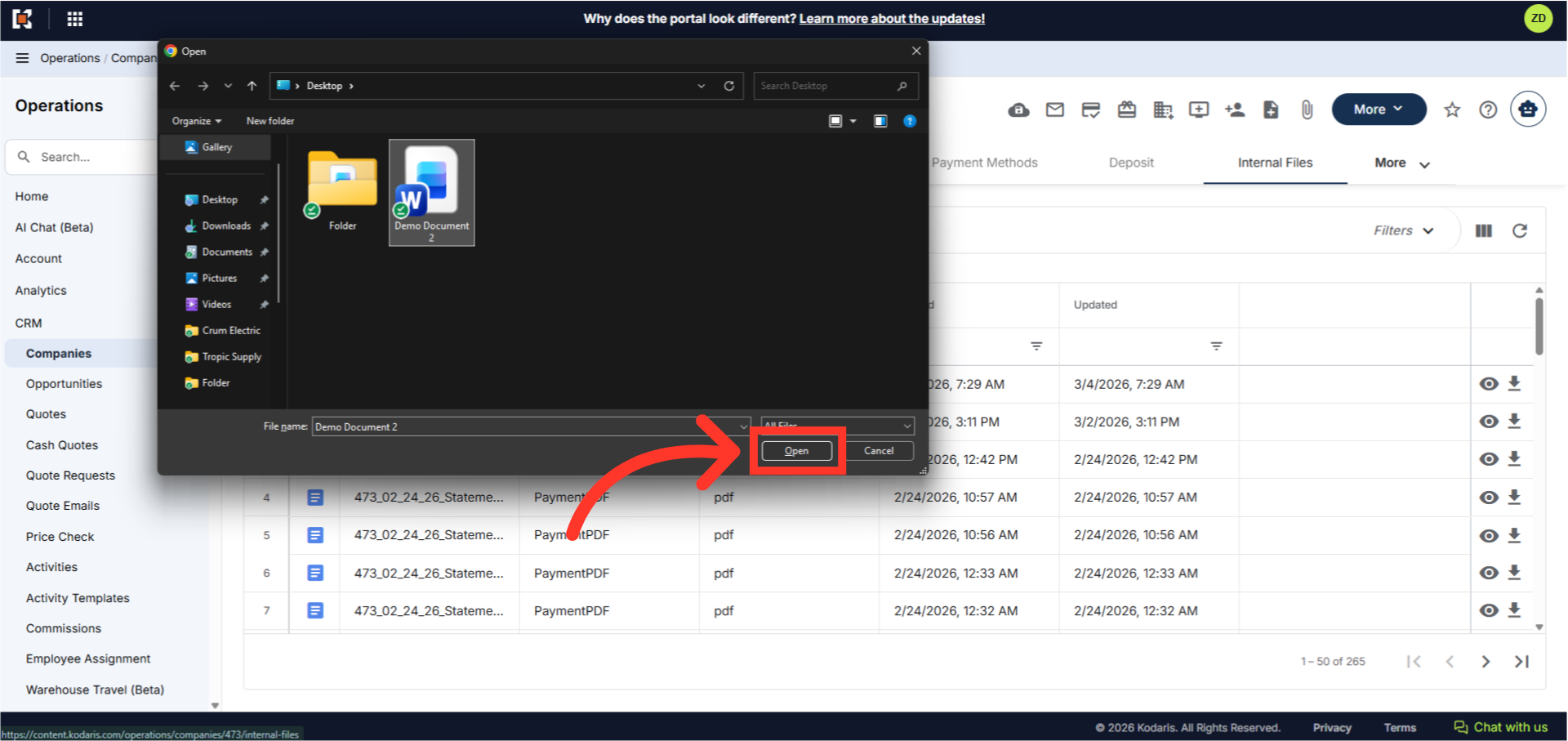
Select the file you want to upload from your device.
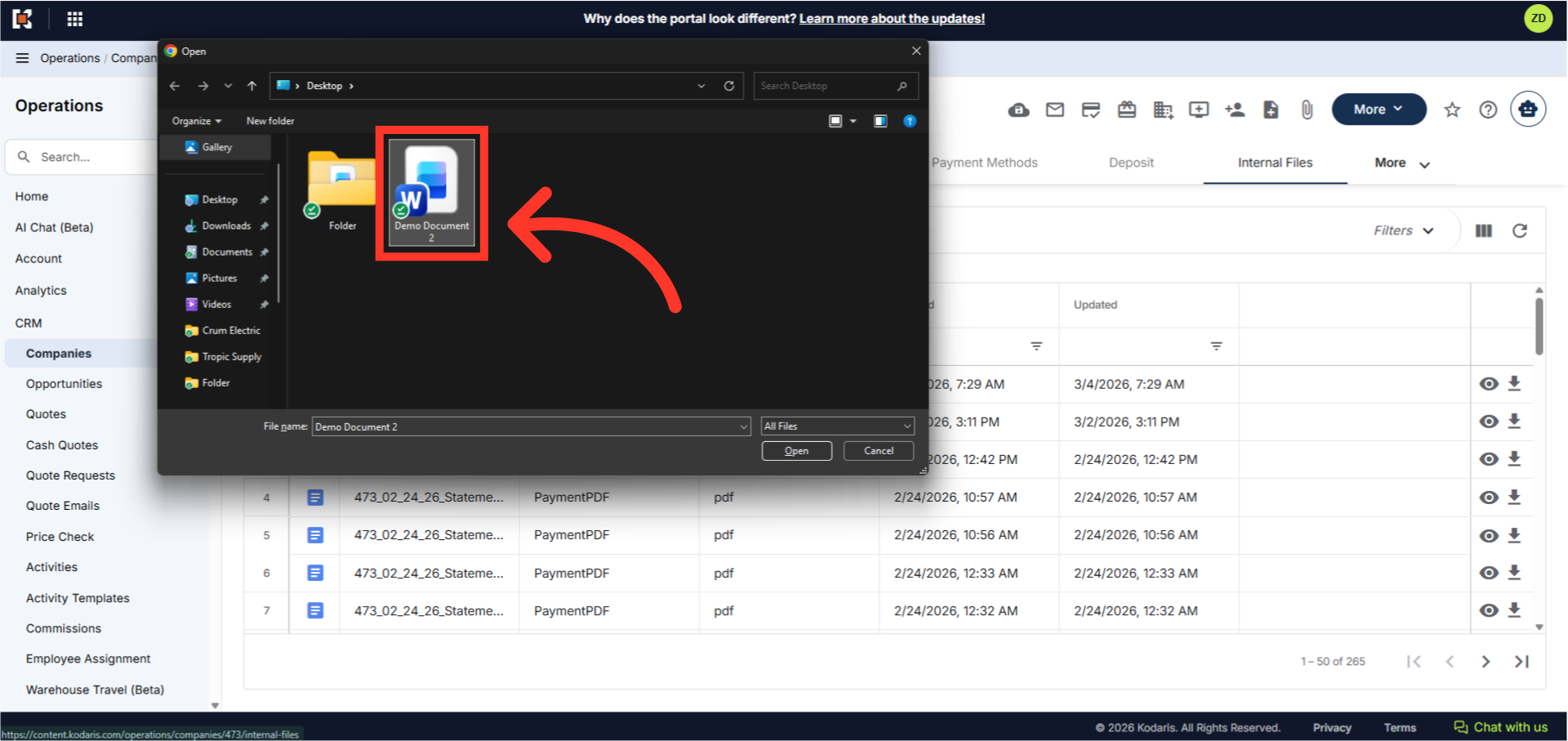
Then, click "Open" to upload the file.
Once the file has been uploaded, the file will appear in the grid view with the file details, such as name, file type and date uploaded. Note: Files uploaded to "Internal Files" are not visible to the customers in their Customer Portal. If you wish to share a file with a customer, use the "Customer File" upload feature.
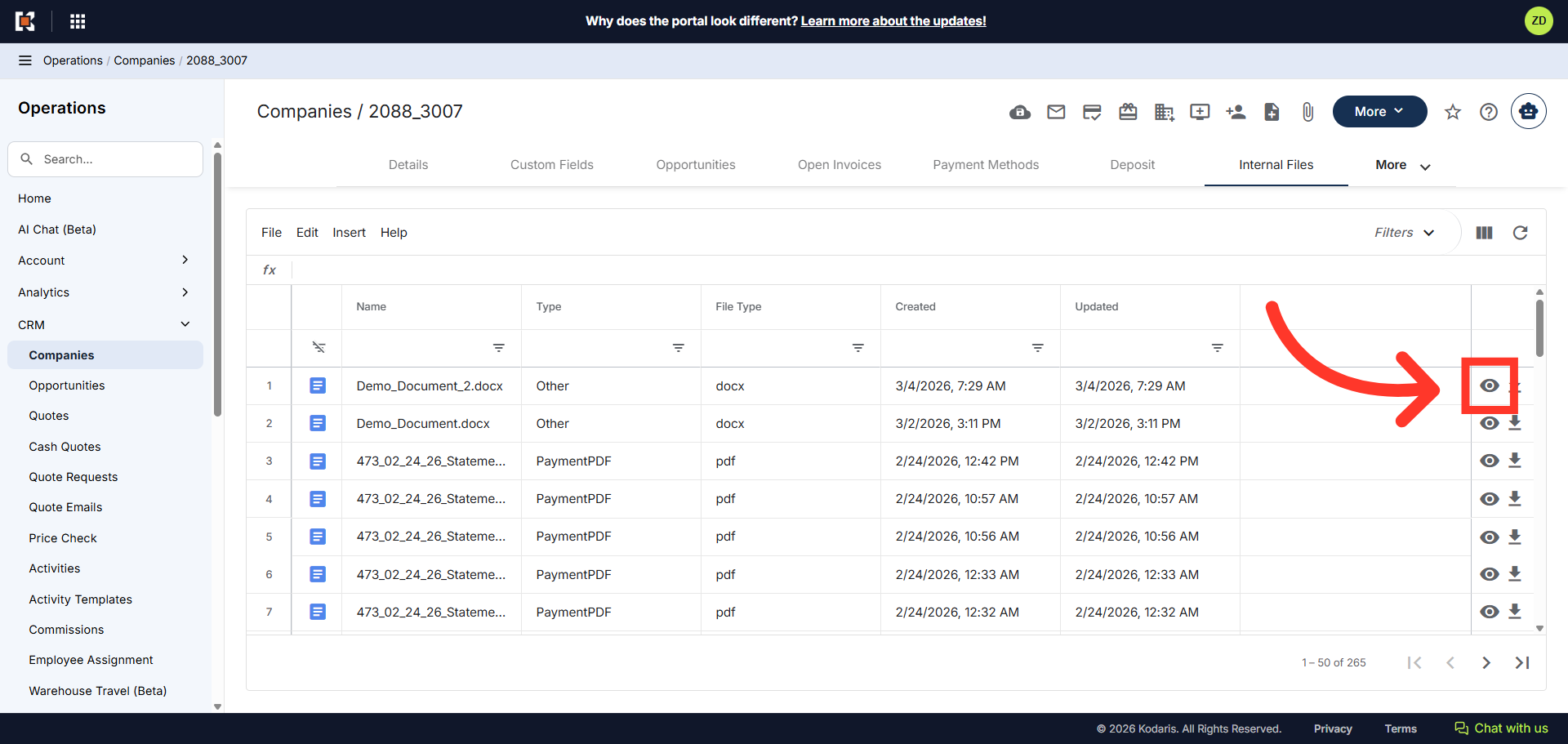
Click the view icon (eye icon) next to any file to preview it directly in your browser.
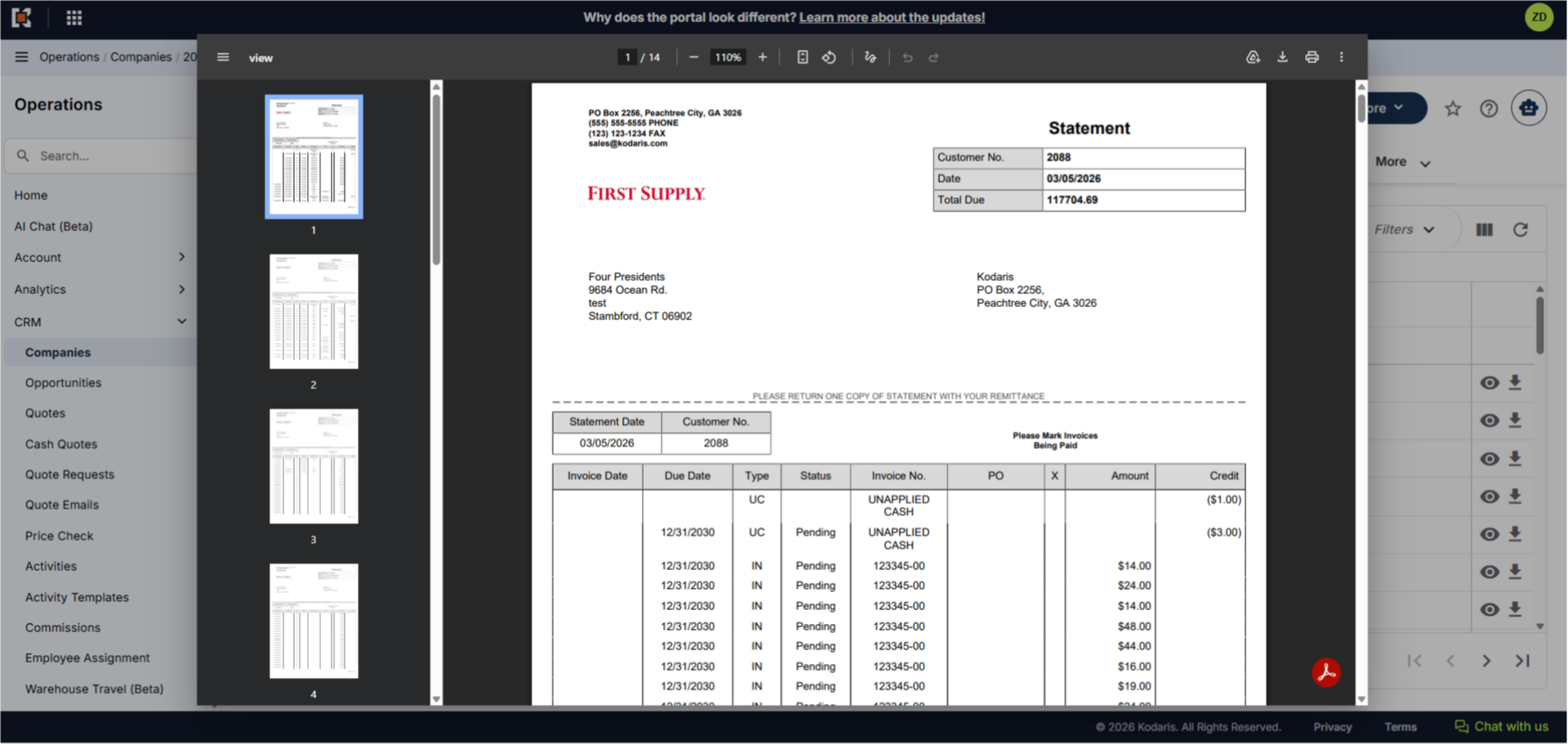
The document will open in a preview window where you can scroll through the pages, print or download the document to your device. To close the preview, click anywhere outside the preview window.
You can also click the download icon to download the file to your computer.