 Product Documentation
Product Documentation
Product Documentation
Click "Register Or Sign in".

Enter your username.

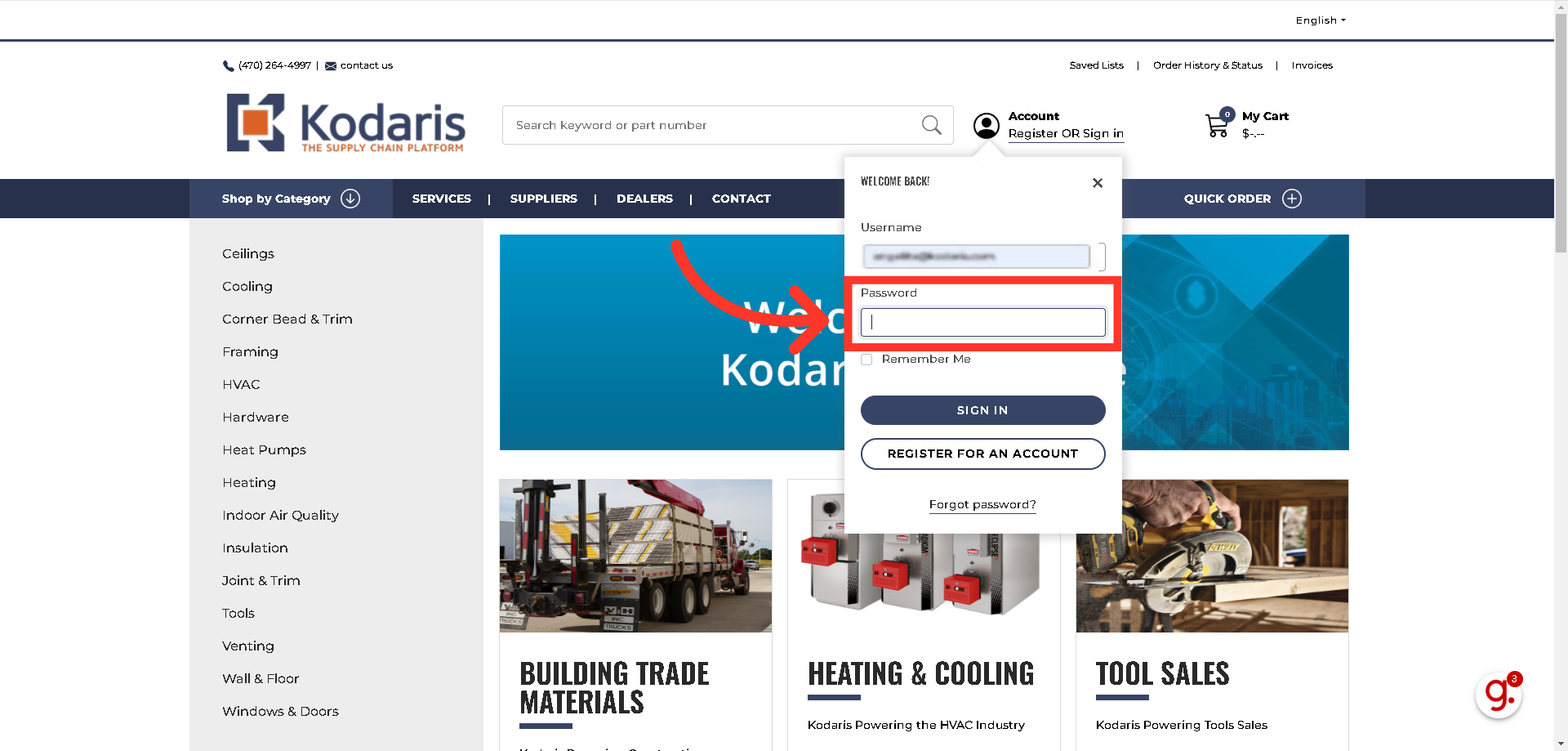
Then, enter your password.
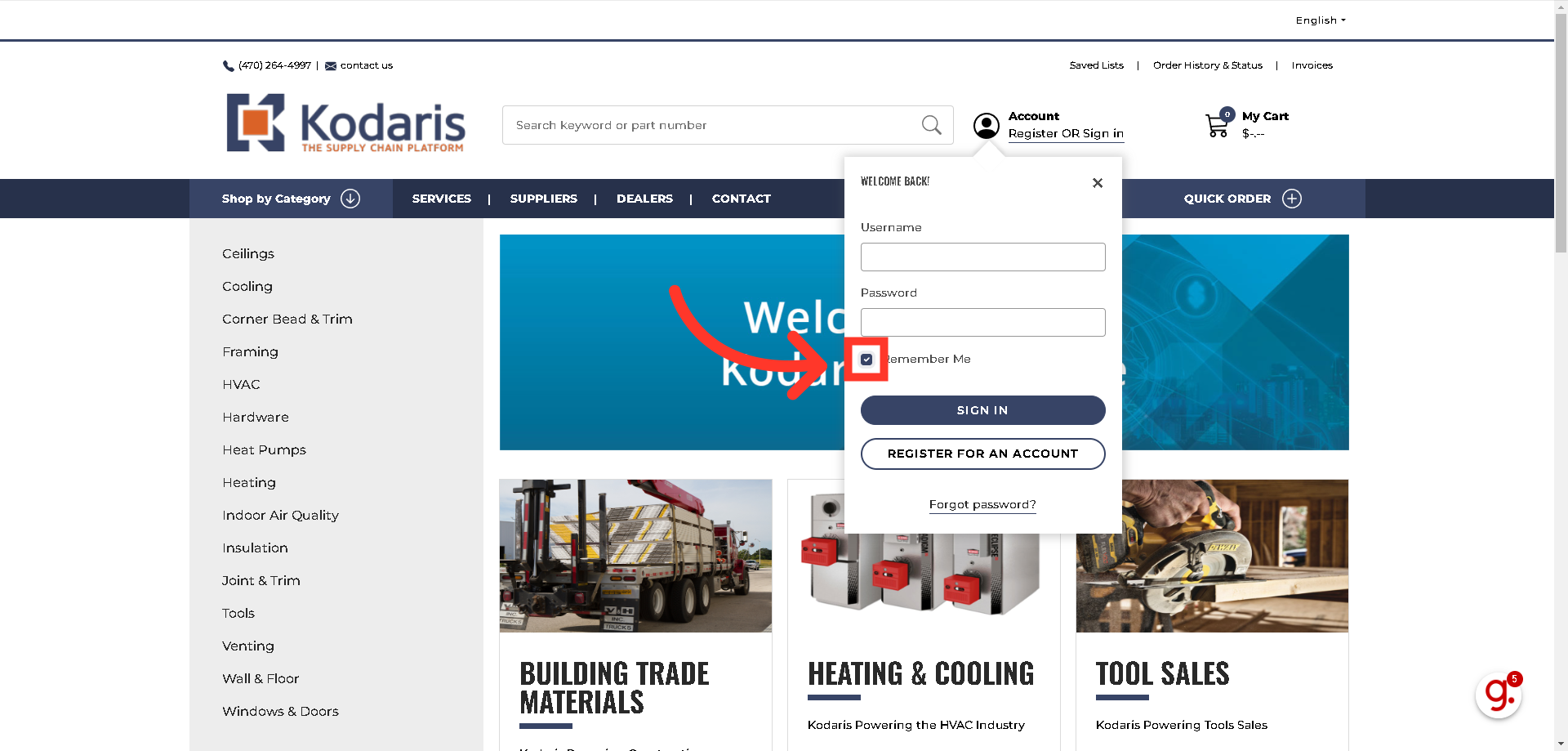
You might want to check the "Remember me" box when logging in. When you return to the site later, you are automatically logged in without having to enter your credentials again.
Click the "Sign in" button to complete the login process.
