 Product Documentation
Product Documentation
Product Documentation
The robots meta tag is used to control how search engines index and crawl webpages. It can specify whether a page should be indexed, followed, or excluded from search engine results. To configure Meta Robots, navigate to the "Marketing" section in the Operations Portal.
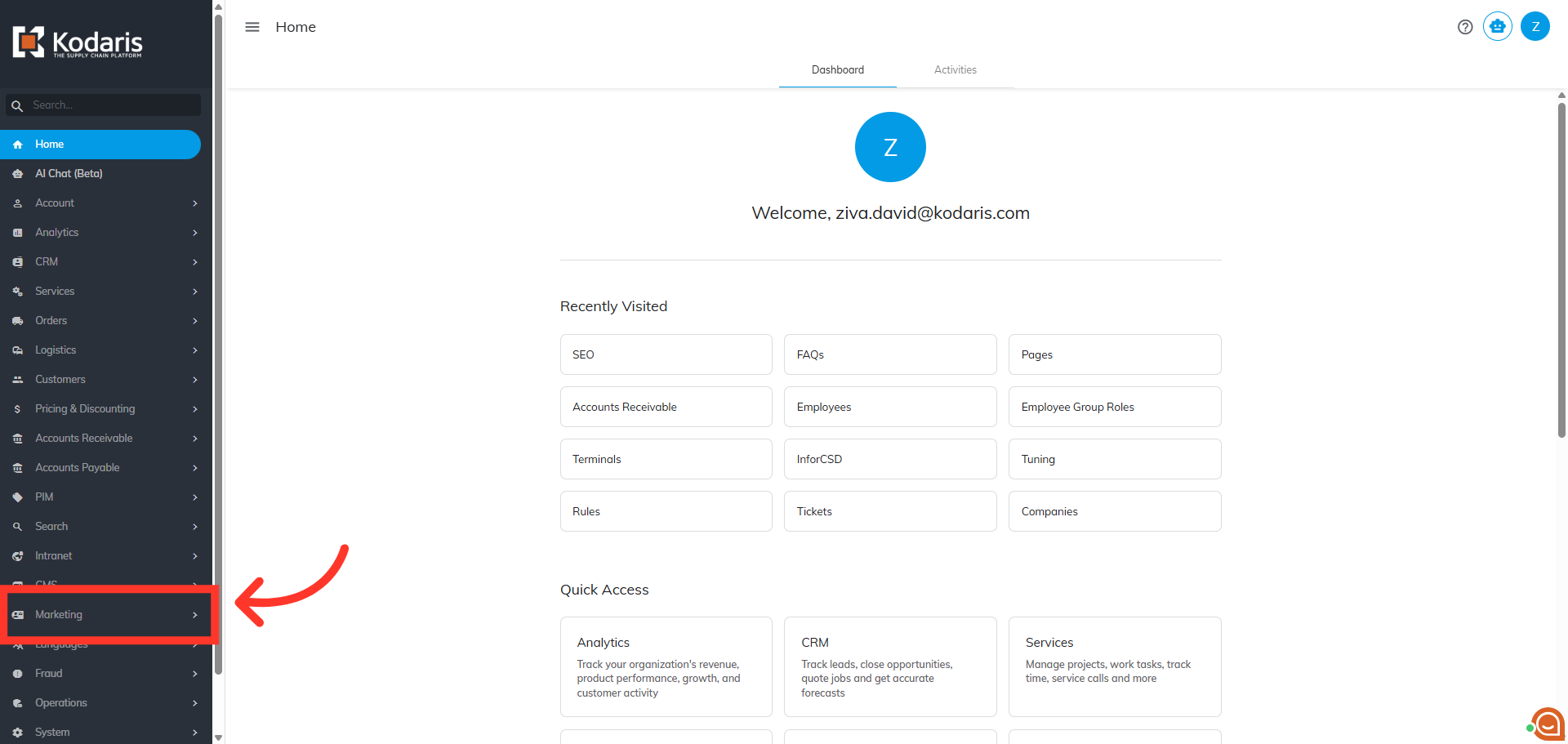
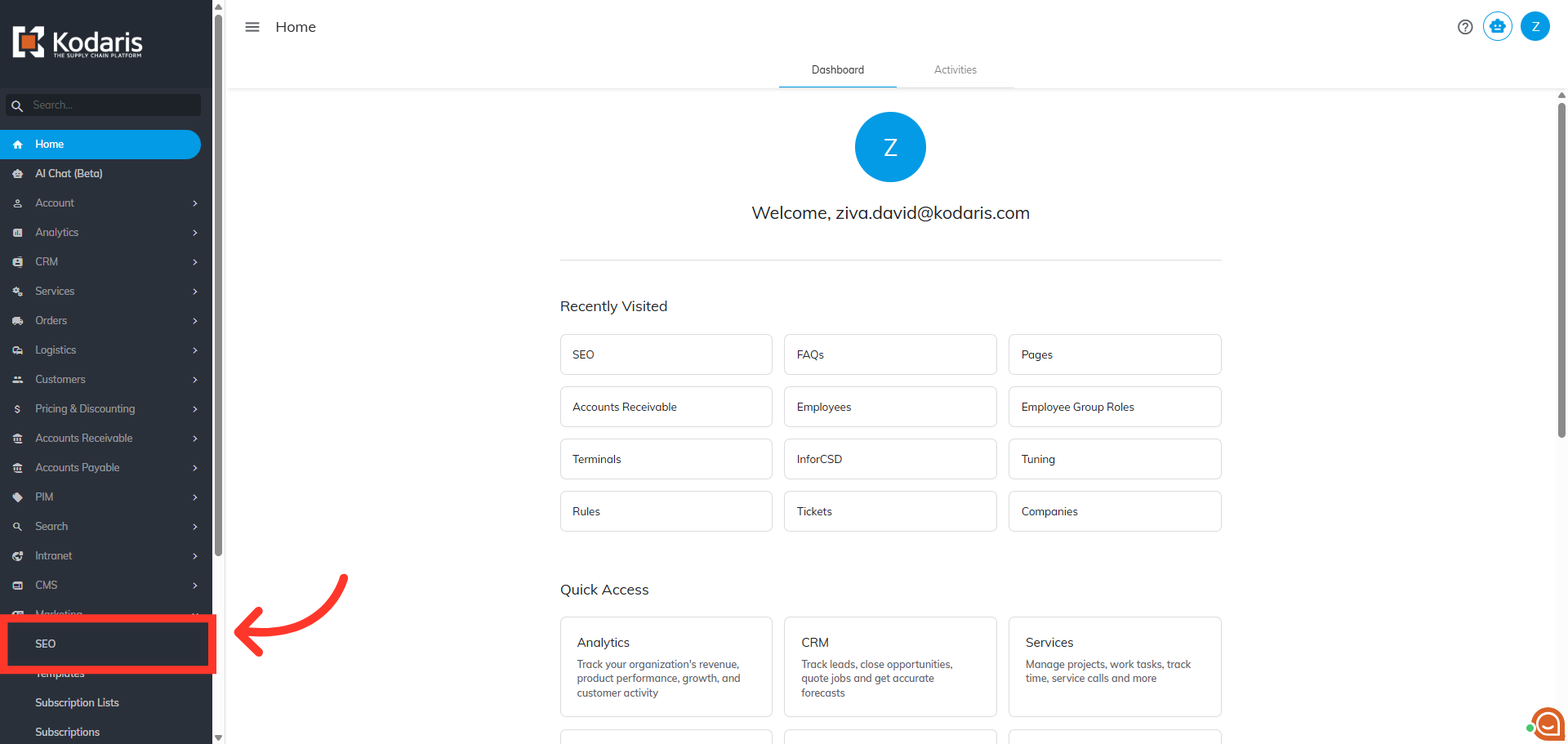
Then, click "SEO" to open the search engine optimization settings. To access and edit "SEO", you will need to be set up either as an "administrator" or a "superuser", or have the role of: "settingsSEOEdit".
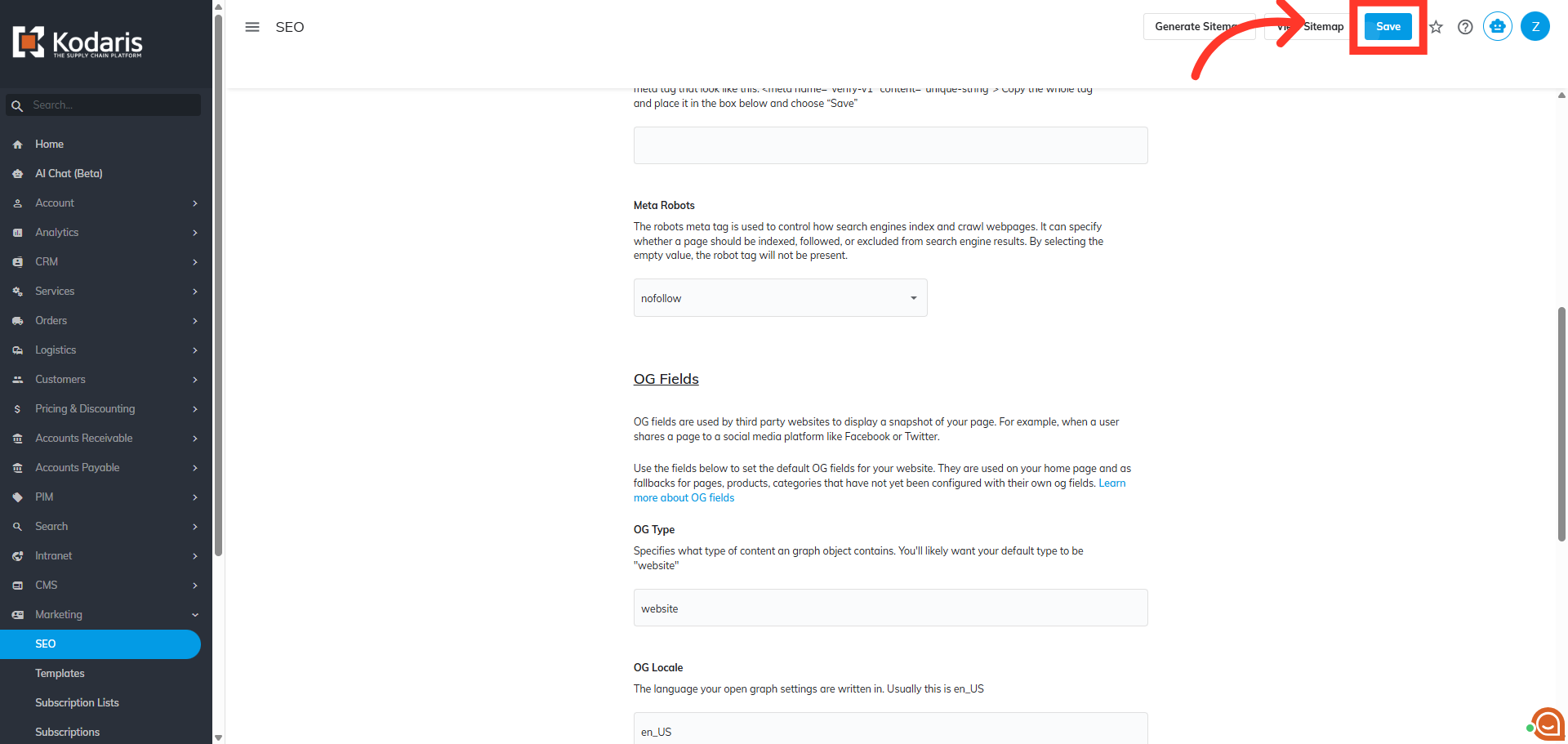
Next, scroll down to the "Meta Robots" section on the page.

Now, select an option from the dropdown menu. Note that by selecting the empty value, the robot tag will not be present.

Next, click "Save".
To check if the update has been applied, navigate to the commerce site.
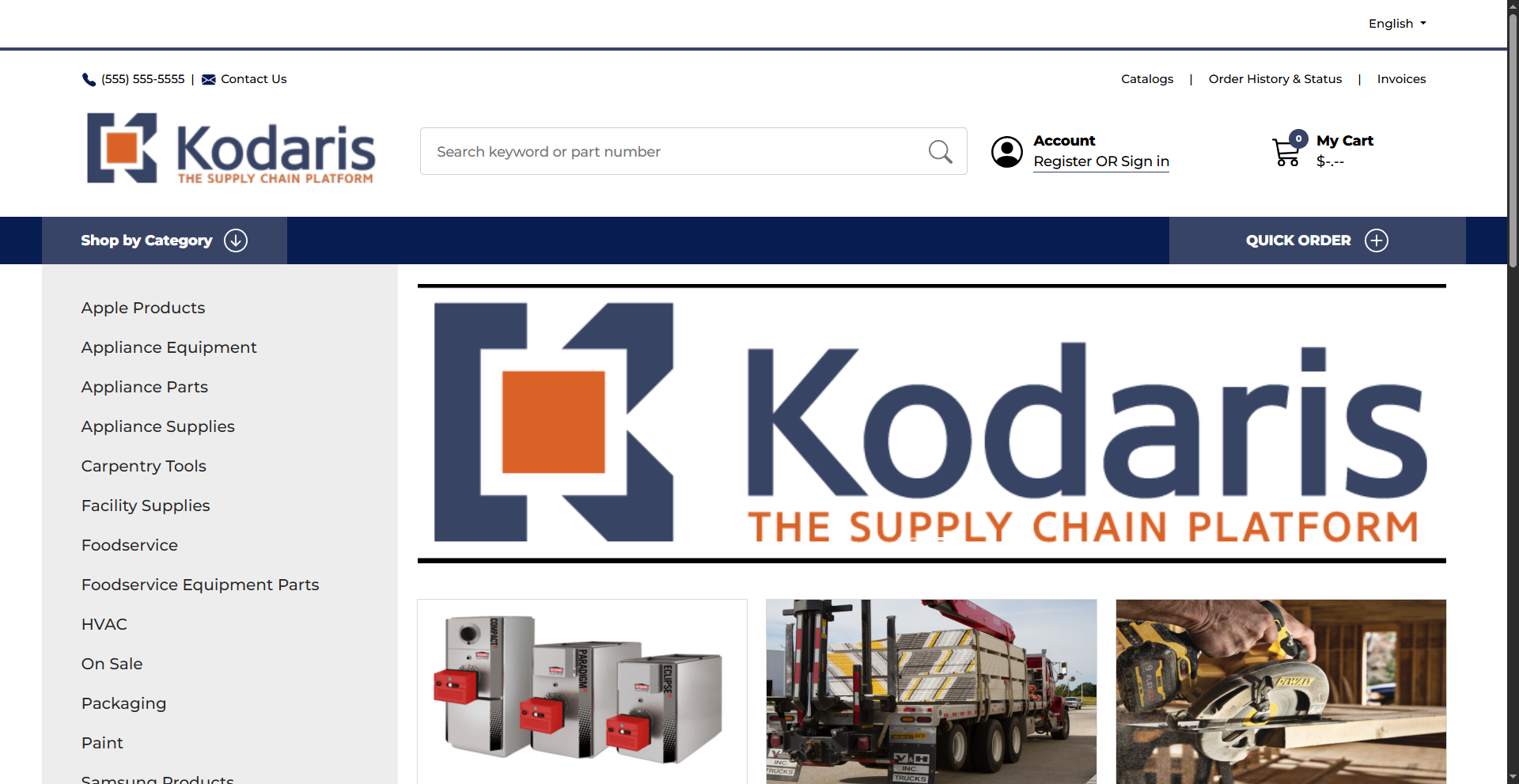
Right-click anywhere on the screen to see the "Inspect" option.

Click "Inspect".

Click on the "Head" tag under the "Elements" tab.
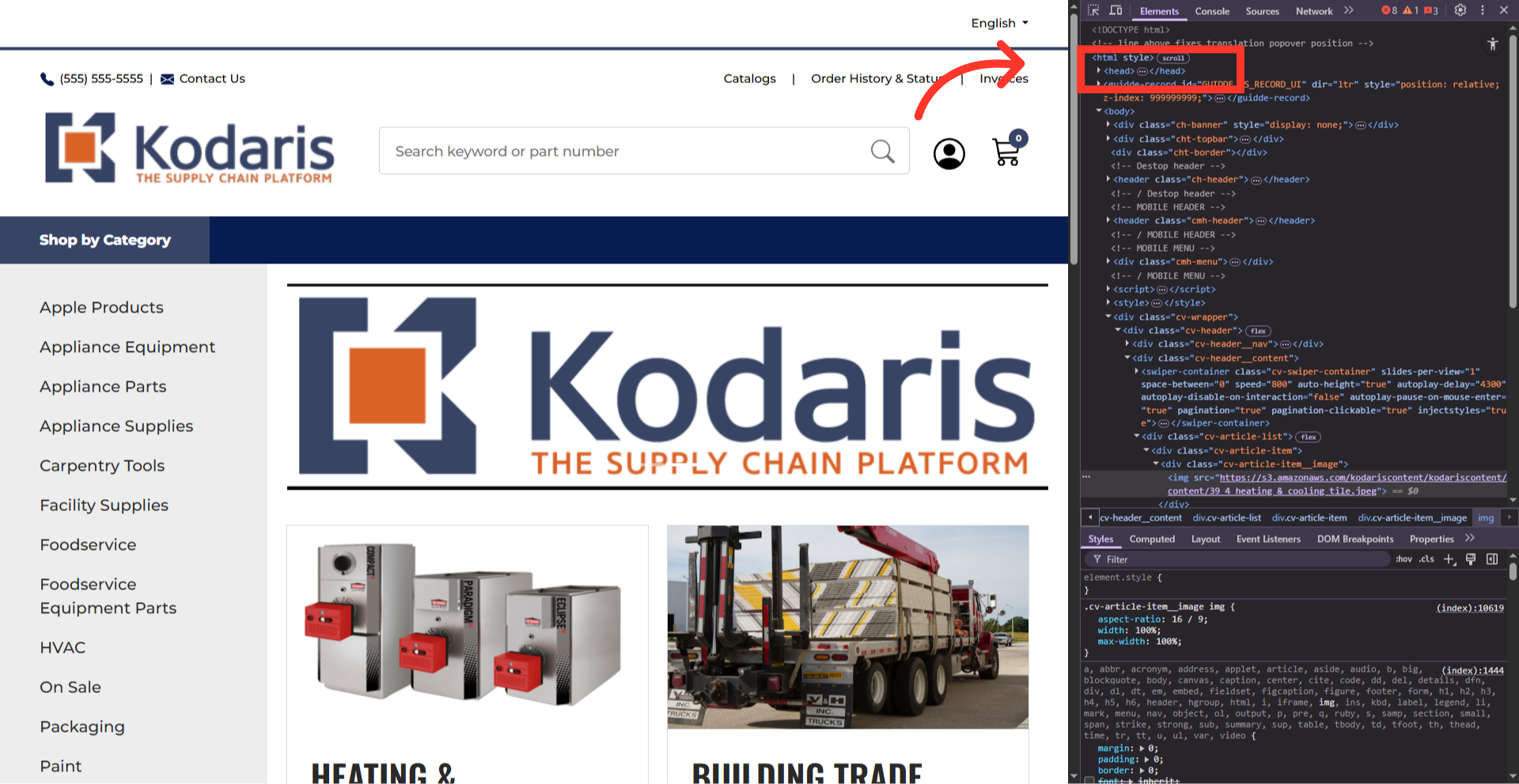
Look for the "Robots" tag. You will see that Meta Robots is now updated to the option that was selected.
