Product Documentation
Product Documentation
Product Documentation
To update physical terminal names, first log into the operations portal.
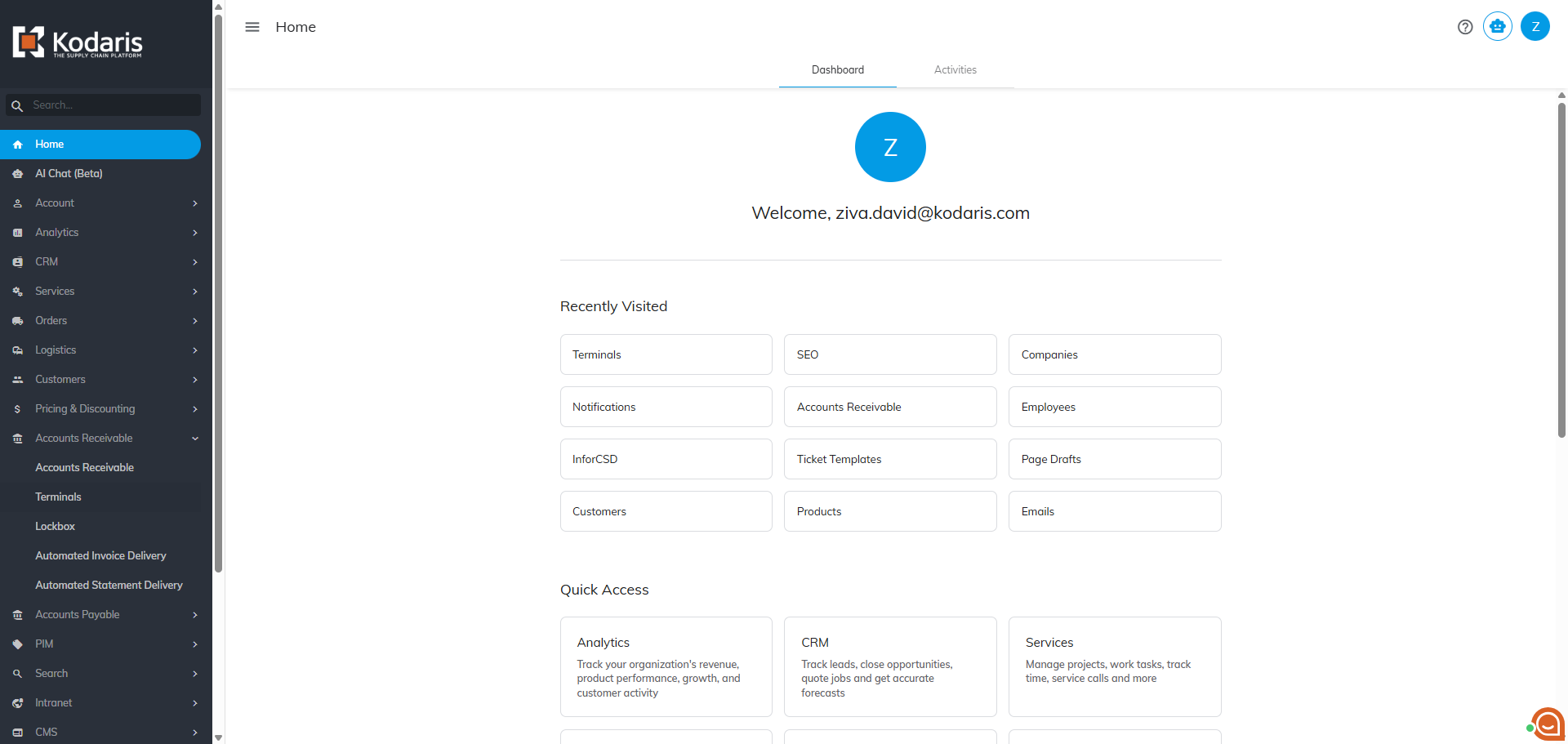
Then, click "Terminals" to view and manage your existing terminals. In order to access "Terminals" you will need to be set up either as an "administrator" or a "superuser", or “accountant”.

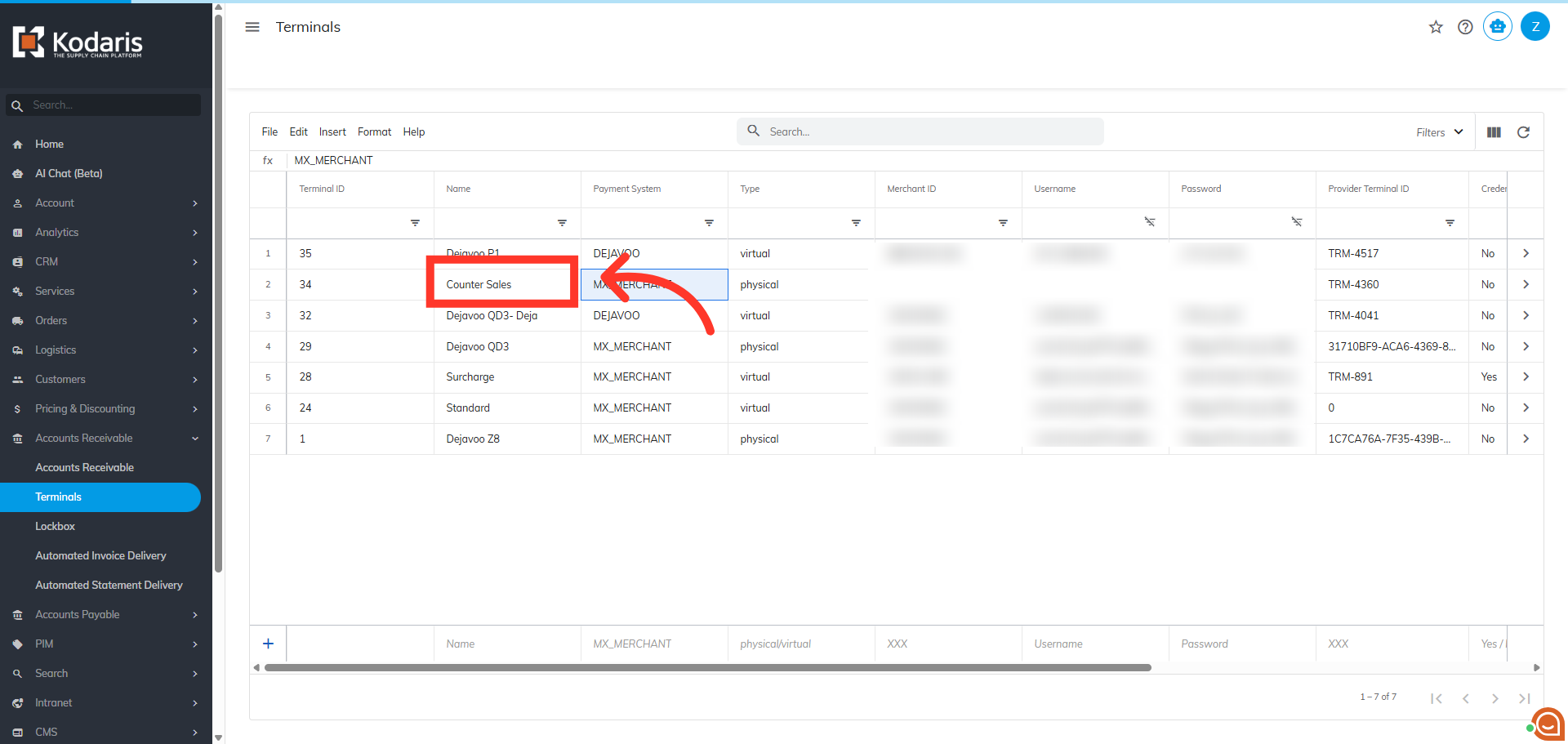
Next, locate the terminal that you would like to rename.
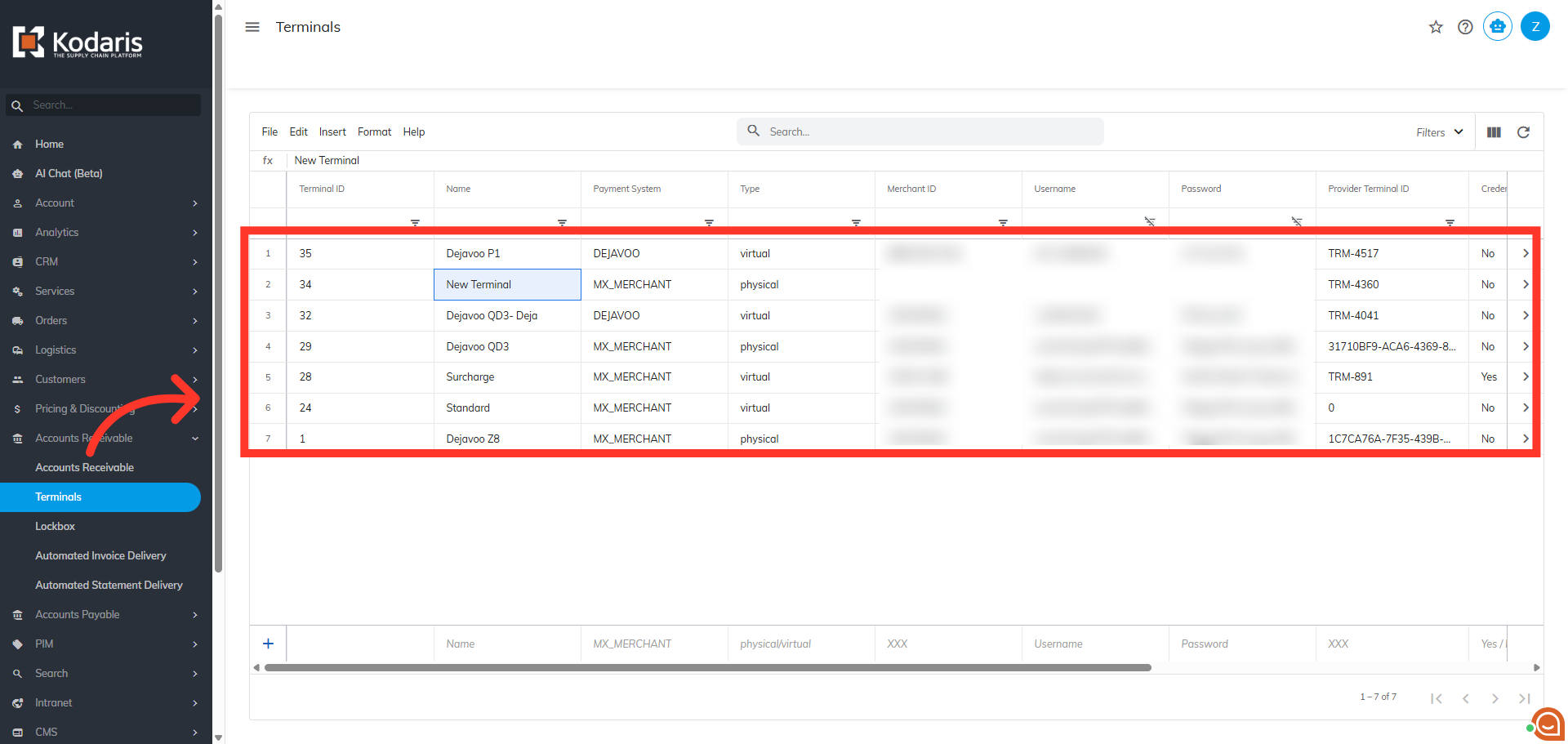
Double-click the name field to edit.

Update the name of the terminal and click anywhere on the screen to apply the update.