Product Documentation
Product Documentation
Product Documentation
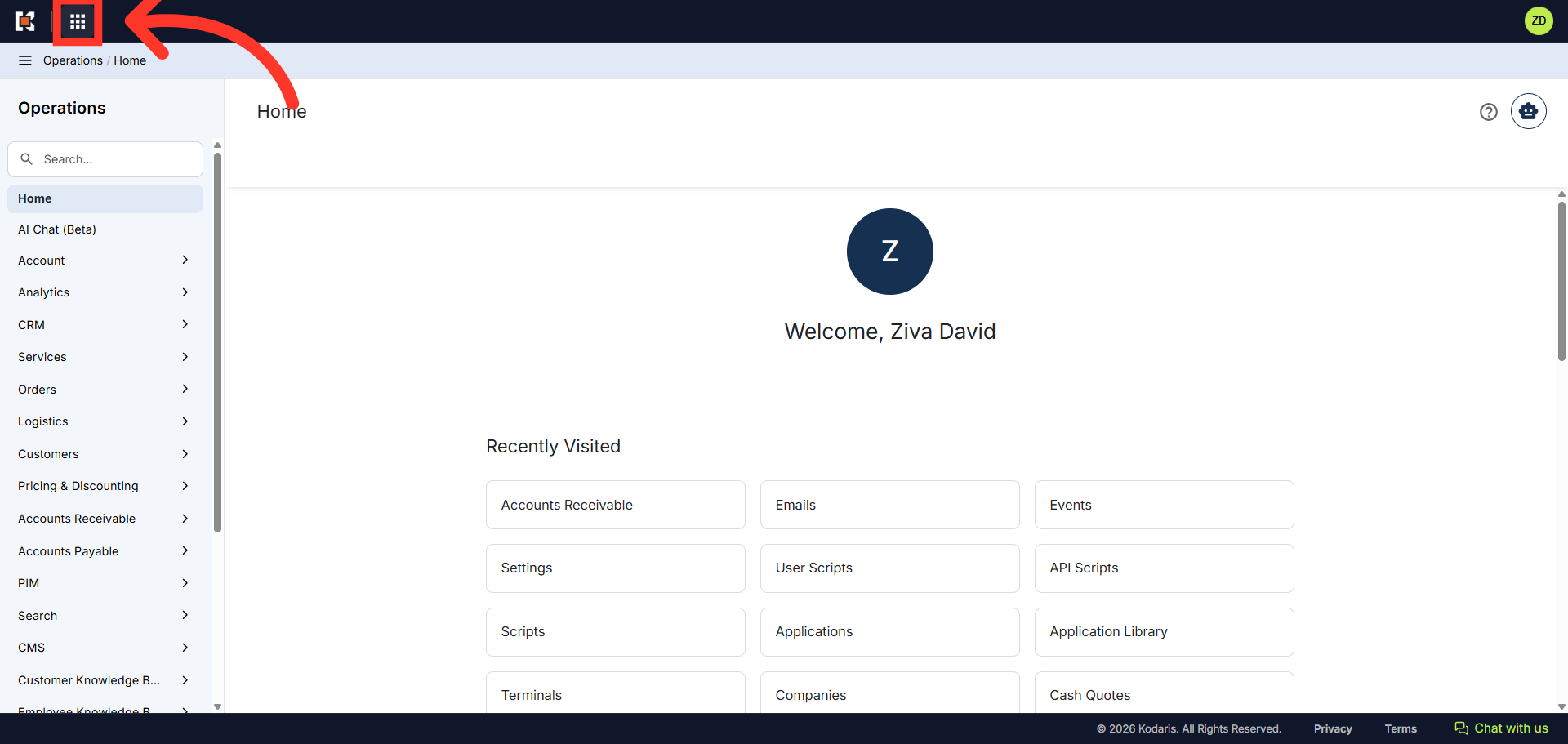
The terminal batch reports can be configured to send one consolidated report which is helpful if you have multiple terminals. To enable the consolidated report feature, you will need to activate the "Consolidated Credit Card Daily Batch Report" rule. Navigate to the "App Launcher" located in the top-left corner of the Operations Portal.
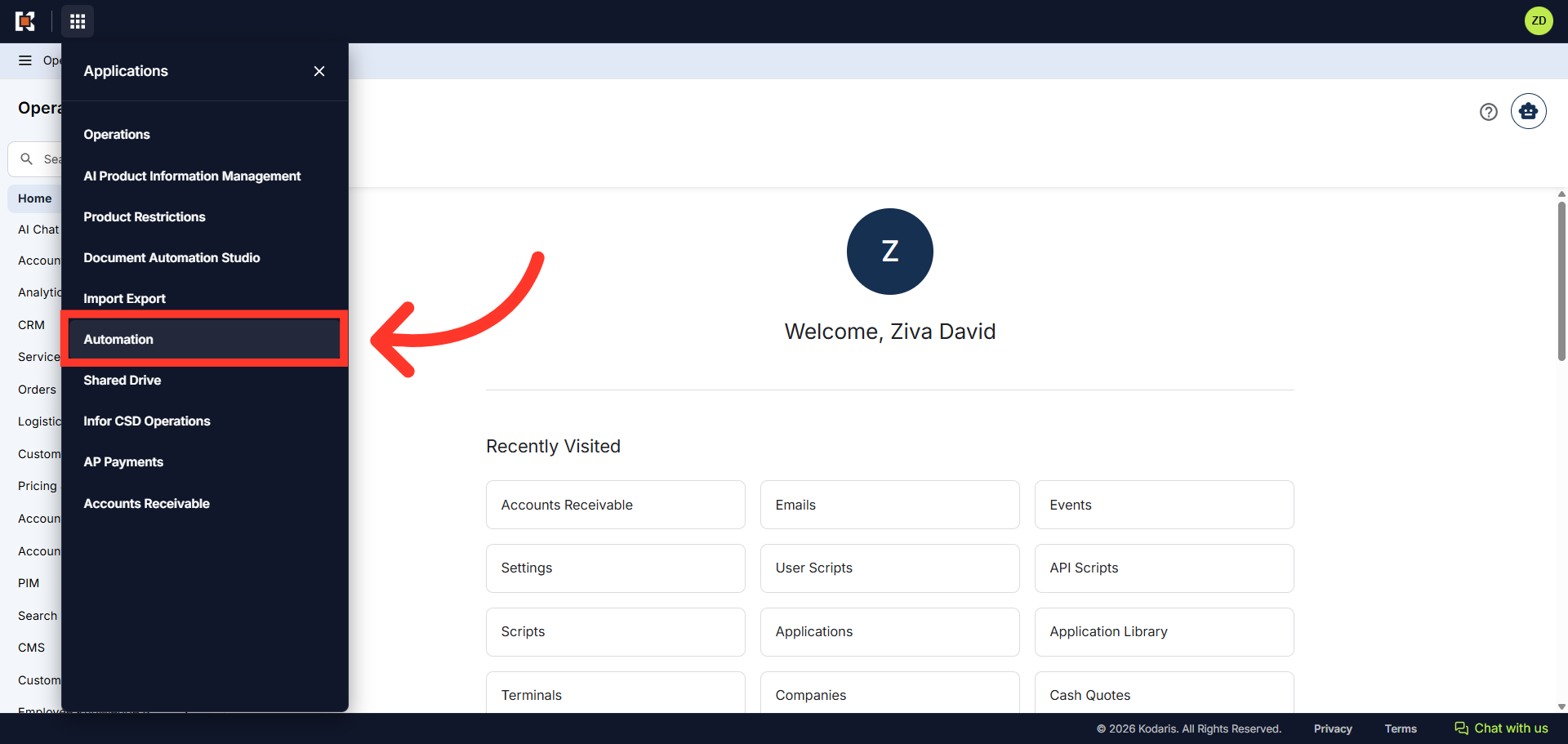
Then, click "Automation" from the menu.
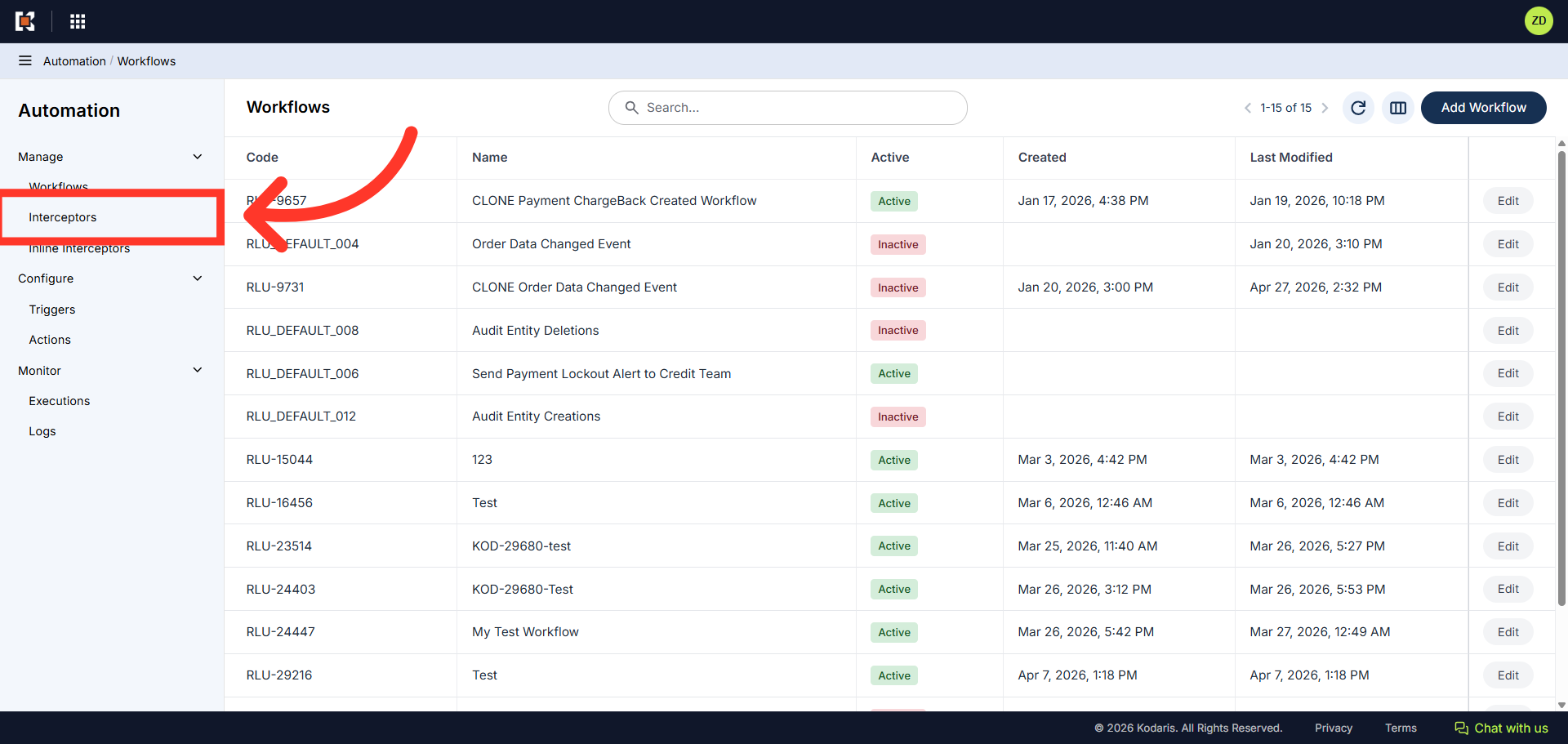
Next, click "Interceptors". In order to access and edit "Interceptors" you will need to be set up either as an "administrator" or a "superuser", or have the role of: "ruleEdit".
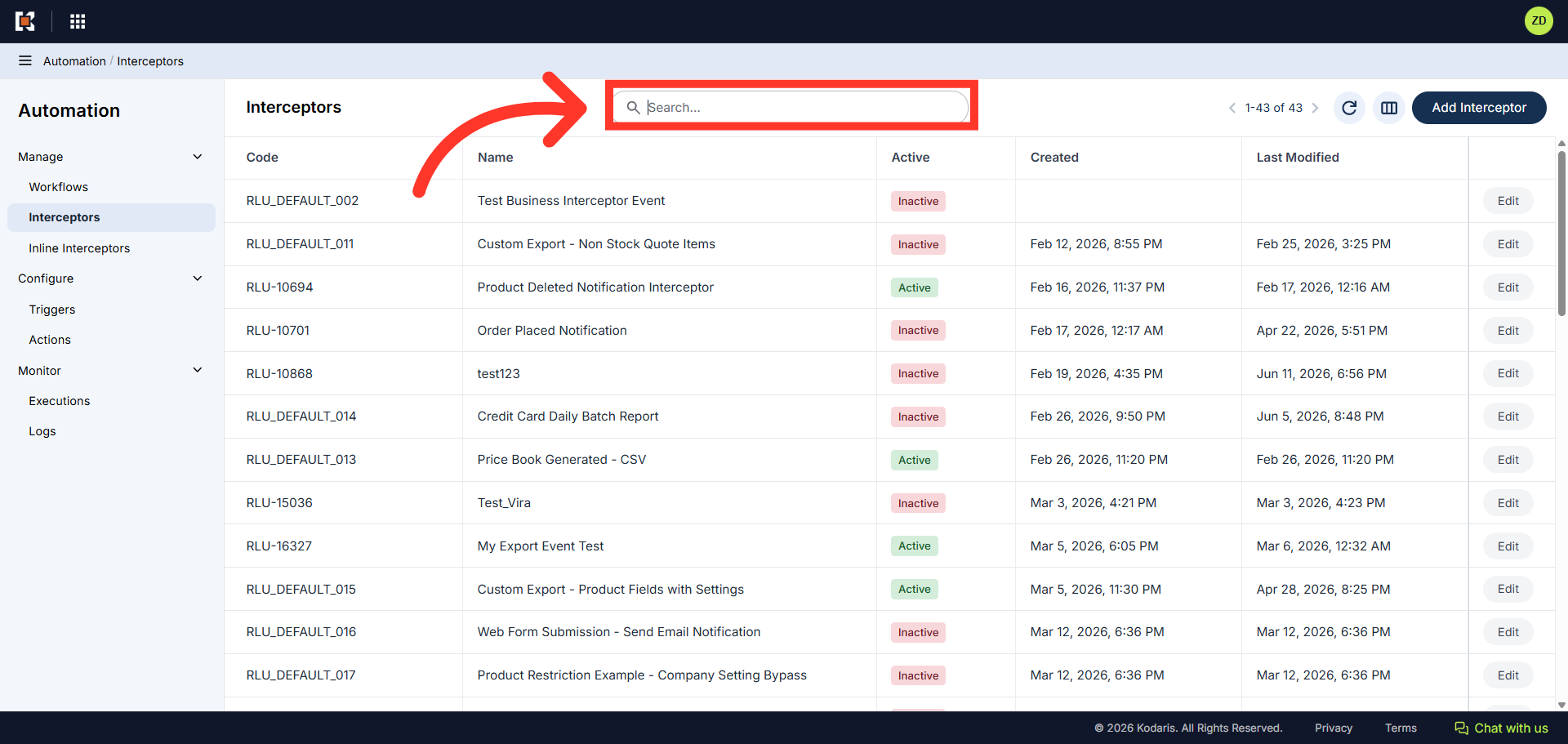
Using the search field, locate the rule "Consolidated Credit Card Daily Batch Report".
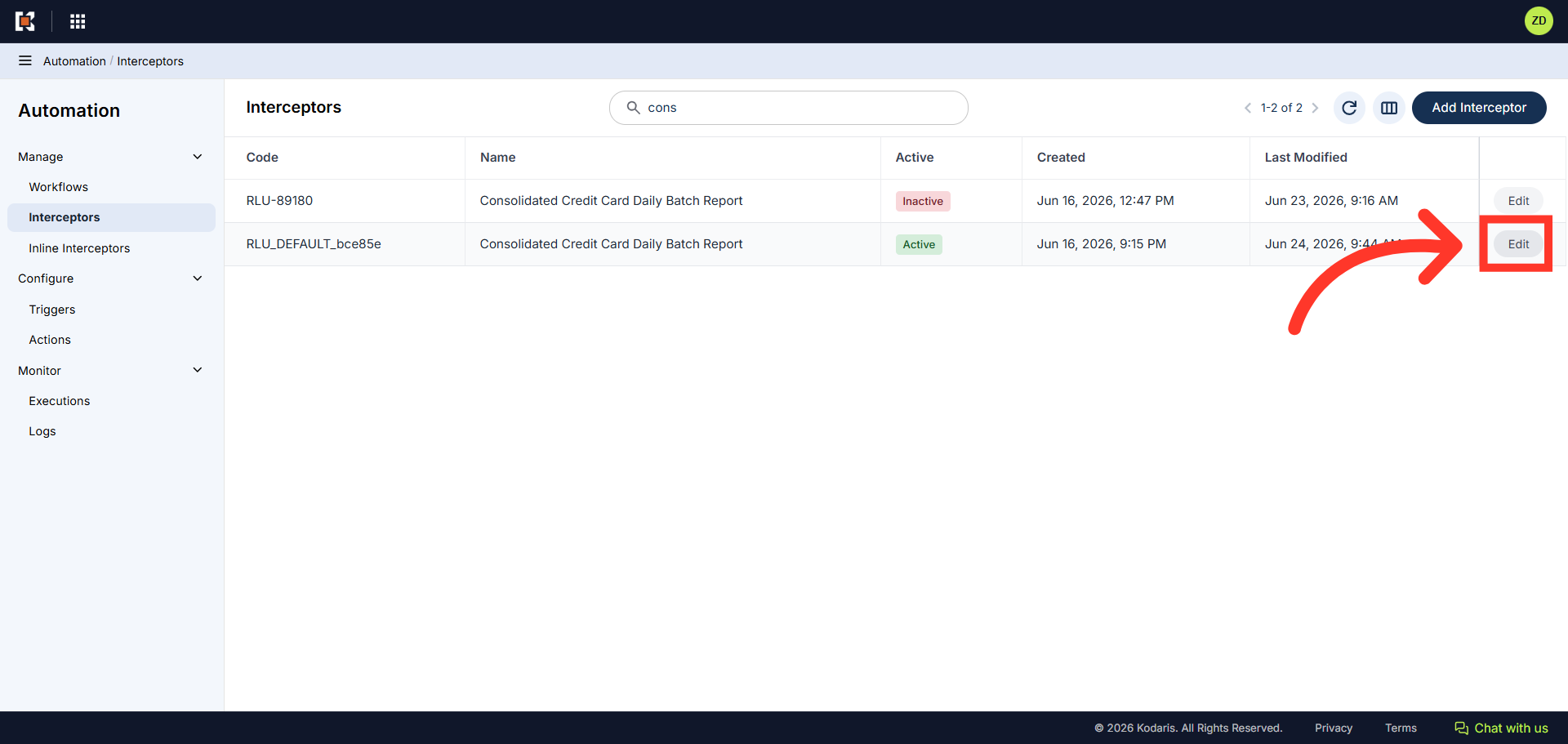
Then, click the "Edit" button.
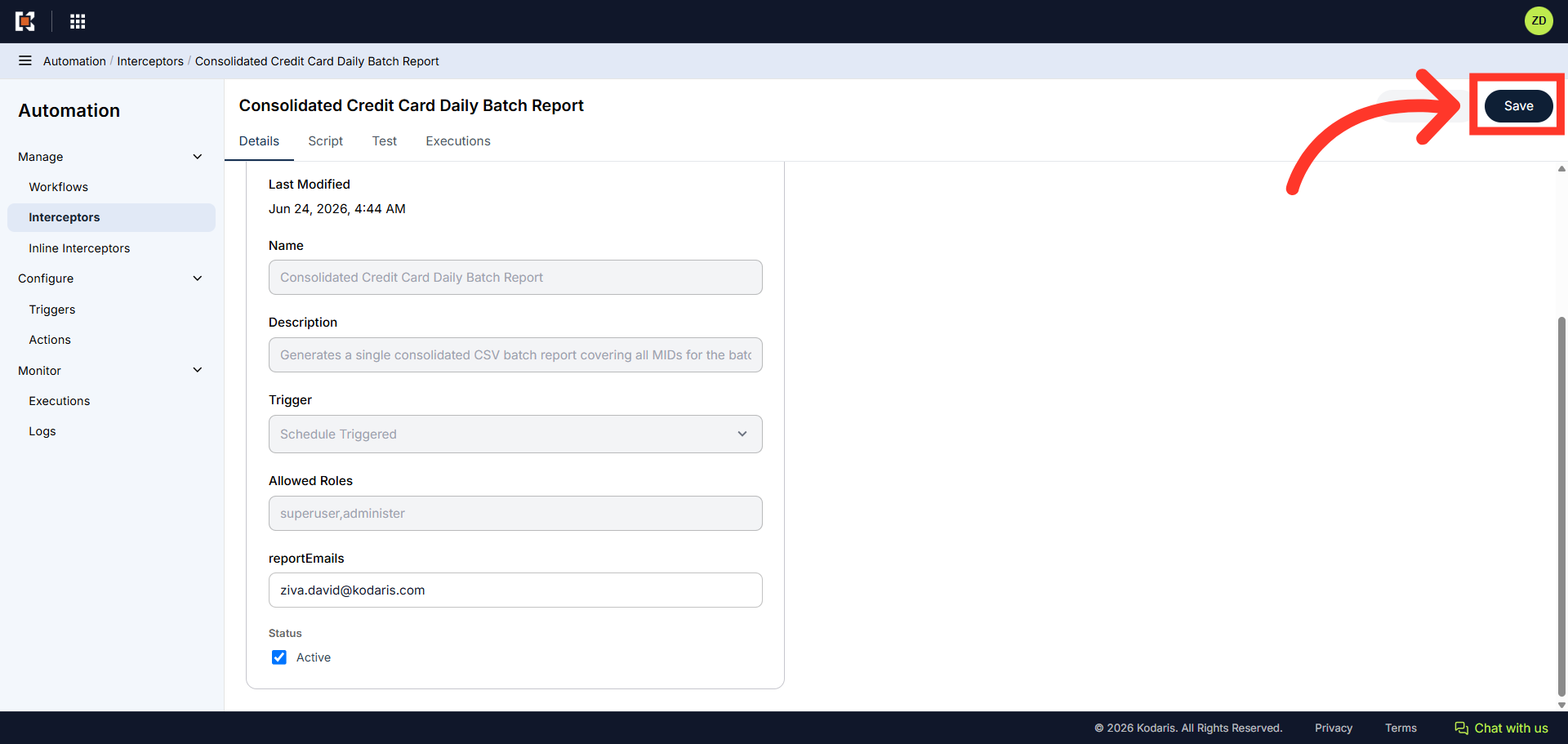
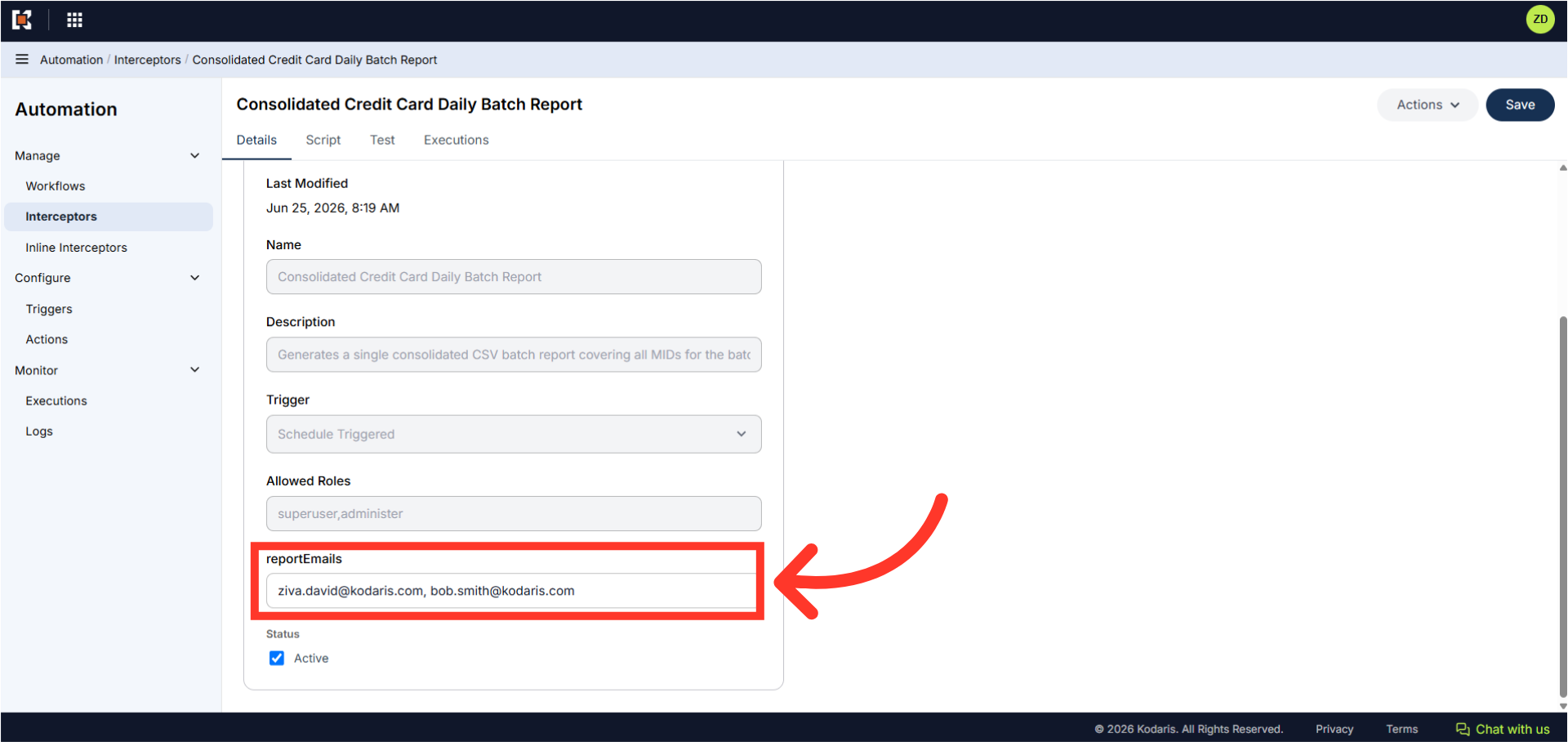
Scroll to the bottom of the Rule Details page and click the "reportEmails" field. Enter the email address where the report should be sent. If entering multiple email addresses, separate each address with a comma.
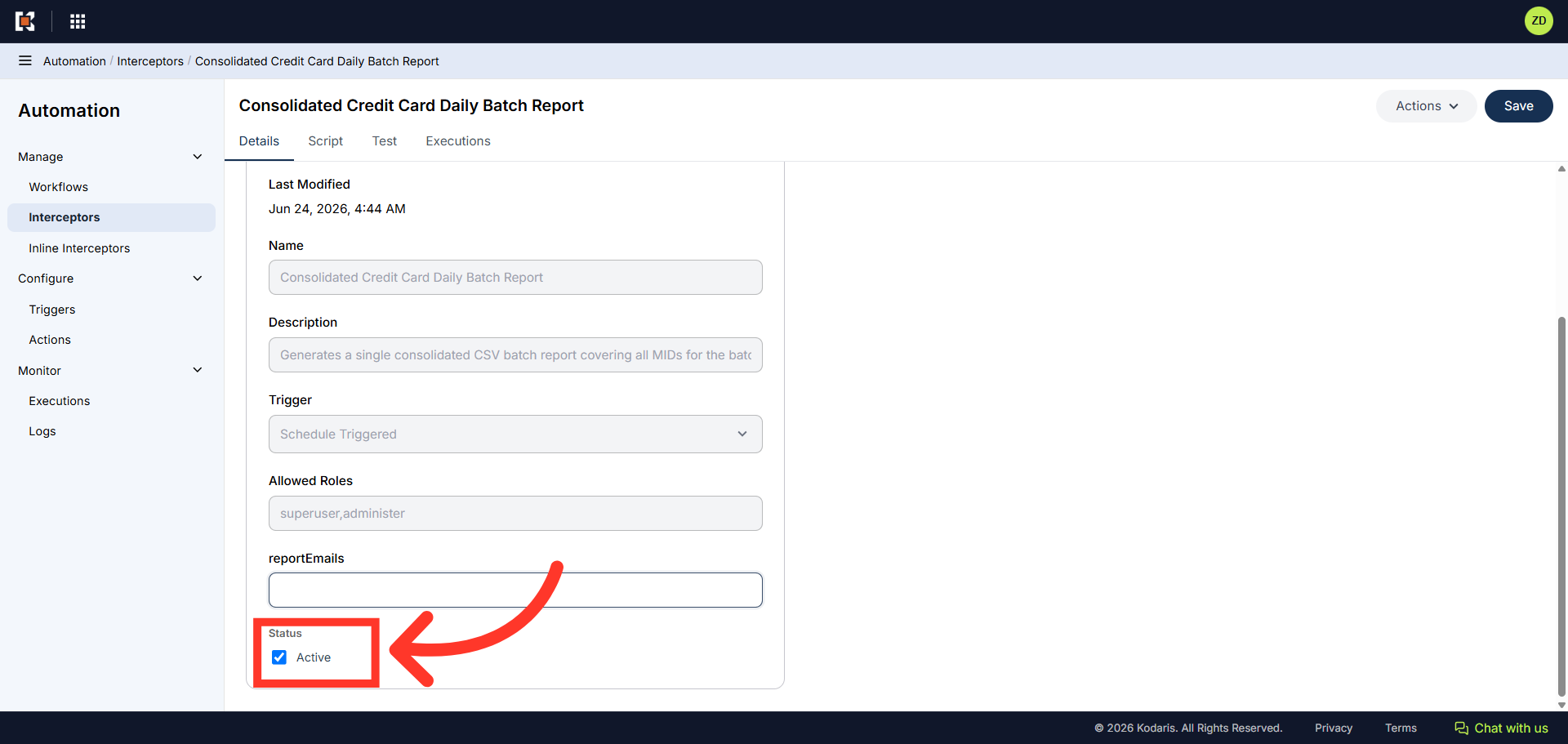
Next, click the checkbox to activate the rule.
Finally, click "Save" to save the configuration.