Product Documentation
Product Documentation
Product Documentation
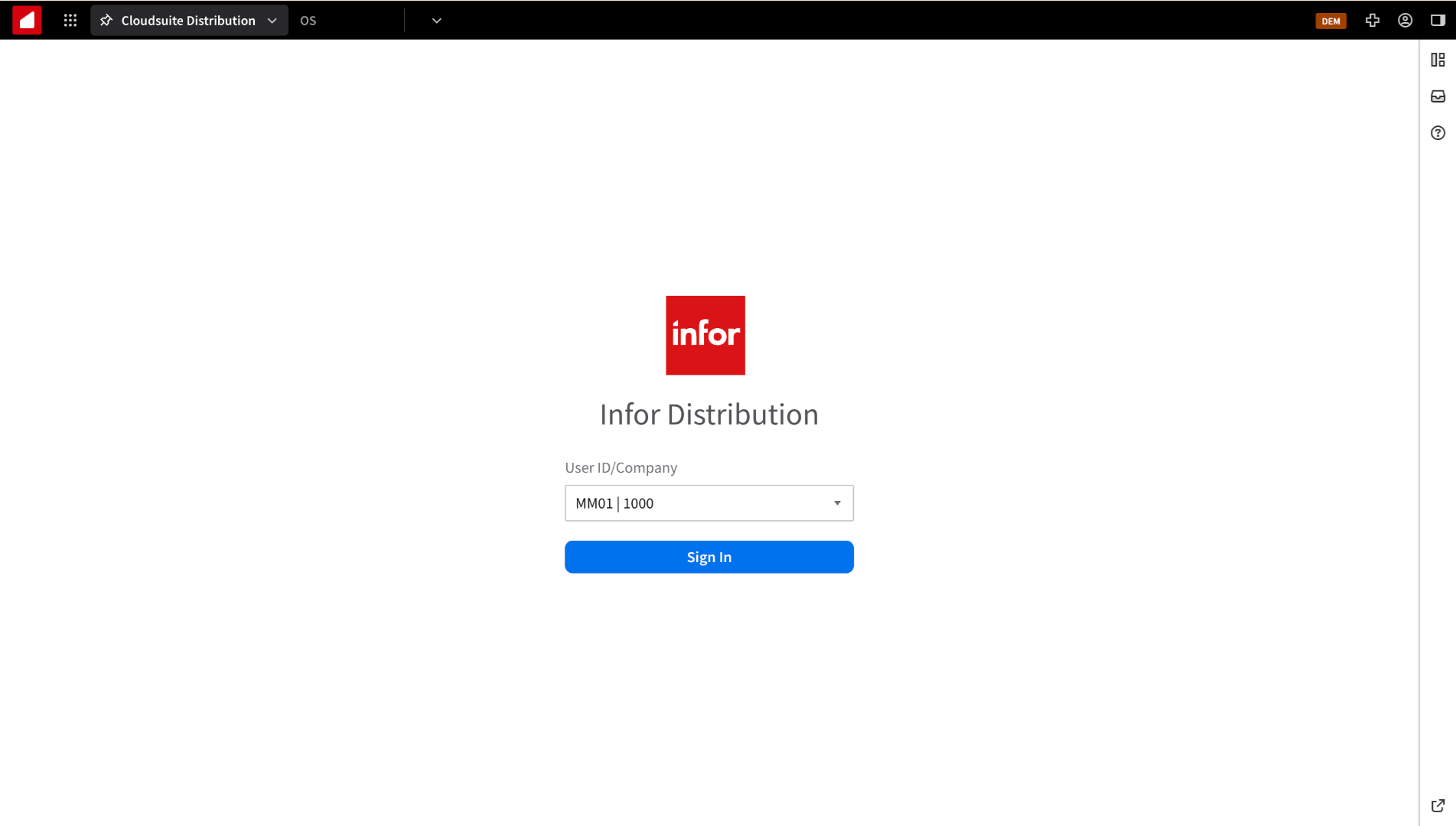
To set up an operator user inside Infor CSD, first log in to "CloudSuite Distribution."
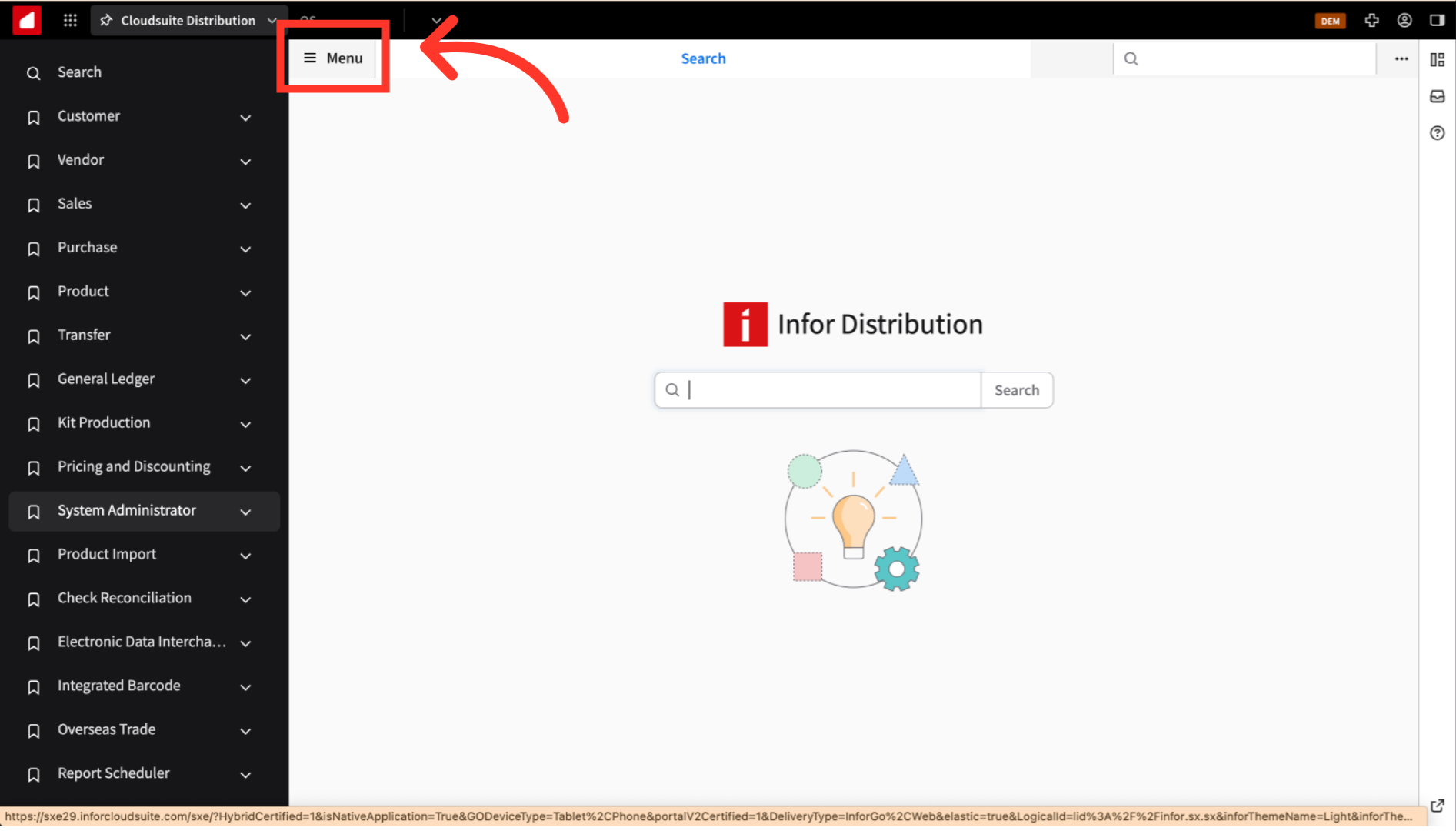
If you don't see the Menu option on the left, click the "Menu" icon.
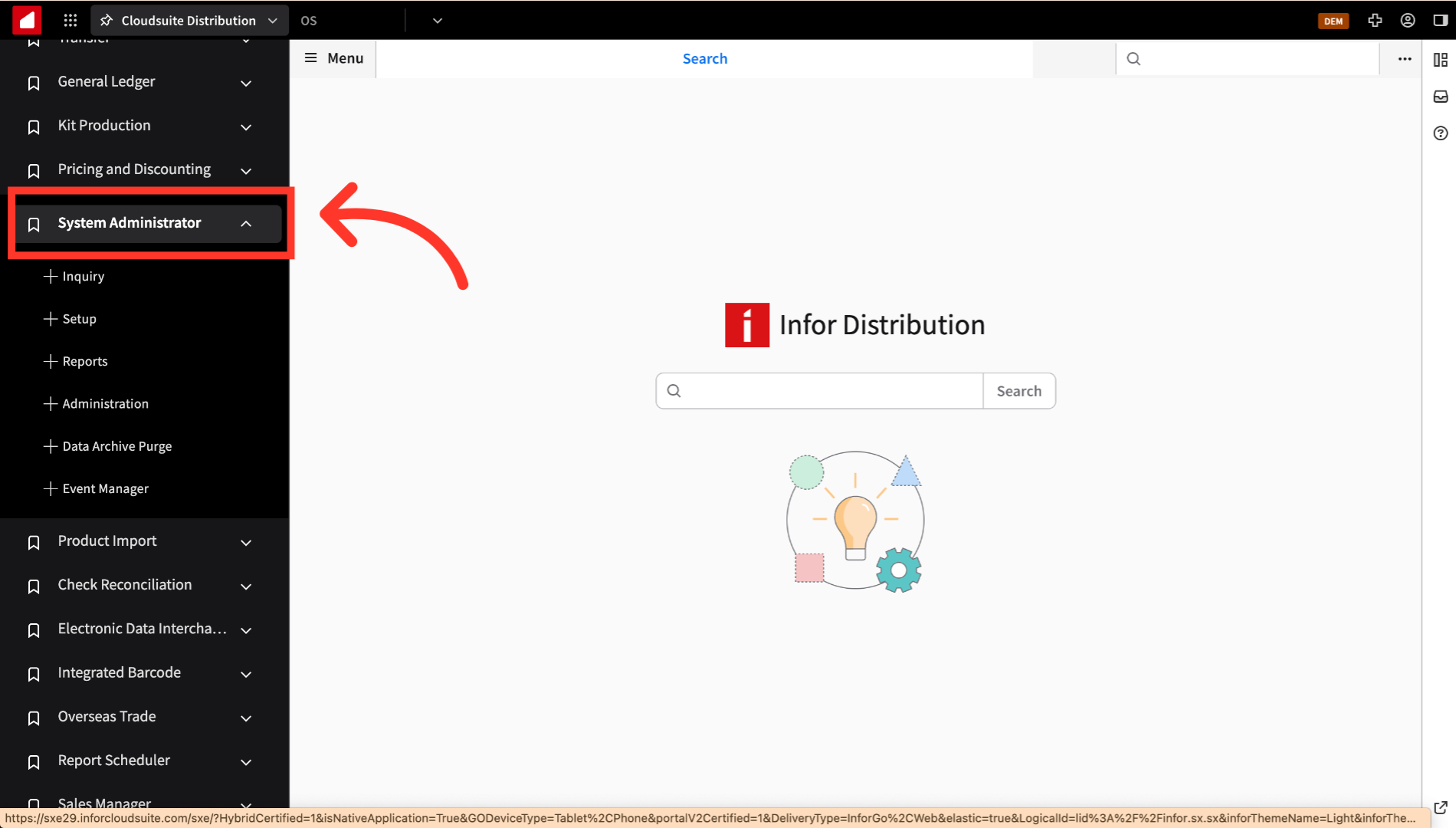
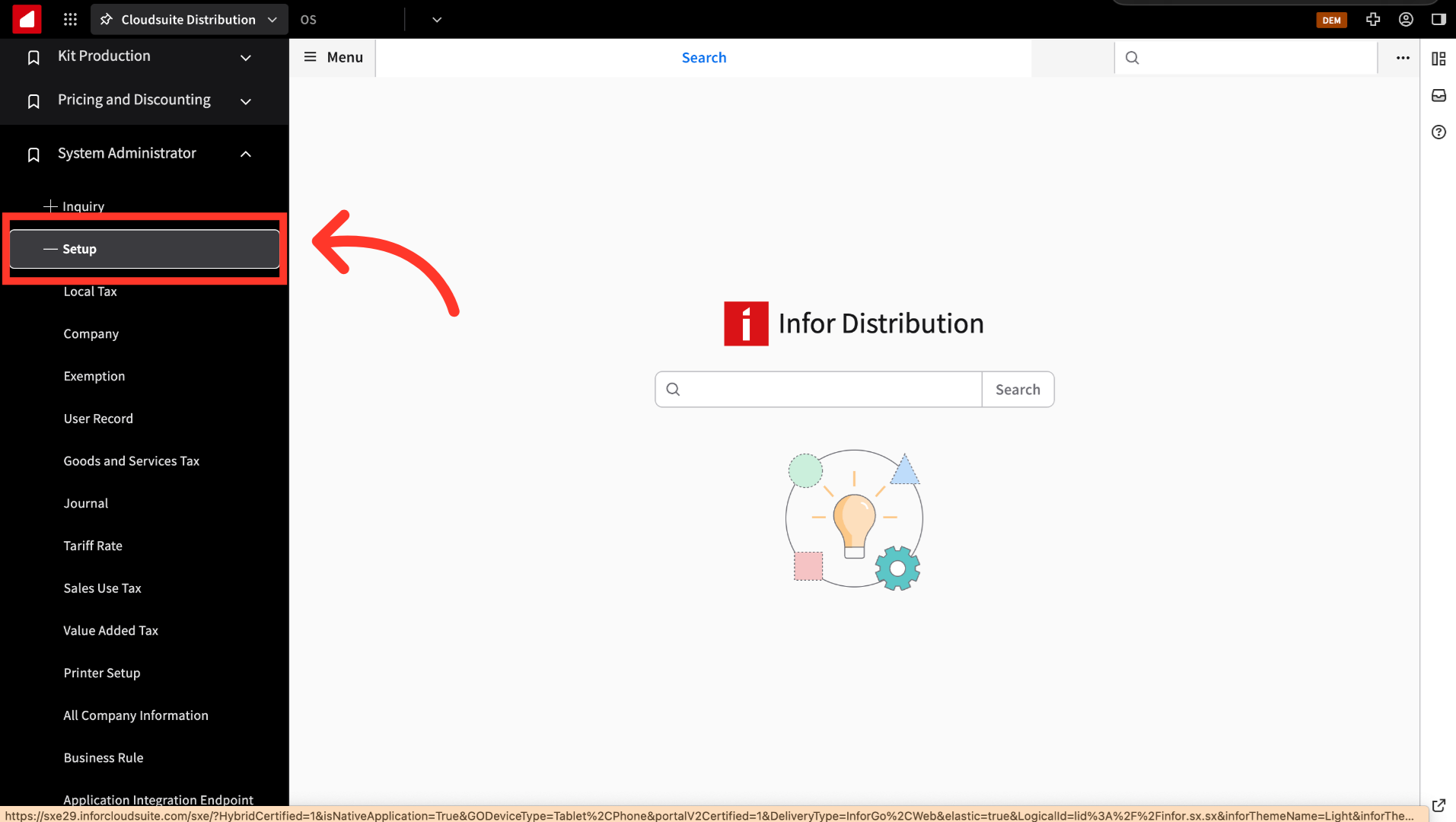
Now, navigate to "System Administrator."
Click "Setup."
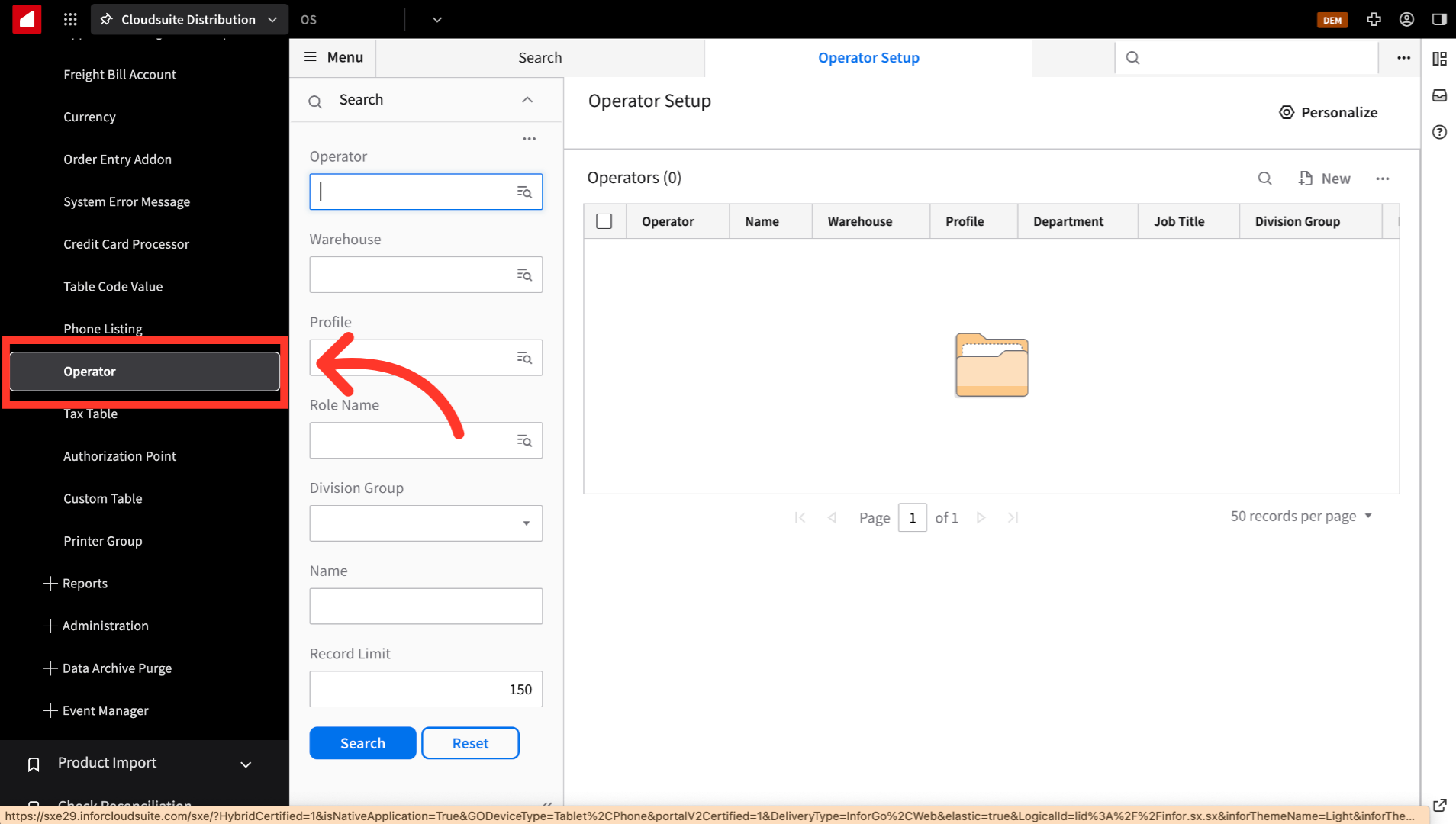
Then, go to "Operator."
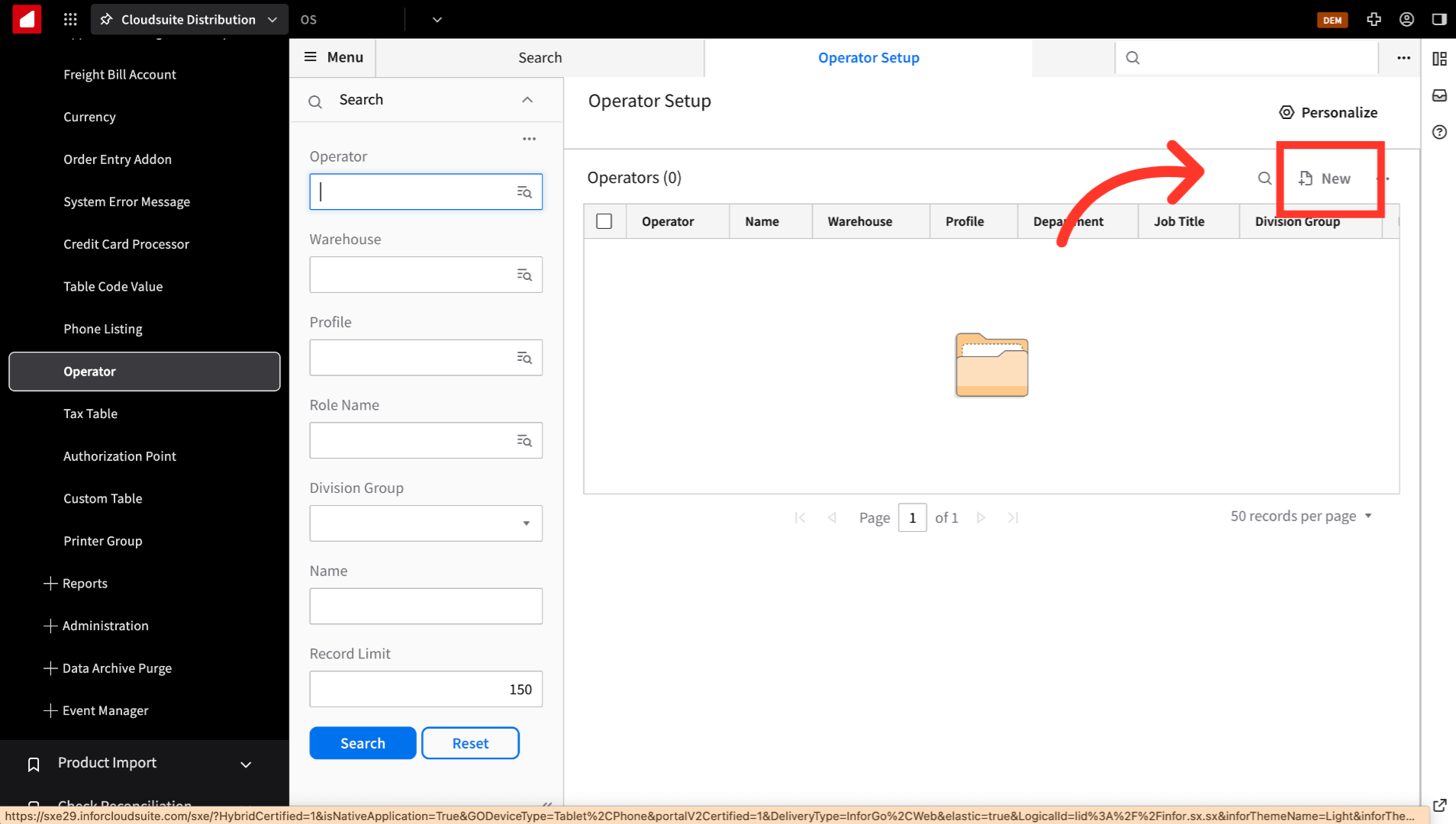
To start creating an operator, click "New."
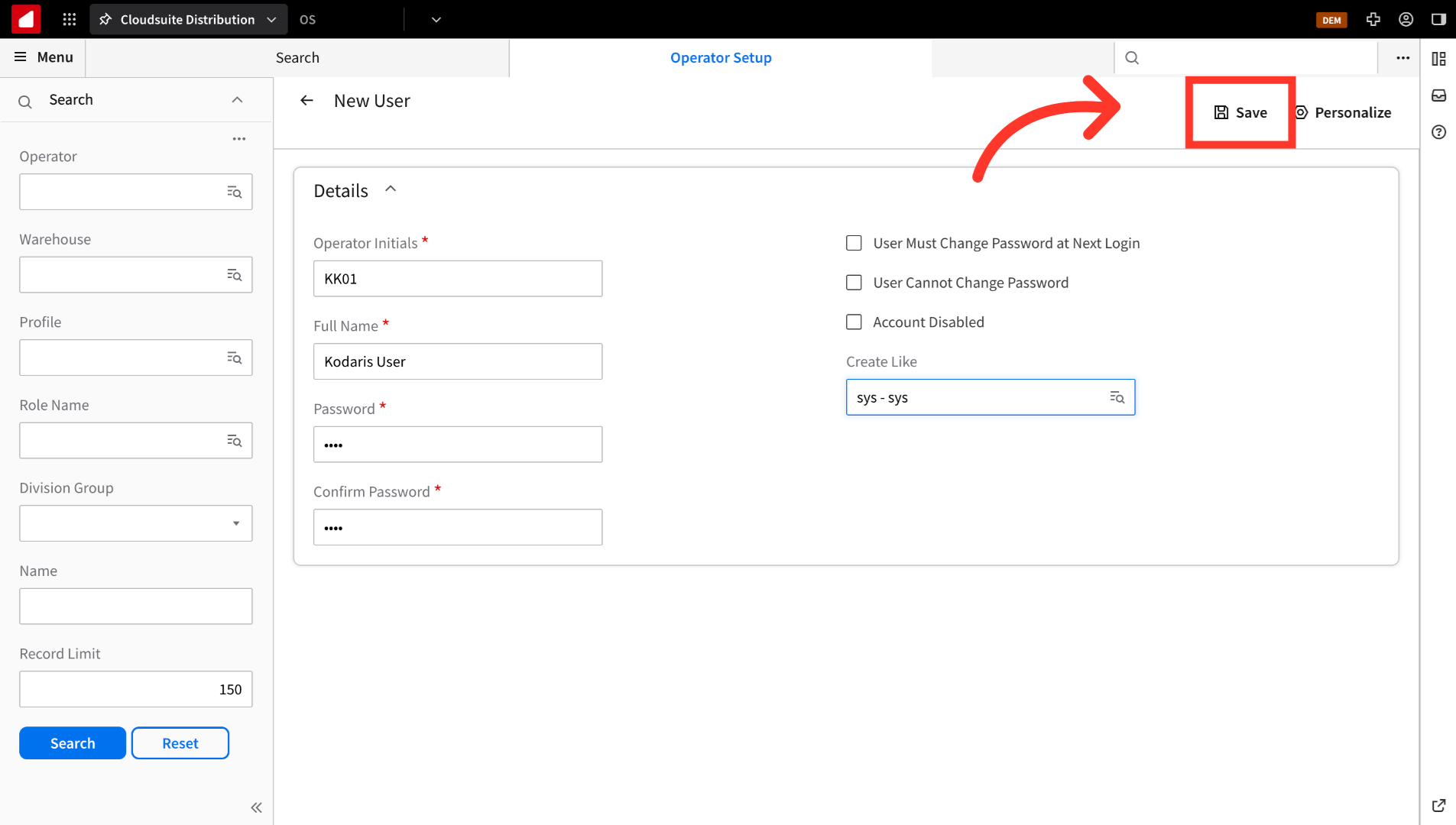
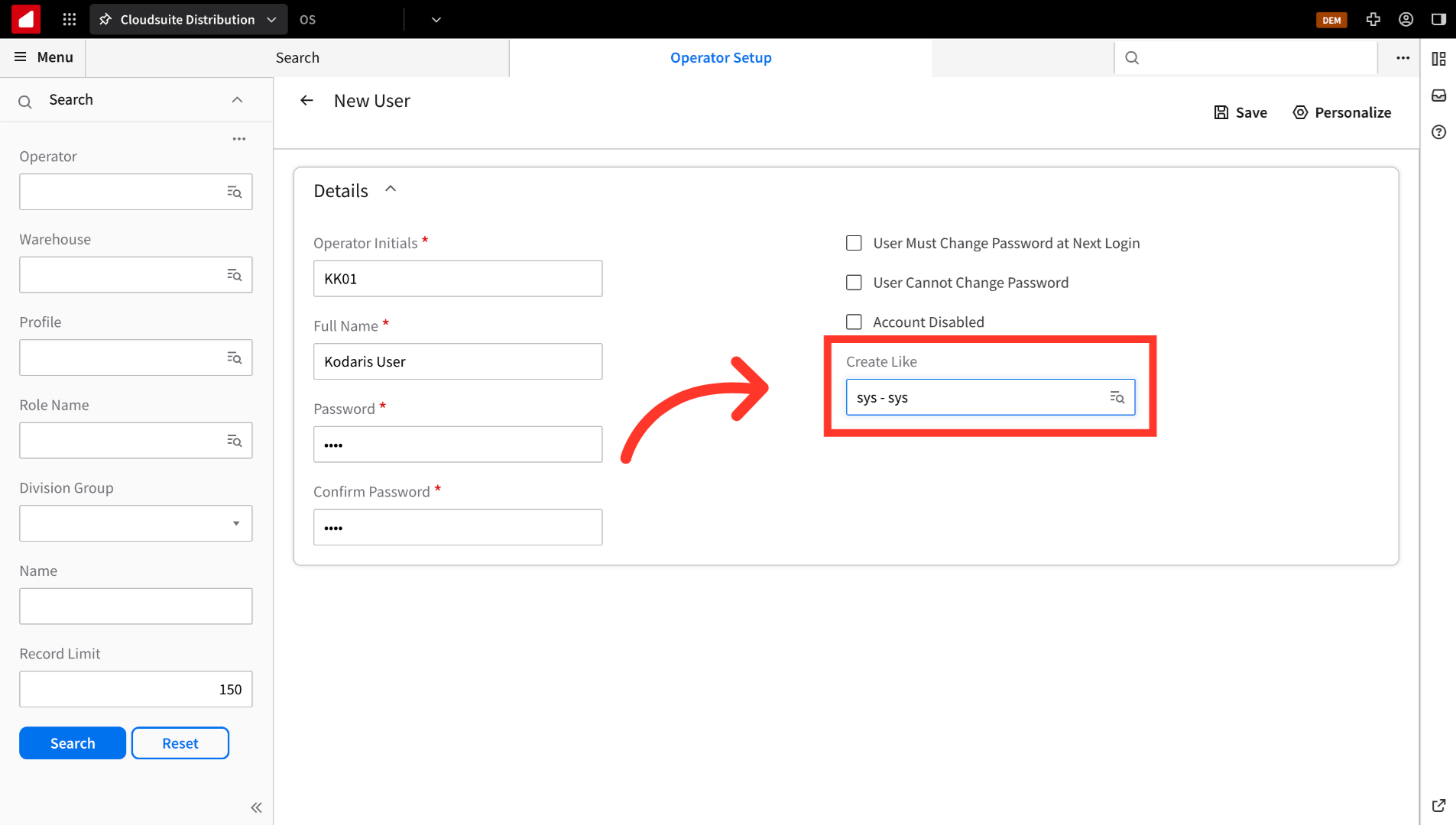
Fill out the "Details" fields. Use the following values: "Operator Initials" = KK01, "Full Name" = Kodaris User, "Password" = KK01 (typically used), "Confirm Password" = enter the same values as used for "Password". The checkmarks do not need to be selected at this time.
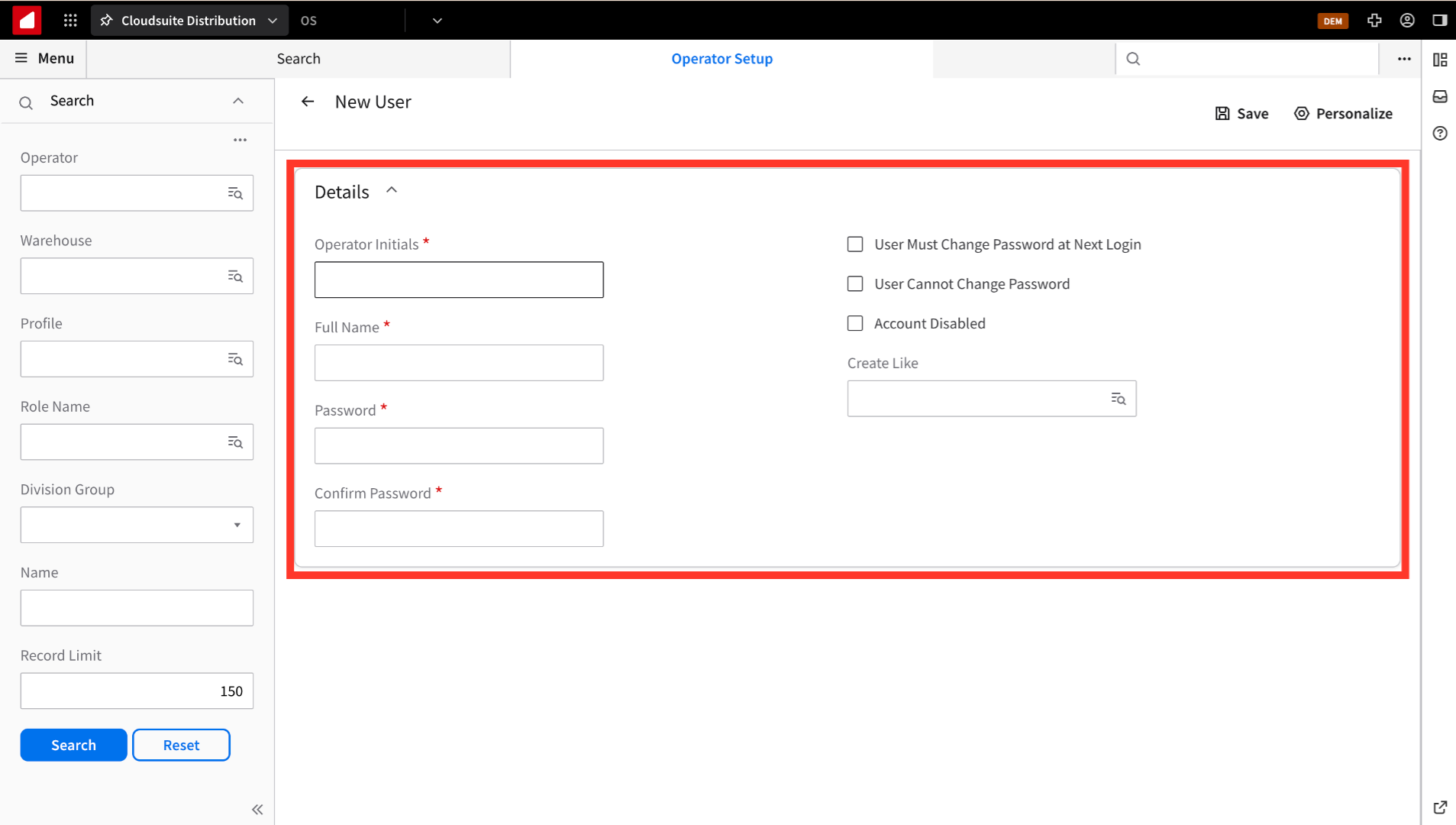
On the "Create Like" field, select the "sys - sys" user.
Finally, click "Save." The user will now be set up.