
Describe the page you need. AI CMS builds it in your brand with any layout or design, in minutes. No development team, no middleware, at a fraction of the cost.
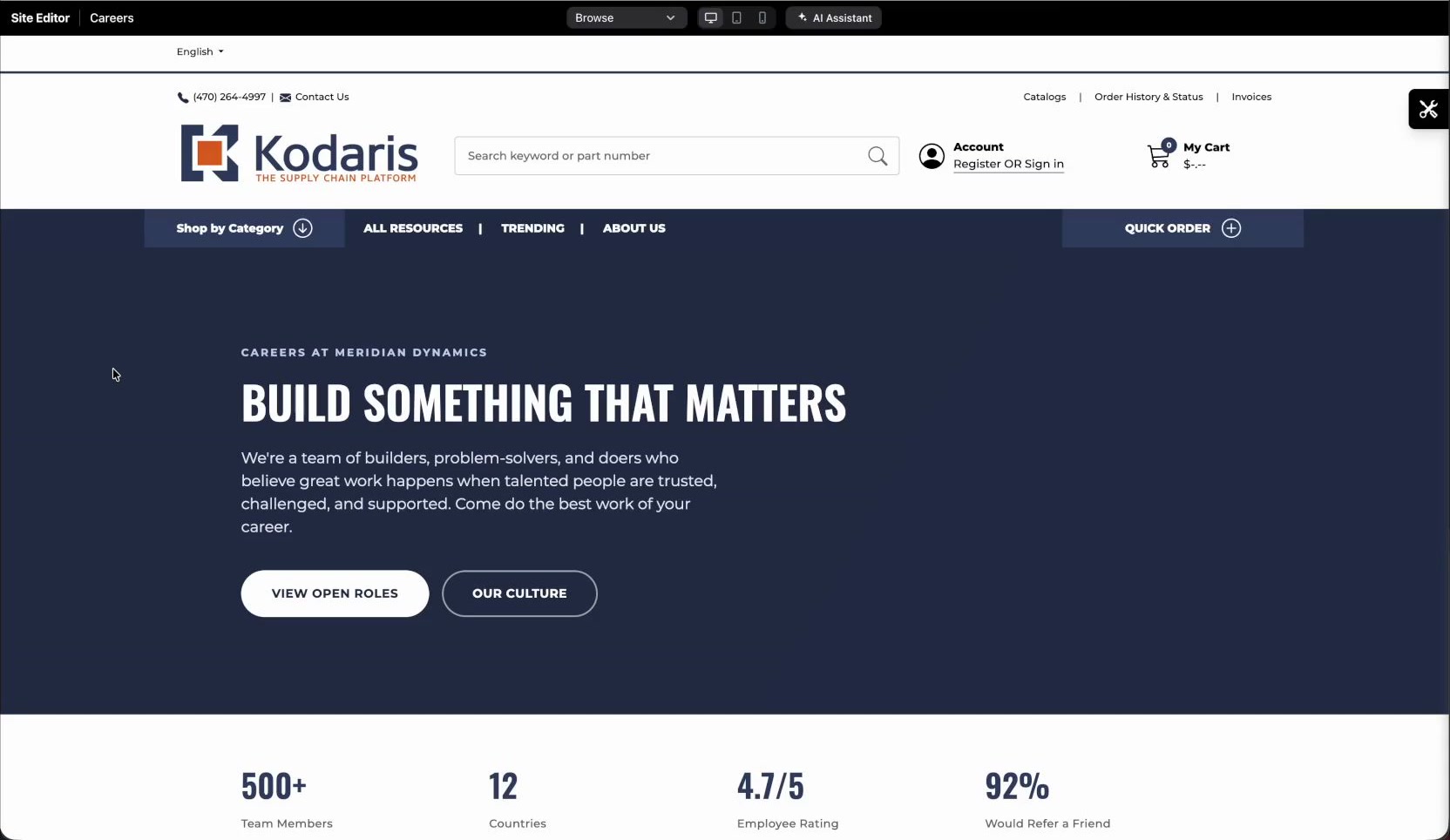
Your team describes the change. The AI Assistant does the build, follows your style guide, and checks with you before anything risky goes live.
Ask for a new page, a new section, a layout fix or a settings change. The assistant knows which page you're on.
Every page follows a style guide generated from your current site: colors, type, spacing and buttons. The screen updates as it works.
Work happens in a private draft. When it's right, publish it to replace the live page. Every save is kept, so you can roll back in one click.
Standalone CMS tools mean a second system to buy, integrate and maintain. Kodaris takes a different approach.
Because the CMS is part of your platform, there's nothing to deploy. Marketing drafts, previews and publishes pages, SEO and social previews directly. Every save is kept, so rollback is one click.
Your CMS lives inside the platform that already runs your commerce, portal and admin tools. No separate vendor, no sync jobs, no second system to secure and maintain.
Kodaris AI is part of the platform, not a third-party plugin. Your prompts, pages and business data stay private and are never used to train AI models or shared with AI model providers.
Write a new page from scratch, add a section, restyle a layout, fix a broken image or tighten mobile spacing, all from a chat panel next to your live site.
When the assistant builds its first page, it generates a style guide from your existing website. Review it, edit it, regenerate it after a redesign, or restore an earlier version.
Drafts are private copies of a page that visitors can't see. Start brand-new pages as drafts, preview them, and publish when ready. Every save becomes a revision you can restore.
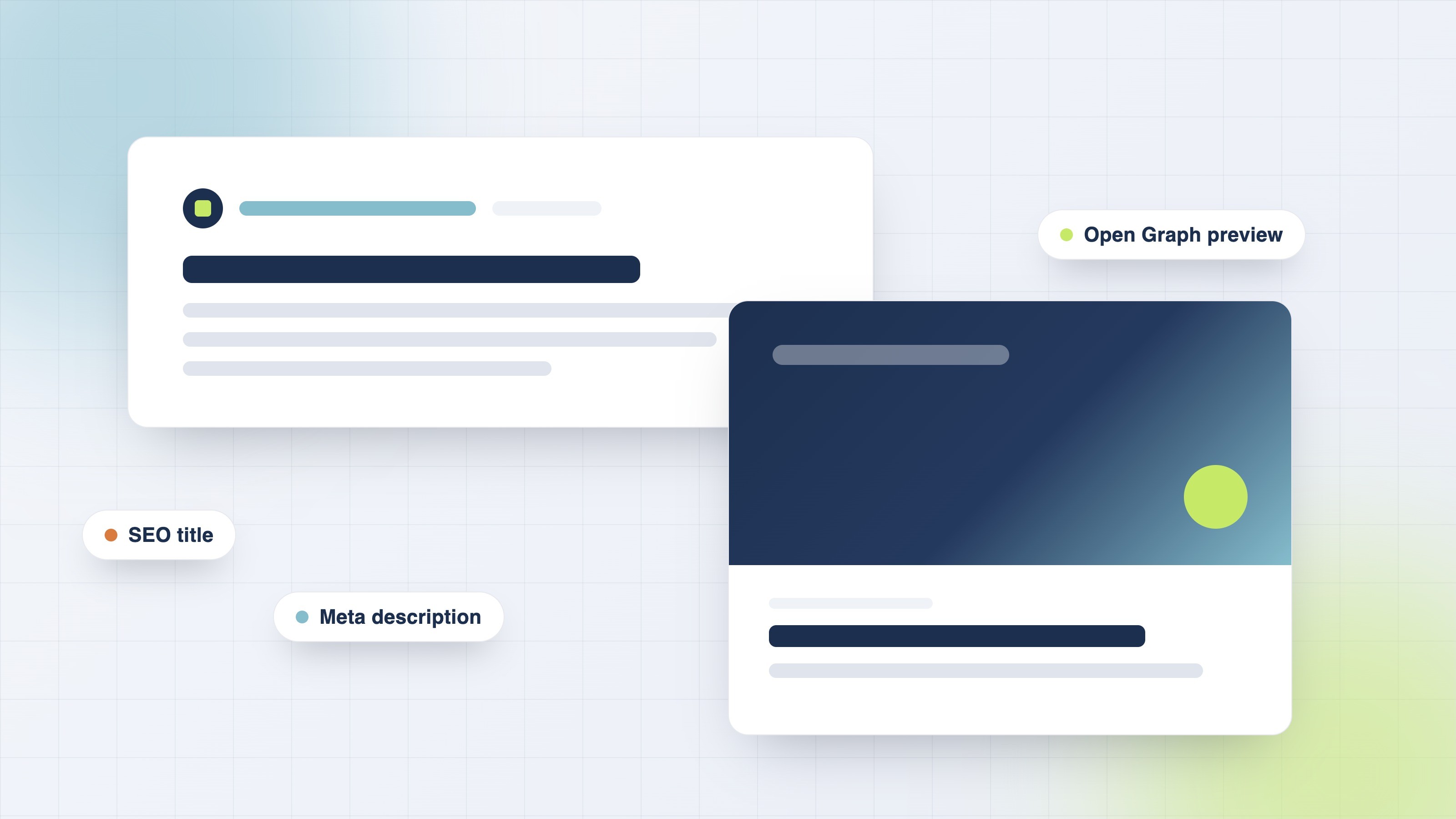
Set the search title, meta description and keywords, and control the preview card shown on LinkedIn and Facebook.
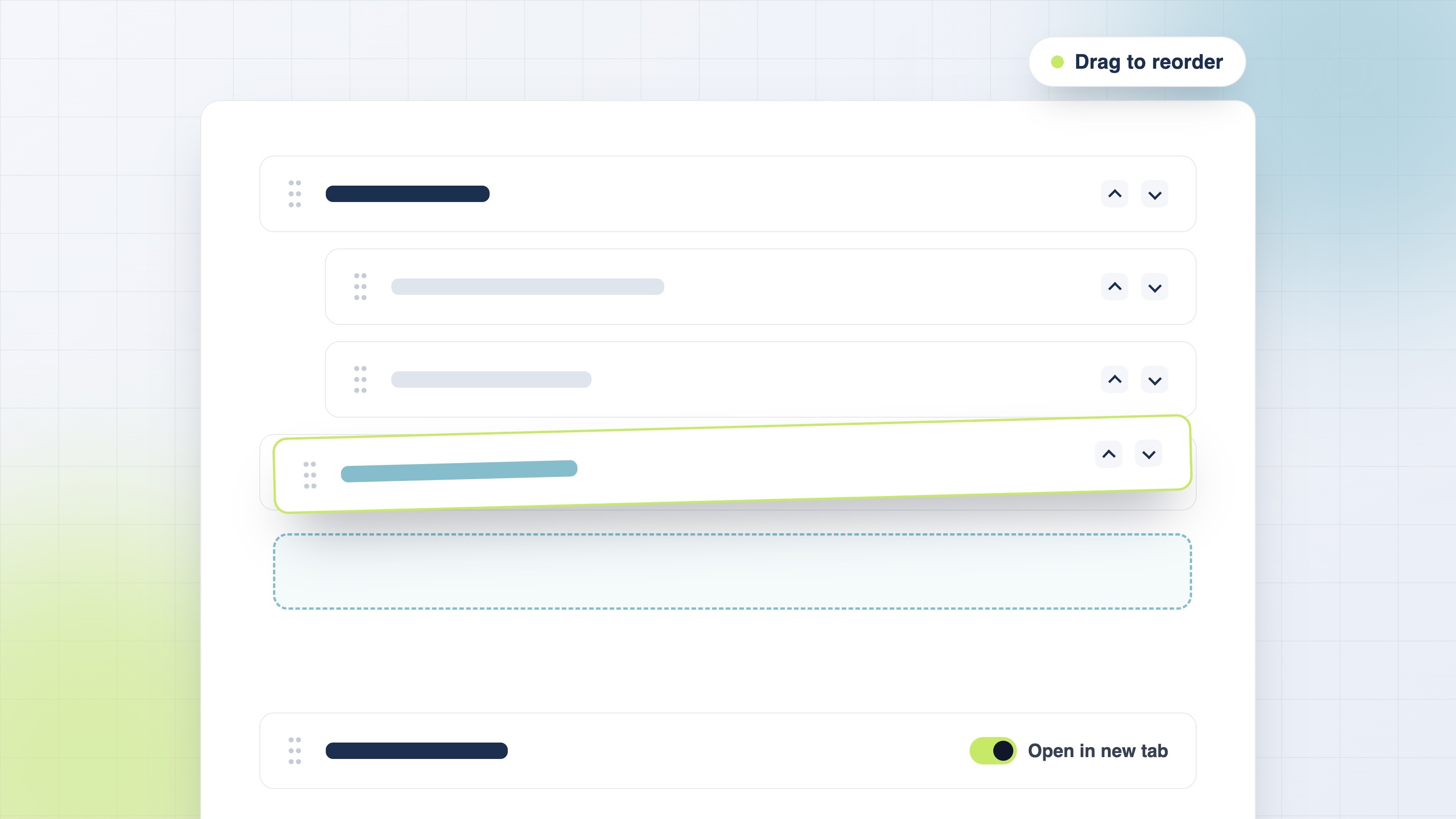
Reorder and nest items, link to pages or custom URLs, and open links in a new tab. Links follow each page's schedule.
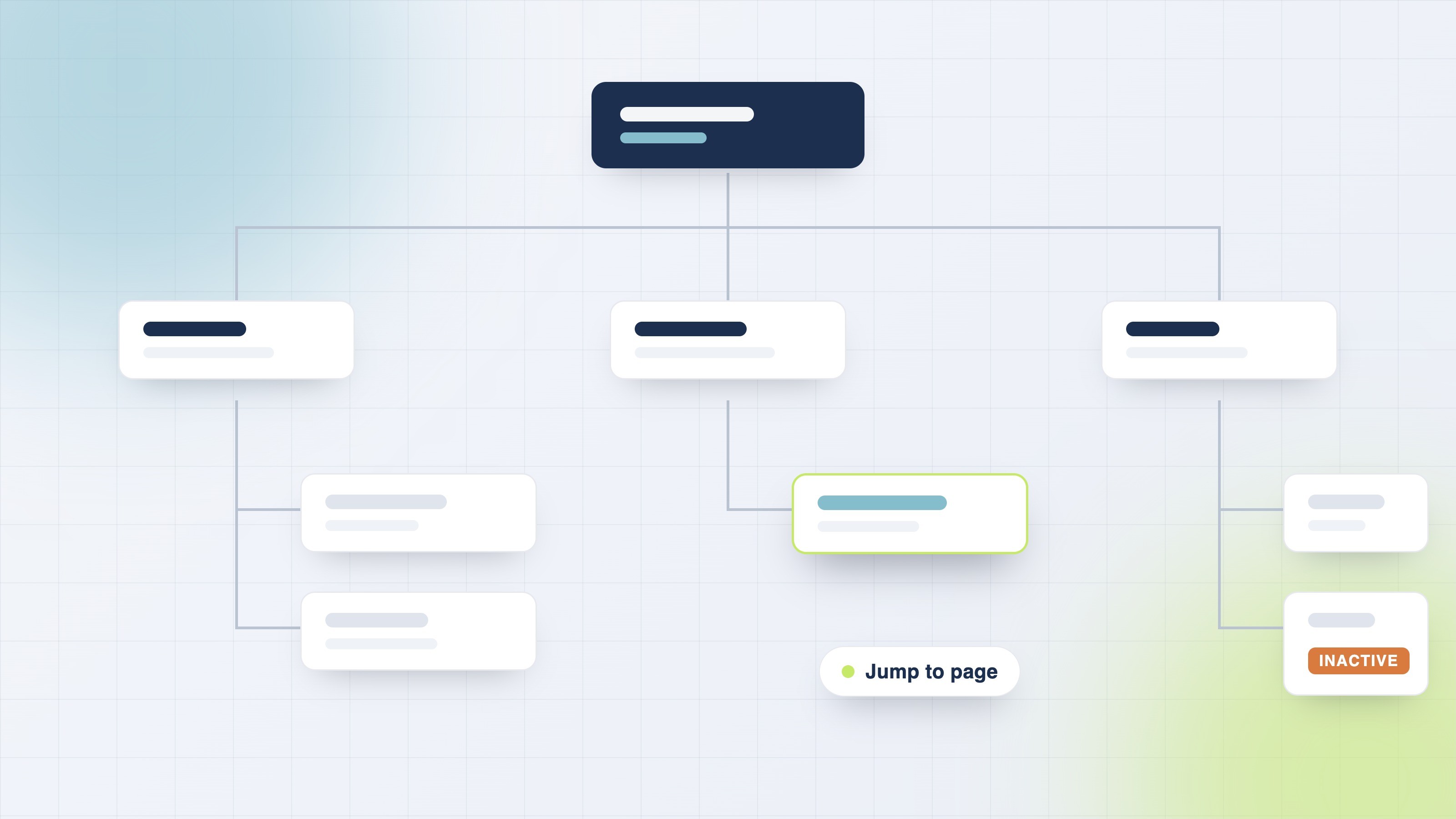
See every page as a chart, spot inactive or misplaced pages, and jump straight to any of them.
Watch the AI CMS walkthrough as the assistant builds, styles and publishes a page.
Watch the walkthrough to see a page go from prompt to published, then explore the guides to learn how it works.