 Product Documentation
Product Documentation
Product Documentation
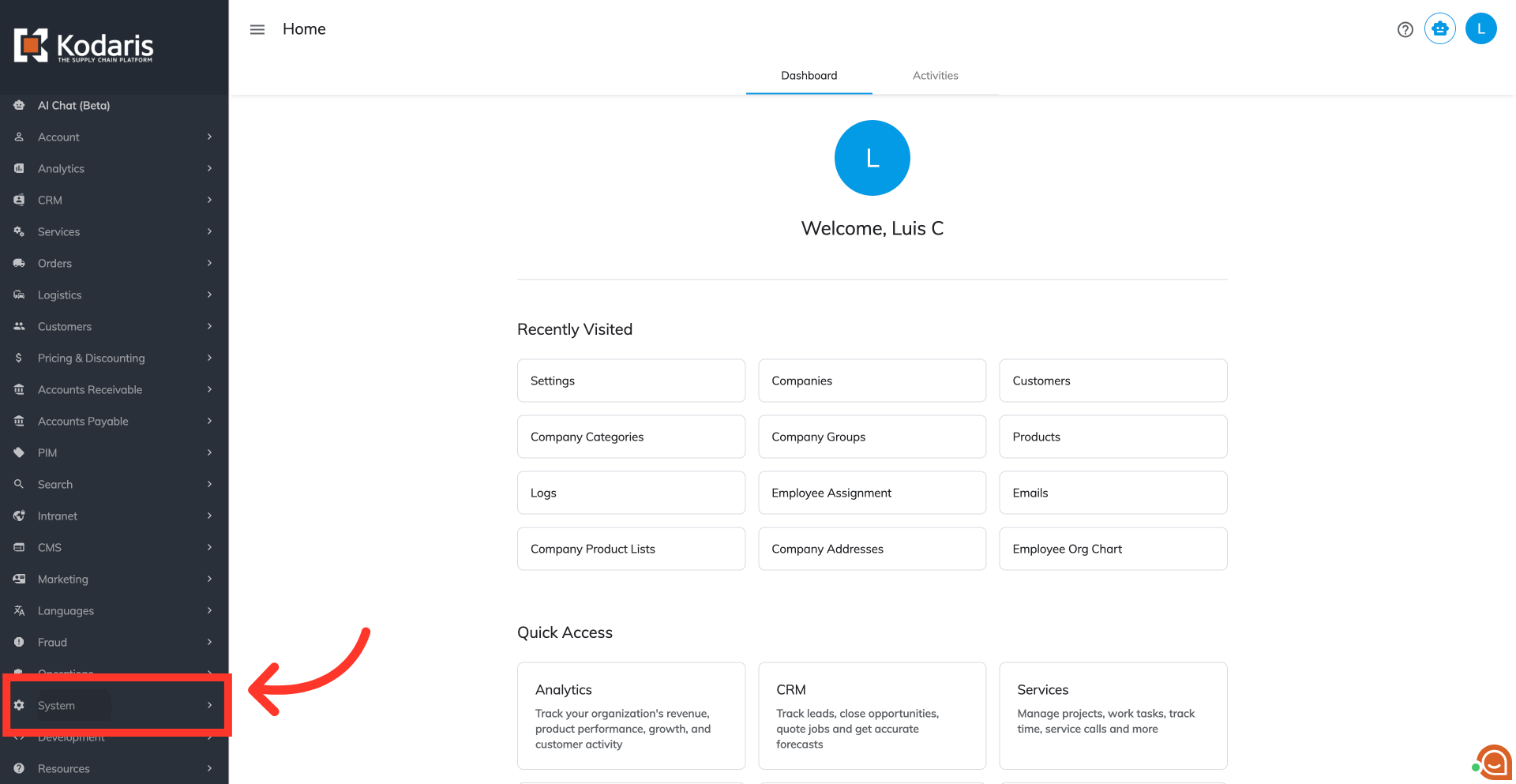
To enable auto-selection of a delivery address for customers upon login, navigate to the "System" section in the Operations Portal.
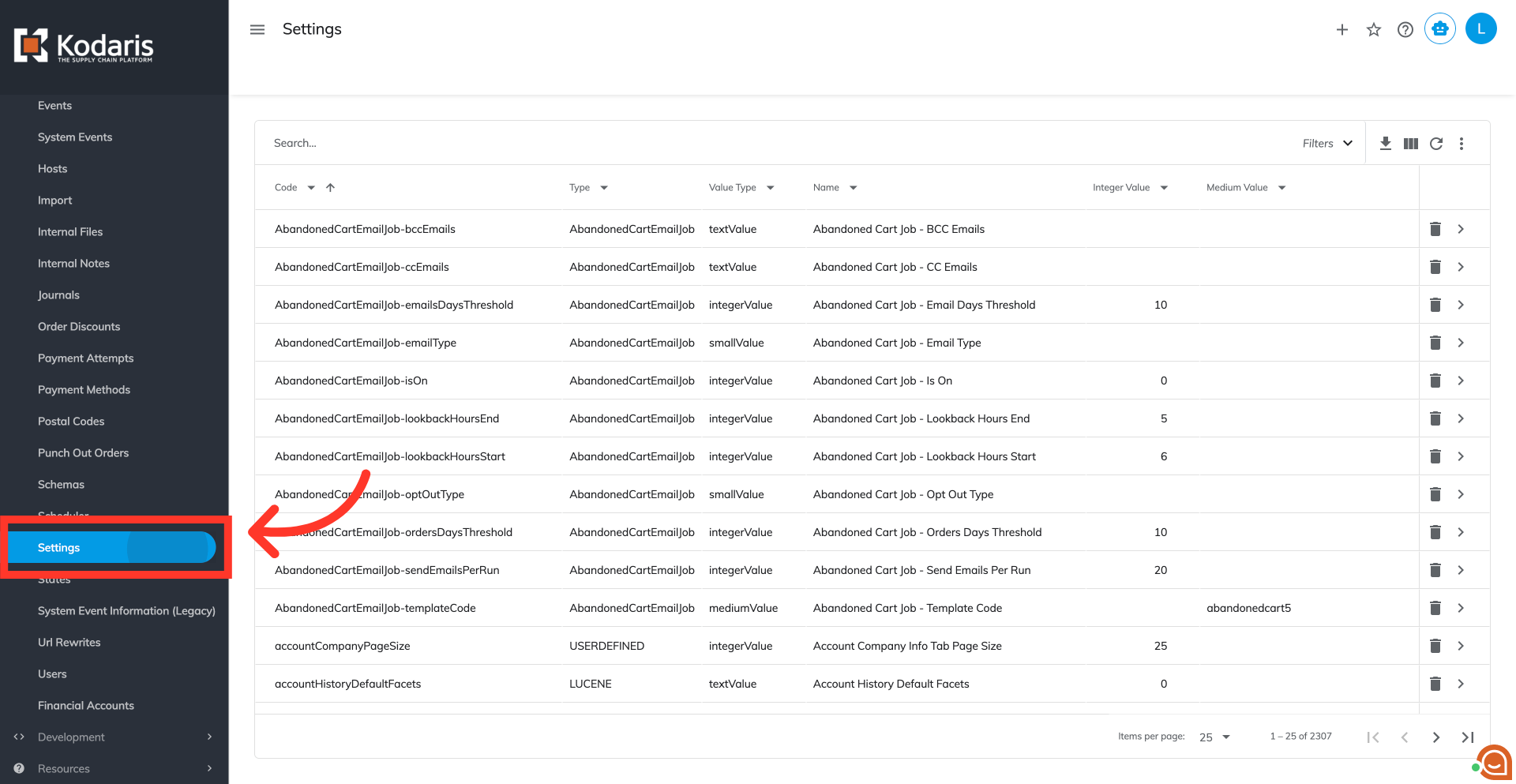
Then, go to the "Settings" screen. In order to access "Settings" you will need to be set up either as an "administrator" or a "superuser", or have the appropriate roles: "settingView" and "settingEdit".
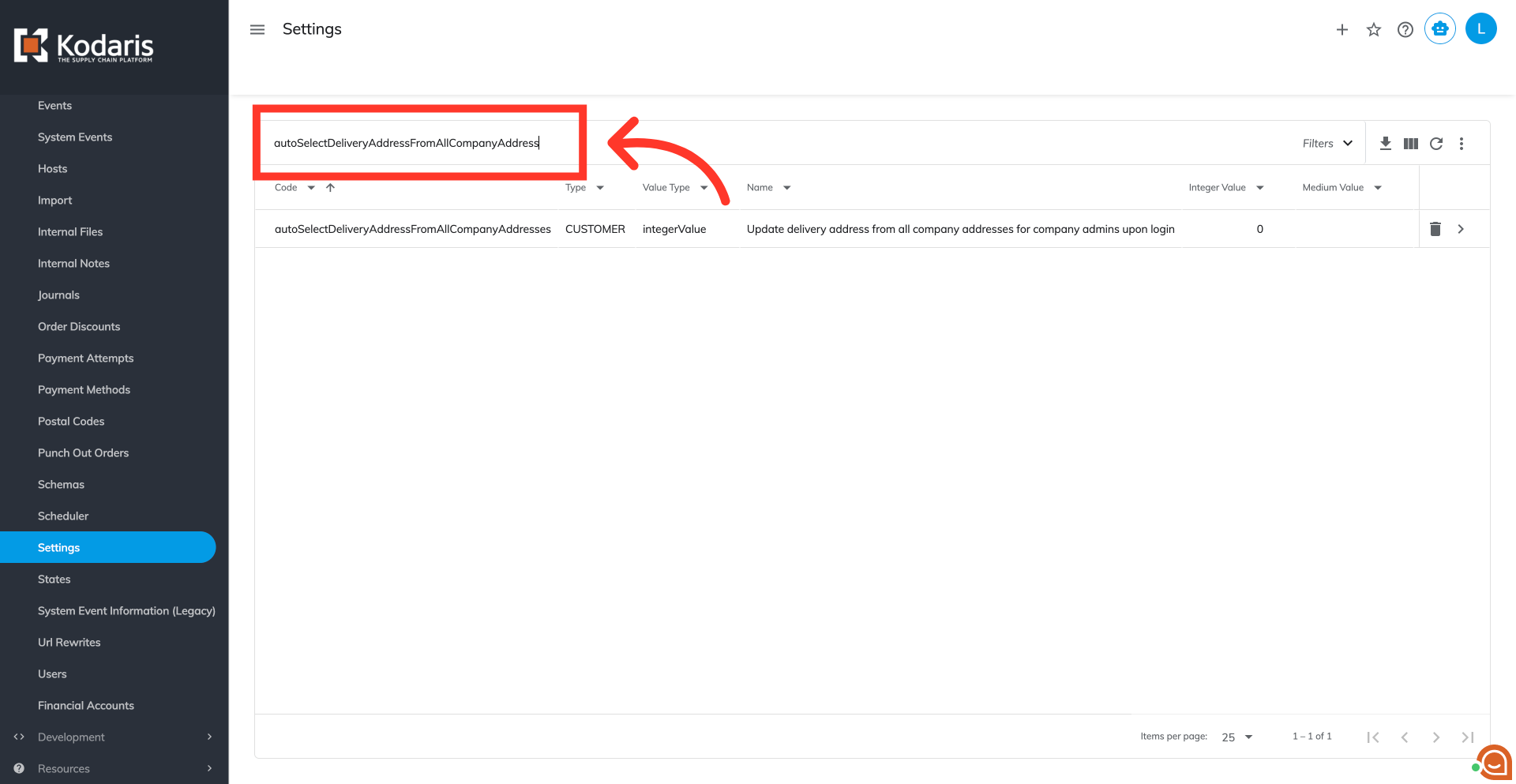
Find the setting named "autoSelectDeliveryAddressFromAllCompanyAddress".
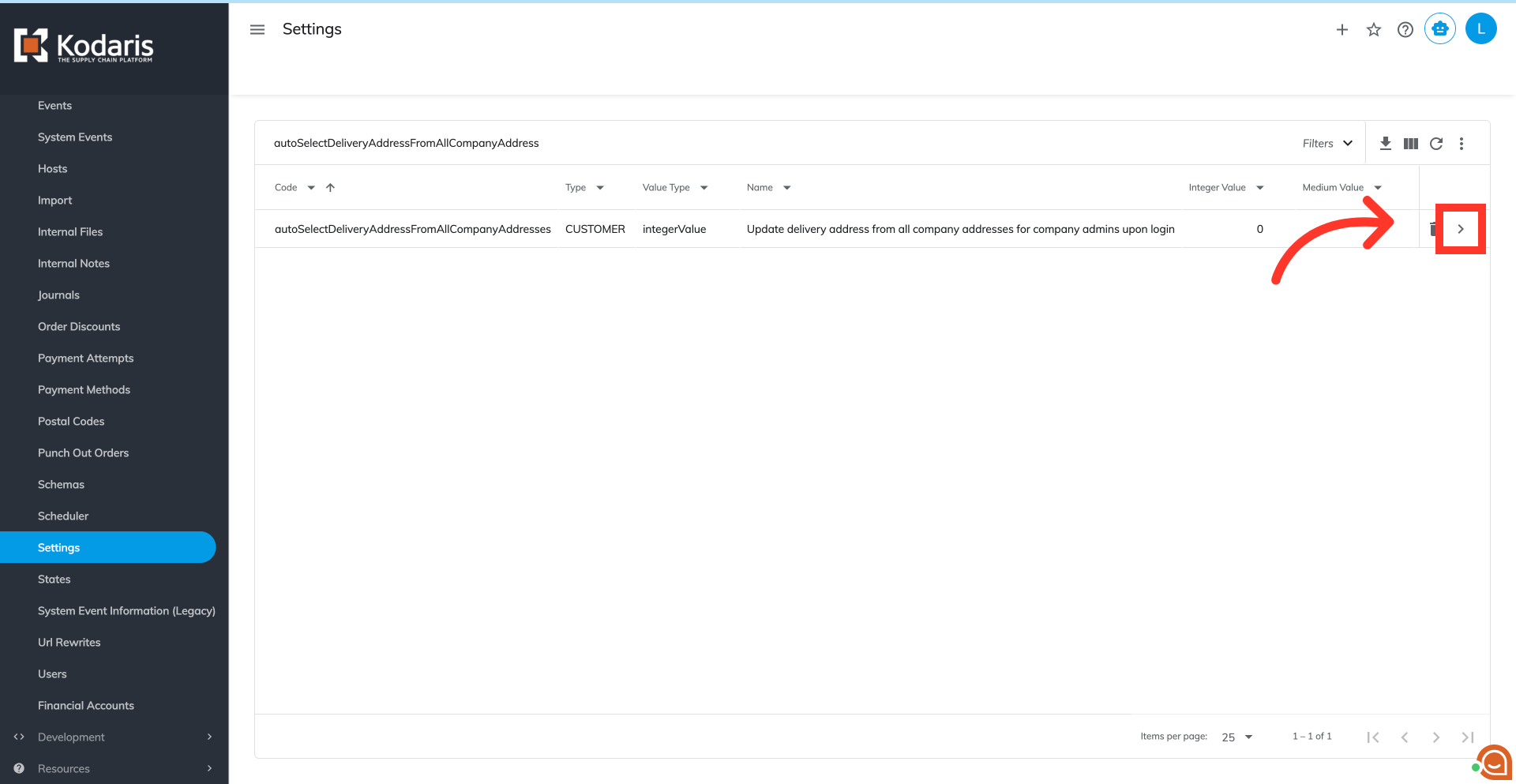
Click the more details icon to open the detailed view of the setting.
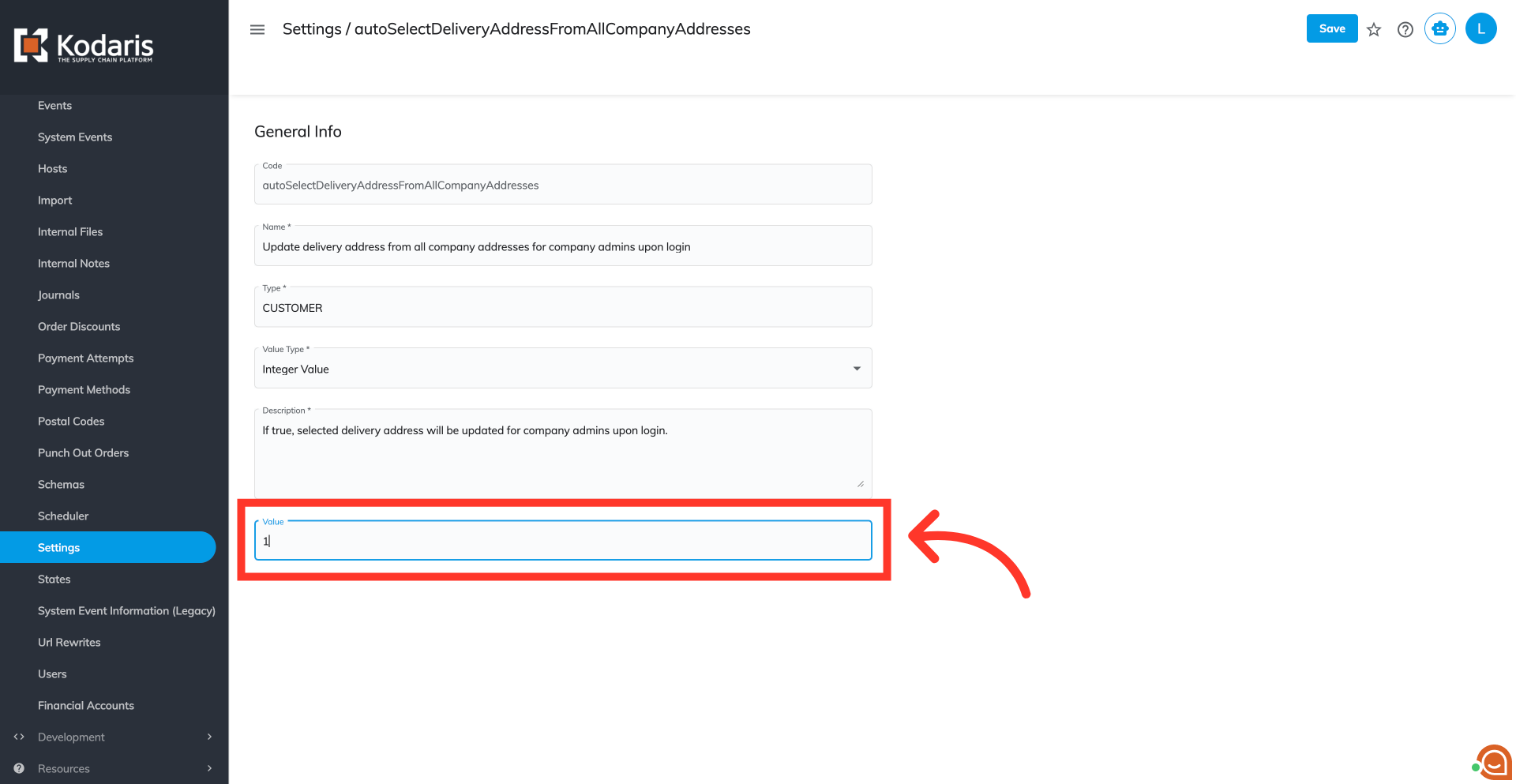
Change the value of the "Value" field for this setting to "1" to enable the setting.
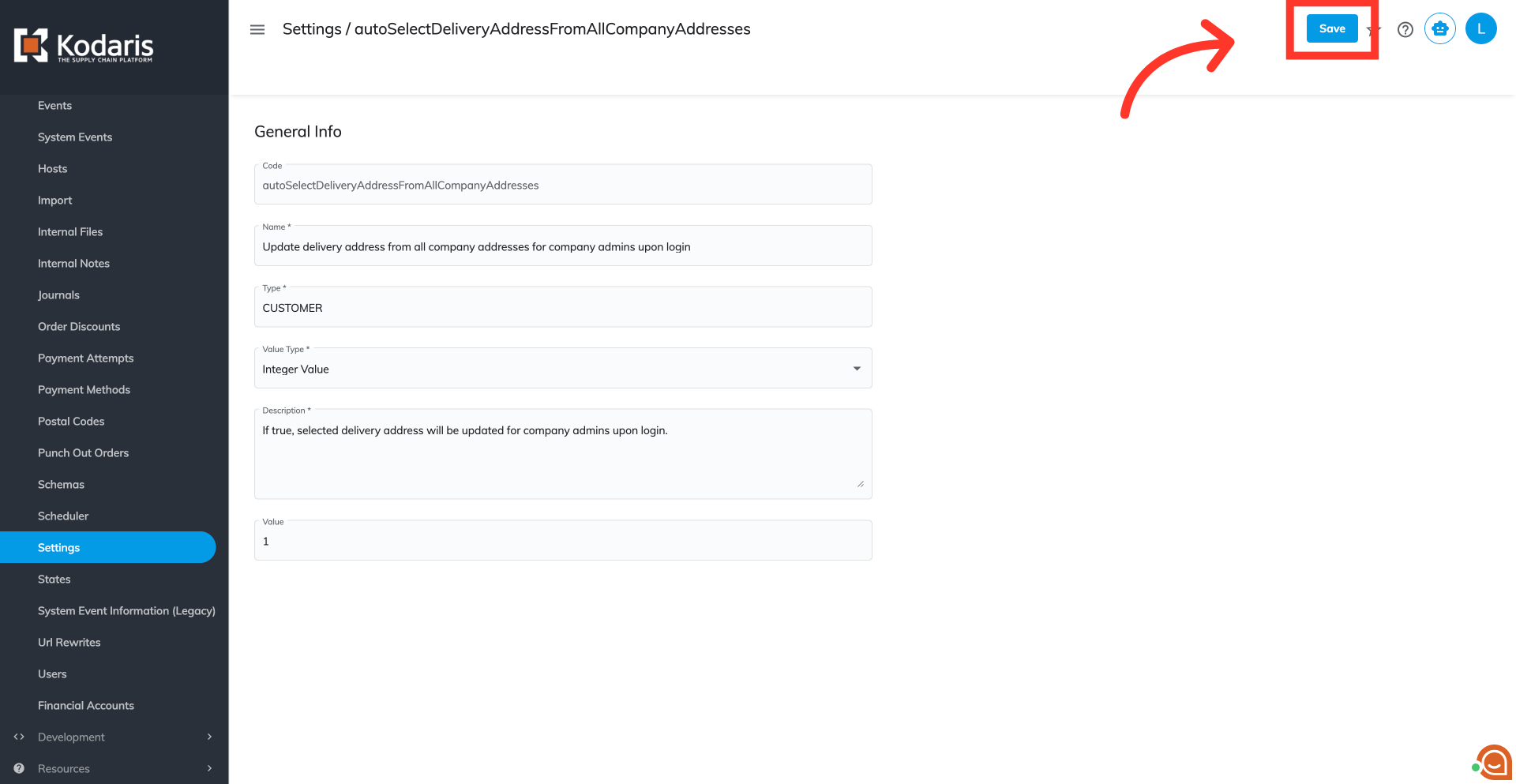
Click the "Save" button to confirm and apply your changes.
Verify the feature on your commerce site. Here, you can see that the delivery address has been automatically assigned.

A dropdown menu should also be available where customers can click and search for their desired delivery address.
